




Made for real VR play
Quest 3S Magnetic Controller Grips - Ergonomic, Dock-Friendly
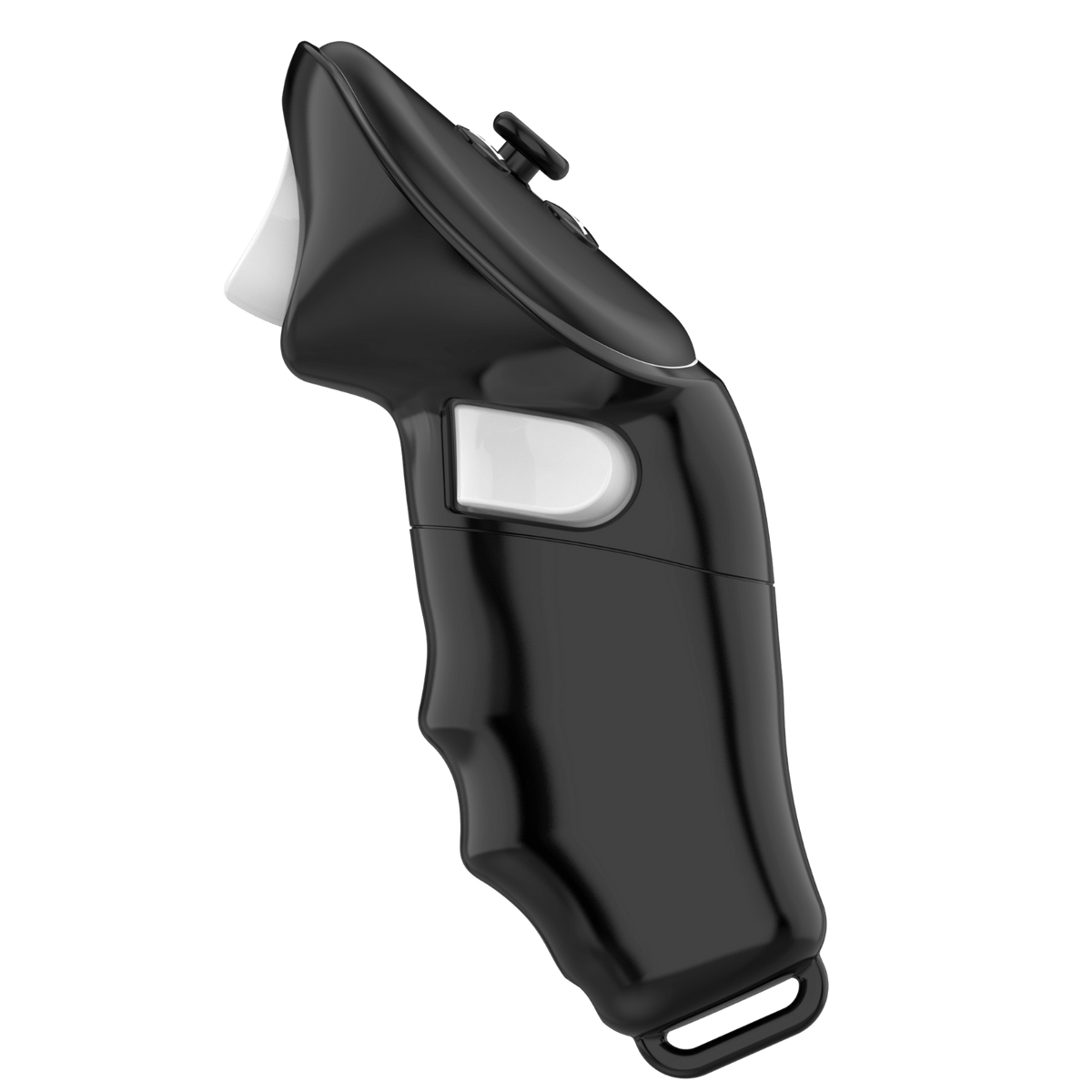
The experience
A comfort accessory should solve a specific symptom without forcing you to overtighten the headset or controller. Adjust gradually and pay attention to where pressure or moisture builds during a normal session.
At a glance
Setup matters
Balance the headset first, clean contact surfaces after active play, and allow washable parts to dry completely before the next session.
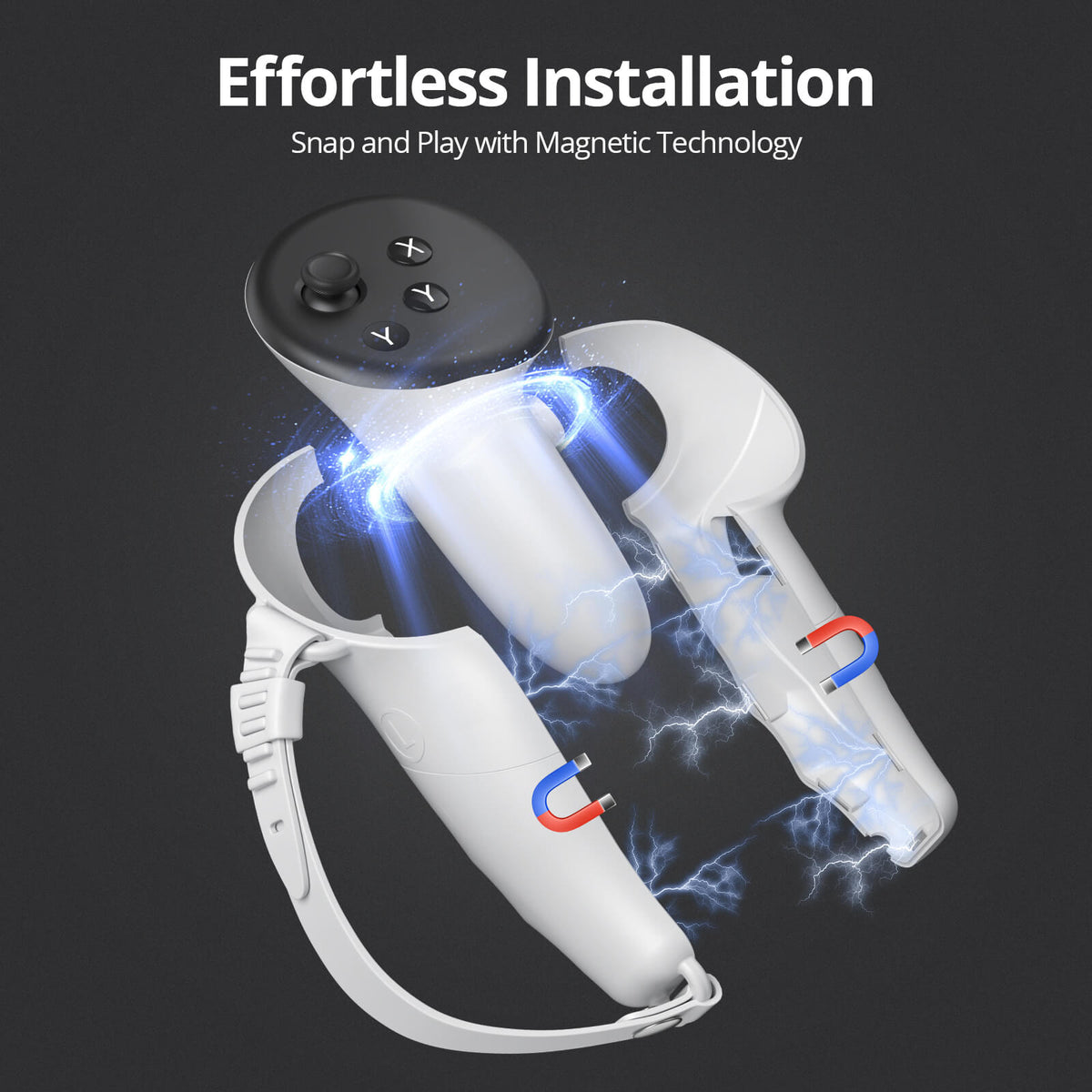
Fit and specifications
| Headset compatibility | See product title and selected variant |
|---|---|
| Supported games / use | Fitness, mixed reality, social VR |
| Setup time | 1–5 min |
| Material | See product description and packaging |
| Package contents | Product and included parts shown in the image gallery |
| Care / safety | Stop and adjust if pressure develops |
Compatibility and specifications can vary by selected variant. Contact support with your headset model if any detail is unclear.
Product questions
Match the exact headset model in the product title, selected variant, and specification table. If your model is not listed, contact support before ordering.
Keep controller sensors and buttons visible, seat every part fully, and recalibrate inside the game after changing controller angle or reach.
Check fit and security without the headset, then run a short low-intensity session in a clear play area before using faster movements.
Stop using the accessory, keep every part and the packaging, and contact support within the published return window for troubleshooting or return instructions.