




Made for real VR play
Quest 2 Golf Club Attachment- Realistic Grip for Golf+
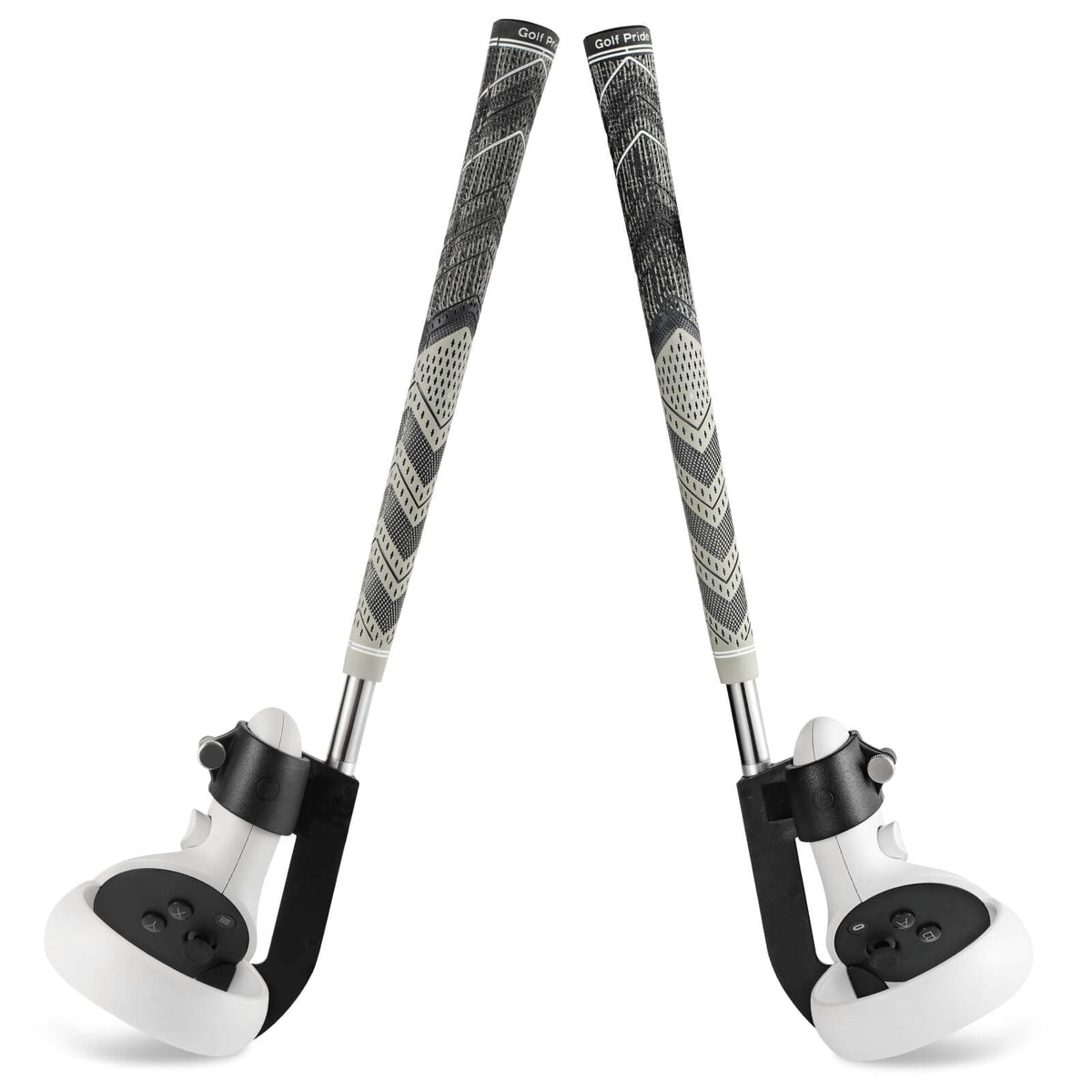
The experience
A longer, more familiar grip can make stance, tempo, and follow-through feel more intentional. Correct controller orientation and in-game club calibration are essential for the virtual club to match your hands.
At a glance
Setup matters
Check ceiling height, walls, furniture, pets, and people. Begin with short controlled swings and expand only when tracking and alignment feel predictable.
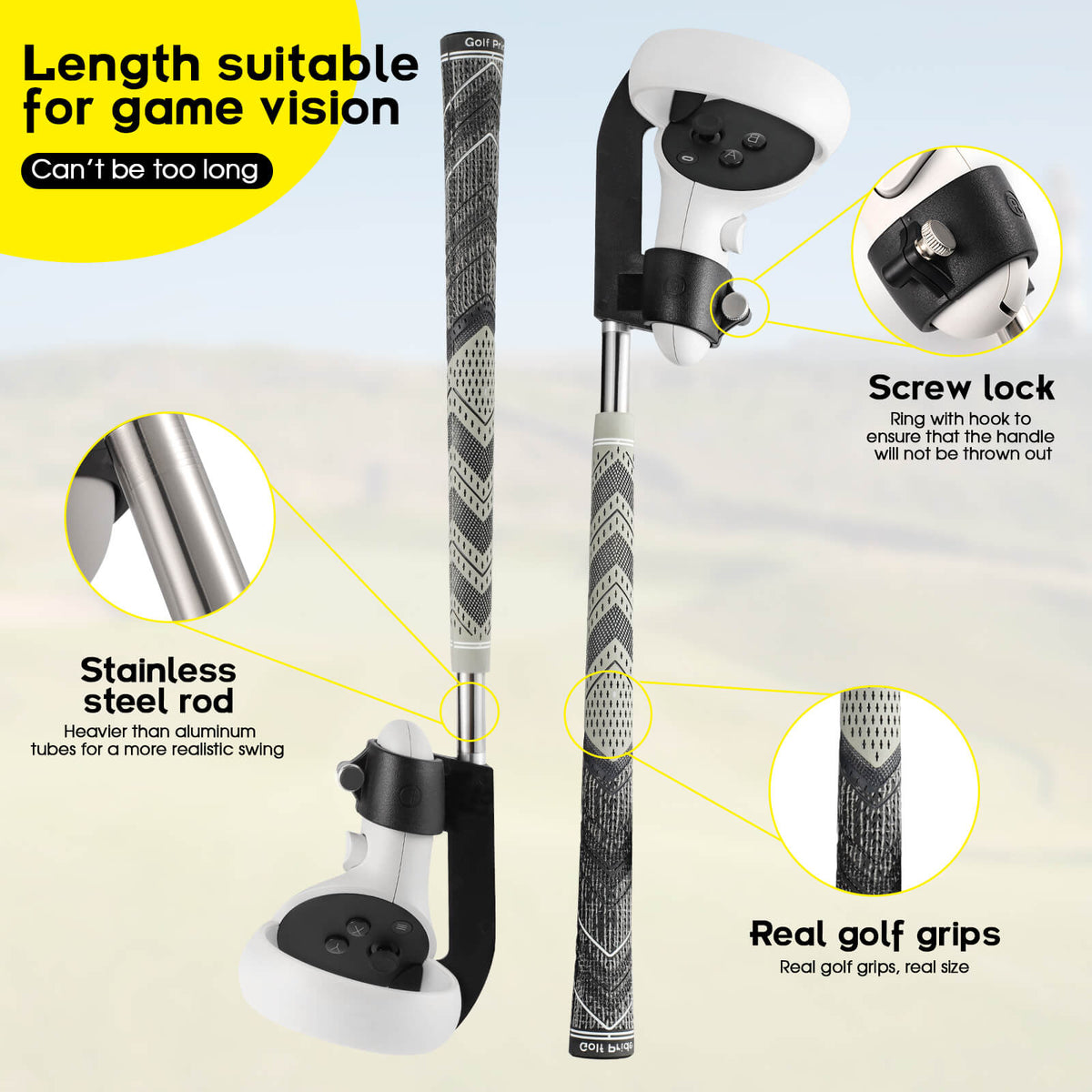
Fit and specifications
| Headset compatibility | See product title and selected variant |
|---|---|
| Supported games / use | Golf+, Walkabout Mini Golf |
| Setup time | 2–4 min |
| Material | See product description and packaging |
| Package contents | Product and included parts shown in the image gallery |
| Care / safety | Requires overhead and side clearance |
Compatibility and specifications can vary by selected variant. Contact support with your headset model if any detail is unclear.
Product questions
Match the exact headset model in the product title, selected variant, and specification table. If your model is not listed, contact support before ordering.
Keep controller sensors and buttons visible, seat every part fully, and recalibrate inside the game after changing controller angle or reach.
Check fit and security without the headset, then run a short low-intensity session in a clear play area before using faster movements.
Stop using the accessory, keep every part and the packaging, and contact support within the published return window for troubleshooting or return instructions.