



Will a VR Golf Club Attachment make Meta Quest 2 easier to use or harder to manage?

Your VR golf swing feels disconnected and fake. Swinging a light controller breaks the illusion. You miss shots because it feels nothing like a real club.
A VR Golf Club Attachment makes the Meta Quest 2 feel more realistic for swinging, which can make the game easier. However, it makes navigating menus and buttons harder. It improves immersion in games like Golf+ but adds a layer of physical management you must consider.
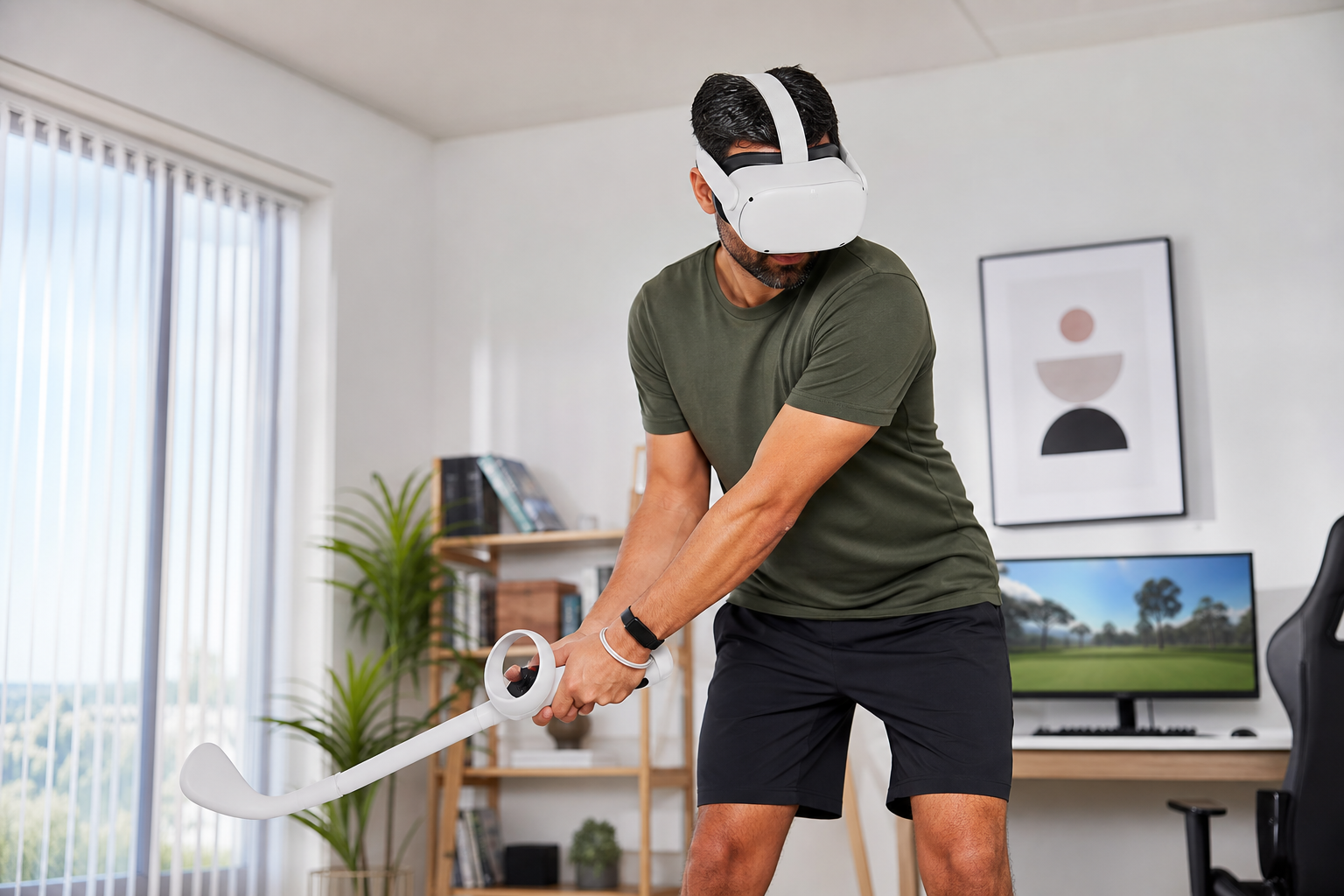
I was looking for something to make my VR golf sessions feel more real. I play Golf+ almost every day, not just for fun but as part of my fitness routine. The standard controller always felt a little off. It’s too light, too short, and it never gave me the feedback of a proper swing. I saw this VR Golf Club Attachment and wondered if it could be the answer. My biggest concern was control. Would it feel like a real club, or would it just make the controls more awkward? I decided to test it myself. I played nine holes in Golf+ with the attachment and then nine holes without it. The results surprised me, especially when dealing with the game’s little frustrations.
When you test slow putting, half swings, and full-power shots, does storage after play feel better or worse?
You line up a shot, swing perfectly, and then the game gets in the way. That awkward pause or controller glitch after a swing, which I call "storage after play," ruins your rhythm.
The attachment makes "storage after play" feel worse for menu use but much better for your swing. The added weight improves shot realism. But when you need to press a button after your swing, fumbling with a club handle is more difficult than using a simple controller.
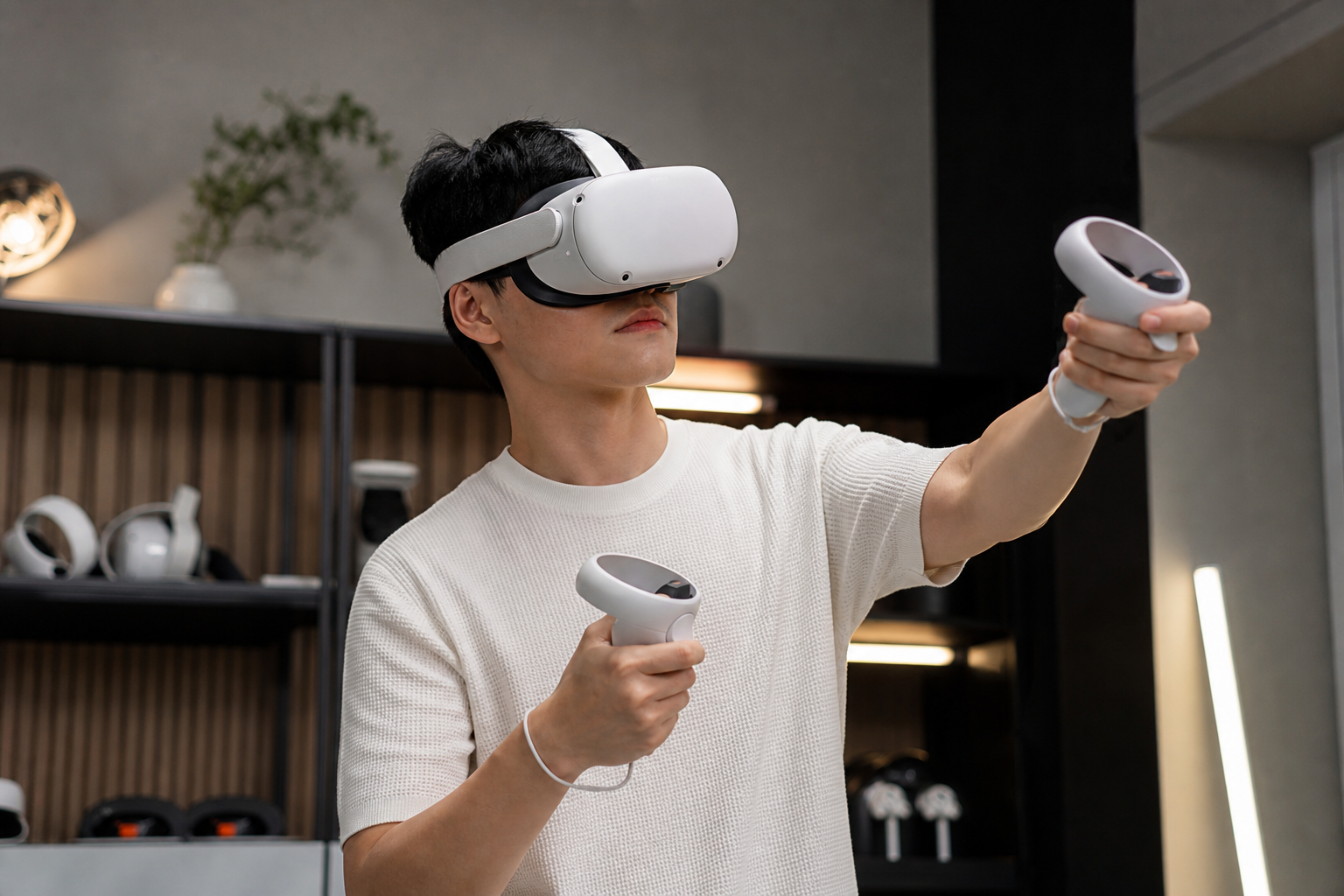
The experience was a tale of two different feelings. During the swing itself, everything felt better. The weight of the attachment made my drives feel powerful and my putting strokes more deliberate. But the moment the ball was in the air, the "storage after play" issue became clear. Golf+ often requires you to press a button to move to your next shot or view the ball's path. With a bare controller, this is a simple thumb movement. With the controller locked into a long club handle, my thumb had to stretch awkwardly to find the button. It broke the immersion just as much as a weightless swing did, but in a different way.
Shot Type Feel vs. Function
To break it down, I compared how each shot type felt during the swing versus how easy it was to manage the controls right after. The trade-off was consistent across the board.
| Shot Type | Experience with Attachment | Experience without Attachment |
|---|---|---|
| Putting (Slow) | Better stability and control. Felt like a real putter. Menu use after was clumsy. | Felt light and unnatural. Easy to press buttons to see the putt line again. |
| Chipping (Half Swing) | Helped judge power. The weight gave me better feedback. Annoying to quickly change clubs. | Hard to control power. Felt like flicking my wrist. Club changes were instant. |
| Driving (Full Power) | Incredibly immersive. The two-handed grip and weight felt fantastic. Fumbling for the 'continue' button after a great drive was frustrating. | Felt like swinging air. The controller's wrist strap was my only security. Very easy to navigate menus. |
Could whether the putter angle feels believable in Walkabout Mini Golf be the real reason storage after play remains in Golf+?
You try to putt in Walkabout Mini Golf, but the angle feels wrong. This same disconnect in Golf+ forces you to constantly fight the controls after every single shot.
Yes, the putter angle is a huge part of the problem. A bad angle forces you to adjust, creating a bad habit. The attachment gives a consistent physical reference that helps in both games, but it can't fix software issues in Golf+ that cause post-shot awkwardness.
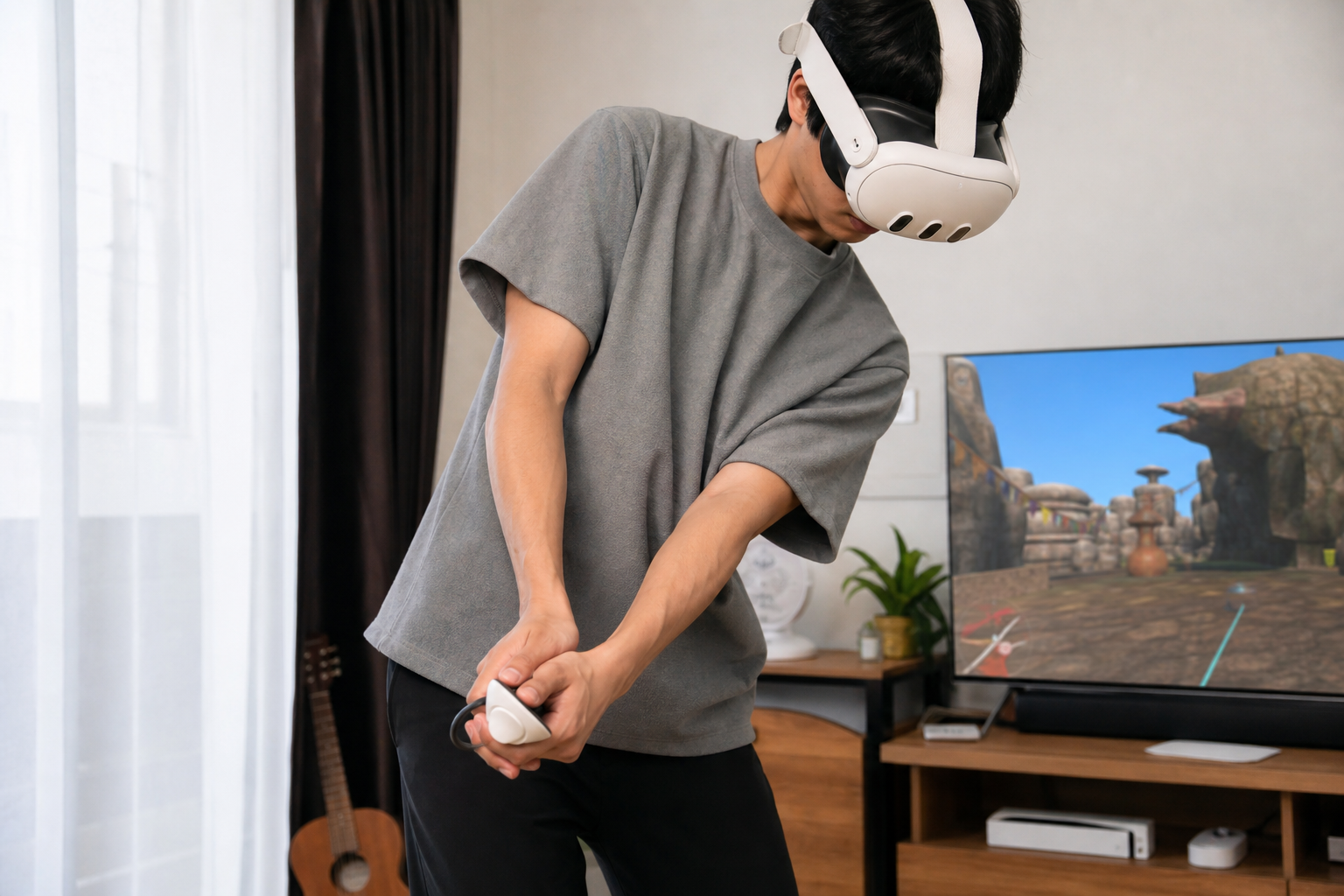
I spend a lot of time in both Walkabout Mini Golf and Golf+. I realized that the problems I have in one game affect how I play the other. In Walkabout, the putter angle can feel a bit random without a physical guide. You just hold the controller how it feels best. When I used the attachment, it forced me into a more realistic and consistent putting stance. This was great. But when I switched back to Golf+, I noticed the "storage after play" issue felt even more jarring. The game’s software seems to have its own idea of where the club should be after a swing. The attachment gave me a perfect, real-world reference for my swing, but it was fighting against the game's code. So while my putting stroke felt more believable, the transition back to the game's menu system felt even clunkier. The problem isn't just the hardware; it's how the game is designed to be used with a standard, handheld controller.
Does the accessory solve storage after play or simply change how Golf+ feels?
You want an accessory to fix your game's control problems. But after buying it, you worry you have only traded one frustration for a different one.
The accessory does not solve the "storage after play" software problem. It changes the feel of Golf+ by improving swing immersion. The challenge shifts from making an unnatural swing to managing a physical club while using menus. It fixes the physical feel, not the game's interface.
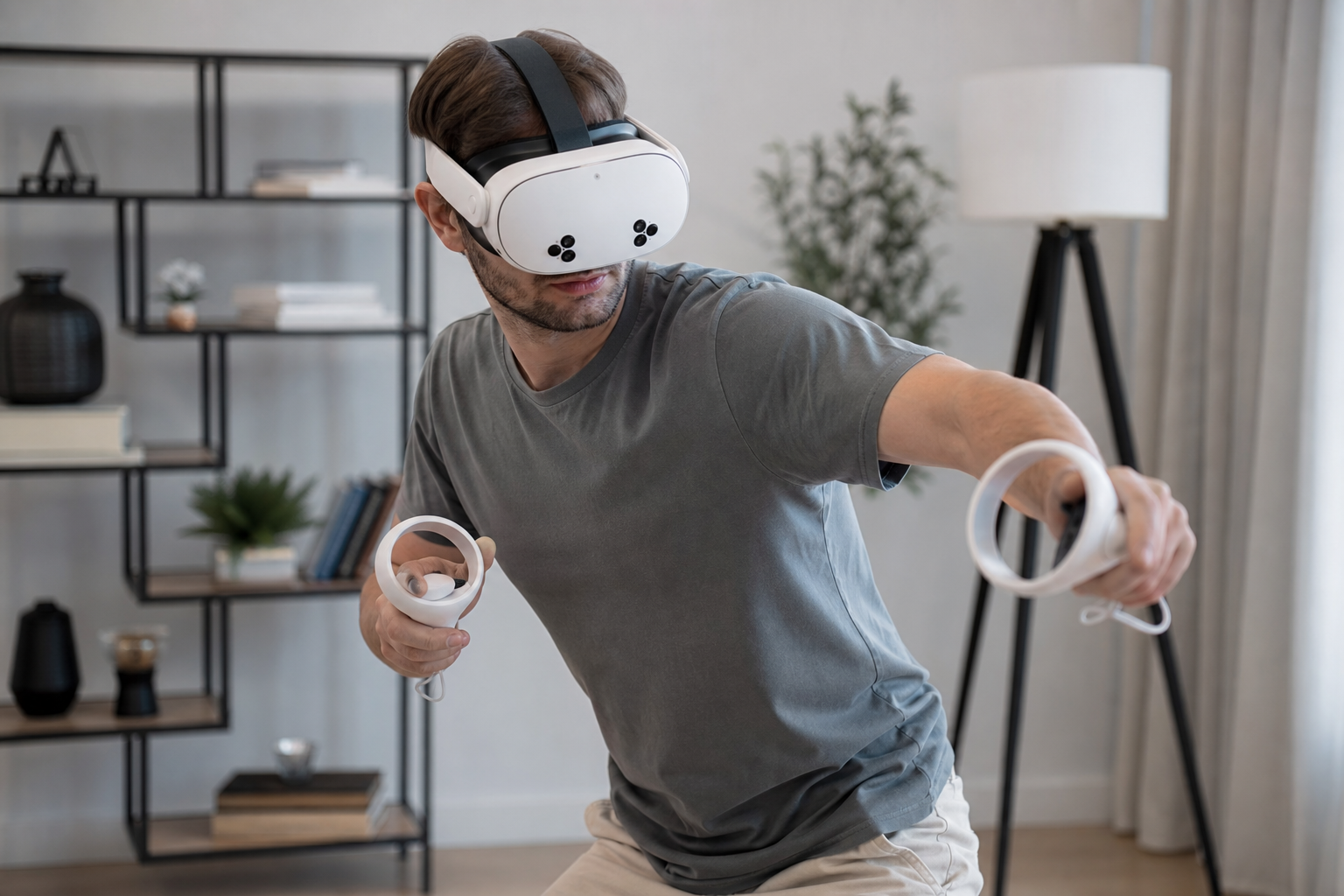
This accessory is an immersion-shifter, not a problem-solver. It doesn't fix the underlying interface issues within Golf+. What it does is change the nature of the challenge. Without it, the problem is a weightless, unrealistic swing that breaks immersion. With it, the swing feels fantastic, but the problem becomes navigating the game's interface with a controller strapped to the end of a stick. To see how others felt, I ran a little test at home.
The Family Handoff Test
I asked my sister, who plays VR occasionally, to try it out. The attachment has a simple locking mechanism, and she was able to secure the controller and adjust the grip for her hand size in less than a minute. She took one swing and said, "Wow, that feels way better." But after her ball landed, she spent the next ten seconds trying to find the button to continue to her next shot. Her verdict was clear: "I love the swing, I hate the button." This perfectly sums up the experience. The accessory makes the core action of playing golf feel right, but it adds a layer of clumsiness to everything that happens in between those actions.
What final verdict should Meta Quest 2 owners get for VR Golf Club Attachment when Golf+ is limited by storage after play?
You are on the fence about buying. Is this attachment a true game-changer that will elevate your Golf+ experience, or will it be another piece of plastic gathering dust?
If you prioritize a realistic swing and deep immersion above all else, you should get the VR Golf Club Attachment. If you value speed, convenience, and seamless menu navigation more, then you should skip it. It improves gameplay but complicates the moments between swings.
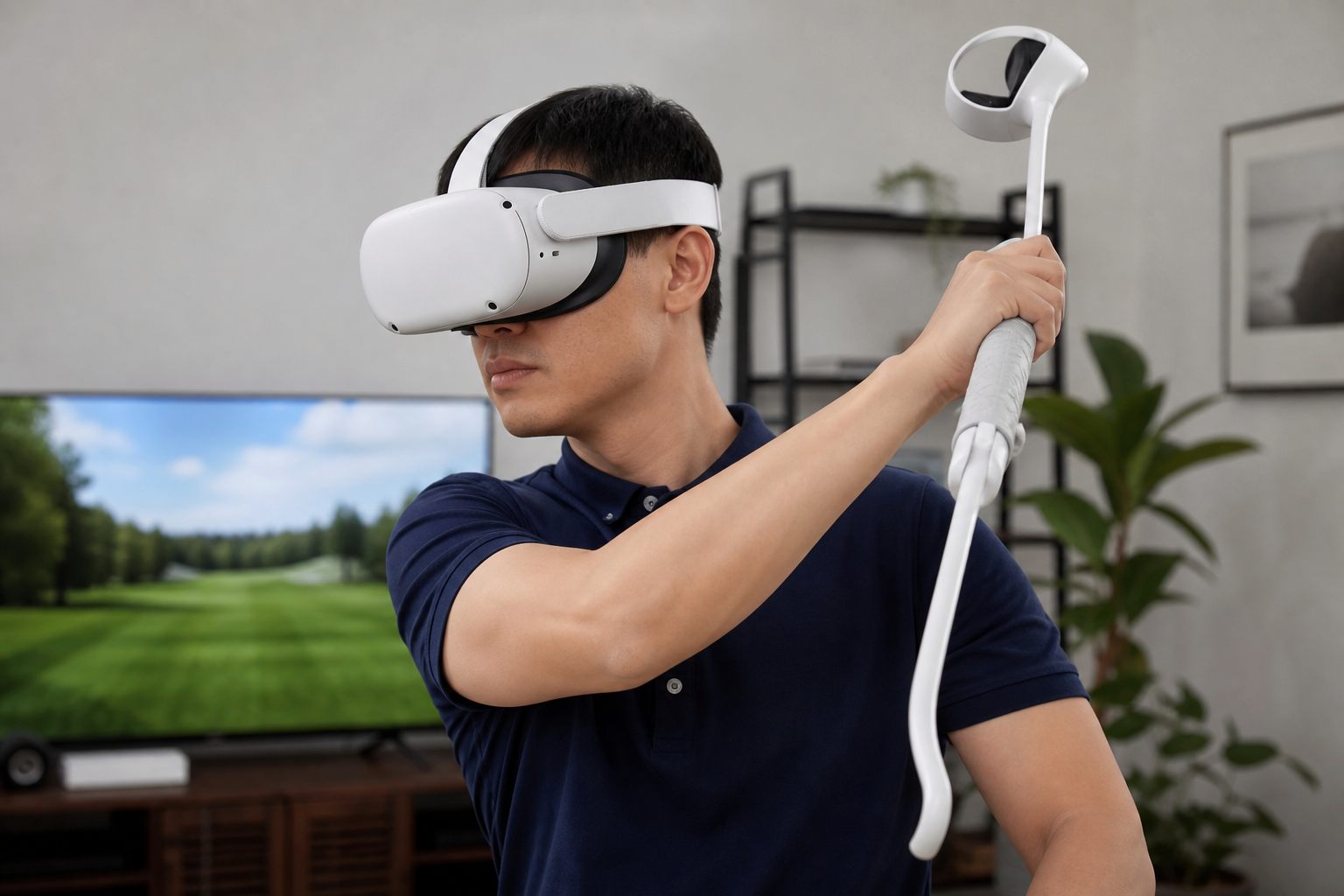
My final decision comes down to what kind of player you are. No accessory can fix a game’s built-in limitations. This attachment is designed to solve a physical problem: a standard controller does not feel like a golf club. It succeeds at that brilliantly. But it cannot solve the software problem of a game interface designed for a small, handheld remote. You have to decide which problem bothers you more. For me, the feeling of a proper, weighted swing is worth the slight annoyance of fumbling for a button. The immersion it adds to the 99% of the game that involves swinging outweighs the clumsiness of the 1% that involves menu navigation.
Who Should Buy It vs. Who Should Skip It
Here is my recommendation based on different player types.
| Player Type | Recommendation | Reason |
|---|---|---|
| The Simulation Enthusiast | Buy It | The realistic weight and two-handed grip are essential for immersion. You will accept the menu clumsiness for a better swing feel. |
| The Casual Mini-Golfer | Consider It | It makes games like *Walkabout Mini Golf* more fun and consistent, but it is not essential for a casual experience. |
| The Fitness Gamer | Buy It | The attachment encourages larger, more realistic, and more physical swings, turning a game into a better workout. |
| The Ease-of-Use Player | Skip It | If any friction or awkwardness between shots will frustrate you, the attachment will create more problems than it solves. |
Conclusion
The VR Golf Club Attachment makes swings feel real but complicates menu use. It’s for players who crave immersion over convenience, making your VR golf game feel powerfully authentic.
Leave a comment