



Should MR users trust product claims about field of view before seeing a real test?

Tired of VR spec sheets that promise a huge field of view but don't deliver? You're not alone. What you read on paper often feels different on your face.
You should not trust product claims about field of view without a real-world test. How an accessory fits your face, relieves pressure, and allows airflow can change your perceived field of view more than any number on a spec sheet. Your personal comfort is the real test.
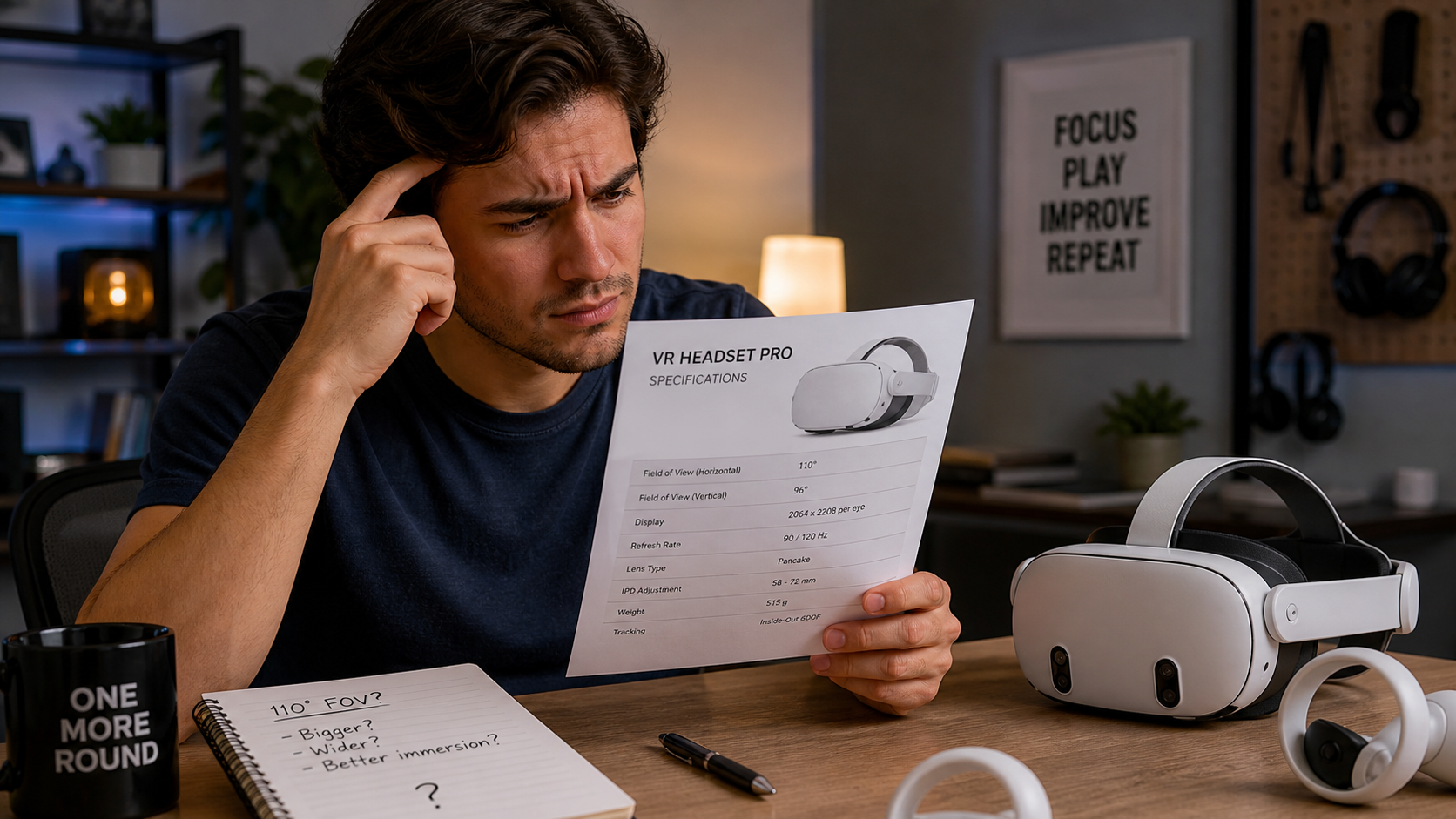
I've spent years with the Meta Quest 2, and like many of you, I got used to its quirks. One of my biggest issues was fatigue, especially during long golf sessions or intense workout apps. The headset would get hot, the lenses would fog up, and I'd end the session with red marks on my face. When I got the Quest 3, I decided to try an open facial interface to solve these problems. I wasn't really thinking about field of view, but what I discovered surprised me. This isn't just a review; it's my personal story of how changing one accessory made me question every spec sheet I've ever read.
Would MR users describe the lens fog prevention change as comfort, control, safety, or immersion when field of view changes?
Are you tired of your lenses fogging up in the middle of a game? It completely breaks the experience and forces you to stop, take off the headset, and wipe it down.
Users mainly feel the change as a huge boost in comfort. The constant airflow stops lens fog before it starts. This improved comfort leads to better safety and immersion because your vision stays clear. The field of view change is a nice bonus, not the main benefit.
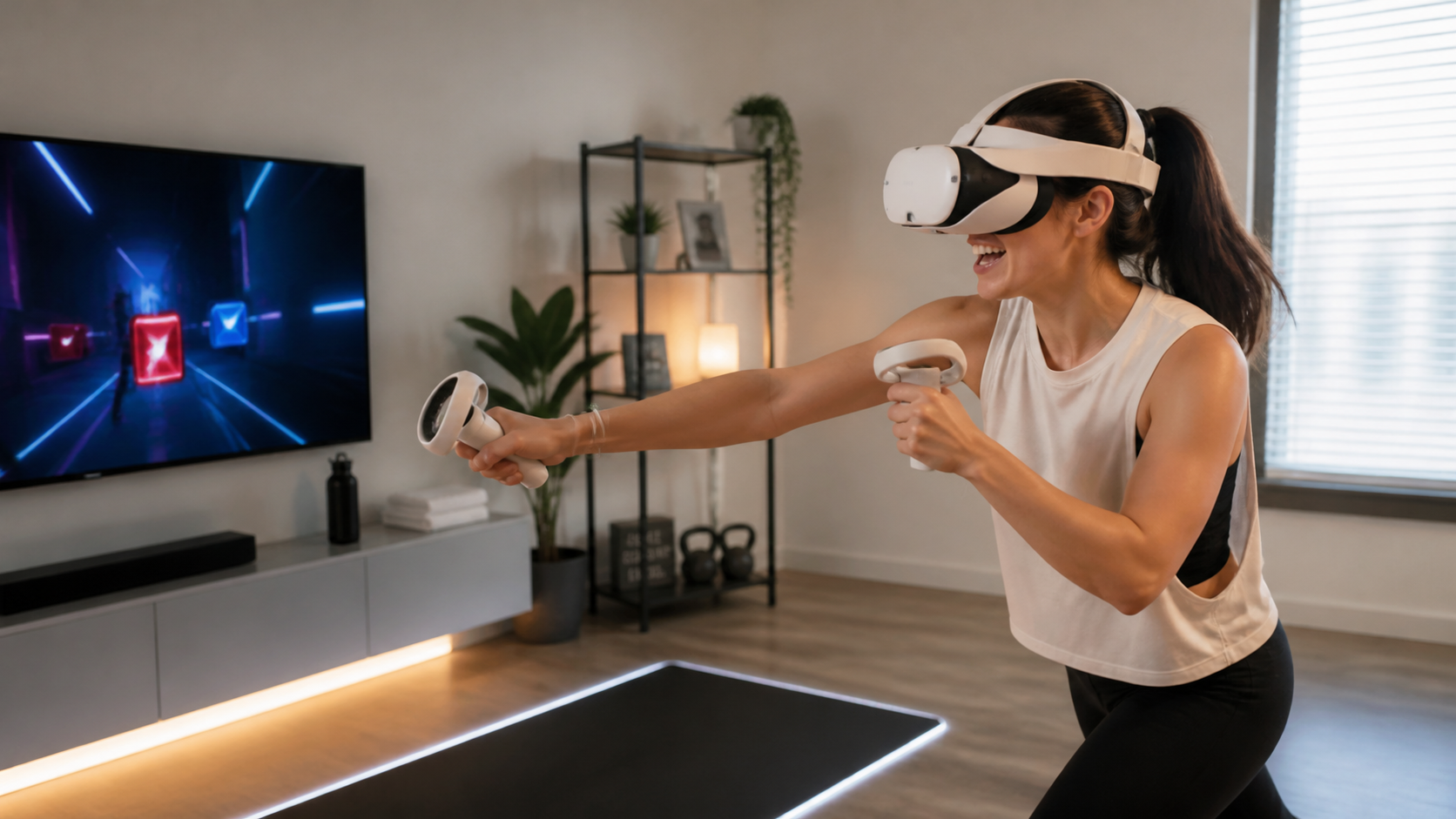
When I first snapped on the open facial interface, the immediate difference was the air on my face. It felt less like wearing a scuba mask and more like wearing a pair of glasses. The first real test was a 30-minute workout in Supernatural. With the stock interface, I would have had to stop at least twice to wipe away fog. With the open design, it never happened. Not once. My face stayed cooler, and my lenses stayed perfectly clear. The result was a much more comfortable session. I could focus on the workout, not on my gear.
How Each Aspect Changed for Me
This change in airflow had a ripple effect on my entire VR experience. It wasn't just about fog. It changed how I felt about safety, control, and immersion in subtle ways.
| Aspect | My Experience with an Open Facial Interface |
|---|---|
| Comfort | This was the biggest win. No more heat buildup or sweaty foam. I could play for longer without feeling fatigued. The open air was a game-changer for active apps. |
| Safety | I felt safer. A clear view means I'm less likely to misjudge a movement or lose my bearings. It's a small thing, but knowing my vision won't suddenly cloud up is a relief. |
| Control | This was less affected. My hands still controlled the game. But because I wasn't distracted by discomfort, my focus and control over my in-game actions felt sharper. |
| Immersion | This is a trade-off. The lack of fog kept me in the game, which boosted immersion. But, I could now see a sliver of my floor if I looked down, which could break it. More on that later. |
Would record pressure marks around the cheeks and brow expose the same field of view problem?
Do you end every VR session with those tell-tale red marks on your face? It’s uncomfortable and a clear sign that the headset’s weight isn't distributed well for you.
Yes, pressure marks directly expose a field of view problem. They show the interface is pressing too hard in some spots, forcing your eyes away from the lenses and creating a tunnel-vision effect. Relieving that pressure lets your eyes get closer, revealing more of the screen.
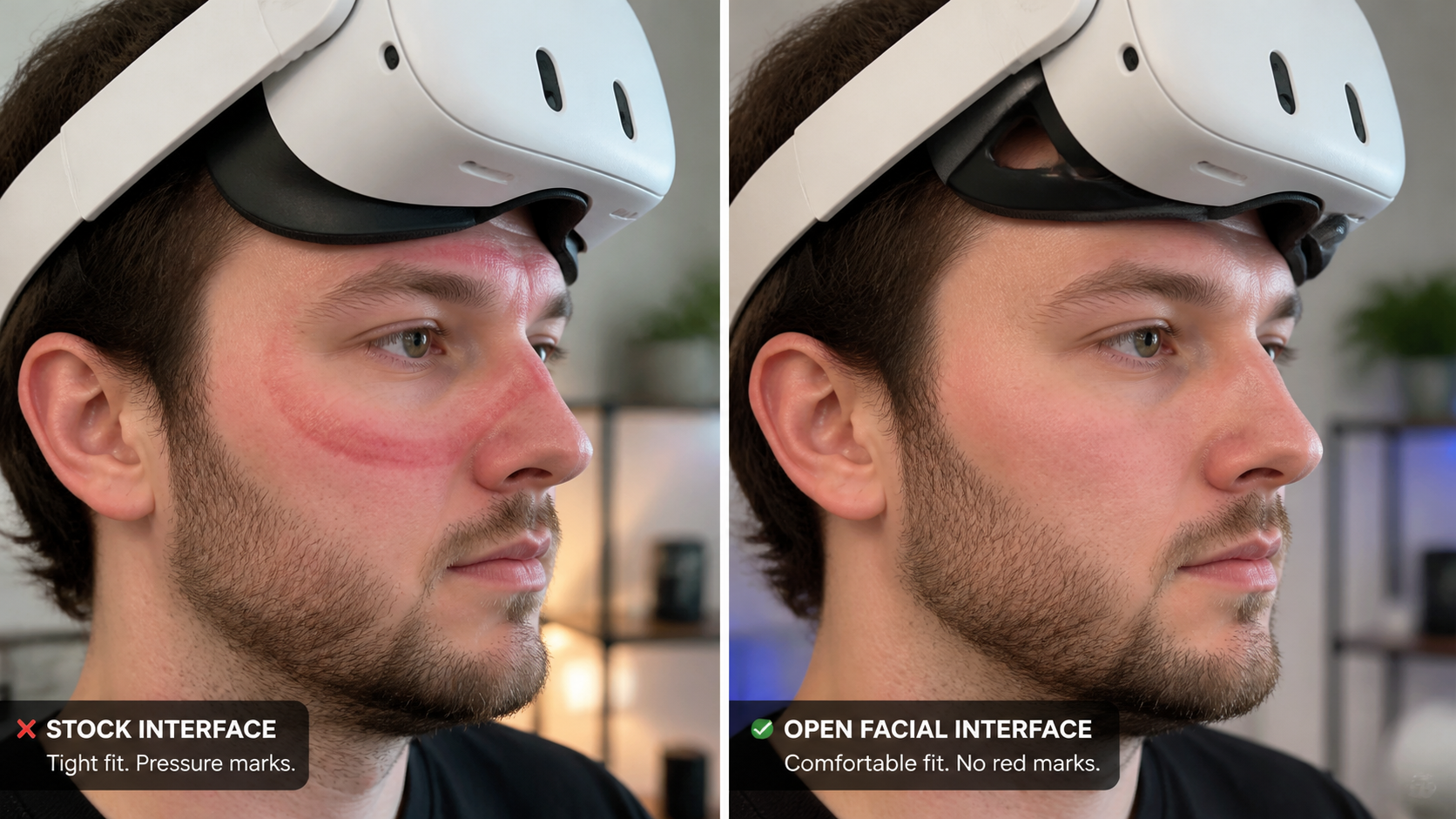
With my Quest 2, I accepted "VR face" as a normal side effect. The stock foam always put a lot of pressure on my cheekbones. I didn't realize how much it was squishing my face until I tried an open interface on my Quest 3. The design doesn't rely on a tight seal. Instead, it gently rests on my forehead and upper cheeks. By using a thinner pad, I could get my eyes much closer to the Quest 3's pancake lenses. Suddenly, the field of view felt huge. It wasn't because the Quest 3's specs were that much better; it was because my face was finally in the right position to see all of it. The lack of red marks was proof that the fit was better, and the improved FoV was the reward. It made me realize that a comfortable fit is the key to unlocking the full potential of your headset's displays.
Can a 10-minute video clip show what written specs cannot?
You read the specs for a new accessory and they sound amazing. But you still hesitate, because numbers on a page can't tell you how something will actually feel or work.
Yes, a video shows the human element that specs can't. You can see how an open interface lets light in from the sides, how it sits on someone's head while they move, and their honest reaction. These real-world details are more valuable than a number.
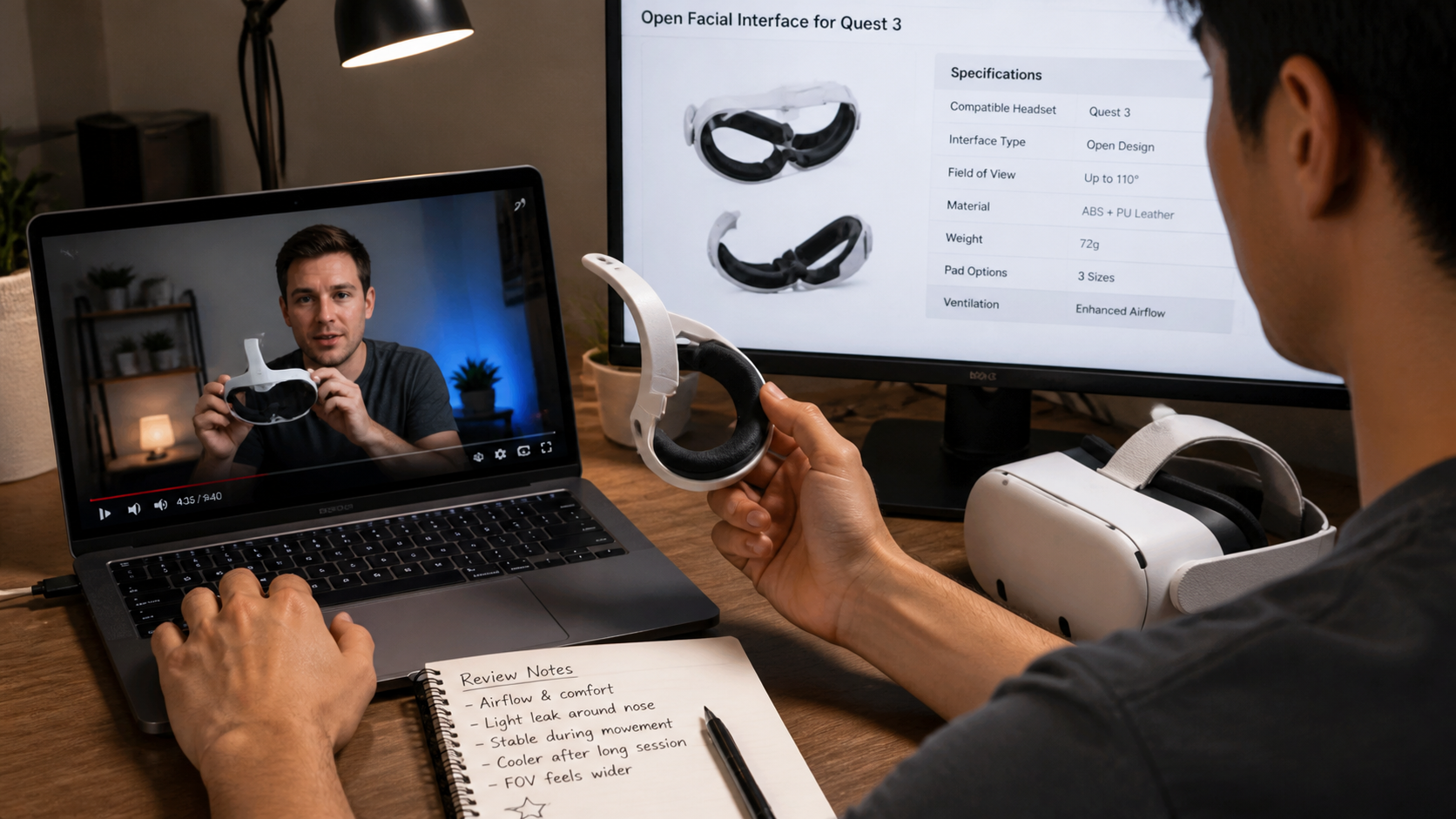
Before buying my open interface, I watched several video reviews. One creator did a through-the-lens comparison, which was helpful but not the whole story. The most useful part was just watching him play a round of Beat Saber. I could see that the headset didn't move around on his face. I could see the small amount of light bleed around his nose, and he talked about whether it bothered him or not. He mentioned how much cooler his face was after the session. That 10-minute video gave me a much better sense of the pros and cons than any product page ever could. A spec sheet will tell you a headset has a 110-degree field of view. A video will show you that you might only see 100 degrees of it with a bad fit, or that an accessory adds a bit of light leak at the edges. Seeing is believing.
Can this topic end with a practical Open Facial Interface for Quest 3 setup checklist for Meta Quest 2 owners?
Are you moving from a Quest 2 to a Quest 3? It’s a great upgrade, but you'll need to figure out a new comfort setup since your old accessories won't fit.
Yes, here is a practical checklist for Quest 2 owners. The key is to experiment with pad thickness to balance field of view with comfort, then adjust your strap for stability. It's a different process than the Quest 2, where a tight fit was the only goal.
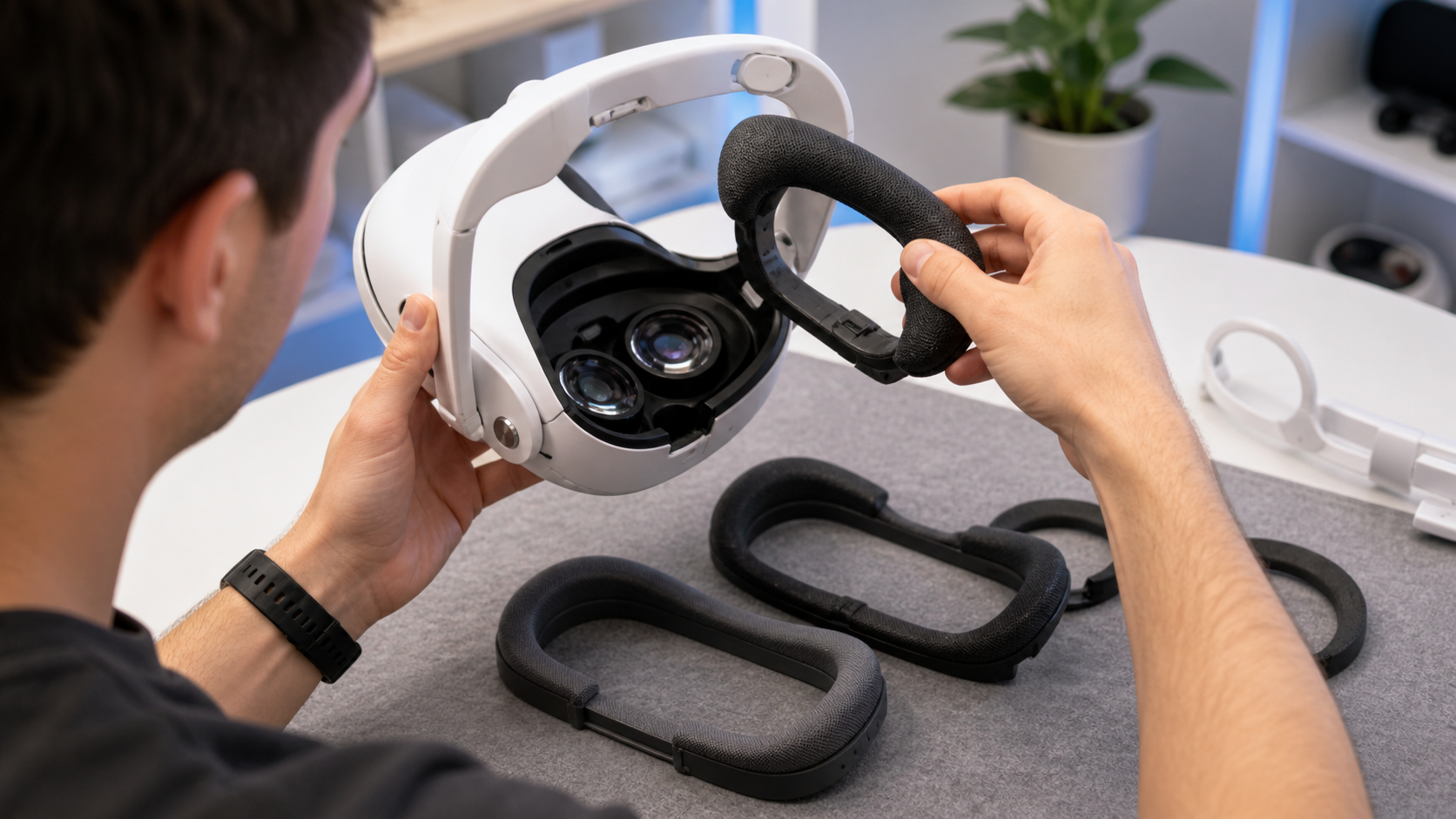
My experience moving from a Quest 2 to a Quest 3 taught me that you can't just slap on a new interface and expect perfection. The open design gives you options, and you need to find the right one for your face shape and preferences. Here is the simple, step-by-step process I used to get the perfect fit.
My Setup Checklist: Quest 2 Vet to Quest 3 Pro
- Start with the Thinnest Pad: Your open interface kit will likely come with a few pads of different thicknesses. Pop the stock Quest 3 interface off and snap the open bracket on. Now, attach the thinnest pad. This will get your eyes as close as possible to the lenses, maximizing your field of view.
- The Light Leak Test: Put the headset on. Look around in a bright room. Do you see the world around you in your periphery? Some people don't mind this and find it helps with motion sickness. I found it a bit distracting for dark, immersive games like horror or space sims.
- Find Your Pad Balance: If the light leak is too much, swap to the next thickest pad. Repeat the test. The goal is to find the thinnest pad you can use that blocks enough light for you to feel immersed. For me, the medium pad was the sweet spot.
- Re-adjust Your Head Strap: With an open interface, you don't need to clamp the headset to your face. Loosen your head strap. The goal is balance, not pressure. The interface should just rest on your face while the strap takes the weight.
- The Final Verdict: The open interface was a huge win for active games and long sessions. The airflow and lack of pressure are amazing. It was slightly annoying for very dark, atmospheric games due to the minimal light leak. If you absolutely hate any outside light, you should skip it. But if you prioritize comfort and play active games, it's a must-have.
Conclusion
Forget the numbers on the box. Your true field of view is determined by comfort and fit. An open facial interface proves that real-world use always beats written specs.
Leave a comment