



Is an Open Facial Interface for Quest 3 still worth it when light leak only happens sometimes?

That hot, stuffy feeling from your Quest 3 facial interface is annoying. The light leak that comes with an open design seems like a bad trade-off, especially if it's inconsistent.
An open facial interface is worth it if you prioritize hygiene, airflow, and spatial awareness in passthrough over complete immersion. For users bothered by pressure marks, fogging, or a fear of bumping into things, the benefits outweigh the occasional light leak in fully virtual games.
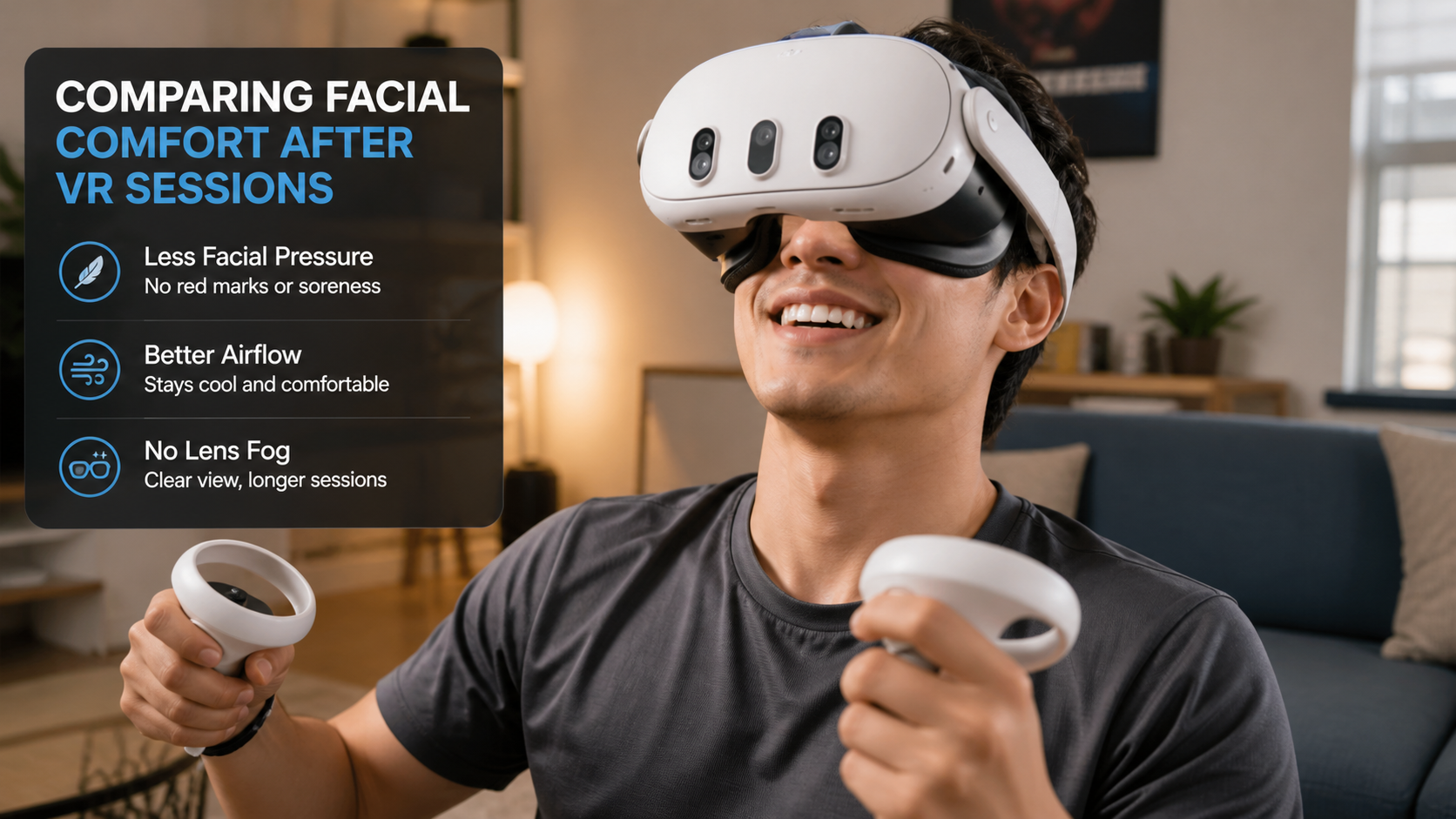
I was skeptical at first. The standard Quest 3 interface does a great job of blocking out the world, which is what you want for deep VR, right? But after a few sweaty Beat Saber sessions, I started to hate the feeling of the foam soaking up moisture. It felt gross, and I got anxious thinking about sharing the headset with friends. This hygiene anxiety is what pushed me to try an open interface. I wanted to see if the trade-offs were as bad as I thought, especially when it came to light leak during different activities. This isn't just a review; it's my first-person case study on whether giving up a perfect seal is actually an upgrade.
When you test whether peripheral vision feels safer during VR golf, does light leak feel better or worse?
Swinging a club in your living room is stressful. You're trying to focus on the game, but a part of your brain is worried about hitting the TV or a pet.
During VR golf, the light leak from an open interface feels better because it boosts your spatial awareness. Seeing a sliver of your real floor in your peripheral vision provides a constant, reassuring sense of safety that makes you swing more confidently, even if it slightly breaks immersion.
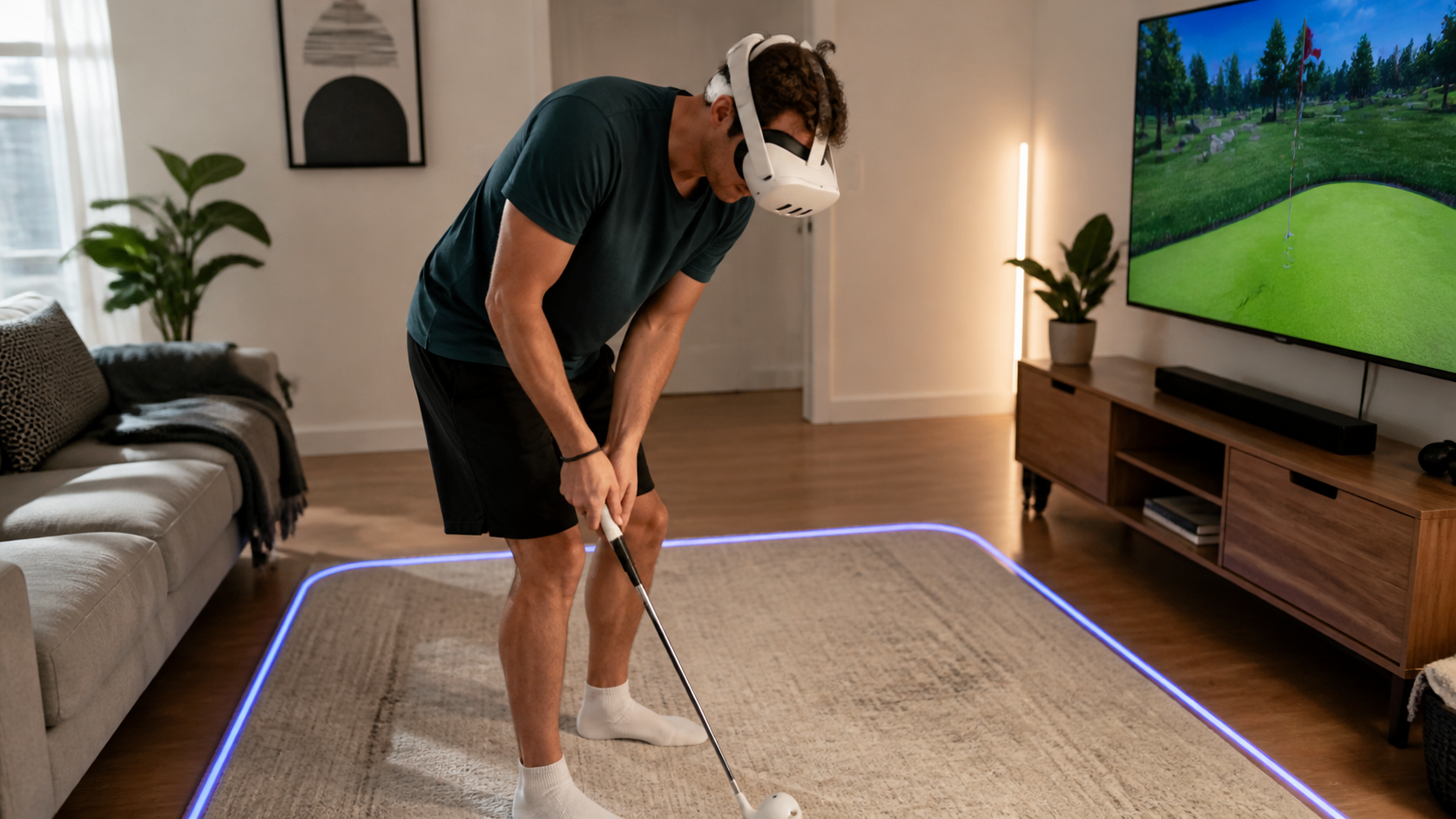
My first test was with a golf game. With the standard interface, I was completely blind to my surroundings. I had to rely entirely on the virtual boundary, and I still felt hesitant on my backswing. When I switched to the open facial interface, I could immediately see the floor and the edge of my rug. It wasn't distracting; it was grounding. That little bit of real-world information made me feel much safer. The trade-off is real, but the value depends on the context. For a seated, immersive game, I might miss the total light block. For a room-scale game with big movements, the safety net of peripheral vision is a clear winner.
Safety vs. Immersion Breakdown
Here is a quick breakdown of my experience comparing the two interfaces during a 30-minute golf session.
| Feature | Stock Facial Interface | Open Facial Interface |
|---|---|---|
| Peripheral Vision | None. Complete light block. | Good. Can see floor and immediate surroundings. |
| Immersion Feel | Excellent. Fully enclosed in the game. | Fair. The real world is a constant reminder. |
| Safety Feeling | Low. I felt nervous about my swing. | High. I felt confident I wouldn't hit anything. |
Would a side-by-side passthrough sessions clip explain the trade-off faster than text?
It's hard to describe a feeling. Words like "more open" or "less pressure" don't always capture the real experience of using a new accessory. A video seems like the obvious solution.
Yes, a side-by-side video would instantly show the visual difference in passthrough awareness. But a video can't show the real-world benefits of comfort, reduced fog, and hygiene, which are often the main reasons people switch. Text is better for explaining those physical sensations.
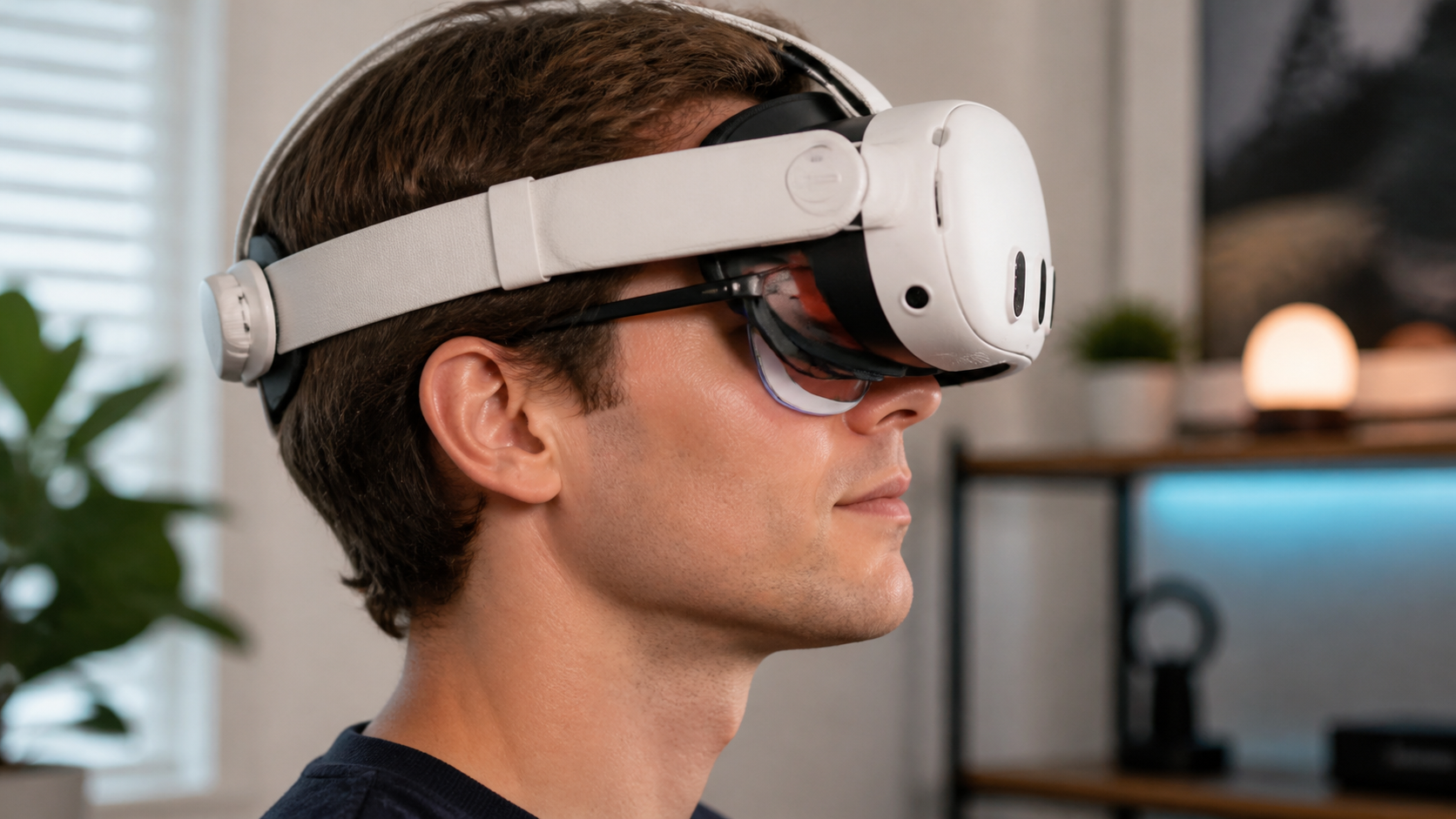
I actually tried to record this. A video can show you that the passthrough view feels less like looking through goggles with the open interface. You can see more of your environment at a glance. What the camera can't capture is the why. After a 20-minute session, my face with the stock interface had red pressure marks around my cheeks and brow. The lenses were starting to fog up. A video can't communicate that relief. It also can't properly show the hygiene factor. The strongest evidence for me was wiping down the smooth silicone of the open interface after a game, while the stock foam one was damp. A side photo, however, does a great job of showing one specific benefit: glasses clearance. With the open design, my glasses don't get jammed against the lenses, which is a huge comfort win that a passthrough video would completely miss.
Would a user notice the benefit before they notice the extra bulk?
Putting something new on your face can feel weird. You worry that any new accessory will add weight or feel bulky, ruining the experience before you even see the benefits.
A user immediately notices the reduced pressure and improved airflow. The feeling of not having foam pressing into your cheeks is instant. The bulk is minimal and becomes an afterthought once you realize your face isn't getting hot and sweaty after just ten minutes of play.
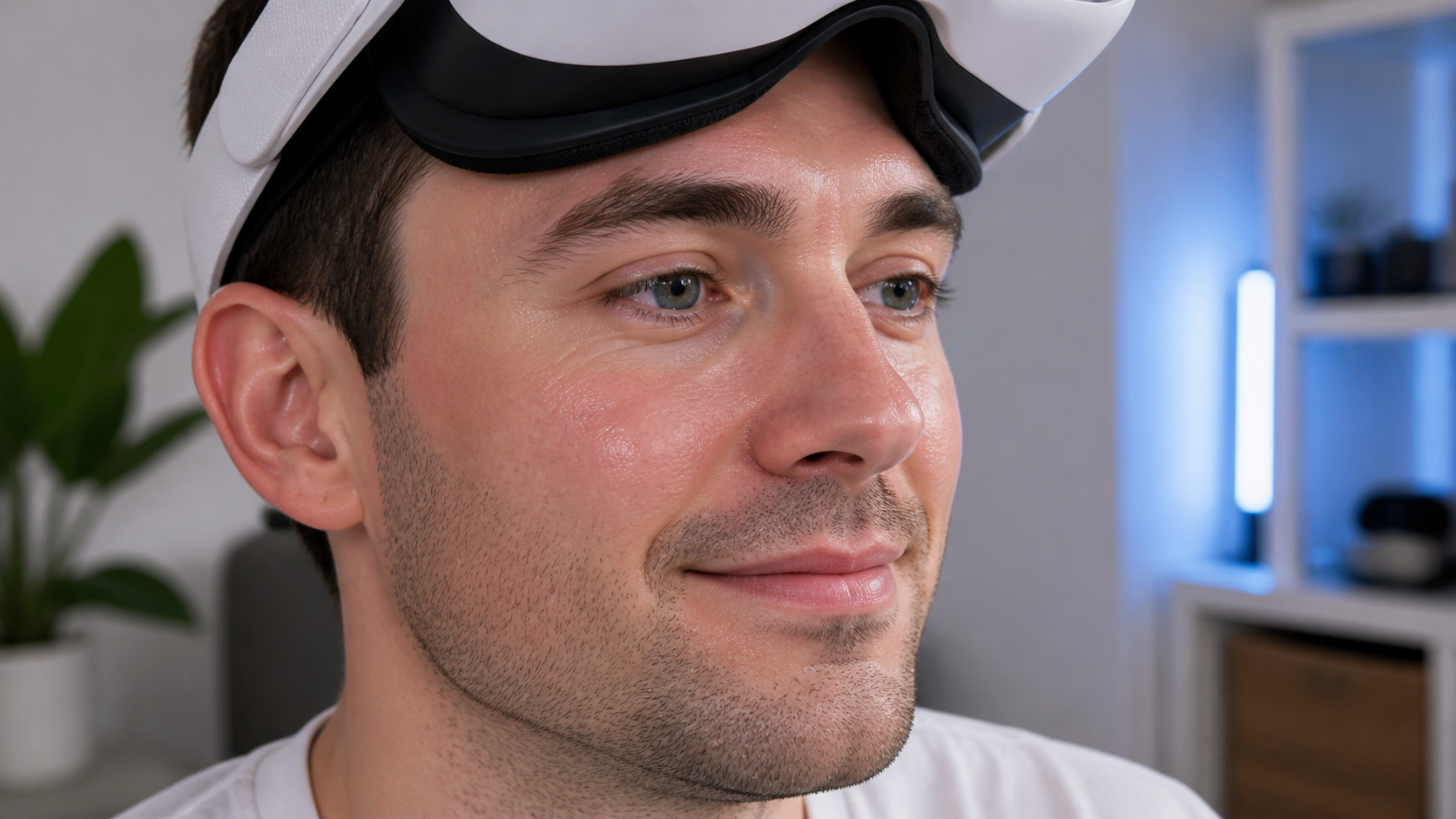
The first time I snapped the open facial interface on, I noticed it felt different. It sits on different parts of the face, more on the forehead and upper cheekbones. It didn't feel heavier, just structured differently. But the real "aha" moment came about 15 minutes into a workout app. Normally, I'd be pausing to wipe away sweat and defog the lenses. With the open interface, air was actually circulating. My face felt cool, and the lenses stayed perfectly clear. That's when the benefits clicked. The initial feeling of "bulk" was completely forgotten. The primary benefit isn't about what you feel when you put it on; it's about what you don't feel during a long session: no heat, no sweat buildup, and no "VR face" pressure marks when you take the headset off. It’s a trade-off that pays off over time.
Does the final advice change for shared headsets, kids, or small rooms during passthrough sessions?
Advice for VR accessories isn't one-size-fits-all. A solo gamer in a huge basement has different needs than a family sharing one headset in the living room.
Yes, the advice changes dramatically for these cases. The open interface becomes a must-have for shared headsets due to hygiene. For kids and users in small rooms, the added peripheral vision is a critical safety feature that helps prevent accidents during passthrough.
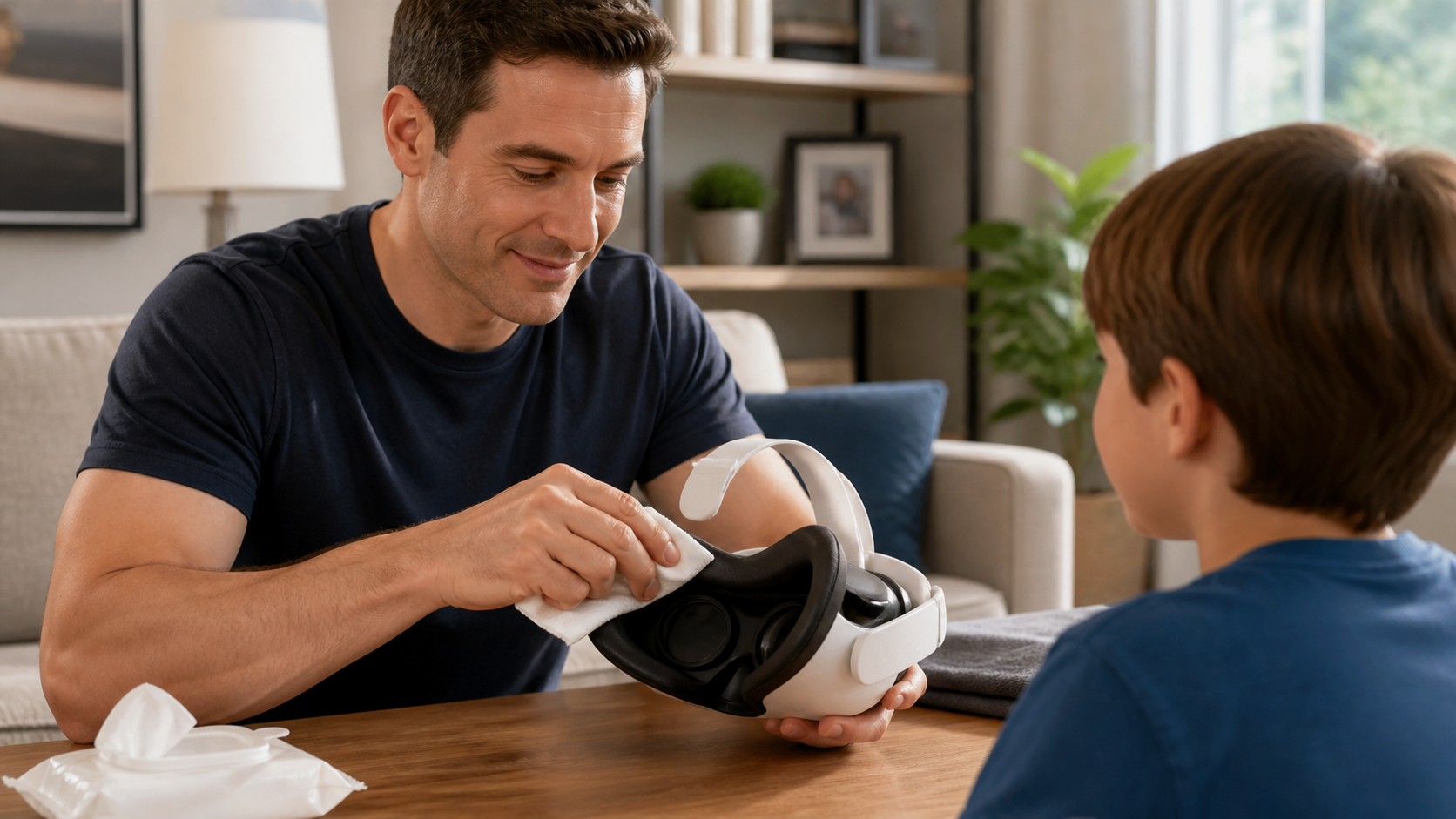
My perspective shifted when my nephew wanted to play. Thinking about him using the sweaty foam interface grossed me out. With the open design, I just gave the silicone pads a quick wipe with an antibacterial cloth, and it was clean and ready for him. The hygiene benefit for shared headsets is massive. For kids, safety is the top concern. They are less aware of their physical space. I watched him play a passthrough game, and I could see him using the gap at the bottom to spot his feet and avoid tripping. The same logic applies to anyone playing in a cramped space. If your VR area is small, being able to see the coffee table or couch in your periphery isn't a luxury; it's essential for preventing a painful collision. In these specific situations, the open facial interface isn't just a comfort upgrade; it's a practical solution to real-world problems.
Conclusion
This accessory is for comfort and awareness, not immersion. If you hate VR face, sweat, and fog, or want more safety in passthrough, the open interface is a fantastic upgrade.
Leave a comment