



Is an Open Facial Interface for Quest 3 better for beginners or experienced glasses users players?

Putting on glasses with a VR headset feels like a chore. The pressure on your face, the fog on your lenses, and the constant heat make it hard to play.
The Open Facial Interface for Quest 3 is best for experienced glasses-wearing players who value comfort, airflow, and spatial awareness over a perfectly dark, sealed view. Beginners who expect a cinema-like experience might find the light leak distracting and should probably stick with the default interface.
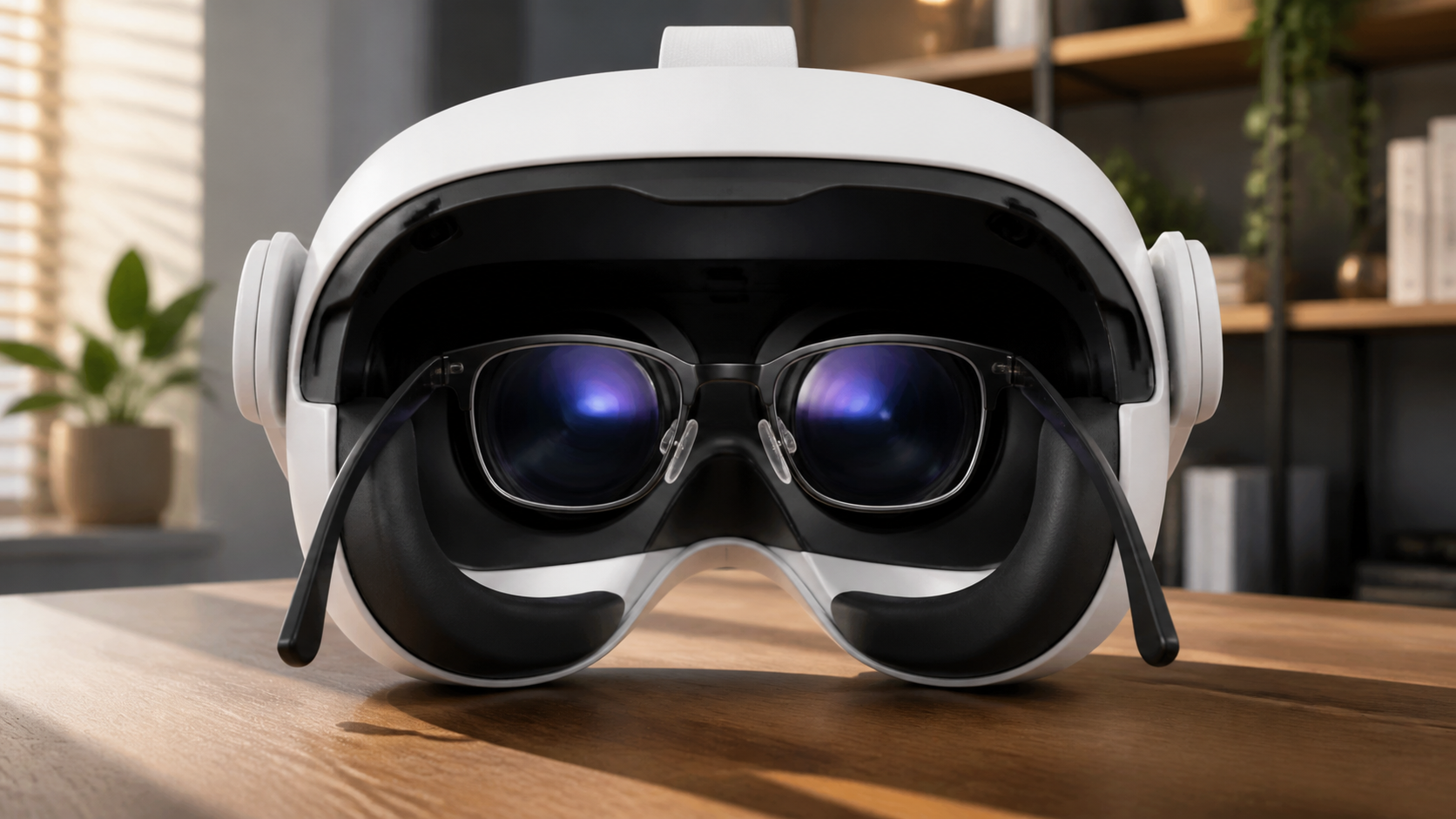
I’ve spent a lot of time with the Meta Quest 2 and now the Quest 3, and as a glasses wearer living in a hot climate, comfort is everything. Many negative reviews of open-style interfaces come from a simple misunderstanding. People expect a completely sealed, blacked-out view, like you're in a movie theater. When they see light coming in from the bottom, they think the product is flawed. But for some of us, that "flaw" is actually the main feature. This isn't a generic accessory roundup; it's my real experience figuring out if this trade-off is worth it. I'll walk you through the real questions I had, from navigating a small room to whether you can trust it without seeing it in action.
If room space is limited, does Open Facial Interface for Quest 3 still make sense for glasses users when light leak matters?
You love VR but your apartment is small. You need passthrough to avoid hitting furniture, but worry that extra light leak from an open interface will ruin the game.
Yes, it absolutely makes sense. In a limited space, the light leak from the bottom of the interface acts as a safety feature. It allows you to see the floor and your feet with your own eyes, giving you better spatial awareness than relying on the passthrough camera alone.
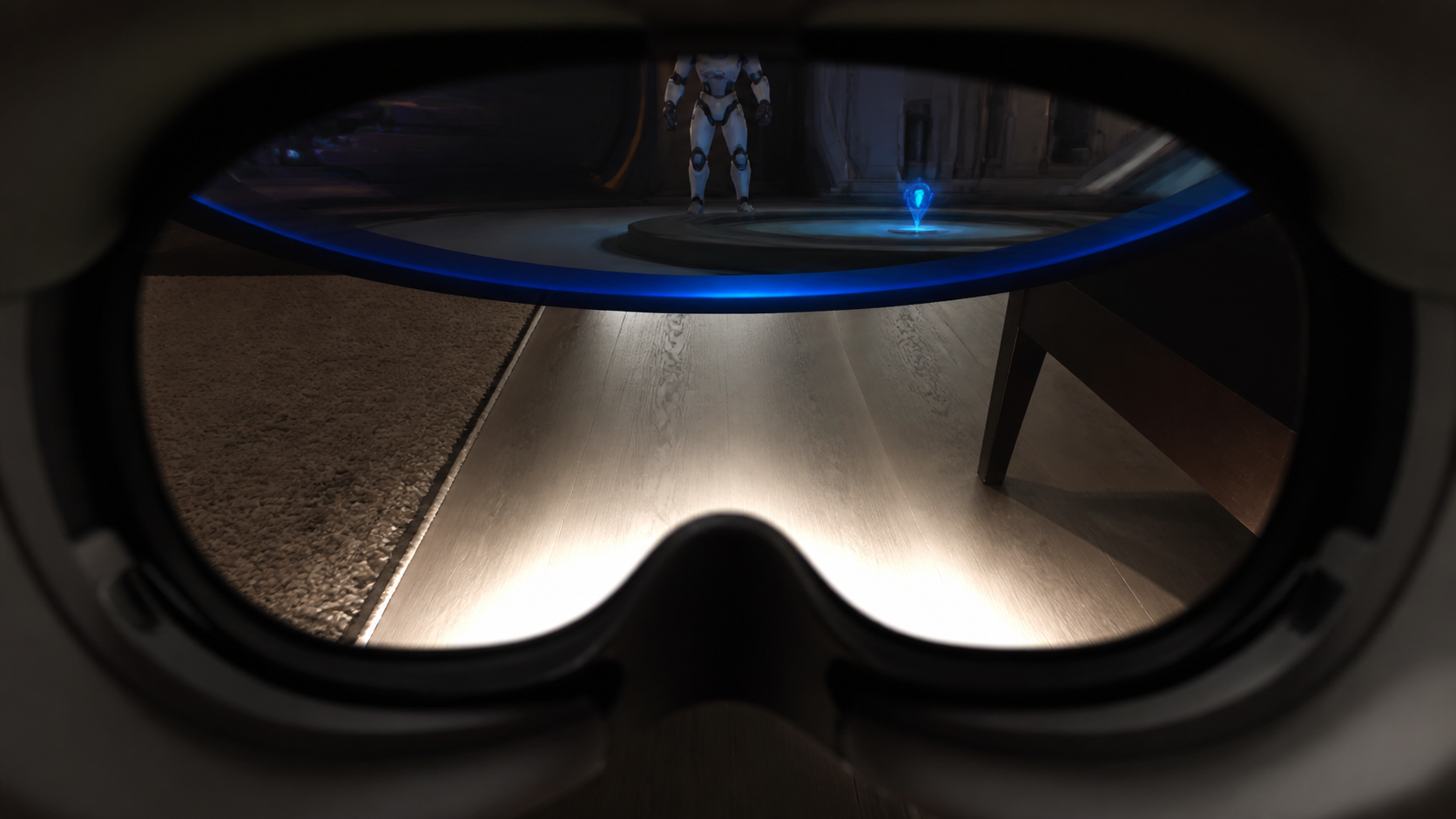
The conversation around light leak is usually negative. Most people want total immersion. But my experience in a small living room changed my mind. I found that the open design is not a bug, but a feature for mixed reality and active games. When I'm playing a game that requires a lot of movement, I'm not just relying on the guardian or the double-tap for passthrough. I can glance down and see exactly where my coffee table is in my peripheral vision. This feels much more natural and immediate than the sometimes-laggy passthrough camera.
Is the Trade-off Worth It?
The answer depends entirely on what you are doing. For seated experiences like watching movies or playing a flight simulator, the default sealed interface is better. It blocks out the world and maximizes immersion. But for active, room-scale games, the open design gives me more confidence to move around.
Light Leak: Immersion vs. Awareness
Here is a simple breakdown of when each type of interface felt better to me:
| Activity | Sealed Interface (Default) | Open Facial Interface |
|---|---|---|
| Watching Movies (e.g., Bigscreen) | Better. Blocks all light for a true cinema feel. | Worse. Light from below is distracting. |
| Fitness Games (e.g., Beat Saber) | Okay, but gets hot and sweaty. | Better. Airflow keeps my face cool and glasses clear. |
| Mixed Reality (MR) Games | Requires full reliance on passthrough. | Better. Natural peripheral vision of my room is a huge plus. |
| Room-Scale VR (e.g., Pavlov) | Can make me feel disconnected from my space. | Better. I feel safer moving quickly in a small area. |
For me, the ability to stay cool and aware of my real surroundings is more important for active games. The open interface became my go-to for any game that made me sweat or move.
Would a side-by-side glasses users clip explain the trade-off faster than text?
Trying to describe the feeling of light leak is tricky. People hear "leak" and imagine a cheap product, but the reality is more nuanced and words can fail to show that.
Yes, a short clip would explain it instantly. Seeing a side-by-side comparison of putting the headset on with glasses, and then a simulated view of the peripheral vision, would communicate the benefits of comfort and awareness much faster and more clearly than any paragraph of text could.
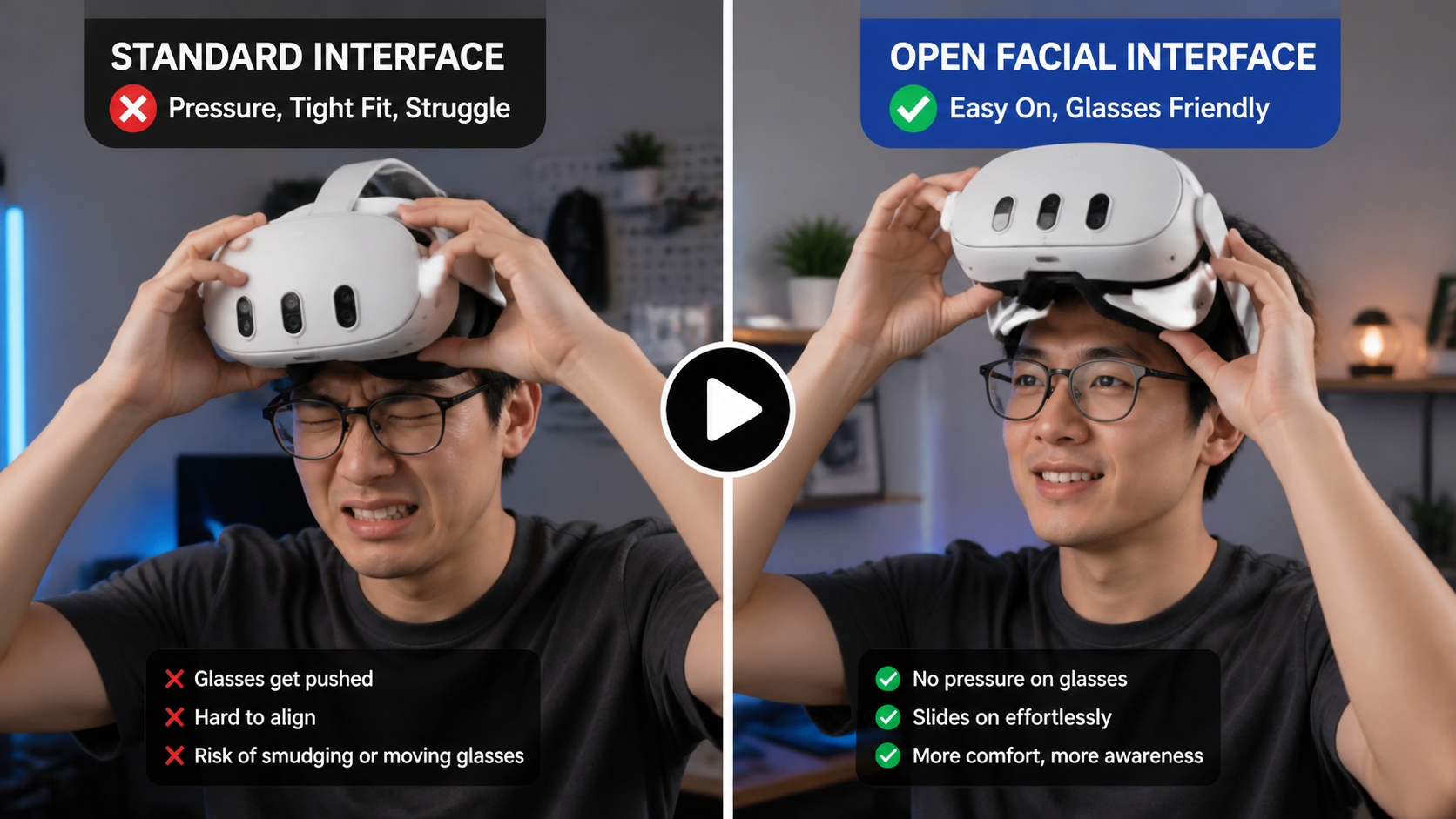
I've tried explaining this accessory to friends, and I always end up saying, "Here, just try it on." The moment they feel the lack of pressure on their glasses and see how they can glance down at their phone or keyboard, they get it. Text can't replicate that "aha!" moment. A video could. It could show someone easily slipping the headset on over their wide-frame glasses without any snagging. The standard interface often requires a careful, two-handed technique to avoid smudging or moving your glasses, but the open design just glides on.
A video could also simulate the player's view. On the left, you'd have the fully sealed, immersive view of the standard gasket. On the right, the open interface view, showing the game world clearly in the center but with the faint, out-of-focus image of the floor below. This would immediately reframe the "light leak" as "situational awareness." It would also be great to include a demonstration of swapping the pads. Showing how the magnetic pads snap on and off reinforces that this is a premium, well-designed product, not just a simple piece of plastic.
Will Open Facial Interface for Quest 3 work in a small apartment without creating a safety problem?
Playing VR in a small space is always a little scary. The fear of punching a wall or tripping over a chair is real, and you wonder if a new accessory will help or hurt.
Yes, it will work, and it actually reduces safety problems. The open design provides real-time peripheral vision of your immediate surroundings, especially the floor, which helps you avoid obstacles more naturally than relying only on the digital guardian boundary or passthrough camera.
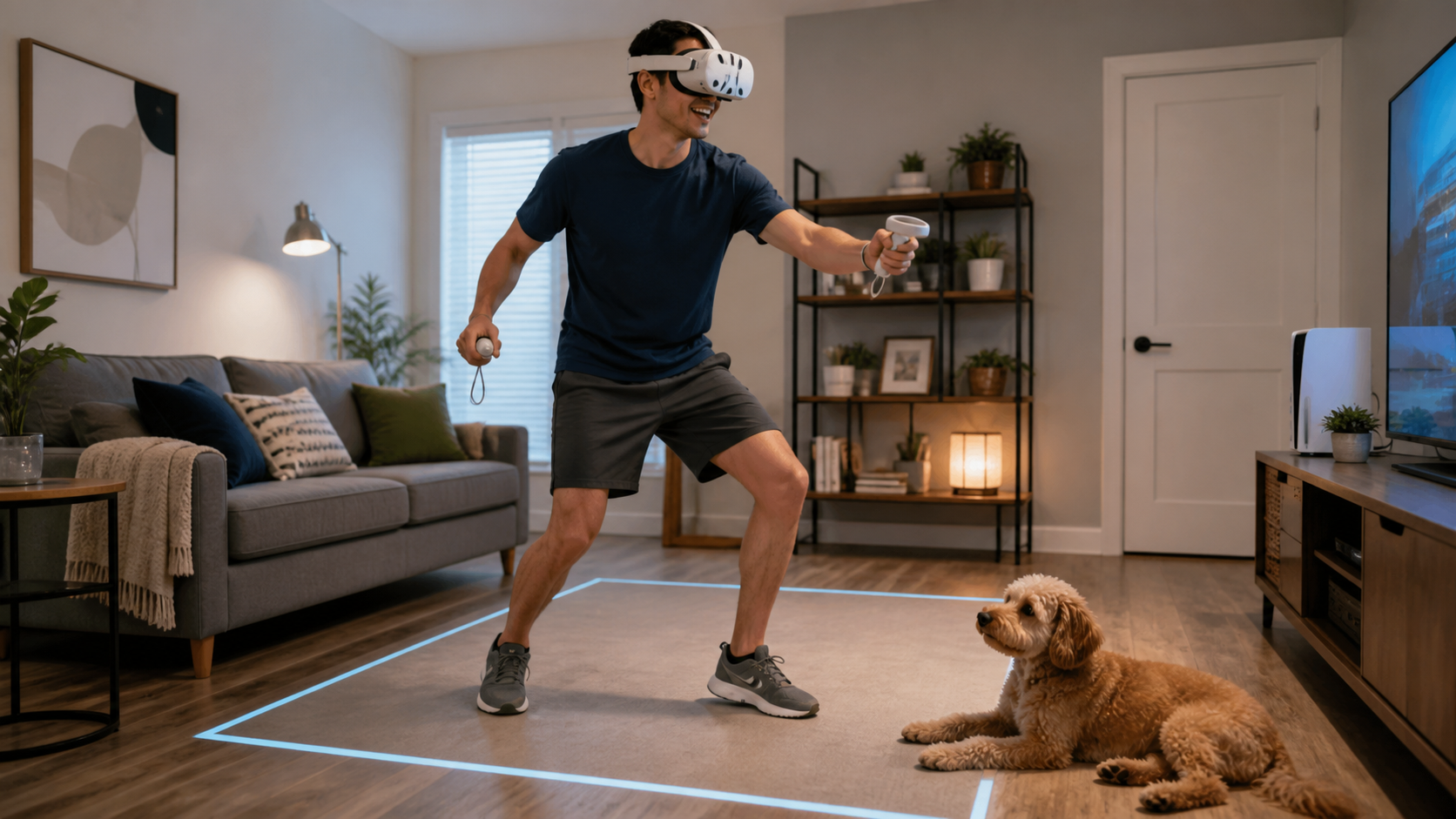
This was one of my biggest concerns. My play space is basically a small rectangle between my couch and my TV stand. The Quest's guardian system is good, but I've definitely punched my couch a few times when I got too into a game. The open facial interface has genuinely made me feel safer. The passthrough camera is a great tool, but your brain processes the real world differently than a video feed. Being able to see the actual floor with my own eyes when I glance down gives me a much better sense of where I am.
I had a moment playing Gorilla Tag where I had to quickly dodge. With the old sealed interface, I would have just moved and hoped the guardian lines appeared in time. With the open interface, I could see the edge of my rug in my lower peripheral vision. I knew exactly how much space I had without having to break immersion to look at a digital wall. It's a subtle but powerful advantage. It turns the headset from a sensory deprivation chamber into more of a high-tech visor, blending your real and virtual worlds in a way that feels more secure.
Can Open Facial Interface for Quest 3 earn trust for light leak without proof such as a short MR movement clip around furniture?
The term "light leak" has negative baggage. Without seeing it in action, people will assume it’s a design flaw that ruins the experience, making them hesitant to even try it.
It's very difficult. Trust requires proof, and a short MR clip is the best proof. Showing a user moving confidently around furniture, using the peripheral light as a guide, would instantly reframe "light leak" as a valuable awareness feature and build confidence in the design.
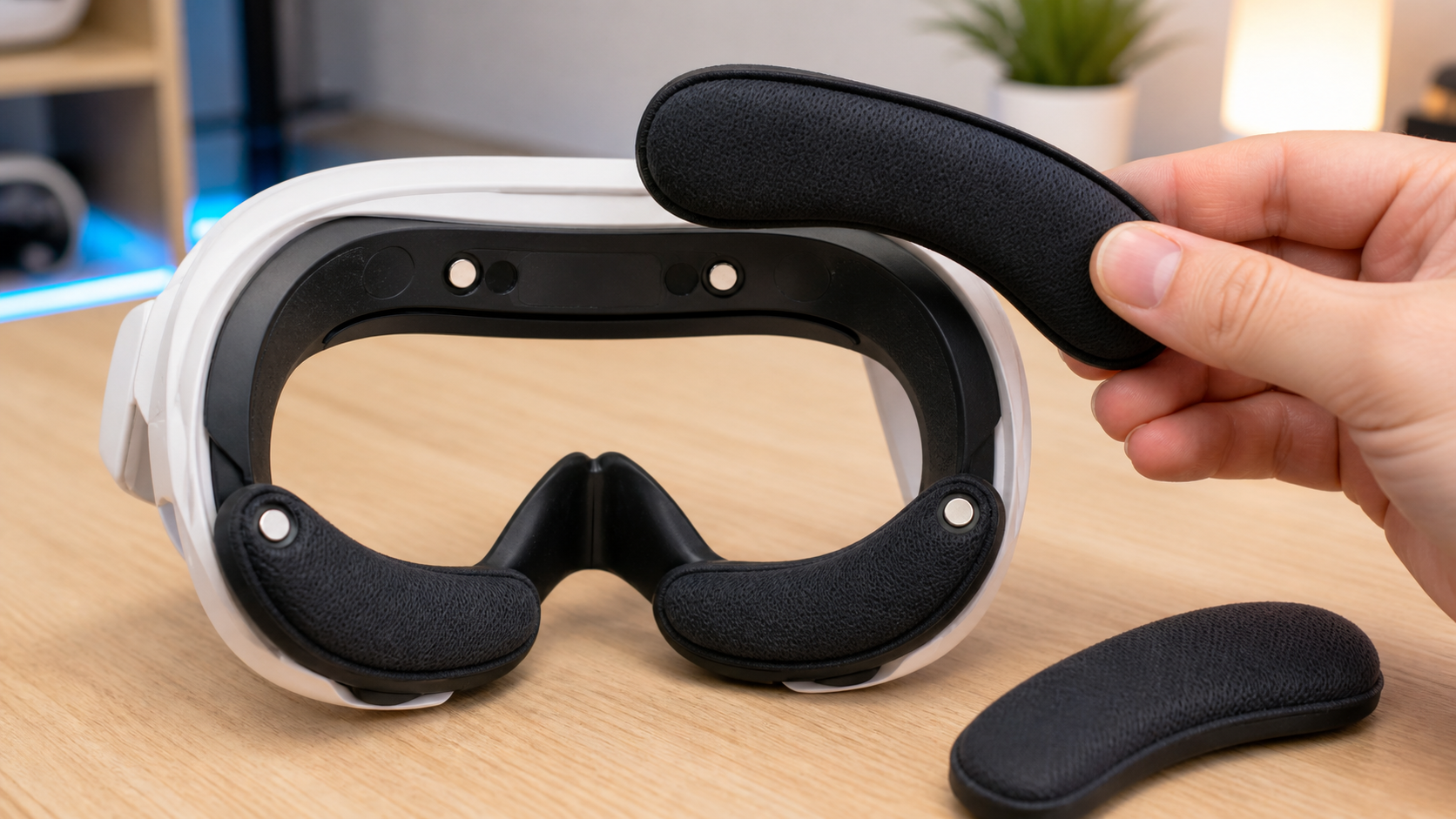
Building trust for a product that seems counter-intuitive is tough. Most VR accessories promise more immersion by blocking out the world. This one does the opposite. That's why visual proof is not just helpful, it's necessary. A clip would do two things. First, it would demonstrate the safety benefit I've been talking about. Viewers could see a person playing an MR game, interacting with virtual objects while also smoothly stepping around a real-life chair. They would see the light at the bottom isn't a blinding glare, but a soft, ambient awareness tool.
Second, a video can showcase the product's quality. I mentioned the pad-swap demonstration earlier. When you show how easily the magnetic pads click into place, it communicates thoughtful engineering. It says, "This isn't a cheap piece of plastic; it's a modular system designed for comfort and convenience." This small detail helps overcome the initial skepticism. Without that visual proof, you're just asking people to take your word for it, and negative opinions based on false expectations will continue to dominate the conversation.
Conclusion
The Open Facial Interface is a niche product for a specific user: the experienced glasses wearer who values comfort and awareness. If you want full immersion, skip it.
Leave a comment