



Is a Quest Battery Pack compatible with the way power users actually play fitness workouts?

Your Quest 3 dies mid-workout, killing your flow. You want a battery pack, but will it keep up with your intense sessions, or just be another annoying accessory?
For power users in fitness workouts, the official Meta Quest Battery Pack is often not compatible. Its charging speed cannot keep the Quest 3 at 100% during intense use. Hot-swap systems can also be slower and more disruptive than using a simple, high-wattage cabled power bank.
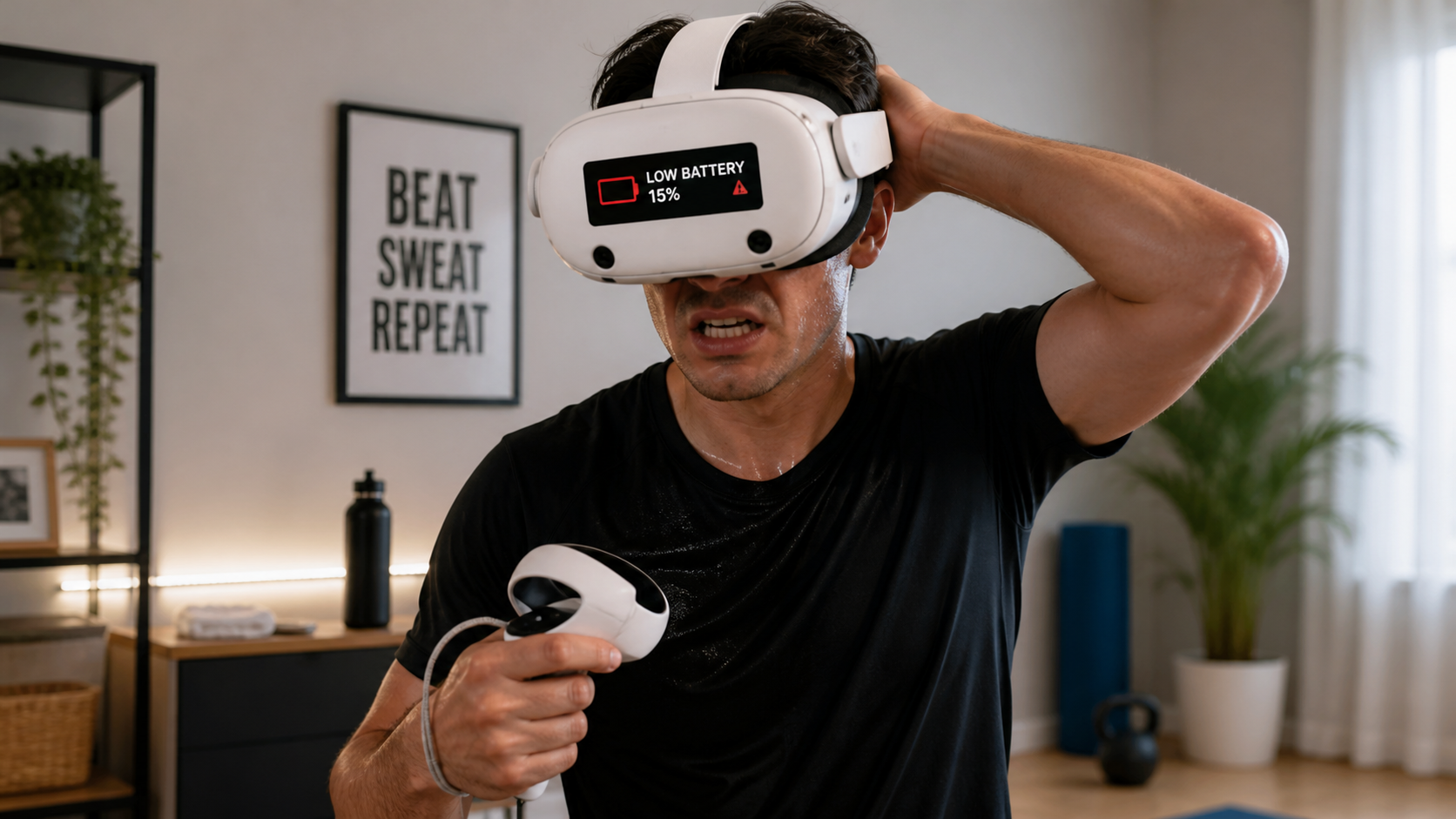
I've been a VR power user for years. My main use is fitness and high-action games. When my Quest 3 arrived, I knew its internal battery wouldn't be enough. My journey to find the perfect power solution has been frustrating. I've tried head straps with built-in batteries, belt clips, and pocket power banks. The big problem was always the cable. It gets in the way. So, I decided to test a hot-swap battery system, specifically the official Quest Battery Pack, to see if it finally solved the problem for real fitness users. The product page looks great, but my lived experience as a power user told a very different story. This is my case study, following the real questions I had during my testing.
On Meta Quest 3, does hot-swap speed change the result?
Your game is paused and immersion is broken. You're fumbling with a battery pack, trying to get back in before you lose your rhythm. A hot-swap system promises a fast solution.
No, hot-swap speed does not change the result for power users. The physical act of swapping batteries, even if quick, is often slower and more disruptive than a continuous power supply. The pack also fails to maintain the headset's charge during demanding standalone or PCVR streaming sessions.
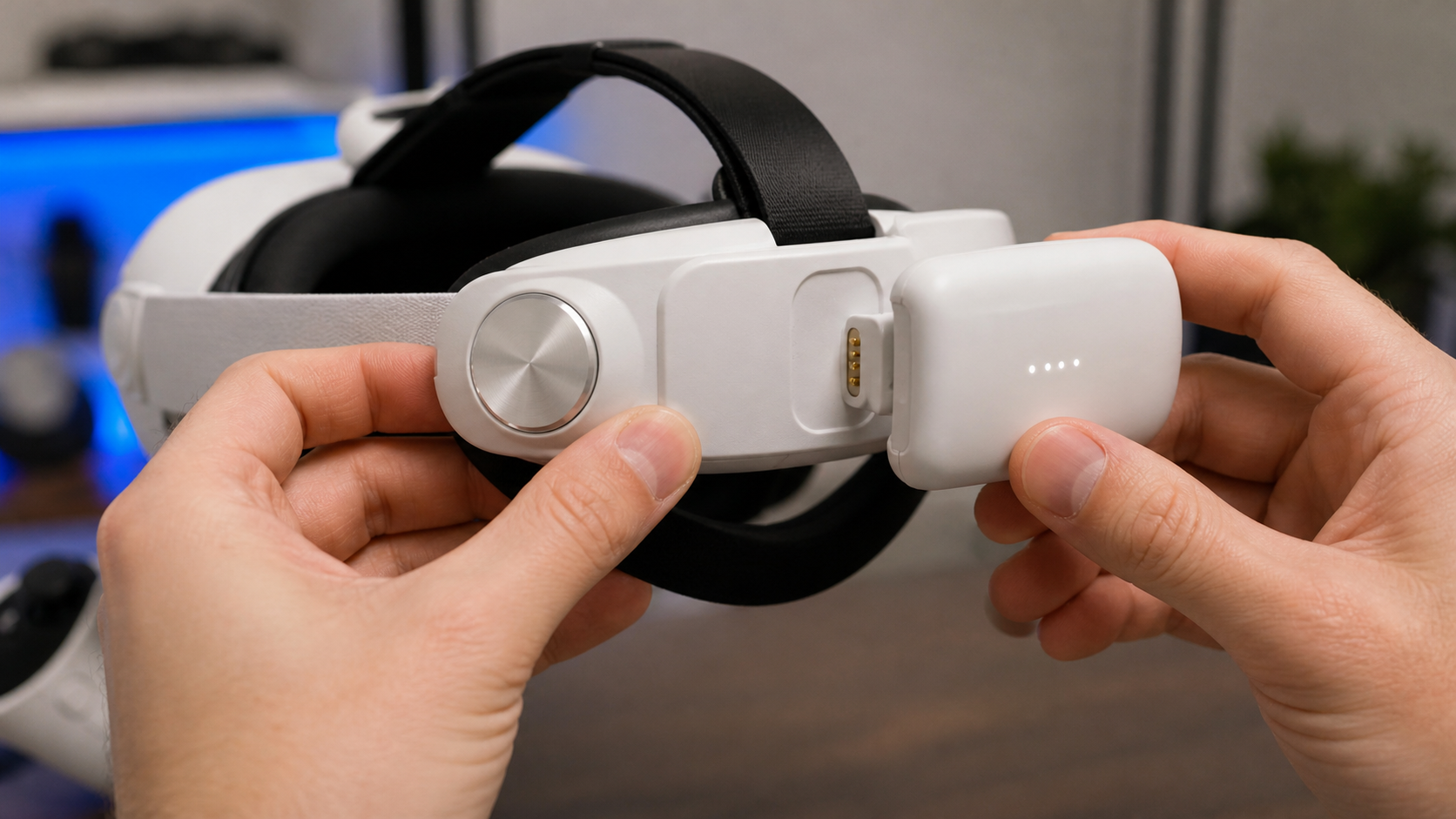
The idea of hot-swapping is great on paper. You finish one battery, click it off, and click a fresh one on. It sounds instant. In reality, it's a multi-step process. You have to stop your game, take the dead battery, find the charged one, and attach it correctly. For me, this whole process took about 20-30 seconds, and that's after I got good at it. A cabled power bank in my pocket never stops the action. The biggest issue I found was that the battery pack couldn't deliver enough power to keep my Quest 3 charging during heavy use. It only slowed the drain. This was true for intense standalone games like Les Mills Bodycombat and even more so when streaming PCVR titles over Air Link. The headset battery would still slowly tick down, defeating the purpose of an "unlimited" power system.
Comparing Power Delivery Methods
I timed how long each power method kept me in the game without interruption. The results were clear. A constant connection from a simple power bank was far less disruptive than any hot-swap system I tried.
| Power Method | Interruption Time | Charge While Playing? | Cable Annoyance |
|---|---|---|---|
| Hot-Swap Battery Pack | 20-30 seconds per swap | No, only slows drain | Low (no cable) |
| Pocket Power Bank (Cabled) | 0 seconds | Yes, with proper wattage | Medium (cable to pocket) |
| Belt Clip Power Bank (Cabled) | 0 seconds | Yes, with proper wattage | Low (cable managed at waist) |
The table shows the trade-off. You get rid of the cable with a hot-swap pack, but you introduce interruptions and fail to maintain charge. For fitness, where flow is everything, this is a bad trade.
Can power users reproduce the test without special tools or paid software?
You read reviews with complex graphs and charging data. You wonder if you can even trust them, or if you can check the claims for yourself without buying special equipment.
Yes, any power user can reproduce these tests easily. All you need is your Quest 3 headset, the battery pack you are testing, and a timer. You don't need paid software or special USB meters to see if a battery is keeping up with your usage.
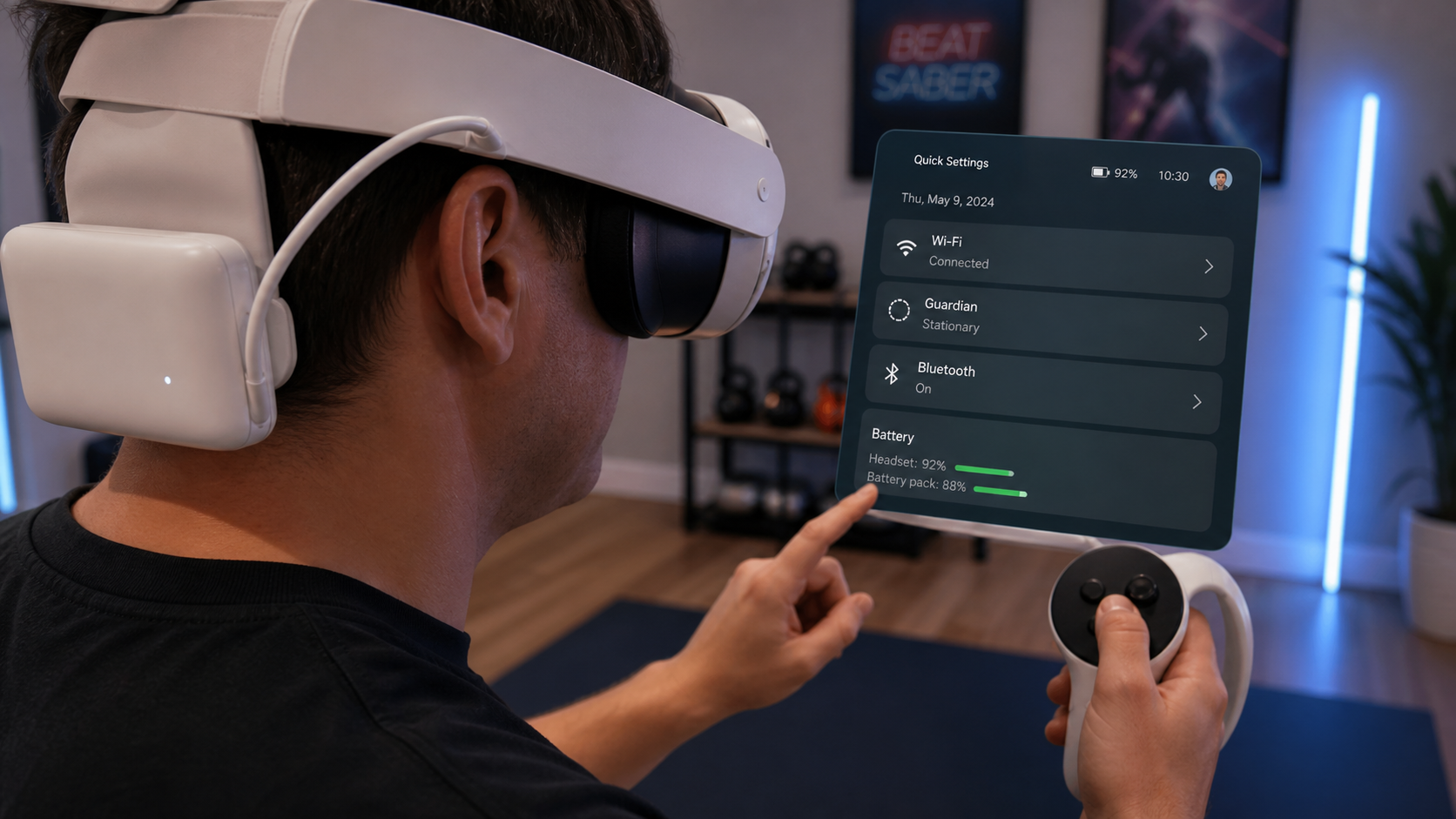
You don't need to be an electrical engineer to test a battery pack. My method was simple and anyone can do it. First, fully charge your Quest 3 to 100% and fully charge your battery pack. Then, connect the battery pack and start your typical workout or gaming session. Set a timer for 30 minutes. Play as you normally would. When the timer goes off, check the battery percentage on your Quest 3. Did it stay at 100%? Or did it drop to 98%? If it dropped, the battery pack is not providing enough power to charge the headset during use; it's only slowing the discharge. Repeat this test for an hour. The results will tell you everything you need to know.
During my testing, I also learned to be very careful about product claims. Many third-party batteries advertise huge mAh numbers that are unrealistic or misleading. The real key is the output wattage. The Quest 3 needs a high wattage to charge while playing. Many head strap batteries, including the official one, do not deliver enough power. They prioritize a compact size over raw performance, which is a bad trade-off for serious fitness sessions. A simple power bank with a 9V/2A (18W) or higher output will almost always perform better.
Would hot-swap batteries during a family session expose a weakness that a product page hides?
You think a hot-swap system will be perfect for family game nights. Everyone can just grab a fresh battery and jump in. But what happens when people are in a hurry?
Yes, a family session immediately exposes the weakness of most hot-swap systems. The time it takes to recharge one battery is often longer than the playtime you get from the other. This creates a bottleneck where the headset is dead, waiting for a battery to charge.
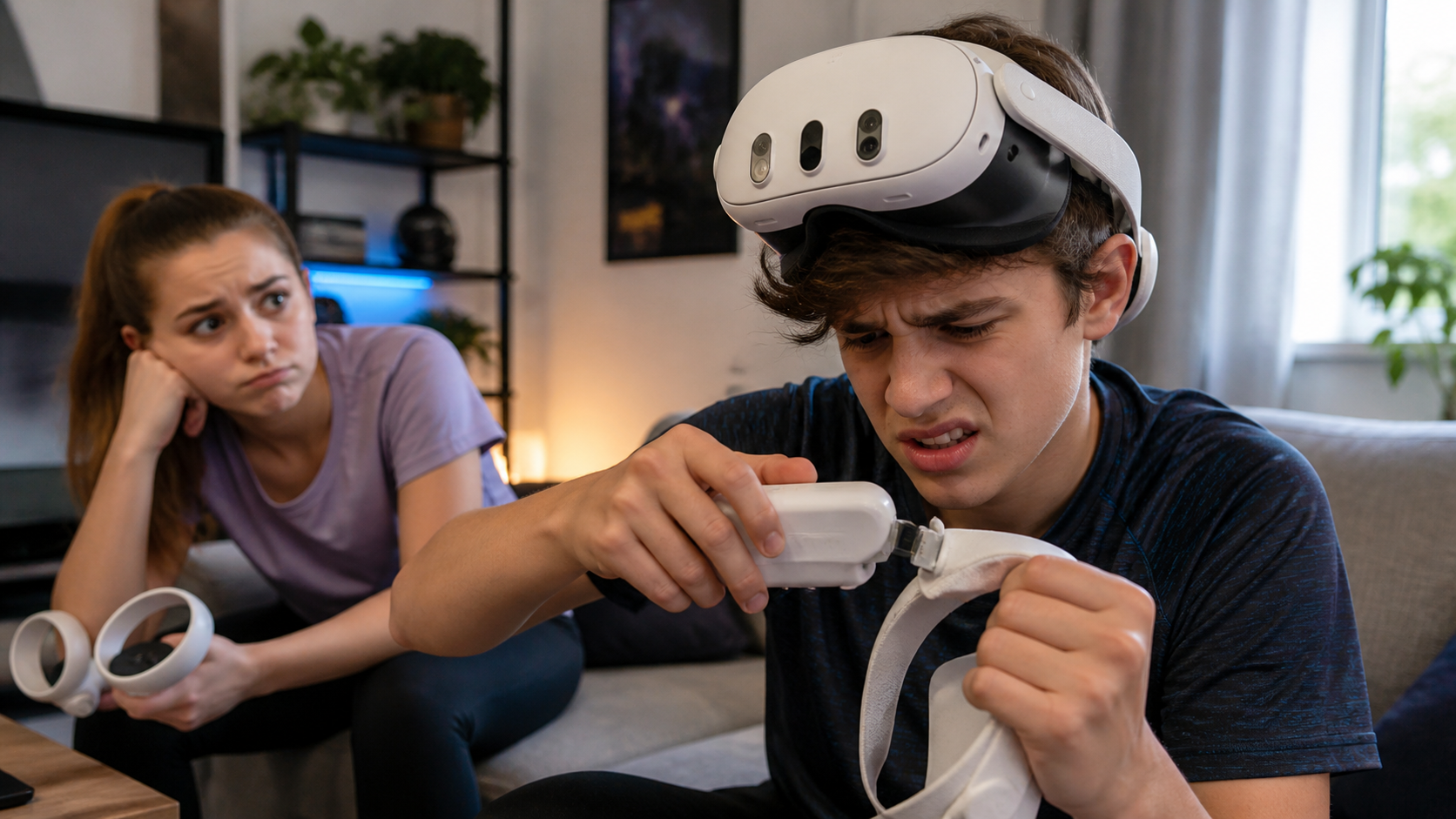
This is where the hot-swap dream completely fell apart for me. I set up my Quest 3 for a family session of Beat Saber. My plan was simple: one person plays using a battery pack, and when they are done, the next person swaps to the fresh battery that has been charging. The problem was obvious within the first hour. The battery pack took over two hours to fully recharge. But a single pack only gave us about 1.5 hours of extra playtime. This means that after the first two swaps, we had a dead headset and two dead batteries, with the next one still an hour away from being ready.
Product pages never mention this charging gap. They sell the idea of "endless play," but the math doesn't add up. To make a hot-swap system work for a family, you would need three or even four batteries rotating constantly. This gets expensive and complicated. It's much simpler to just plug the headset into a large power bank or a wall charger between sessions. The weakness is the slow recharge rate of the individual battery packs compared to how fast the headset drains them. For a single user, it's an annoyance. For a family trying to share the headset, it’s a deal-breaker.
What would make the reviewer say Quest Battery Pack is not worth it for charging speed in fitness workouts?
You're sweating and moving fast in a VR fitness app. A short, stiff cable from a battery on your head strap keeps pulling and getting in the way, ruining your workout.
The Quest Battery Pack is not worth it for fitness workouts because its low wattage fails to charge the headset during intense use. Also, the awkward weight and heat on the back of the head is more distracting than a well-managed cable from a pocket power bank.
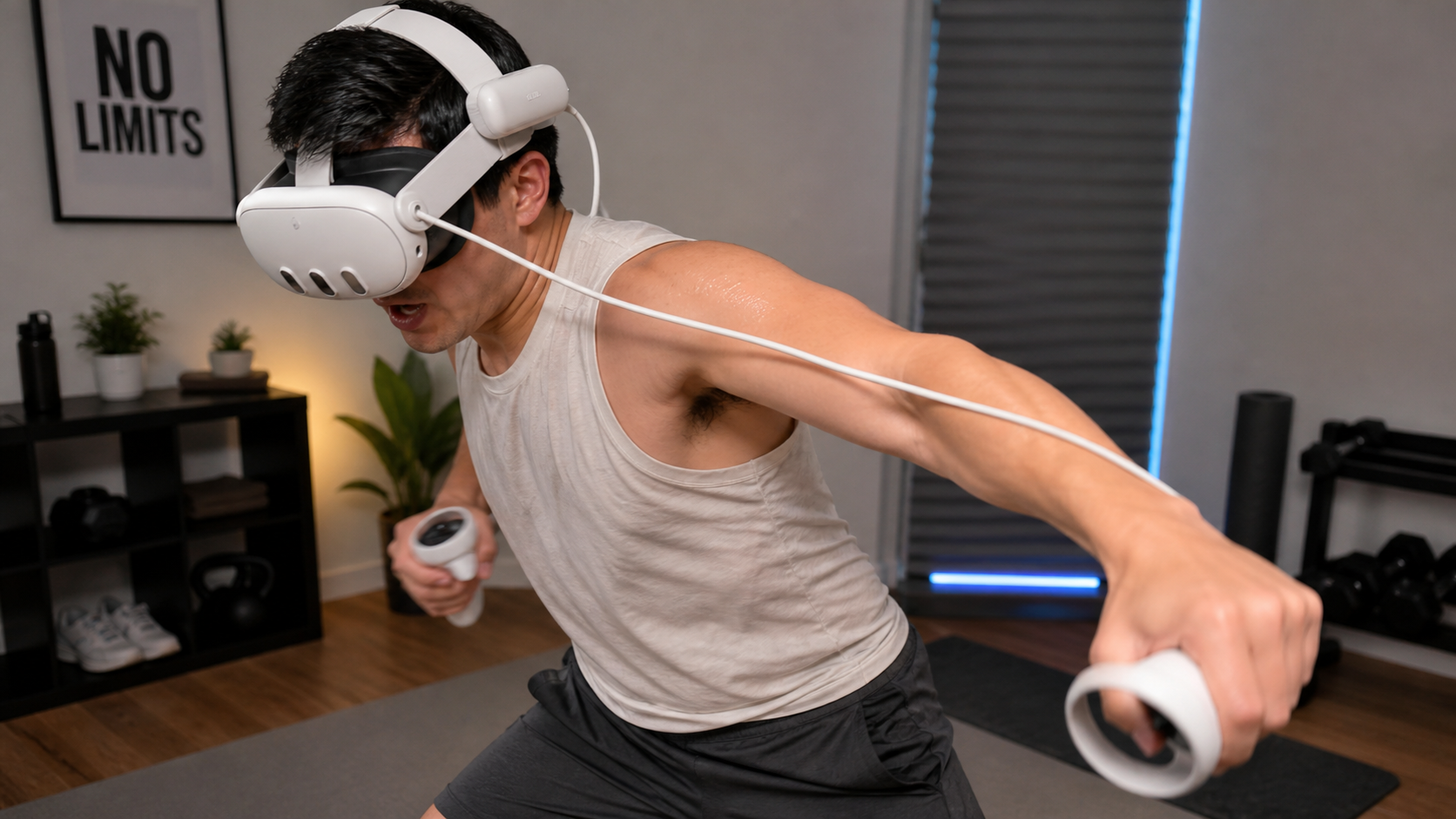
After all my testing, this is my final, honest takeaway. The official Meta Quest Battery Pack, and others like it, are not designed for power users who do intense fitness. My main issues come down to two things: performance and comfort. The charging speed simply isn't there. During a 45-minute Supernatural boxing session, my Quest 3 battery would still drop by 5-10%, even with the pack attached from the start. This means I'm just delaying the inevitable, not solving the problem. A simple 20,000 mAh power bank in my pocket keeps the headset at 100% for hours.
More importantly, the ergonomics are wrong for fitness. Having extra weight and a heat source on the back of your head is terrible when you are already hot and sweaty. The slight imbalance it creates is noticeable during fast movements. In contrast, running a single, longer USB-C cable down my back and into my pocket is something I completely forget about after a minute. It never restricts my movement. The accessory felt helpful for slow-paced, seated games. But it felt annoying and pointless for fitness. If you are a serious VR fitness user, you should skip head strap batteries and invest in a good quality, high-wattage power bank to keep in your pocket.
Conclusion
The Quest Battery Pack is not for fitness power users. Its slow charge and clumsy hot-swap system are worse than a simple cabled power bank for intense, nonstop sessions.
Leave a comment