



Is a Quest Battery Pack compatible with the way fitness users actually play fitness workouts?

Tired of your Quest dying in the middle of a workout? It kills your momentum and is super frustrating. A battery pack seems like the perfect fix, but is it?
For fitness, the official Quest Battery Pack is a mixed bag. Its hot-swap feature is convenient for extending playtime in moderate-intensity games. However, the short, stiff cable and head-mounted weight can get in the way during fast-paced workouts, making other solutions potentially better for dedicated fitness users.
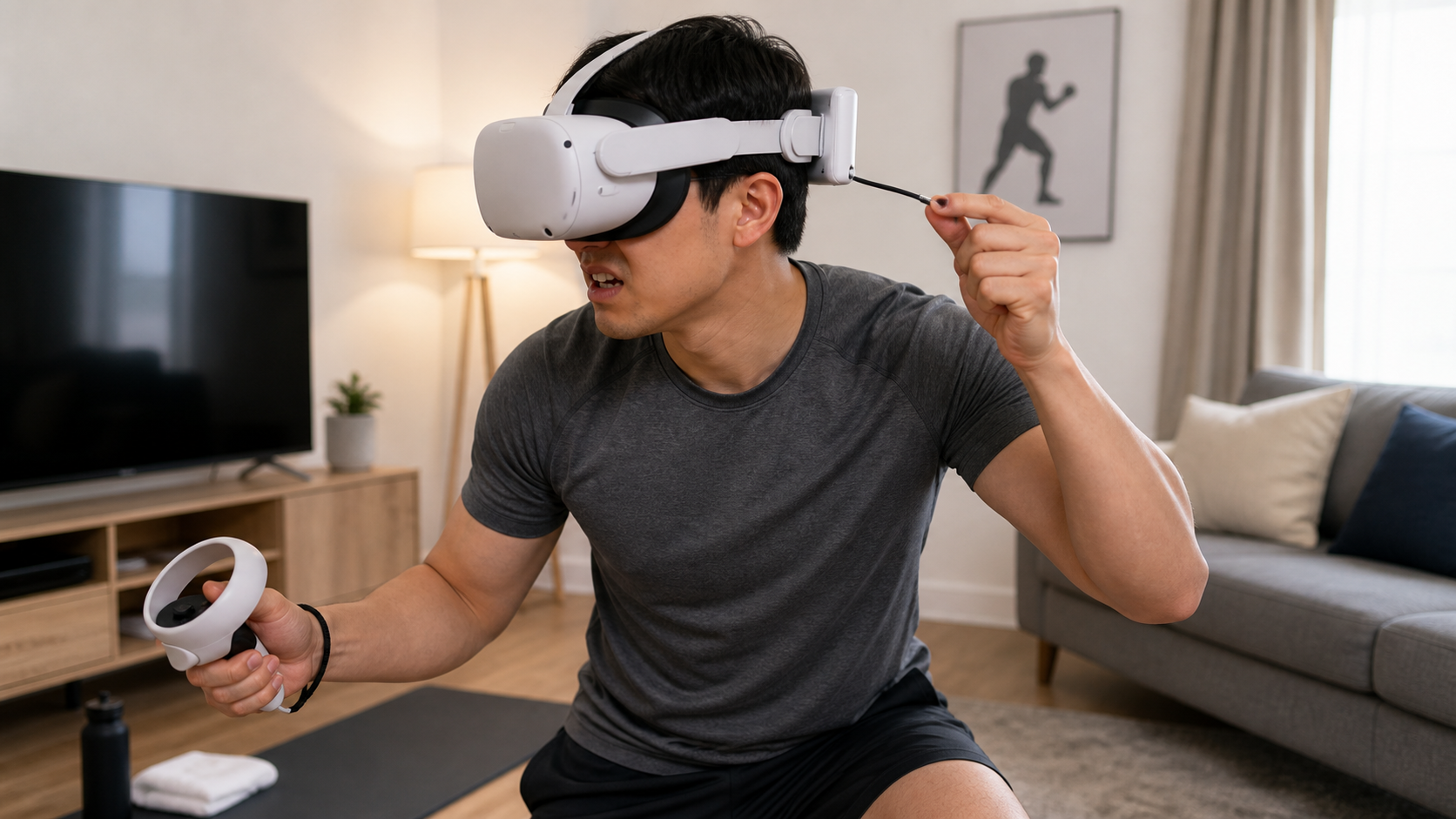
I’ve spent a lot of time testing different power solutions for my Quest, from simple power banks in my pocket to integrated battery head straps. The official Quest Battery Pack promised a simple, official solution. But I'm a fitness player first. I need to know if an accessory works when I’m ducking, weaving, and punching, not just sitting on a couch. So, I put it through a series of real-world tests based on my daily workout routine. I wanted to answer the questions that matter to people like me, not just quote battery specs from a datasheet. This is what I found.
On Quest Touch Plus Controllers, does hot-swap speed change the result?
You’re in the zone, then you hear the low-battery chime. The sudden need to stop and plug in breaks your focus. A hot-swap system promises to fix this, but does it really help?
Yes, the hot-swap system's main benefit isn't speed, but the removal of panic. The Quest drains the external pack first. When it’s empty, you get a notification and it seamlessly switches to the internal battery. This gives you plenty of time to finish your set before swapping.
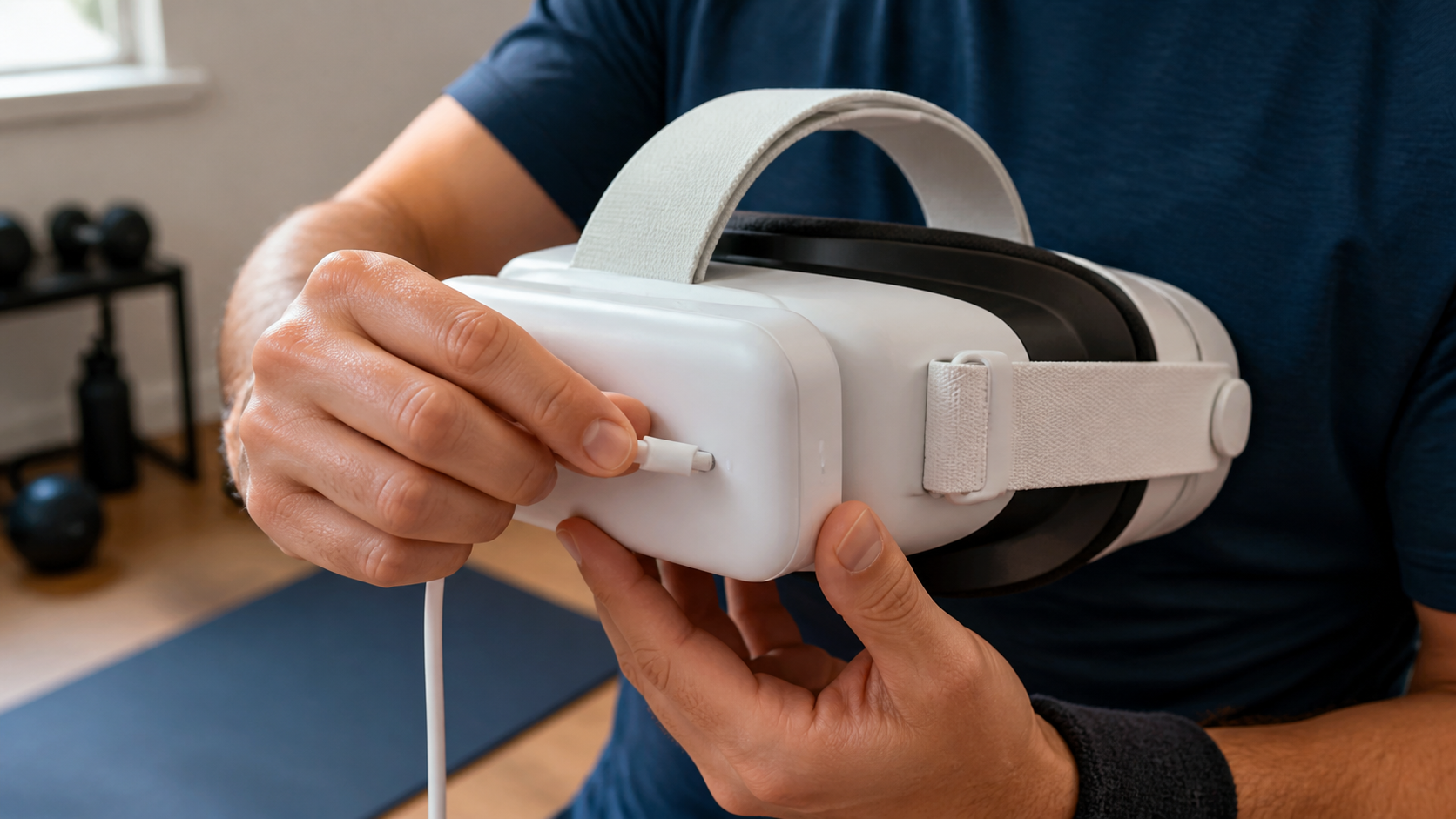
The term "hot-swap" is key here. It means the headset is smart enough to use the external battery's power completely before it even touches its own internal charge. I noticed this during a long session of Supernatural. I heard a soft chime and saw a notification that the external battery was depleted. My headset’s battery was still at 100%. There was no rush. I finished the song I was on, took a water break, and then casually plugged the headset into the wall. This is completely different from using a standard power bank. With a regular bank, if the cable disconnects for even a second, the headset starts using its internal battery. This creates a constant, low-level anxiety about the cable. The official pack's design eliminates that feeling entirely. It changes the experience from a race against time to a calm, manageable power transition.
Hot-Swap vs. Standard Power Bank Interruption
| Feature | Quest Battery Pack (Hot-Swap) | Standard Power Bank (Cable) |
|---|---|---|
| Disconnection Event | Pack runs out of power; headset seamlessly switches to internal battery. | Cable is accidentally unplugged; power is cut instantly. |
| User Reaction | Calm. Notification appears, but no immediate action is needed. | Panic. Must pause the game immediately to find and re-plug the cable. |
| Gameplay Impact | Minimal. You can finish your current activity or song. | Major. The game stops, immersion is broken, and workout flow is lost. |
| Recovery Time | You can wait until a natural break in the gameplay to address charging. | Requires immediate attention, adding 15-30 seconds of downtime. |
Can fitness users reproduce the test without special tools or paid software?
You read reviews with complicated charts and battery drain software. It feels like you need an engineering degree just to see if a battery pack is good. Can you test it yourself?
Absolutely. You don't need any special tools. Just charge your headset and the battery pack to 100%. Start a timer, play your usual fitness game, and see how long it takes for the external pack to drain. That’s your real-world extra playtime number.
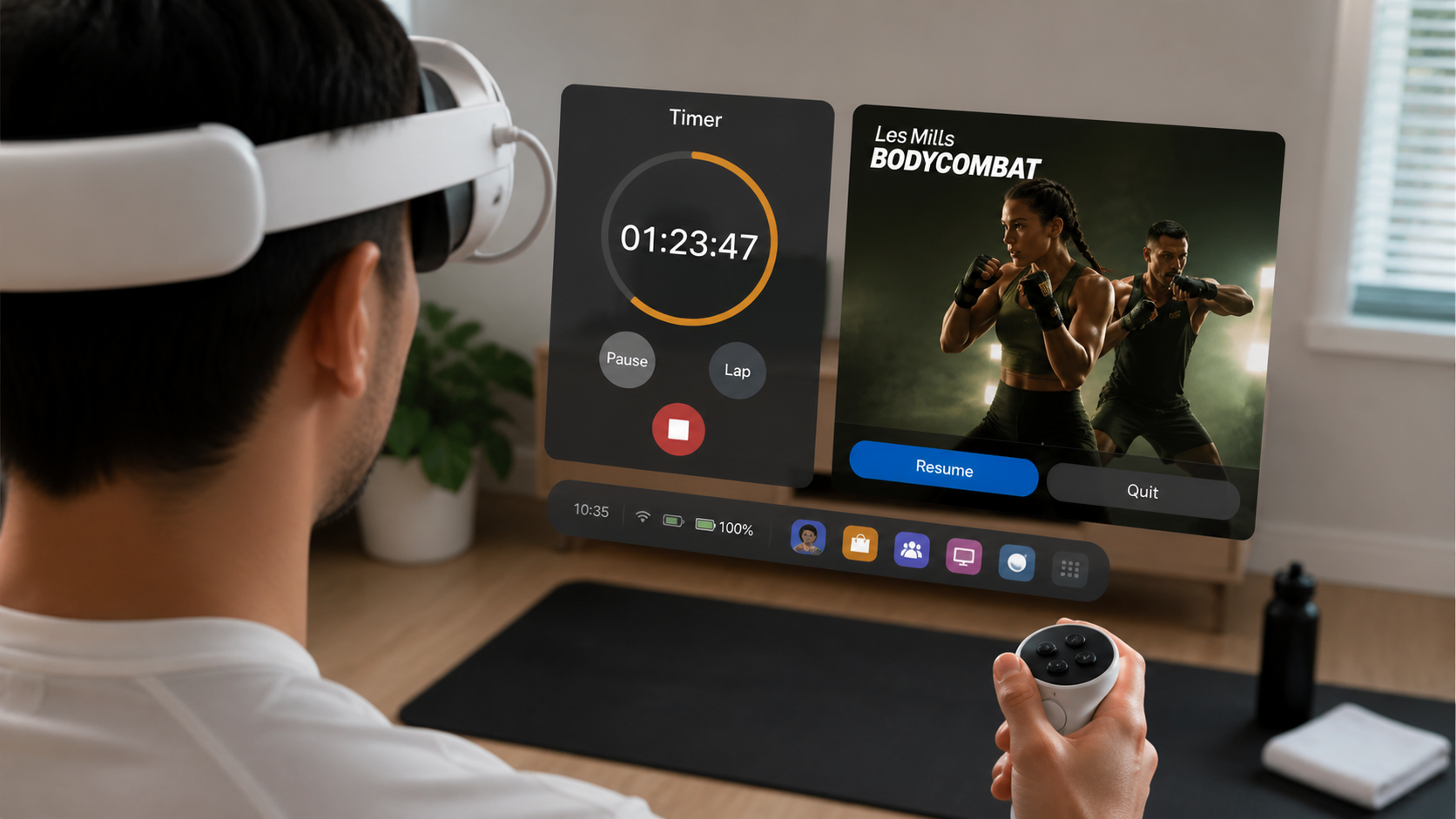
My testing method was as simple as it gets, because that's what reflects real use. I fully charged both the Quest 3 headset and the official Battery Pack. Then, I put on the headset, started a timer on my watch, and jumped into a 90-minute Les Mills Bodycombat session. I just played normally. The headset gave me a notification when the external pack was empty, and I noted the time. I kept playing on the internal battery until I got the 15% low battery warning, and I noted that time, too. This simple process tells you exactly what you get: about 1.5 to 2 hours of extra, uninterrupted play.
Be careful with third-party packs. I've learned to watch out for two things: wattage and unrealistic mAh claims. The Quest 3 needs a good amount of power (18W or more) to charge while playing. Many cheap power banks with huge "mAh" numbers can't deliver power fast enough. So, your headset battery still drains, just slower. The official pack is guaranteed to provide the correct wattage, which is a real benefit you can trust without needing special software to verify it.
Can the user recover quickly when the accessory gets in the way?
You're in the middle of a fast combo, and your hand hits the battery cable. Your headset gets tugged, your focus is gone. How fast can you get back into the game?
Recovery is quick but annoying. The short cable on the Quest Battery Pack doesn't dangle much, but it's easy to hit during arm-heavy workouts. When you snag it, you have to stop, readjust the headset, and recenter yourself. It only takes seconds, but it shatters your immersion.
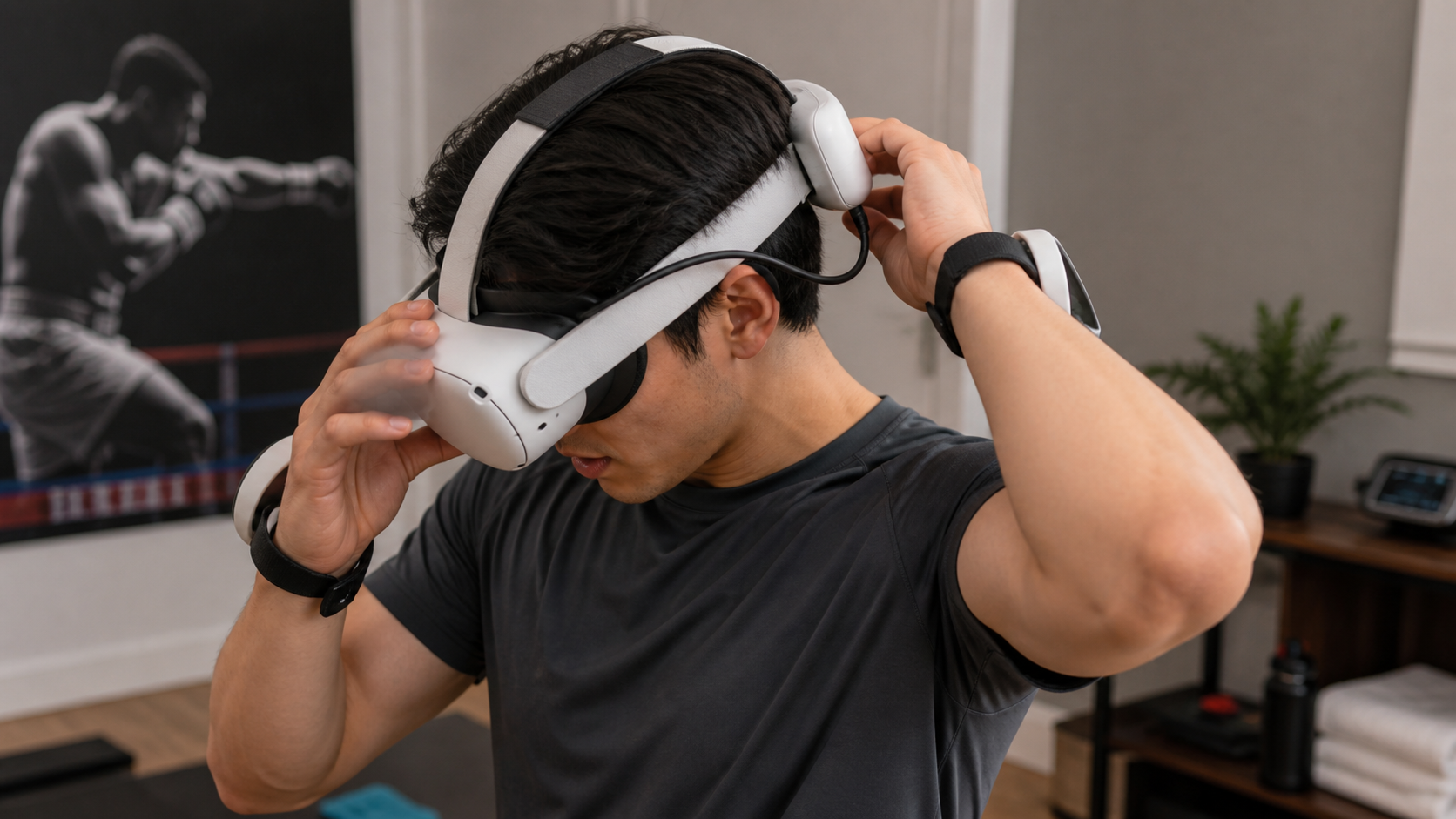
I have a perfect example of this. I was playing Thrill of the Fight, a boxing game that requires fast, wide arm movements. As I brought my hands up to block a punch, the back of my hand caught the cable connecting the battery pack to the headset. It didn't unplug, but it gave the headset a sharp tug, pulling it crooked on my face. The world tilted, and I had to immediately pause the game. Fixing it took less than 10 seconds—just a quick straighten and recenter—but the damage was done. My rhythm was gone, my focus was broken, and I was suddenly very aware of the accessory on my head.
This is the biggest downside for fitness users. Compared to a battery pack I keep in my pocket, the cable is shorter and less likely to get tangled around my legs. But it sits exactly where my arms are most active. An integrated battery strap, like those from BoboVR or Kiwi, solves this problem completely by having no external cable at all. With the official pack, you can recover fast, but you'll have to deal with these interruptions.
What would make the reviewer say Quest Battery Pack is not worth it for airline travel in fitness workouts?
You want to pack your Quest to stay active on a trip. But packing space is limited, and airports are a hassle. Is bringing another accessory worth it, or is it just extra weight?
For airline travel, the Quest Battery Pack is not worth it. It’s another bulky item to pack and charge, and its main benefit—extended playtime—is rarely needed for short hotel workouts. A simple wall charger and a long USB-C cable are far more practical and versatile for a traveling fitness user.
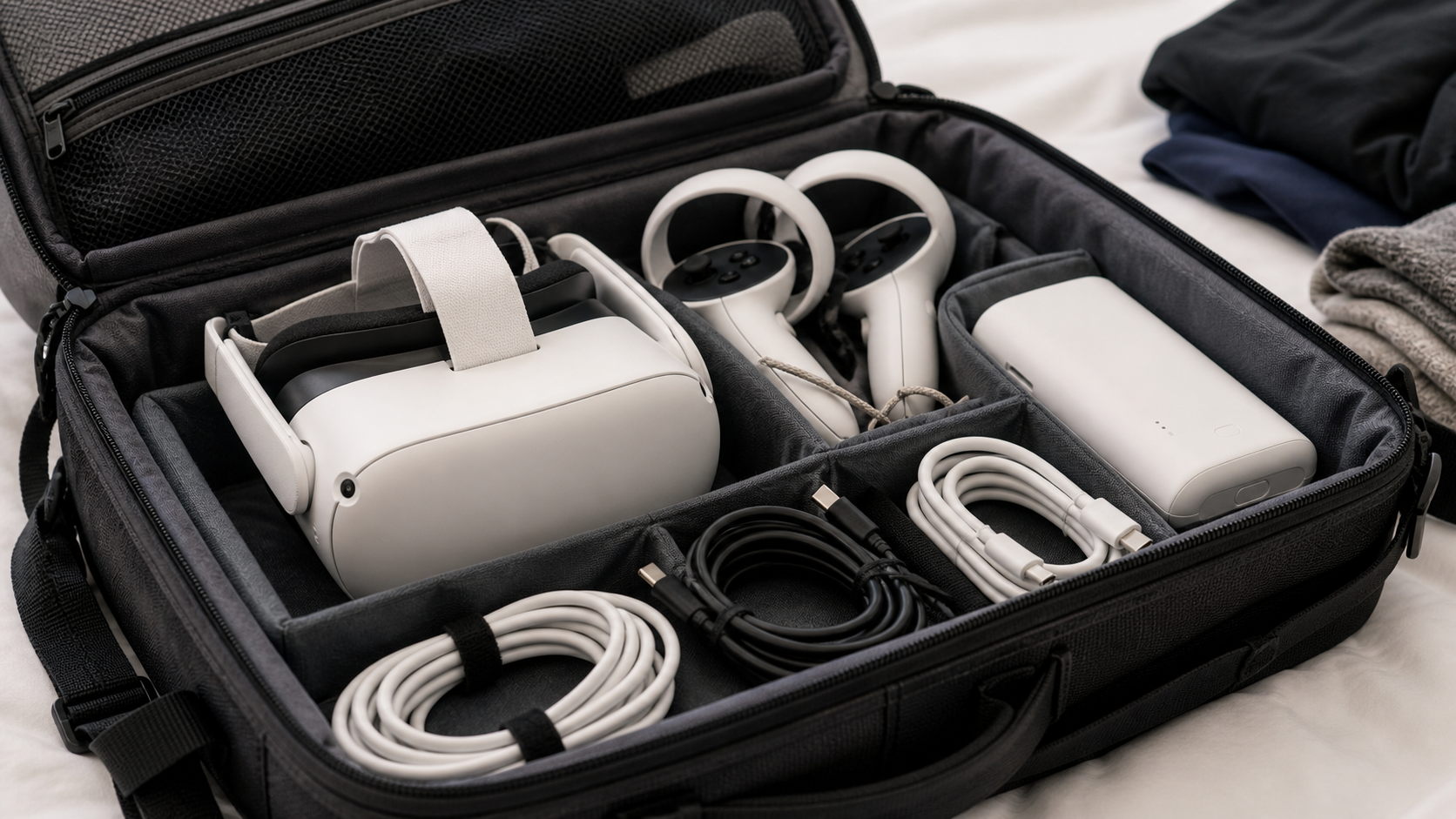
I took my Quest 3 on a recent work trip, and I brought the battery pack along. My plan was to use it for watching movies on the plane and for my daily workouts in the hotel room. It ended up being a complete waste of space. In my airline seat, the short cable was a pain. I couldn't comfortably rest my head back while wearing the headset and pack. A standard power bank with a long cable in my pocket would have been much better.
Then, at the hotel, I only worked out for about 45 minutes each morning. The Quest 3's internal battery easily handled that. I never even came close to needing the extra battery. After each session, I just plugged the headset directly into the wall to charge for the next day. The battery pack just sat on the desk, another electronic I had to keep track of and make sure was charged. It adds weight to your luggage but provides almost no real-world benefit for the typical travel-and-fitness scenario. Leave it at home and just pack your charger.
Conclusion
The Quest Battery Pack is simple and works as advertised. But for fitness users, its stiff, short cable is a constant annoyance. It’s not great for travel and best for moderate-intensity play.
Leave a comment