



Does room awareness get better after ten minutes with an Open Facial Interface for Quest 3, or only at first?

Swinging a VR golf club feels great until you worry about hitting the wall. The standard facial interface blocks your view, making you feel trapped. Is an open one the key?
Room awareness with an Open Facial Interface for Quest 3 is most noticeable at first. After about ten minutes, your brain tunes out the extra light. It offers a constant sense of your surroundings, which is a major improvement over the stock interface for active games.
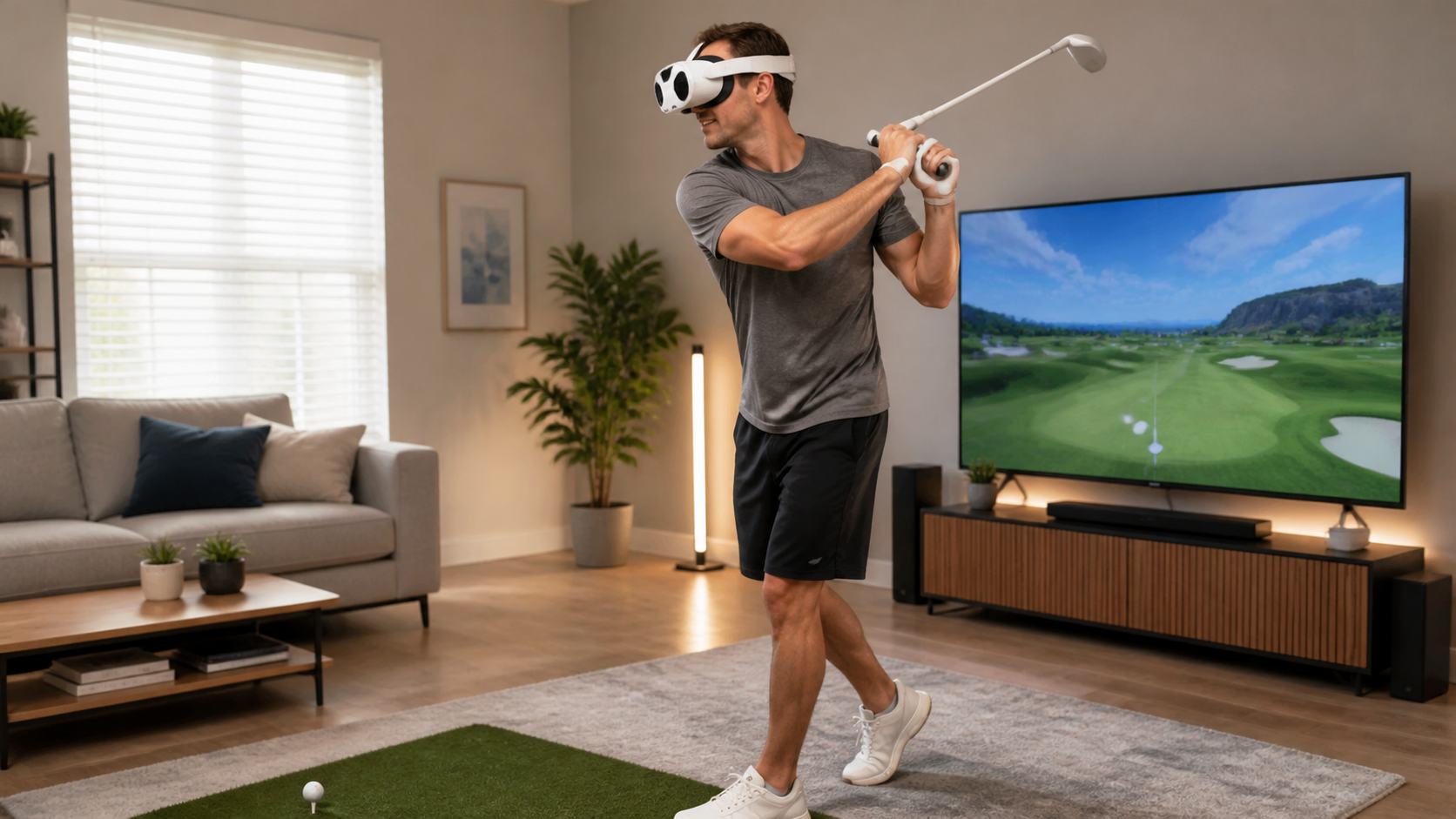
I've been a VR golfer for a while now, and my Quest Pro Touch Controllers are a big part of that. They feel great, but the biggest win is the lack of tracking rings. That alone made me feel a little more confident during my swing. Still, the headset itself felt like I was wearing blinders. I could only see the virtual world, which sounds great for immersion but is terrible for not breaking a lamp. This led me to test an Open Facial Interface. My goal was simple. I wanted to see if this accessory could give me back my peripheral vision and make my golf sessions safer and more comfortable, especially when it comes to lens fog during a workout. This is my experience.
Could Quest Pro Touch Controllers users solve room awareness without buying another accessory?
You love your Quest Pro controllers because they have no tracking rings. But you still feel disconnected from your room, which makes big movements feel risky. Is another purchase necessary?
Yes, you can improve room awareness by being more careful. But an open facial interface gives you a constant, passive view of your feet and immediate surroundings. This creates a feeling of safety during intense motion that just being careful cannot match.
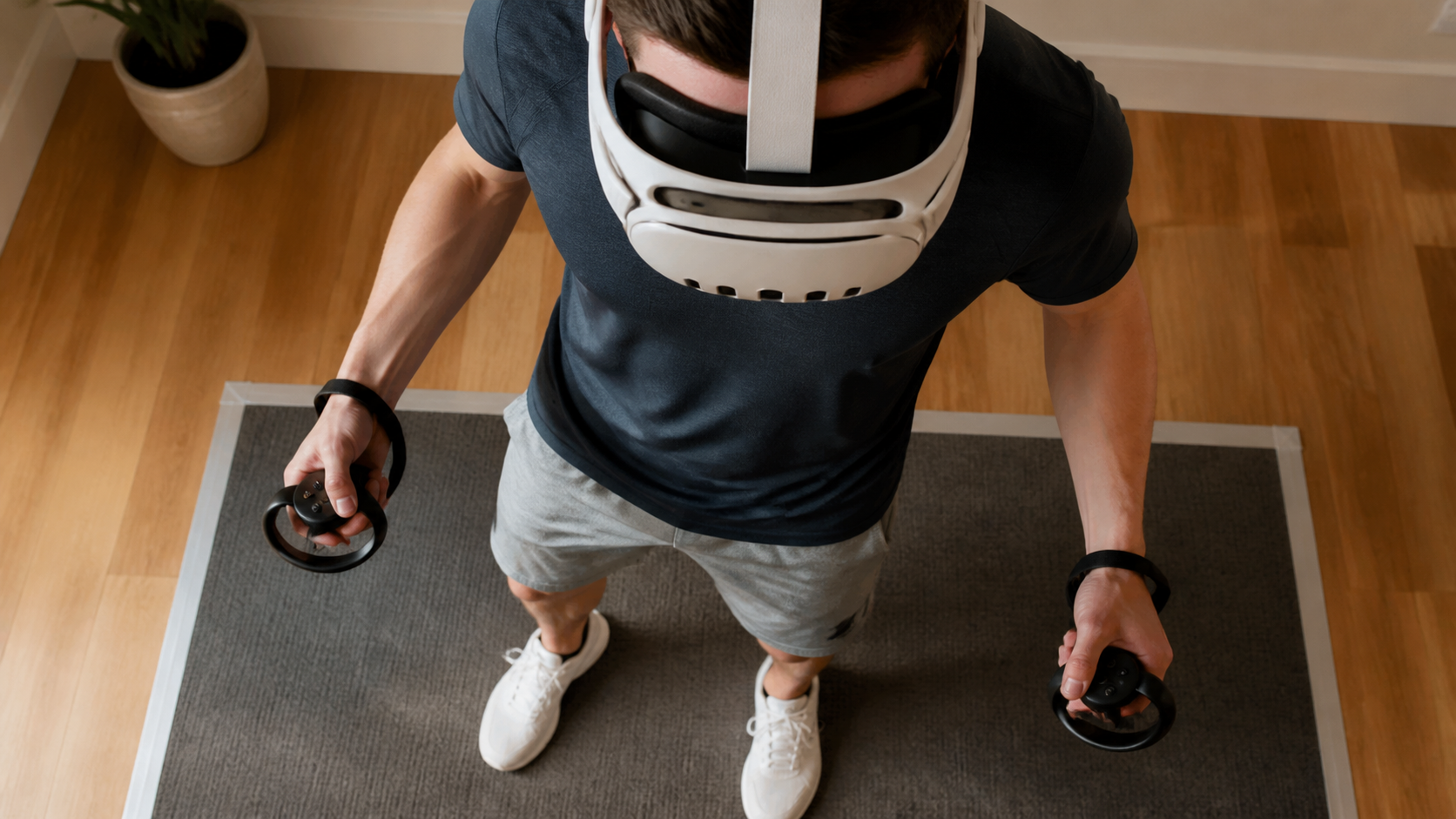
Before I tried this accessory, I thought the Quest Pro controllers were the final answer to feeling safer in VR. Since they don't have the big tracking rings of the standard controllers, my hands felt less likely to hit things. But I was still blind to the world around my head and feet. My first thought was, can't I just use the passthrough camera? The double-tap feature is fine, but it breaks the game entirely. I don't want to stop my golf swing to check my position. An open facial interface works differently. It doesn't use cameras. Instead, it physically lifts the headset slightly away from your face, creating a gap. This gap lets you see the floor and the space right next to you. It's a passive, always-on awareness.
Comparing Awareness Methods
So, how does it stack up against just using the bare controllers and being careful?
| Awareness Method | Pros | Cons |
|---|---|---|
| Bare Pro Controllers (Standard Interface) | No tracking rings feel less clumsy. Full light seal for max immersion. | Zero peripheral vision. High risk of hitting objects with your feet or body. Requires frequent passthrough checks. |
| Open Facial Interface | Constant view of your immediate surroundings. Drastically reduces the fear of tripping or hitting furniture. Better airflow. | Some light leak can break immersion for certain games. Doesn't show you things far away. |
For VR golf, the open interface was a clear winner for me. That little sliver of real-world view was enough to give me confidence in my swing without having to stop the game.
Would a side-by-side lens fog prevention clip explain the trade-off faster than text?
It is hard to describe the feeling of your lenses fogging up during a workout. Words like "airflow" and "light leak" are abstract. How can you show the real benefit?
Yes, a short video or side-by-side photo is the best way. Seeing one lens completely fogged up next to a perfectly clear one after a ten-minute Beat Saber session instantly explains the value of an open interface. It shows the direct result of improved airflow.
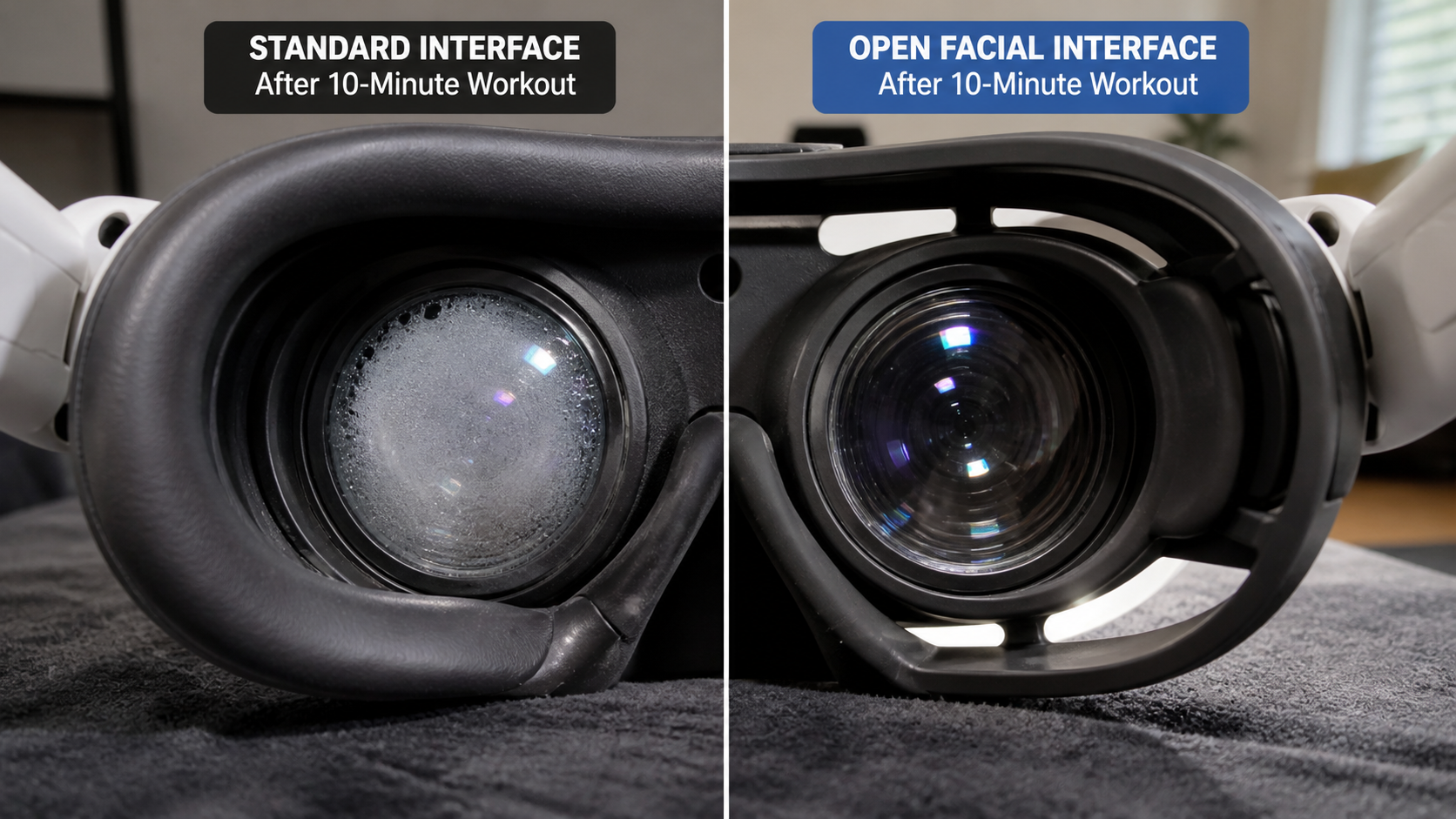
I decided to run a simple test to prove this to myself. I live in a pretty humid area, so lens fog is a constant enemy during any VR fitness game. I played a ten-minute round of a high-energy game, first with the standard silicone facial interface. Within five minutes, I had to stop and wipe the lenses. The heat and moisture from my face had nowhere to go. Then, I switched to the Open Facial Interface and played the same session again. The difference was stunning. There was zero fog. The constant, gentle airflow created by the open design kept the lenses clear the entire time.
This is the big trade-off. The open design that prevents fog is the same one that lets in a little light from your room. For a fast-paced fitness game, I didn't even notice the light leak. My focus was on the game, and my body was grateful for the ventilation. For a dark, atmospheric horror game, the light leak would definitely be more distracting and might break the mood. But for VR golf and workouts, the benefit of having clear vision far outweighs the minor distraction of seeing my floor.
Does the same advice apply to Quest 2, Quest 3, and Quest 3S?
You might own an older Quest 2 or plan to get the new Quest 3S. It is frustrating to think an accessory for one headset might not work the same for another.
No, the advice is not universal. The open interface is most valuable for Quest 3 and 3S because their advanced color passthrough makes blending VR with reality a key feature. For Quest 2, it is mainly a comfort and anti-fog accessory, as its passthrough is much lower quality.
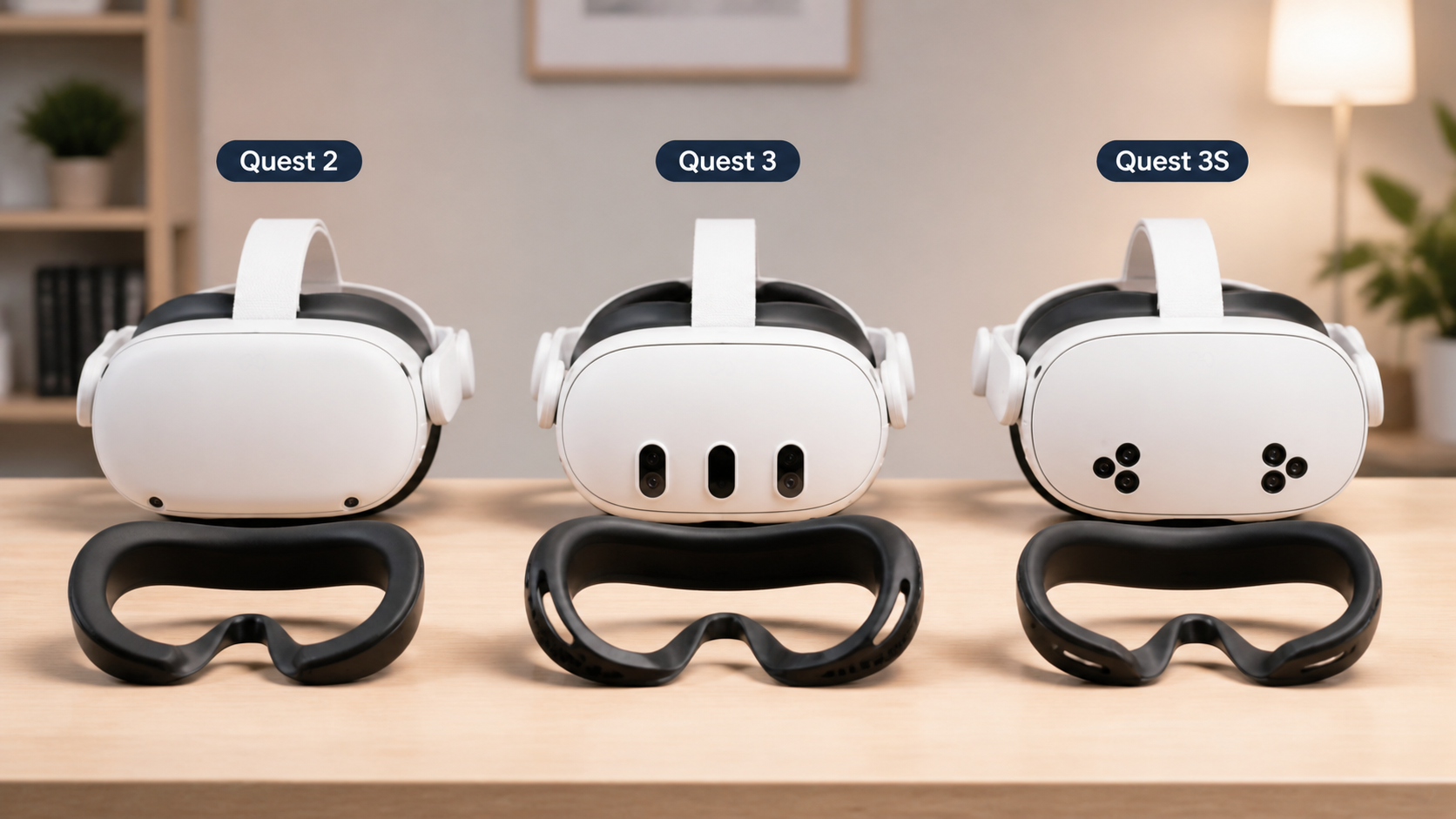
Each headset in the Quest family has a slightly different design, focus, and user base. An open facial interface solves different problems for each one. For my Quest 3, the goal was to improve my awareness for mixed-reality gaming and fitness. The high-quality color passthrough on the Quest 3 means I want to be more connected to my room, and the open interface helps that. It feels like a natural extension of the headset's capabilities.
The Quest 2 is a different story. Its passthrough is grainy and black-and-white. Most Quest 2 users stay fully inside the virtual world. For them, an open interface isn't really about room awareness. It's about comfort. It solves the problem of a hot, sweaty face and foggy lenses during long Beat Saber sessions. The light leak is a bigger downside on the Quest 2 because you aren't expecting to see your room.
For the upcoming Quest 3S, which is expected to be a more budget-friendly version of the Quest 3, the value will depend on its passthrough quality. If it's similar to the Quest 3, then the advice here stands. If it's closer to the Quest 2, then the accessory will be more about anti-fog than spatial awareness.
What final verdict should Quest Pro Touch Controllers users get for Open Facial Interface for Quest 3 when lens fog prevention is limited by room awareness?
You have high-end controllers and want the best experience. You need a clear yes or no answer: Is the Open Facial Interface a smart upgrade or a pointless accessory?
Quest Pro controller users who play active games like golf or fitness titles should get it. The benefit of fog-free lenses and safer movement is huge. Users who only play seated, dark, immersive games should skip it, as the light leak will be annoying.
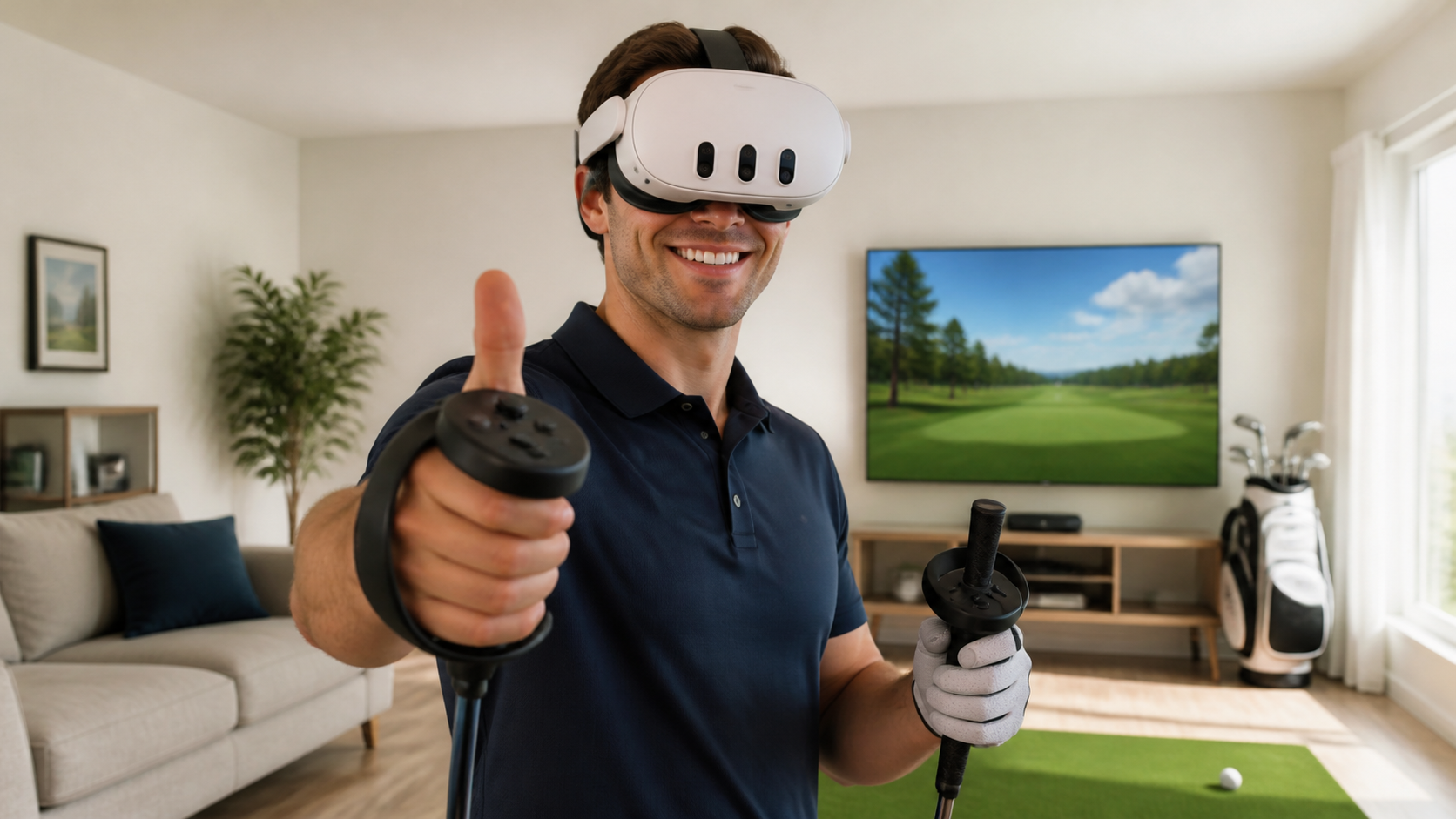
After spending a lot of time with this setup, my conclusion is very specific. This accessory is not for everyone, but for some of us, it's a game-changer. I went into this as a VR golfer with Quest Pro controllers, looking for a way to feel safer and play longer without my lenses fogging up. The Open Facial Interface delivered perfectly on those two points. The constant, subtle view of the floor beneath me gave me the confidence to swing freely. The amazing airflow meant I could finish a full workout without a single fog-related pause.
However, it felt annoying when I tried to play a darker, story-driven game. The light seeping in from the bottom was distracting and pulled me out of the experience. That is the core trade-off. You are trading a bit of immersion for a lot of comfort and practical awareness. For me, that's a great deal because I spend most of my VR time standing and moving. If you are a player who prioritizes a perfect, light-sealed virtual world above all else, you should stick with the standard interface. It is a tool designed to solve a specific problem.
Conclusion
The Open Facial Interface is a fantastic tool for active Quest 3 users. It stops lens fog and improves room awareness, but it sacrifices some immersion. It's for fitness, not film.
Leave a comment