



Does an Open Facial Interface for Quest 3 help with glasses spacing enough to justify the extra gear?

Wearing glasses with a Quest 3 is frustrating. The pressure and fog are constant problems. An open facial interface seems like the answer, but does it really help enough?
For glasses spacing in passthrough, an open facial interface helps with airflow and reduces fogging. But it may not fix pressure points and can introduce new issues like light leak, making it a mixed solution that depends heavily on your specific glasses and face shape.
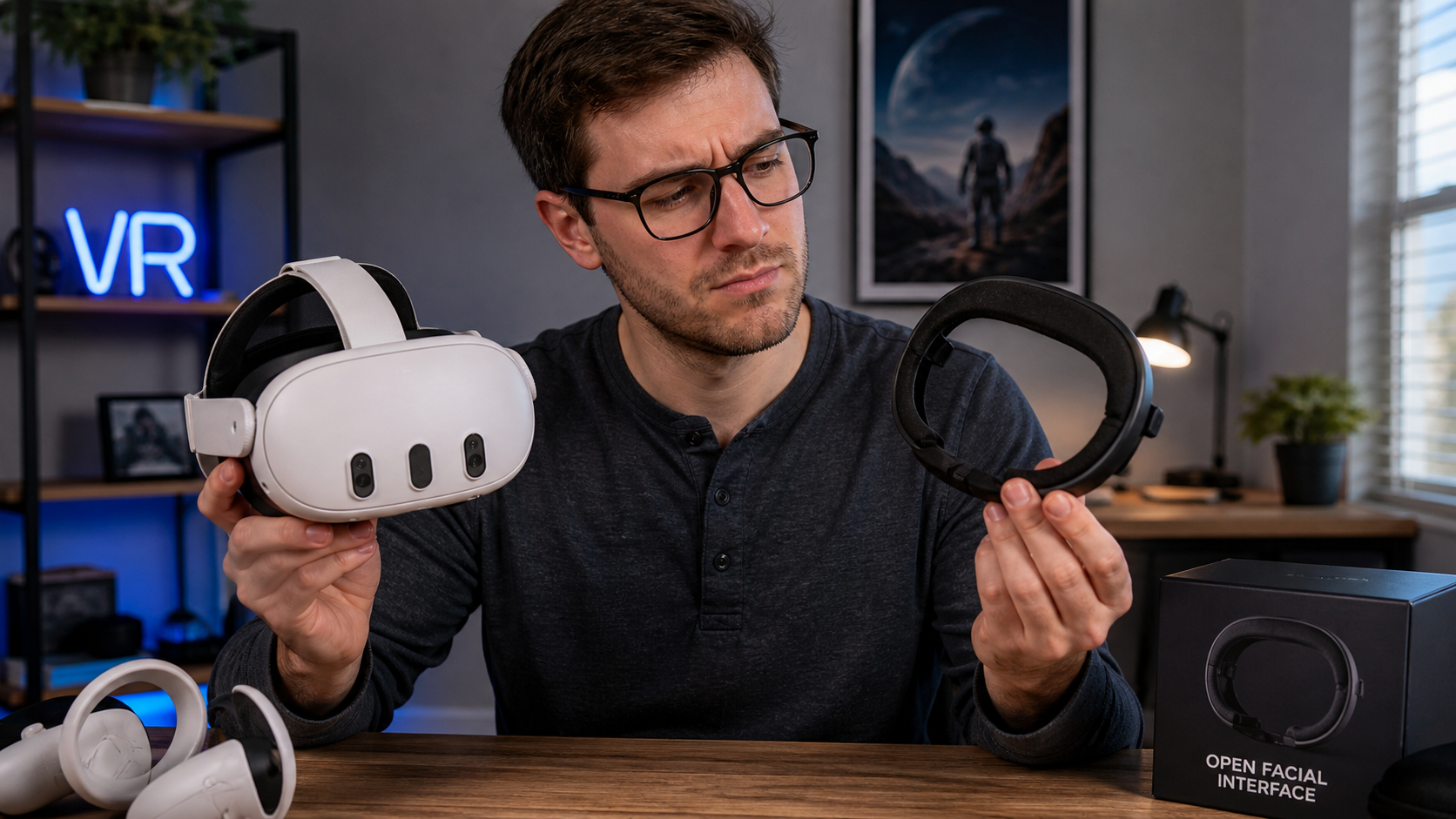
I wear glasses every day. So, when I got my Quest 3, finding a comfortable fit was my first mission. The stock facial interface pushed my frames into my face. I heard an open-style interface, like the ones for the Quest Pro, could solve this. It promises more space and better airflow. I decided to put it to the test, specifically focusing on my experience as a glasses user in mixed reality. I wanted to see if the extra gear was worth it for someone who spends a lot of time walking around their room in passthrough mode, where fit and real-world visibility matter most. This is my experience, a case study for fellow glasses wearers.
Would glasses users notice glasses spacing in passthrough sessions before they notice comfort or setup?
You just got a new VR accessory. You are excited to try it. But the setup is clumsy and it feels weird on your face. This is often the first impression.
Yes, glasses users will absolutely notice comfort and setup issues first. Before even judging the glasses spacing, you feel the immediate pressure on your nose bridge or temples. A complicated setup process that requires multiple adjustments just to get your glasses to fit is an immediate frustration.
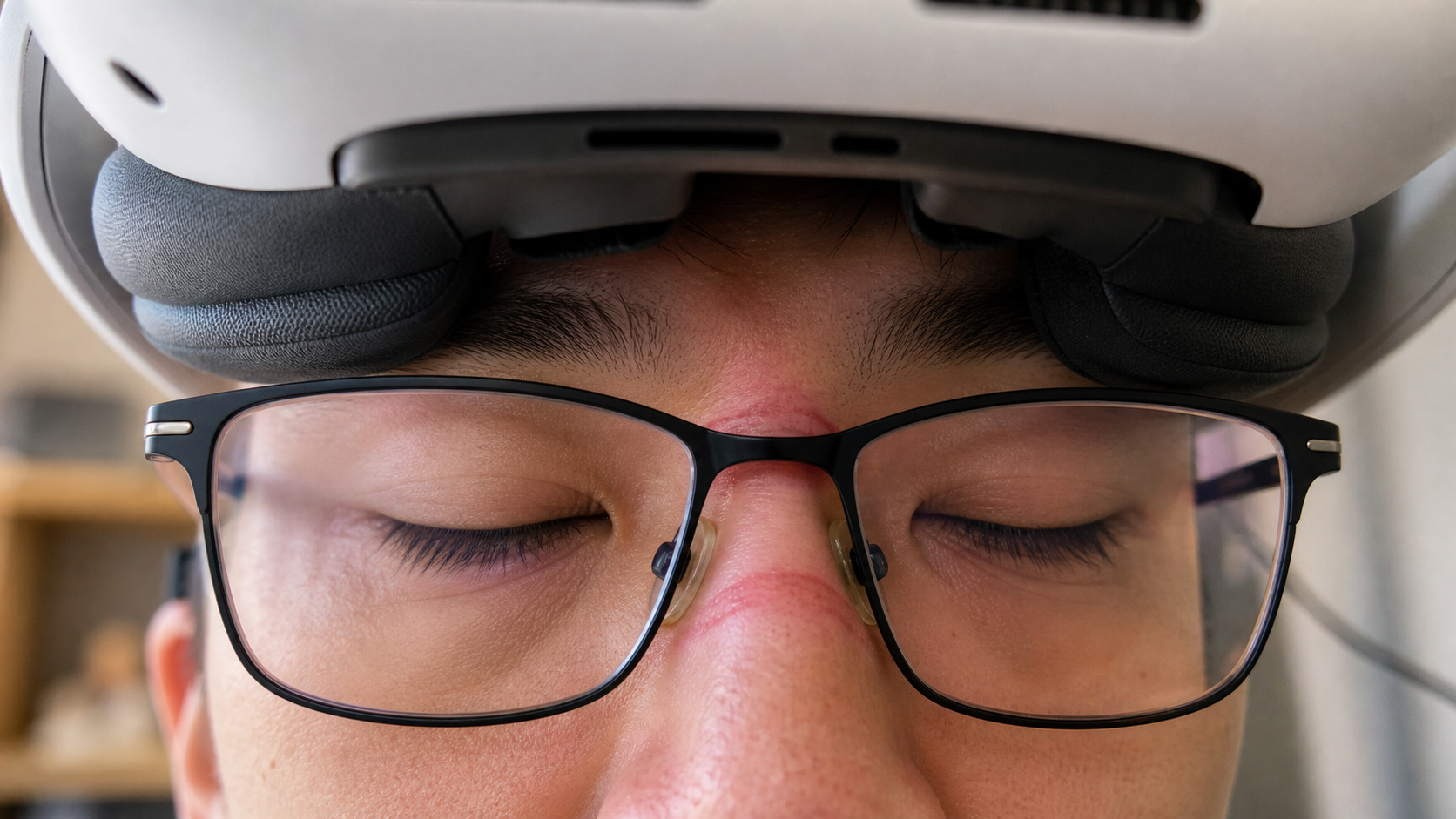
The moment I tried to install the open facial interface and put the headset on, my focus was not on the extra space. It was on the initial feel. The first thing I noticed was how the new pads interacted with my glasses frames. The stock interface has one continuous cushion. This open one has separate pads. This meant I had to find the right position so my glasses weren't sitting on a hard edge or getting pinched. I spent the first five minutes just getting the headset on and off. I was trying to find a spot where the pressure wasn't distracting. This initial struggle with comfort and the setup process completely overshadowed any thoughts about whether there was more space. The pain points of setup are always more immediate than the potential benefits.
Initial Fitting Experience
My first impression was a mixed bag. The open design felt less claustrophobic, but it also created new contact points. I had to pay close attention to where the pads rested against my face in relation to my glasses.
| Factor | Stock Facial Interface | Open Facial Interface |
|---|---|---|
| Setup Time | Fast. Click it in and adjust the depth setting. | Slower. You have to position the pads and then fit your glasses in between them. |
| Initial Pressure | Even pressure across the face, but presses glasses into the nose and temples. | Specific pressure points where the pads meet the glasses frames. Less overall facial contact. |
| First Impression | Feels secure but tight and hot. | Feels airy but less secure. The fit feels more delicate and easier to mess up. |
Would compare light leak during a dark scene and a bright MR scene expose the same glasses spacing problem?
Light leaking into your headset can ruin a dark, immersive game. You see the real world peeking in. It pulls you out of the experience and makes everything feel less real.
No, the experience is completely different. In a bright MR scene, light leak from glasses spacing is almost unnoticeable. Your brain blends it with the passthrough view. But in a dark VR game, the same gaps create huge, distracting light beams that destroy immersion.
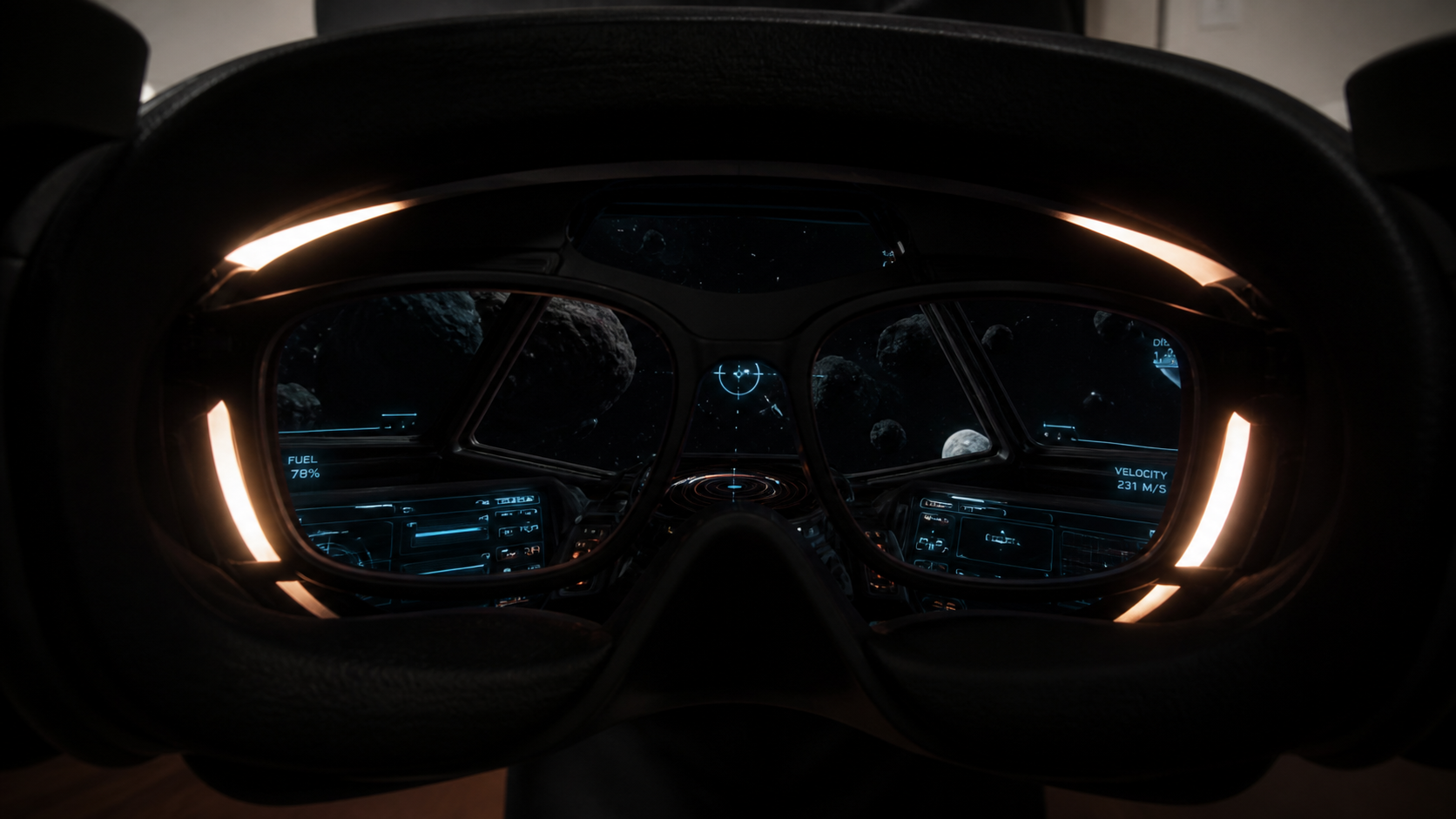
I tested this by playing a round of a rhythm game in mixed reality, walking around my furniture. The open interface felt great. I could see my surroundings clearly through passthrough, and the gaps around my glasses didn't matter because the room was already lit. The extra airflow was a welcome bonus. Then, I switched to a space exploration game with many dark scenes. The problem became immediately obvious. Light from my office lamp bled in through the gaps around the sides of my glasses. Every time I turned my head, I saw a sliver of my real-world wall. This was far more distracting than the slight pressure from the stock interface. The open design, which was a benefit in MR, became a major downside for fully immersive VR. The same physical gap creates two totally different experiences depending on the content.
Can photos prove the fit issue better than a paragraph of explanation?
Trying to describe how a headset feels is hard. Words like "pressure" and "gap" are subjective. You can't be sure if someone else understands exactly what you mean.
Yes, photos prove the fit issue instantly. A single side-profile picture showing the gap between the interface pad and the user’s glasses is more powerful than 100 words trying to describe it. Visual evidence makes the problem concrete and undeniable.
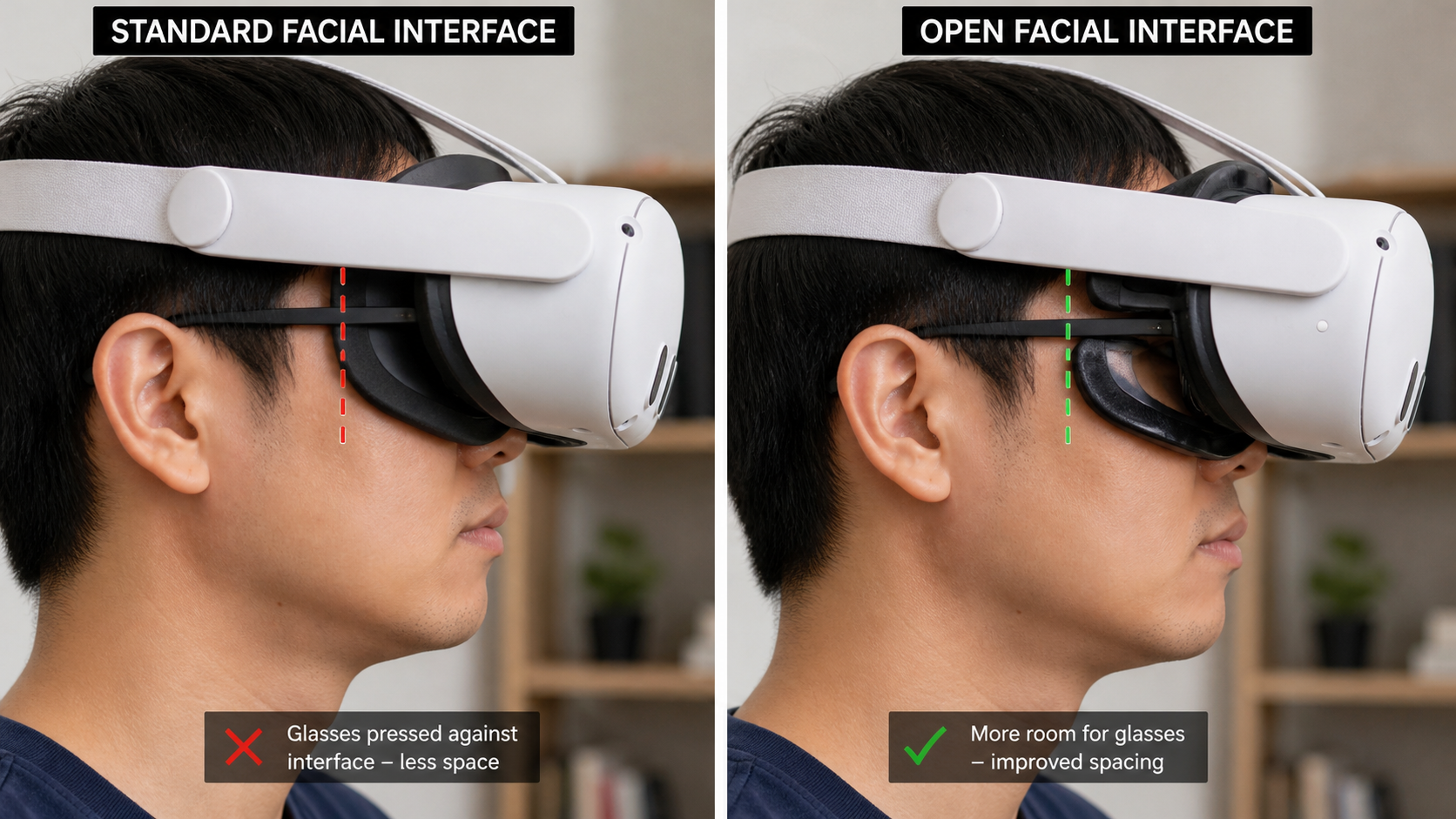
I spent a while trying to write down how the open interface left a space near my temples. It was difficult to explain clearly. Then I just took a picture. I put the headset on and had someone take a photo from the side. The image clearly showed a small but noticeable gap where the pad ended and my glasses arm began. I then did a pad-swap demonstration. I took a photo with the thin pad that came with the interface, showing the gap. Then I swapped to a thicker, third-party pad and took another photo. The second picture showed the gap was almost gone. Comparing those two photos side-by-side told the entire story. It showed the problem and the solution in a way that was immediate and easy to understand. No amount of careful explanation could have the same impact as that simple visual comparison.
What would make the reviewer say Open Facial Interface for Quest 3 is not worth it for glasses spacing in passthrough sessions?
You buy an accessory to solve one problem. But what if it creates two new ones? Sometimes, the fix is worse than the original issue, and you realize you wasted your money.
The open interface is not worth it if the light leak in mixed lighting is too distracting, if it creates new, sharp pressure points on your nose, or if you spend more time adjusting it than playing. If the "solution" requires constant fiddling, it has failed.
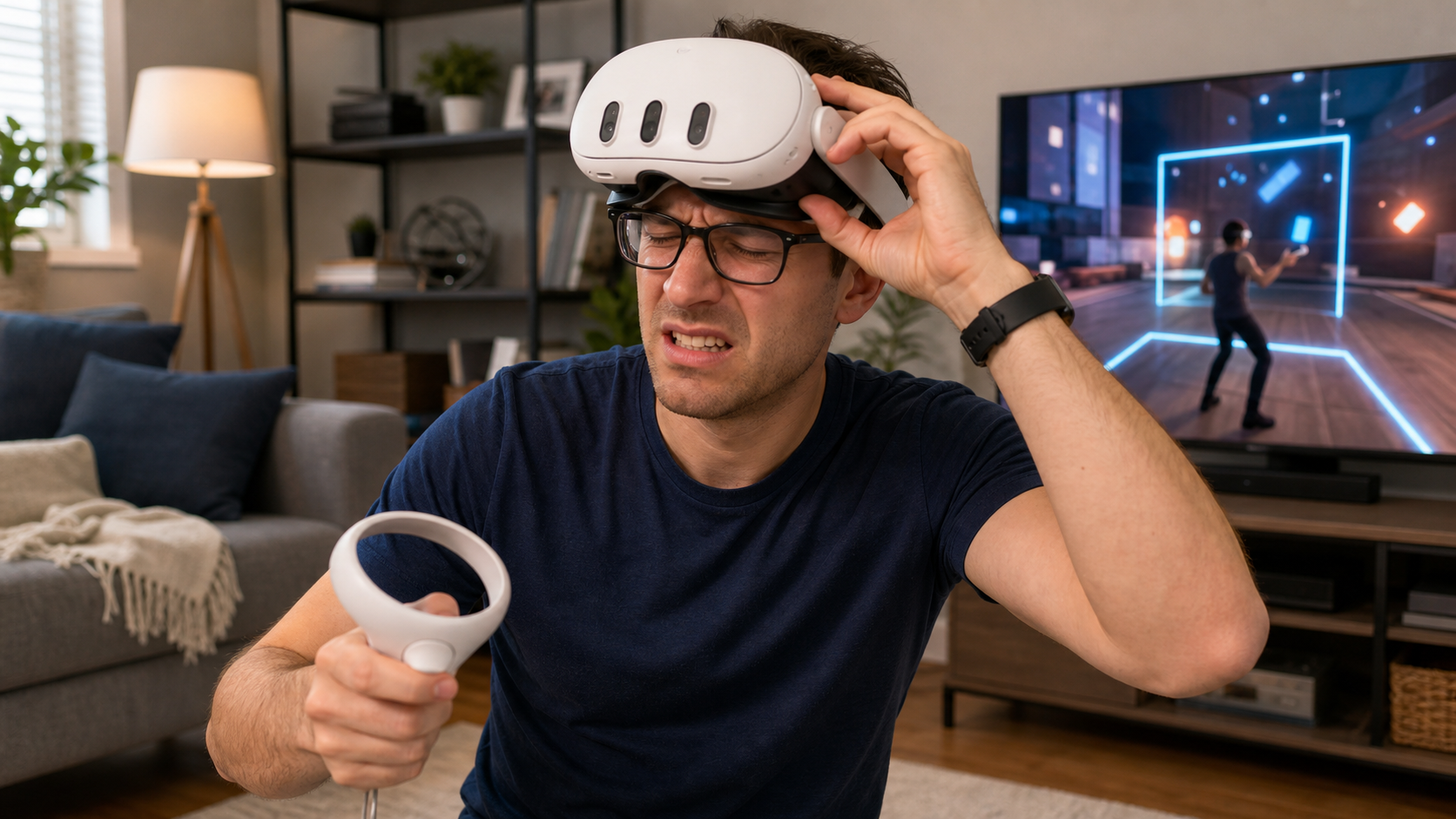
For me, the dealbreaker would be constant adjustments. After a few sessions, I found myself in a loop. I’d put the headset on, and the pads would pinch my nose. I’d take it off, reposition it, and then my glasses would be crooked. I’d fix my glasses, and now there was a huge light gap on one side. I was using it for passthrough fitness games where I move around a lot. Every time I made a quick head movement, the fit would shift just enough to become annoying again. While the stock interface caused some fogging, at least it stayed put. The open interface traded the fogging problem for a stability and light-leak problem. If an accessory adds more friction to starting a VR session, it's not a good accessory for me, no matter what problem it claims to solve. It's not worth it if it makes you not want to use your headset.
Conclusion
The open interface is great for airflow. But for glasses users, it’s not a perfect fix for spacing. It helps some issues but can create others, like light leak and instability.
Leave a comment