



Does an Open Facial Interface for Quest 3 create a learning curve in peripheral awareness for Fitness Players?

Feeling trapped inside your Quest 3 during a workout? That sweaty, closed-off feeling from the stock interface is a real immersion-killer, limiting how aware you are of your space.
Yes, an open facial interface for Quest 3 introduces a learning curve for fitness players. It dramatically improves peripheral awareness for safety, but you must adapt to new light leaks and a different sense of stability. The trade-off is most noticeable during fast-paced workouts.
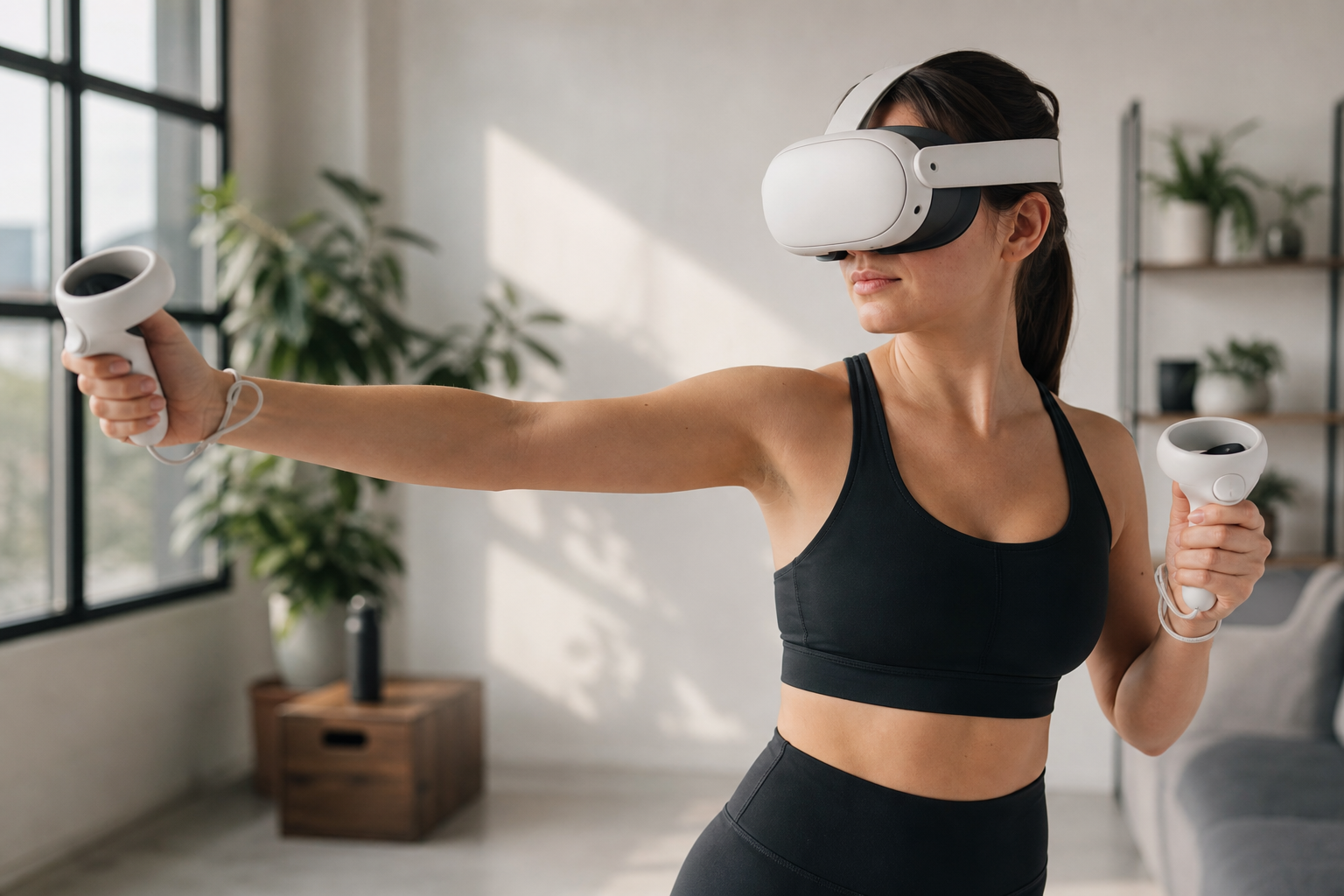
I was tired of the tunnel vision and the embarrassing red marks the stock foam left on my face after every session of Les Mills Bodycombat. As someone who shares my headset with my partner, the sweaty foam was also a real problem. I decided to test an open-style facial interface to see if it could solve these issues. I wanted more awareness of my surroundings so I wouldn't punch a wall, and I needed something I could wipe clean in seconds. The experience, however, wasn't a simple upgrade. It was a series of trade-offs. Let's dig into whether this accessory is a true solution or just a different set of problems for VR fitness.
Does Open Facial Interface for Quest 3 still help when record pressure marks around the cheeks and brow?
Sick of those red "VR face" marks after a gaming session? The default foam pad clamps down on your cheeks and forehead, leaving lines that last long after you're done.
Yes, the open facial interface is a huge improvement for reducing pressure marks. Its design keeps the pads off your cheeks and brow entirely. The pressure is shifted to your forehead, but it’s spread out, making long sessions much more comfortable.
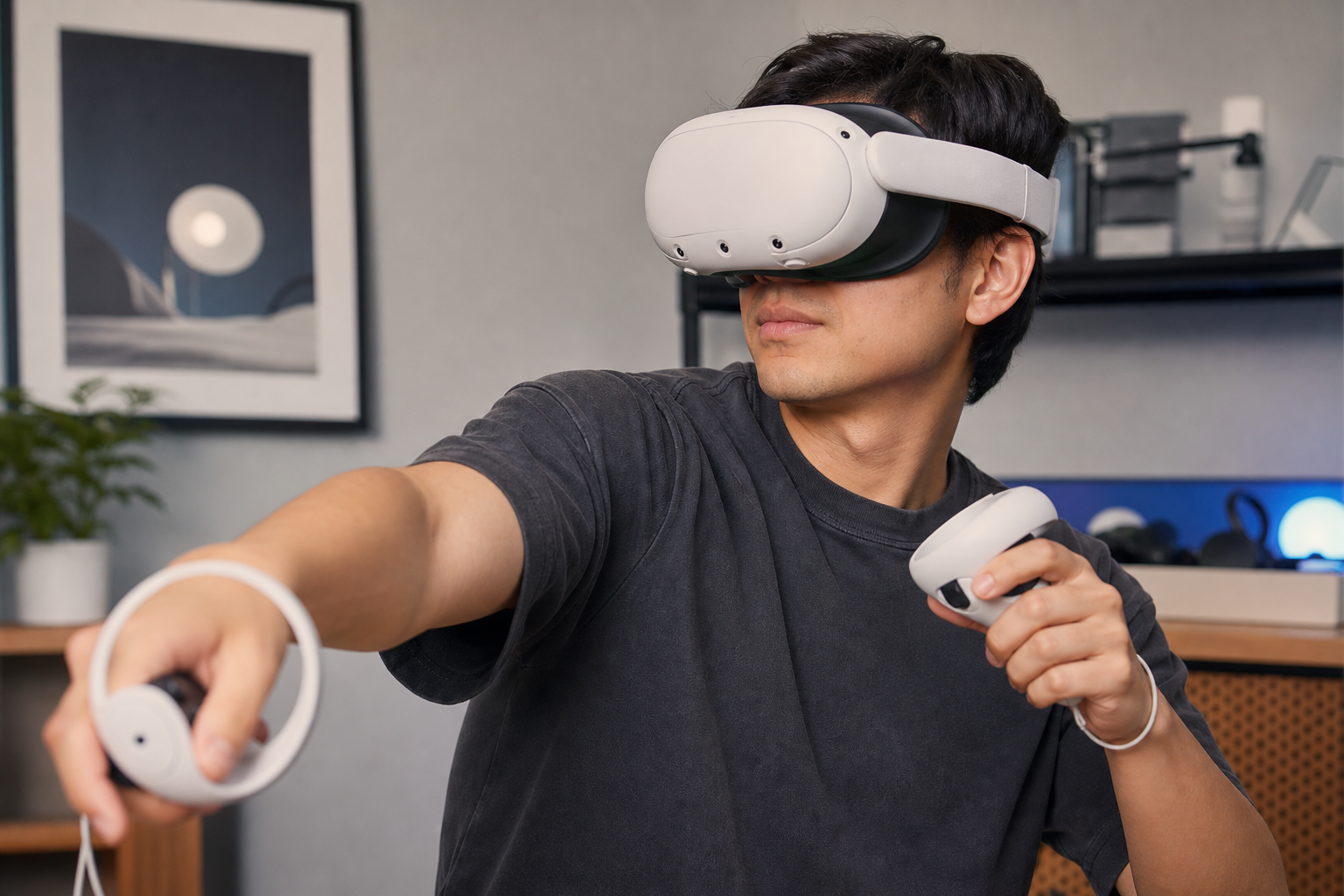
The first thing I noticed was the lack of pressure. The stock interface squeezes my face to create a light seal, but this open design floats in front of it. After an hour-long fitness session, I took the headset off and looked in the mirror—no red marks on my cheeks or around my eyes. This was a huge win for me, especially if I have to jump on a video call right after a workout. The pressure is still there, but it's focused on the forehead pad and the head strap, not my face.
Beginner vs. Experienced Player Setup
For a beginner, this is an immediate and obvious comfort upgrade. New users are often sensitive to the feeling of pressure. For an experienced player like me, who is used to a very tight and secure fit for fast games, the "floating" feeling was a bit strange at first. I had to learn to trust that the headset was secure without it squeezing my face.
| Feature | Stock Facial Interface | Open Facial Interface |
|---|---|---|
| Main Pressure Points | Cheeks & Forehead | Forehead & Head Strap |
| Red Marks After 1 Hour | Very Noticeable | Minimal to None |
| Overall Sensation | Constricting, Secure | Open, Floating |
Does Open Facial Interface for Quest 3 still feel worth it after the test focuses only on cleaning speed?
Sharing your headset is a pain. Wiping down a sweaty, absorbent foam pad between players is slow, and it never feels truly clean. You're left with a damp, unhygienic mess.
Absolutely. The open facial interface feels more than worth it for its cleaning speed alone. The silicone pads are non-absorbent, so a quick wipe with an antibacterial cloth is all it takes. This makes it perfect for shared headsets in fitness or demo settings.
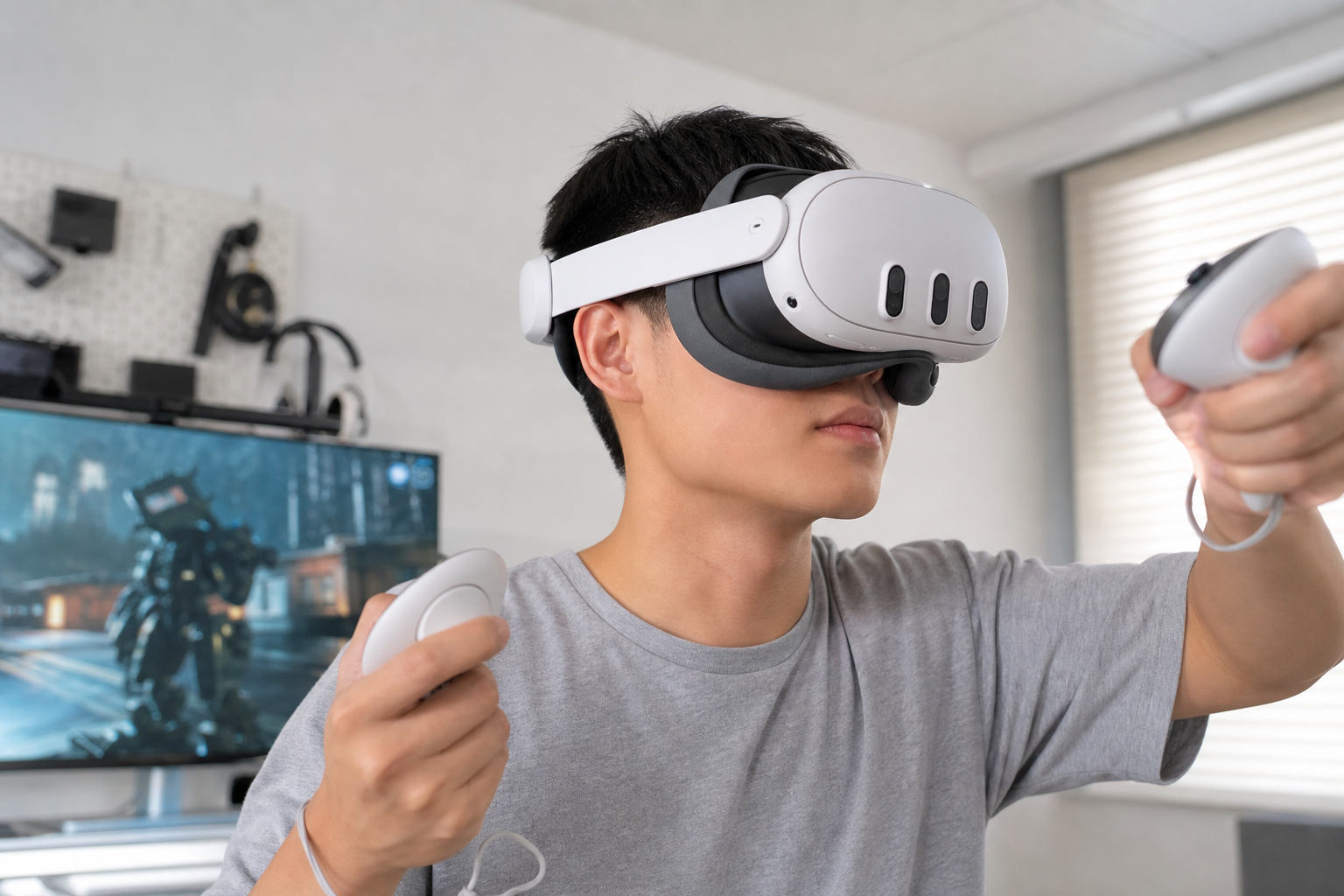
This is where the open interface shines, especially for people who share a Quest 3. My partner and I play a lot of Beat Saber, and we used to have a routine. One person finishes, then we spend a few minutes trying to dry and clean the soggy foam pad. It was gross and inefficient. With the open interface, the process is instant. I take it off, wipe the silicone forehead pad, and hand it over. It’s dry and clean in under ten seconds. This advantage cannot be overstated. While some luxury foam replacement pads might feel softer, they share the same absorption problem as the stock one. For anyone prioritizing hygiene and fast swaps between users, the easy-to-clean silicone surface makes the open interface a necessary upgrade. It completely removes the "yuck" factor of sharing a headset after a workout.
Does the accessory make peripheral awareness more consistent or just more dramatic?
Are you constantly worried about hitting a wall or tripping over a coffee table? The stock interface creates tunnel vision, making you blind to your real-world surroundings during intense movement.
It makes peripheral awareness more dramatic, not more consistent. You see much more of your room, which is a huge benefit for safety in fitness games. But the light leak from the gaps can be distracting in dark, immersive games.

The change in my field of view was immediate. Suddenly, I could glance down and see my feet. This was a game-changer in fitness apps. During squats or lunges, I could check my form and position without feeling like I was in a black box. It gave me more confidence to move freely and fully. In mixed reality, it's even better, as it helps blend the virtual and real worlds more naturally. However, this openness comes at a cost. When I switched to a dark game like Into the Radius, the light from my room leaking in from the bottom and sides was very noticeable. It pulled me out of the experience. The awareness isn't consistent across all apps; it's a feature you'll love for some things and dislike for others.
| Use Case | Peripheral Awareness Effect | My Verdict |
|---|---|---|
| Fitness (e.g., *Supernatural*) | Extremely helpful, improves safety and confidence. | Highly Recommended |
| Mixed Reality (MR) | Essential, makes the passthrough feel more natural. | Highly Recommended |
| Movies/Media (Dark Scenes) | Distracting light leaks break immersion. | Not Recommended |
Should Open Facial Interface for Quest 3 be recommended for peripheral awareness only if users accept easy cleaning versus pad movement?
Is the trade-off worth it? You want to see your surroundings and have a clean headset, but you're worried it will feel loose and unstable during fast action.
Yes, the recommendation hinges on this trade-off. If your main goals are peripheral vision for safety and fast cleaning for shared use, the open interface is fantastic. But you must accept a "floating" sensation and potential for minor shifting.
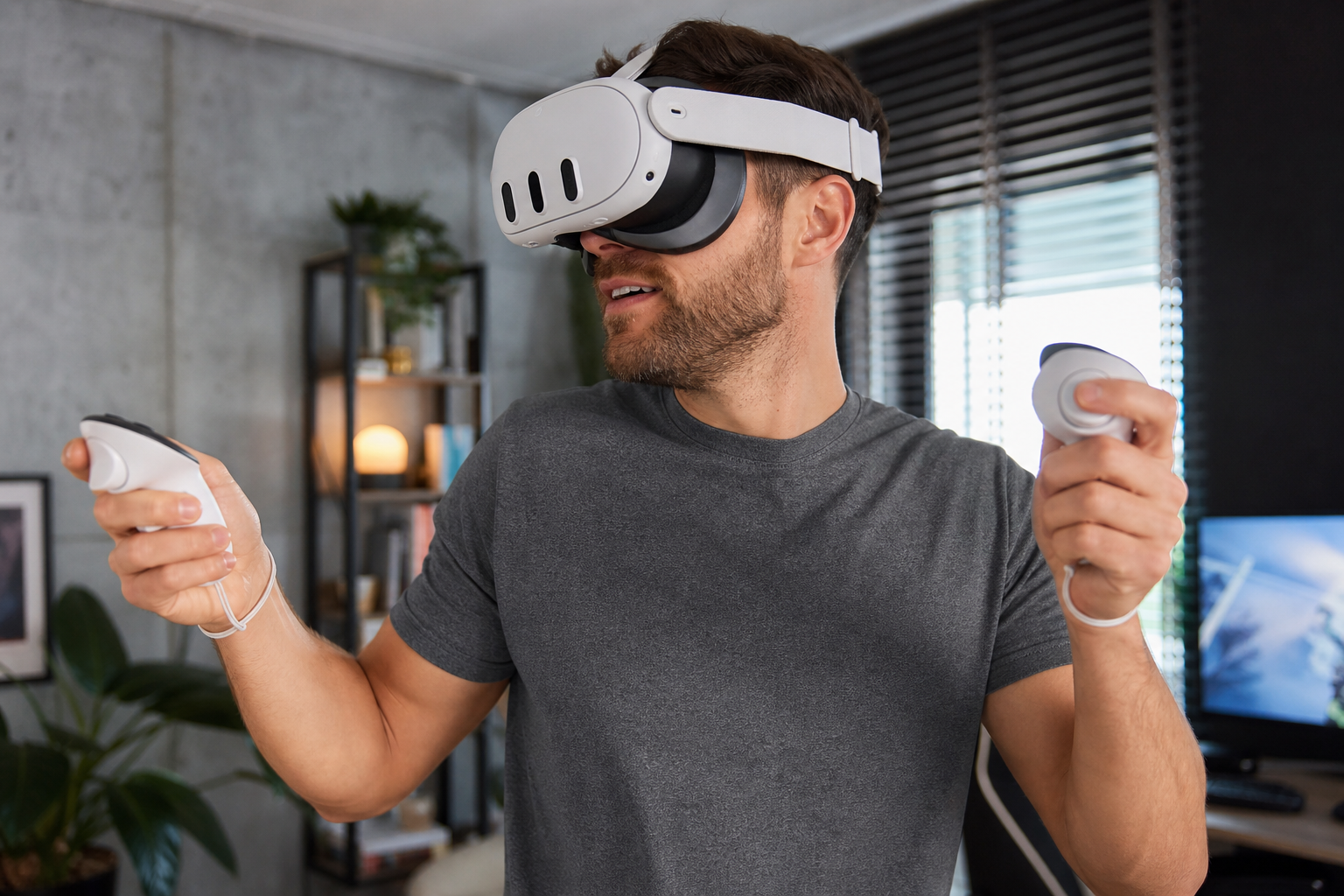
This is the final decision point. The open interface is not locked to your face in the same way the stock one is. During very rapid head movements in games like Pistol Whip, I could sometimes feel the headset shift slightly. It never felt like it was going to fall off, thanks to my elite strap, but the movement was there. For me, the benefits of seeing my floor and having a sweat-proof, instantly cleanable interface were far more important than a perfectly rigid fit. The slight movement was something I quickly got used to. However, this is a very subjective point.
Who Should Skip This Accessory?
If you are a competitive player who values maximum stability above all else, you might not like this. If you primarily play dark, immersive horror or story-driven games and want zero light leak, this is not the interface for you. But for the average fitness player, MR enthusiast, or anyone sharing their headset, the combination of comfort, hygiene, and real-world awareness is a massive quality-of-life improvement that I now can't go without.
Conclusion
The open interface boosts awareness and hygiene for fitness. But it sacrifices total immersion and a locked-in fit, making it a specialized tool, not a universal upgrade for every user.
Leave a comment