



Does a VR Mat help with slipping enough to justify the extra gear?

You bought a VR headset to escape, but now you're worried about slipping on your floor. You're constantly distracted, breaking the immersion. It's frustrating and unsafe.
A good VR mat can help with slipping, but it is not a perfect fix. Its main benefits are providing a cushioned space and a physical sense of your play area. On slick floors, some mats can still slide during intense movement, requiring extra adjustments from the user.
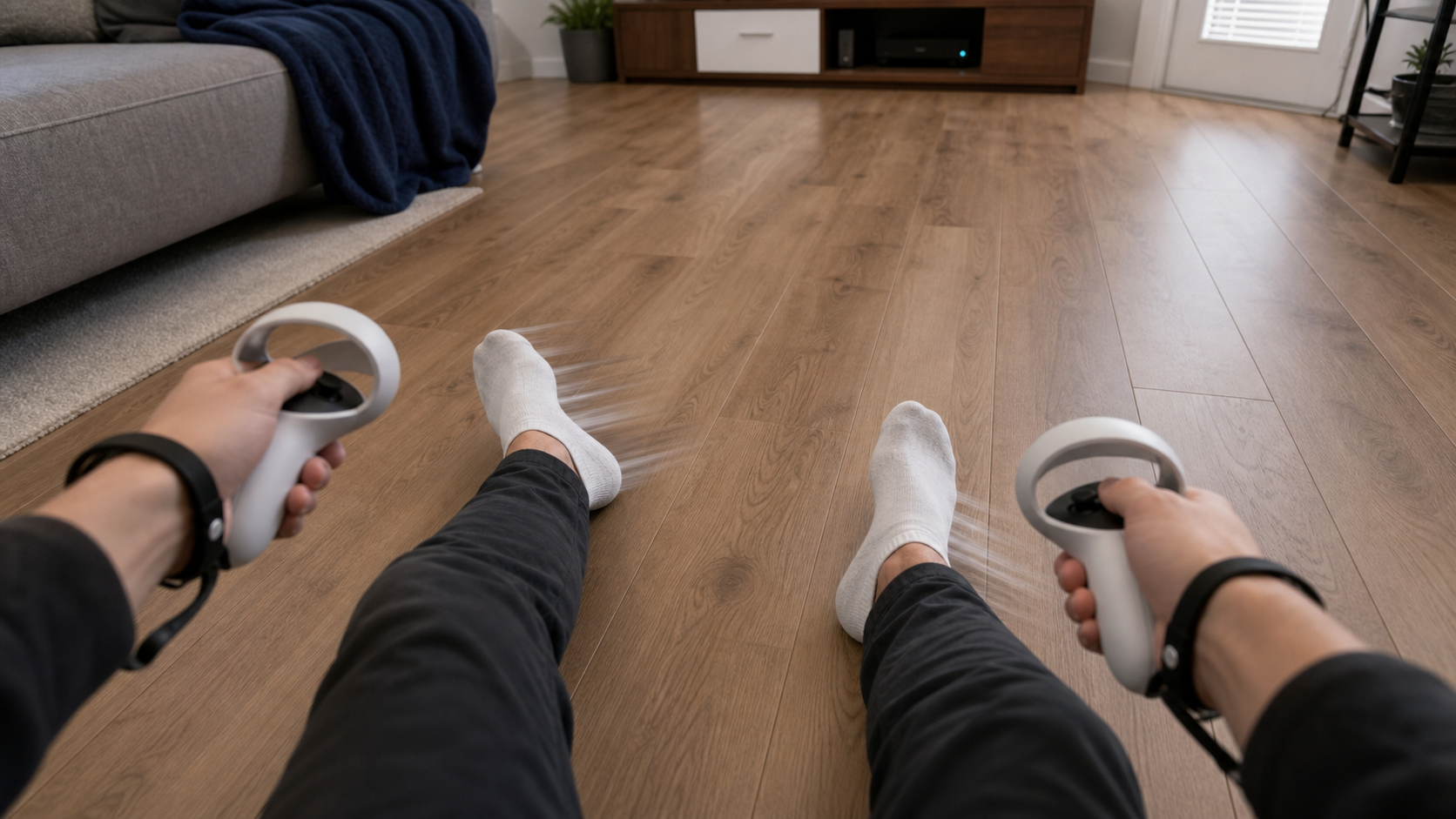
I recently got into VR with the Quest Pro and was excited to dive into some active games. My living room has laminate flooring, which I never thought much about. That changed quickly. I thought a VR mat would be the simple answer to my slipping problem, but my experience was more complicated. This wasn't a quick accessory test; it was a week-long case study in my own shared home. I wanted to find out if this extra gear was truly worth it or just another gimmick. Let’s walk through the real questions I had to answer before I felt confident in my setup.
Does shared living rooms expose slipping faster than a casual demo would?
You're trying a quick demo, standing still, and everything feels fine. Then you get home, fire up a real game, start moving, and your feet start to slide.
Yes, a shared living room with common flooring like laminate or hardwood exposes slipping issues almost immediately. Intense games like boxing or fitness apps demand quick footwork, which a short, casual demo at a store will never replicate. The problem becomes obvious within minutes of real gameplay.
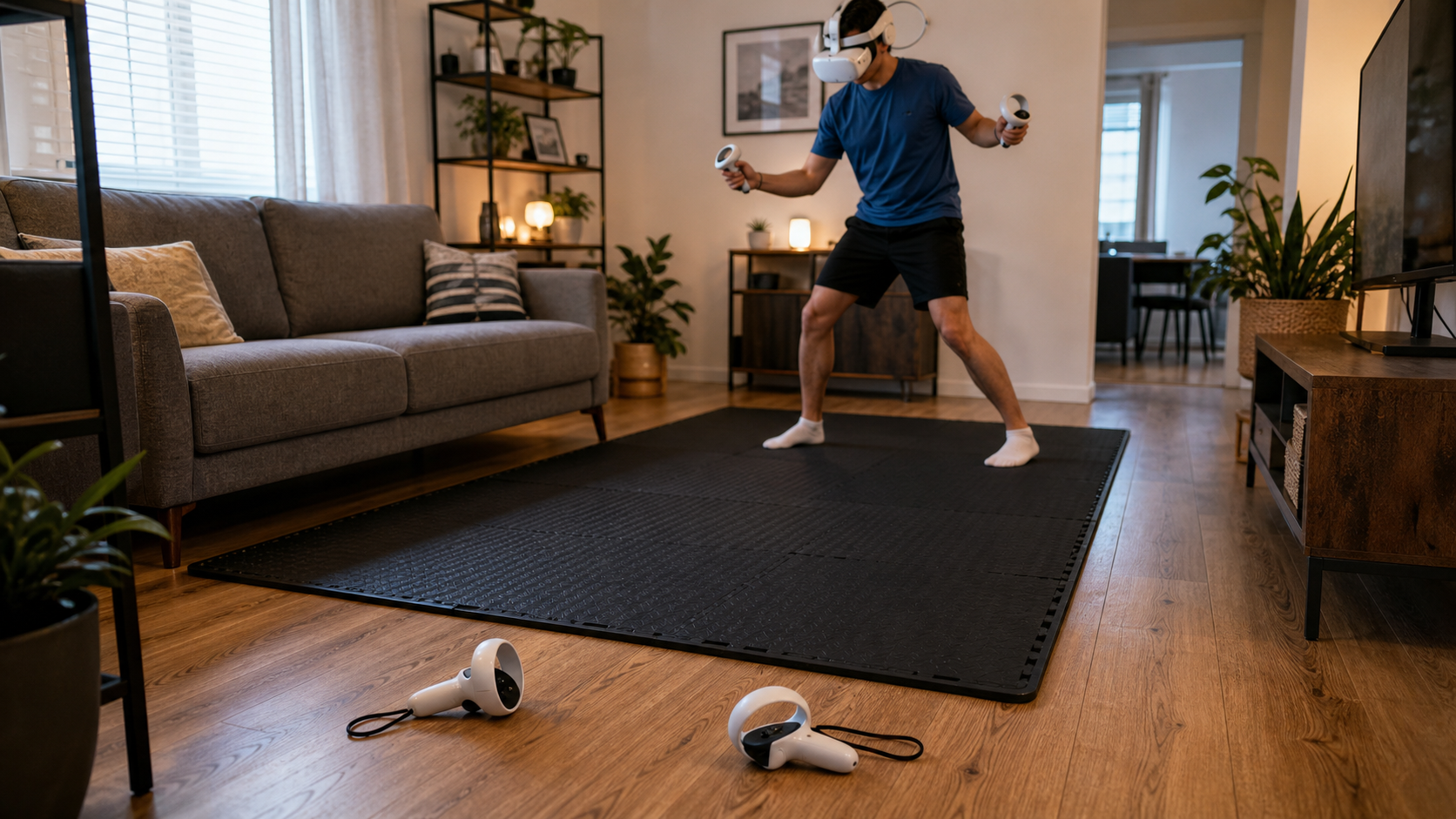
My first real session was with a boxing game. A five-minute round felt more like a test of my balance than my punches. My feet, just in socks, were sliding on the laminate with every quick shuffle. This wasn't something I noticed when I first set up the headset and just looked around. The problem only appeared when I was deep in the game, moving my body like the game wanted me to. A casual demo is usually slow and controlled. You’re not dodging, weaving, or lunging. But in a real game, you are. My shared living room floor, which is perfectly fine for walking, became a hazard during active VR. It showed me that the demands of VR gameplay are very different from the demands of everyday life. This is where the idea of a VR mat started to seem less like a luxury and more like a necessity for safety and immersion.
Comparing Demo vs. Home Experience
| Factor | Casual Demo Experience | Shared Living Room Experience |
|---|---|---|
| Movement | Minimal, often stationary or slow turning. | Dynamic, fast footwork, lunges, and dodges. |
| Session Length | A few minutes. | 30 minutes or more, leading to fatigue and less careful steps. |
| Floor Surface | Often commercial carpet, designed for foot traffic. | Common residential floors like laminate, tile, or hardwood that can be slick. |
| Mindset | Focused on visuals and controls. | Focused on winning the game, leading to less awareness of footing. |
Could thickness, cushioning, and trip risk be the real reason slipping remains in shared living rooms?
You get a thick, comfy mat to stop slipping. But now the mat itself slides, and its thick edge creates a new thing to trip over. The solution created new problems.
Absolutely. While thickness adds welcome cushioning for your joints, it also creates a raised edge that is a significant trip risk. Furthermore, if the mat's bottom material doesn't grip your specific floor type well, the entire mat can slide, making the slipping problem even worse.
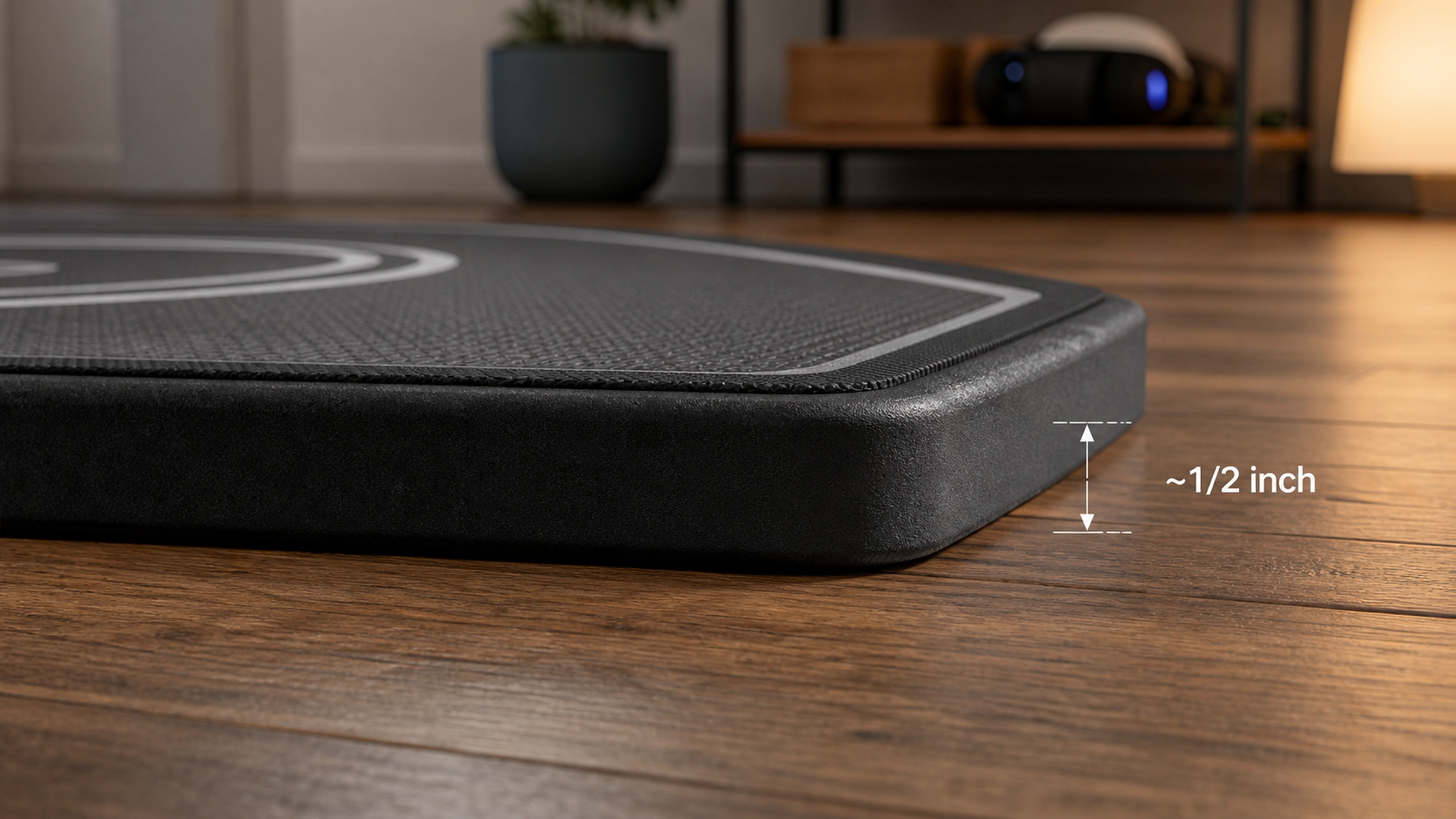
When my VR mat arrived, the first thing I noticed was the comfort. The cushioning was a huge relief on my feet and knees. I thought my problem was solved. Then, I went back to my boxing game. During an intense combination, I felt a slight shift beneath my feet. The entire mat had moved a few inches. The bottom of the mat just didn't have enough grip on my laminate floor. On top of that, the edge was now a real concern. When you’re in VR, you can't see the floor. My foot caught the half-inch edge of the mat once, and it almost sent me tumbling. It made me realize the design of the mat is a delicate balance. Too thin, and you get no cushioning. Too thick, and you create a tripping hazard. If the grip on the bottom isn't right for your floor, you've just traded one slipping problem for another.
Is this a problem a buyer can fix with adjustment rather than a return?
Your new mat is still slipping. Your first thought is to pack it up and send it back. But you wonder if a simple fix could save you the hassle.
Often, yes. Slipping can sometimes be fixed with simple adjustments. Thoroughly cleaning the floor and the bottom of the mat to remove dust can improve grip. For persistent sliding on very slick surfaces, adding non-slip rug grippers underneath the mat is an effective, low-cost solution.
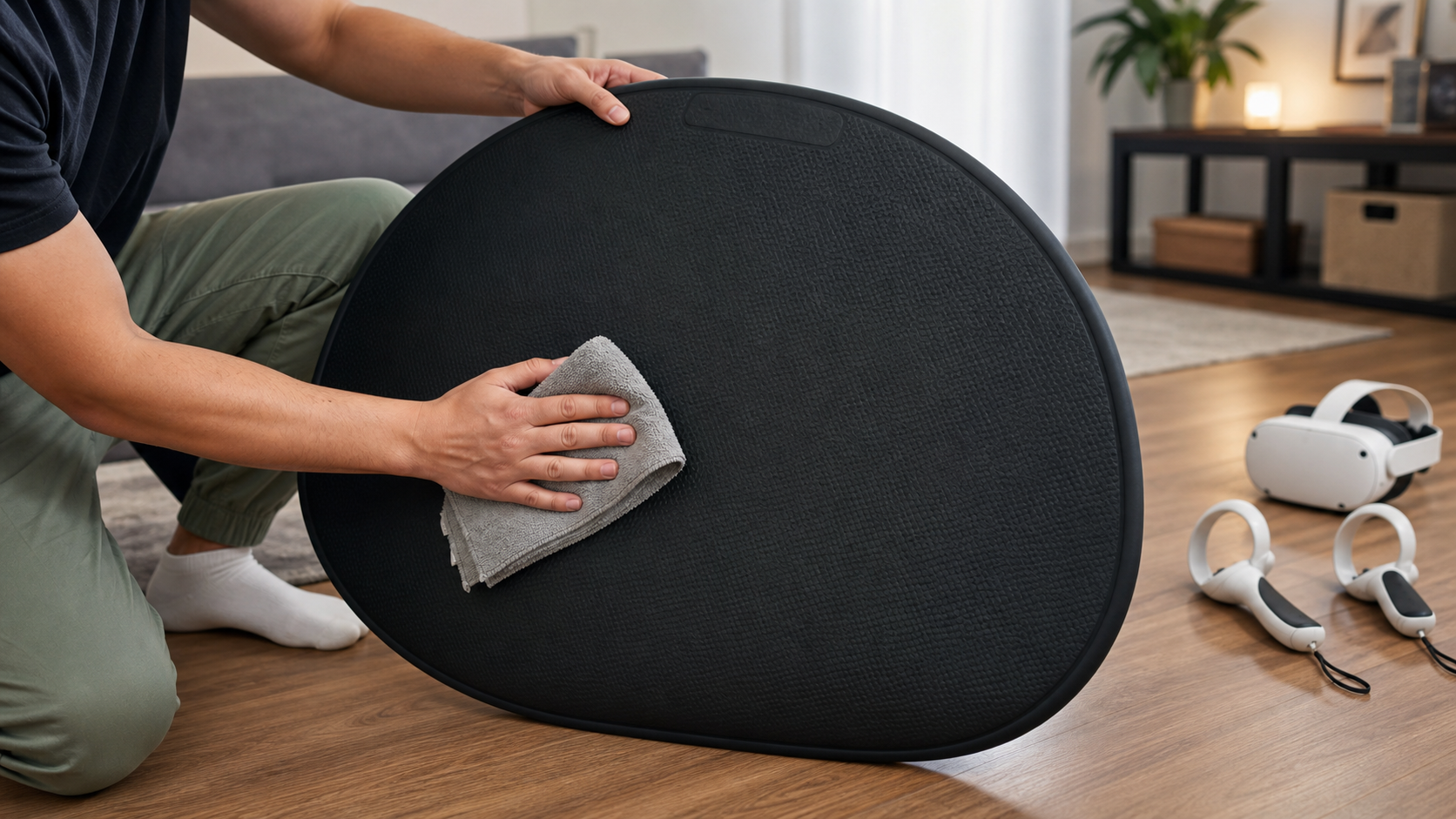
I wasn't ready to give up on the mat. The cushioning was too good to lose. My first idea was simple: dust. My living room floor gets dusty, and I figured that could be acting like tiny ball bearings under the mat. I took a damp cloth and thoroughly cleaned the floor where I play, and I also wiped down the entire bottom surface of the mat. After letting it dry, I placed it back down. The initial grip felt much better. For a few sessions, it seemed to work. However, after a long workout, I still noticed some minor shifting. It was a failure case for the simple fix. The cleaning helped, but it didn't solve the core issue of the mat's material versus my floor's surface. My next step would be to buy some of those sticky rug grippers to place in the corners. This showed me that the mat isn't always a perfect plug-and-play solution; sometimes it requires a little DIY to make it work for your specific space.
Would the same VR Mat recommendation still hold after a week of shared living rooms on Quest Pro Touch Controllers?
You've used the mat for a week. The initial excitement is gone. Now you have to decide if it's a permanent part of your setup or just another piece of clutter.
After a week, my recommendation is mixed. The mat is essential for cushioning and orientation, which I now can't play without. However, it did not completely solve the slipping on my floor. I still had to add rug grippers to keep it locked in place.
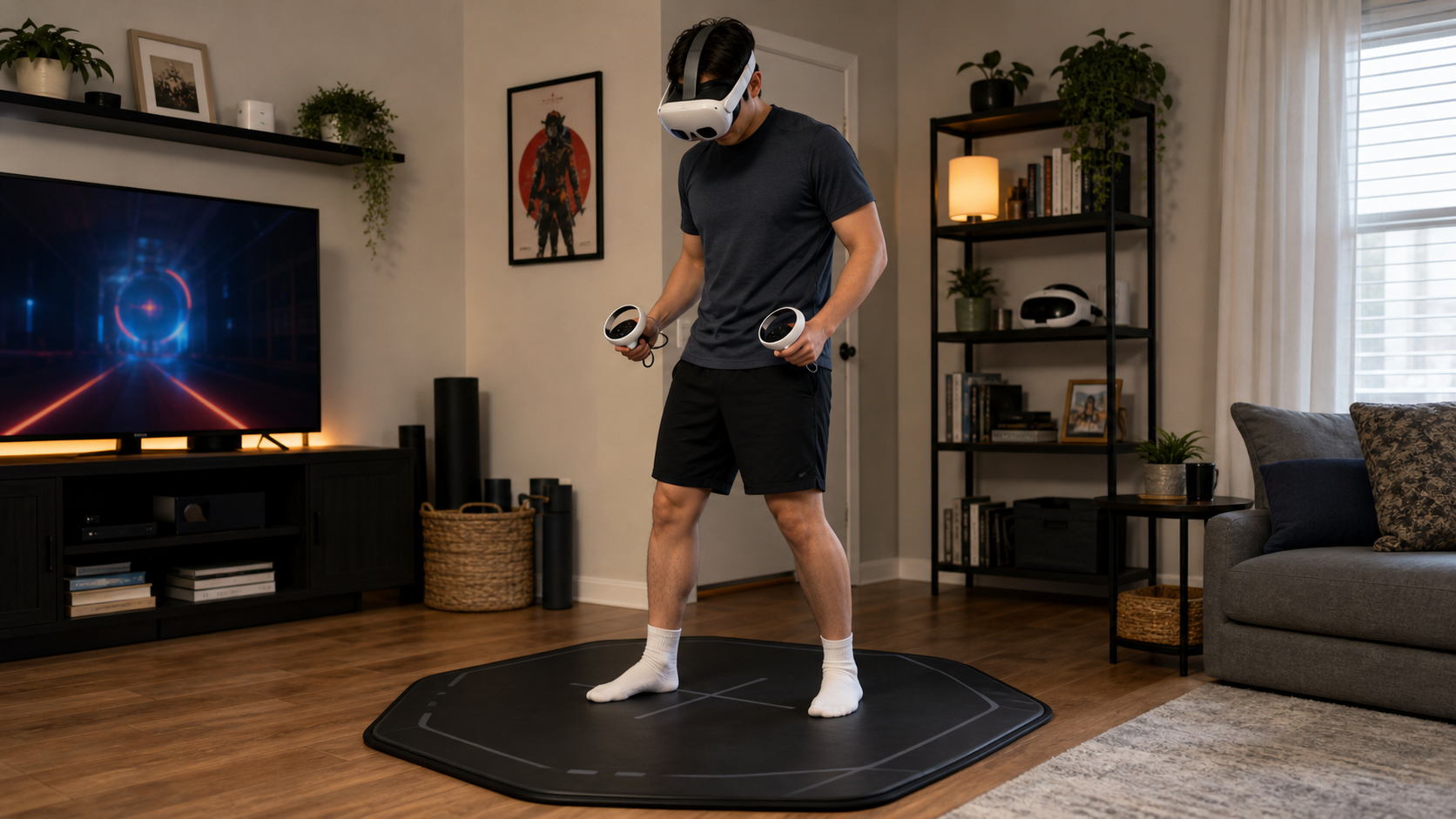
After a full week of daily use with my Quest Pro controllers, the VR mat has earned its spot, but with some big qualifications. The comfort is undeniable. My feet and joints feel much better after long sessions. The mat also acts as a fantastic physical boundary. My feet can feel when I'm at the edge of my safe play space, which gives me more confidence to move freely without peeking. But the anti-slip promise was not fully delivered out of the box. It still slipped until I bought third-party rug grippers to anchor it. So, who should buy one? If you have carpet and just want orientation and cushioning, it's a great buy. If you have slick floors and expect it to magically weld itself to the ground, you might be disappointed unless you're willing to make adjustments. It felt helpful for comfort but annoying for the slipping that remained. For me, the benefits ended up outweighing the initial hassle.
Conclusion
A VR mat helps more with comfort and spatial awareness than with stopping slips. It's a useful accessory, but on slick floors, you may need extra grippers to truly lock it down.
Leave a comment