



Do Long Arms for Gorilla Tag create a learning curve in tagging speed?

You want to tag faster in Gorilla Tag, but new accessories feel awkward. The added length changes your swing, making you clumsy and slow before you ever get faster.
Yes, Long Arms for Gorilla Tag create a definite learning curve. Your tagging speed will likely decrease at first. You need to relearn your arm's rhythm and become much more aware of your room's boundaries before you can take advantage of the extra reach and see any speed increase.
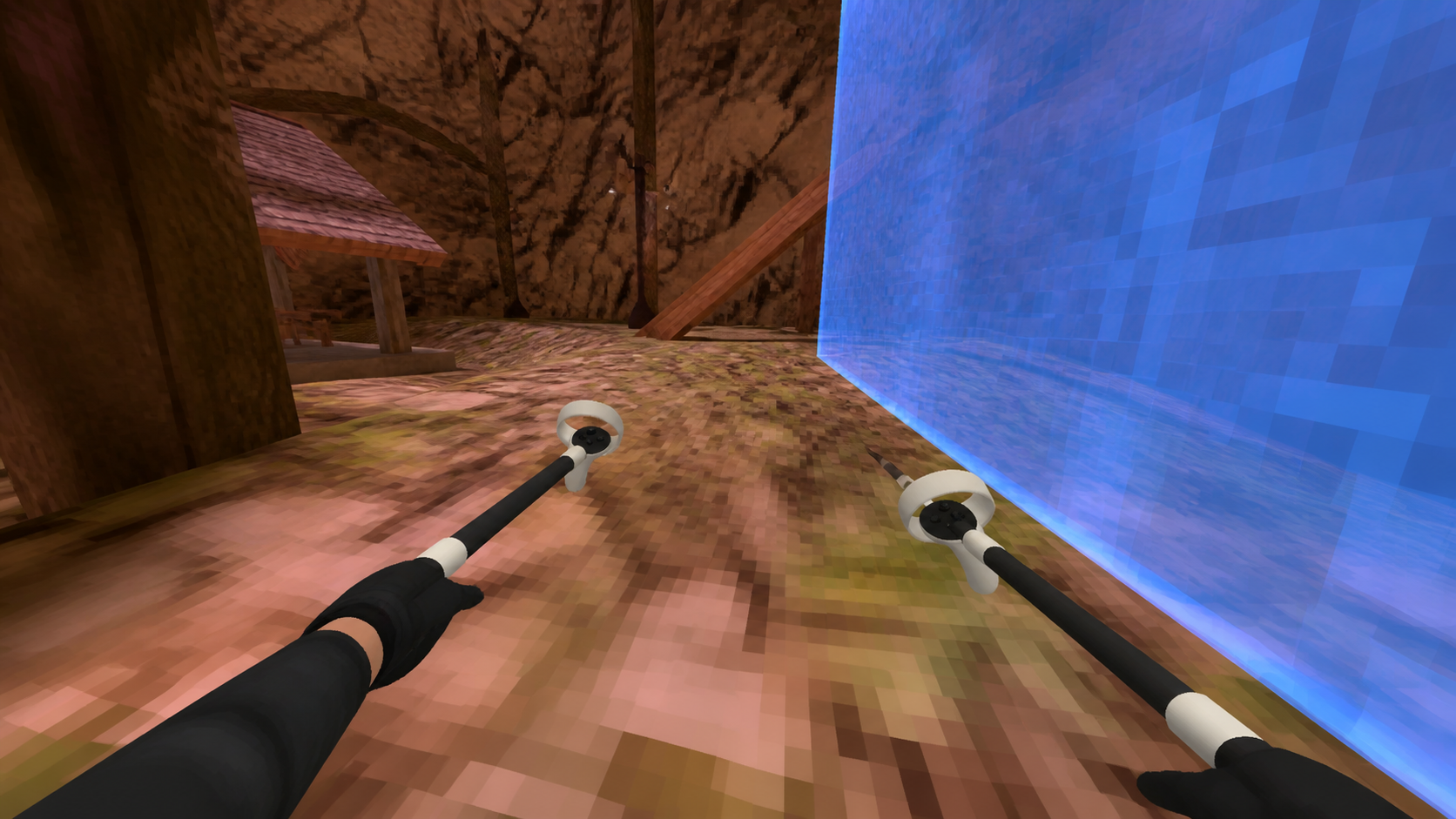
When I first attached these long arms, I felt like I had a secret weapon. I’ve been playing on a Quest 2 for years and recently moved to the Meta Quest 3. I wanted to see if an accessory could push my game even further. The idea of reaching players from farther away was exciting. But my first session in a private lobby was a reality check. The rhythm I had built over hundreds of hours was gone. The extra weight at the end of my hands felt strange, and my movements were clumsy. This wasn't the instant upgrade I expected. It was clear this would take some getting used to. I had to ask myself if this initial struggle was worth the potential payoff.
Does tagging speed make harder swings versus room safety worth accepting?
Swinging for a long-distance tag feels great, until your guardian wall flashes in your face. Is that extra reach worth punching your real-world furniture?
It’s a trade-off that depends entirely on your play space. The harder swings needed for long arms can improve your tag range. But if your room is small, the constant risk of hitting something and the frequent guardian alerts will ruin your game and make the accessory a liability.
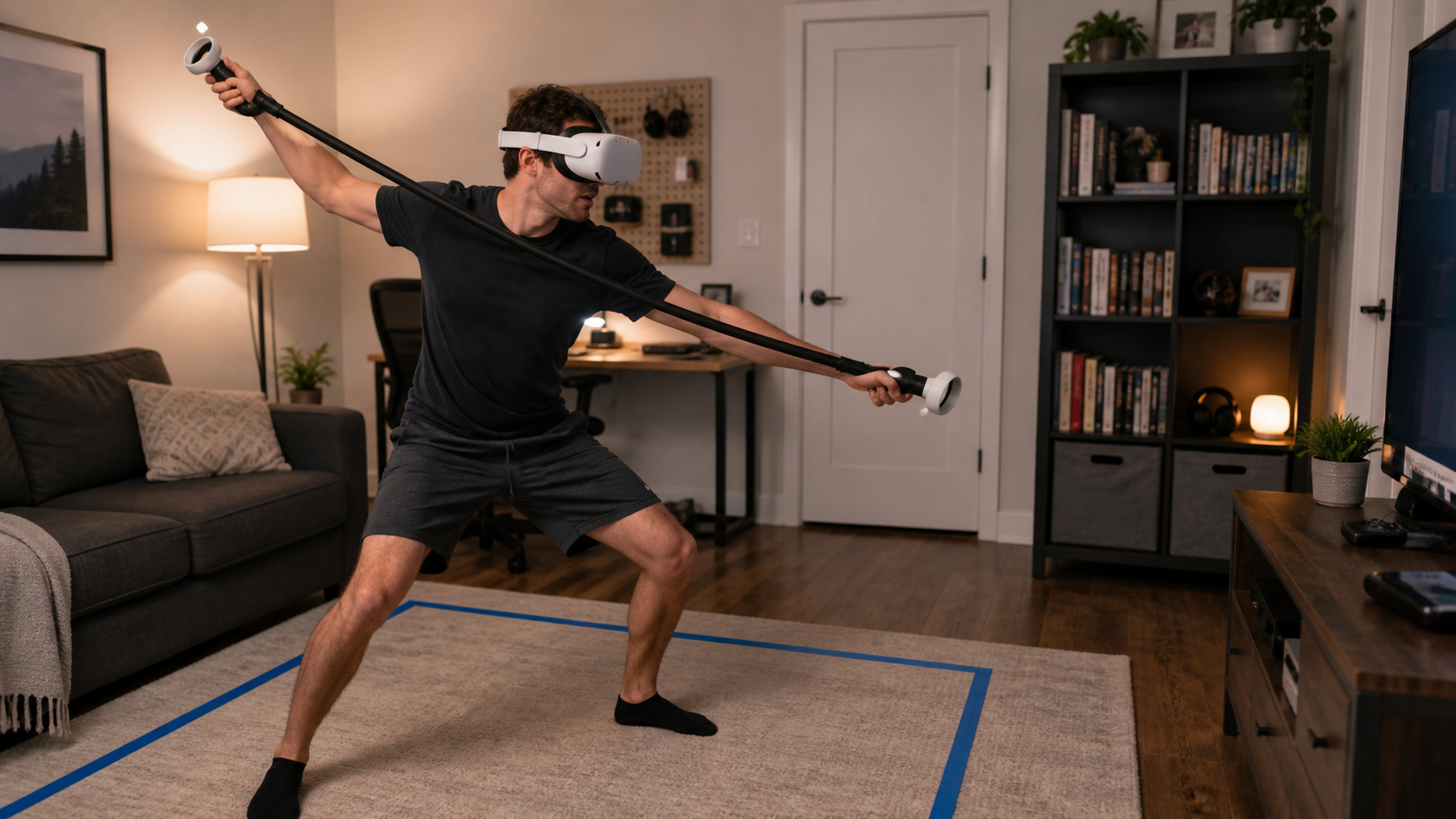
My first real test was a disaster for my room awareness. I was so focused on the new feeling of locomotion that I completely forgot about the physical limits of my office. The added length of the controllers meant my usual safe zone was suddenly too small. A hard swing to my right ended with the controller handle smacking my bookshelf. It wasn't a hard hit, but it was enough to pull me out of the game. I realized that to use these effectively, I couldn't just play; I had to re-evaluate my entire setup. The power of a harder, longer swing is tempting, but it means nothing if you're too scared to use it. I had to decide if I was willing to rearrange my room for a single game.
The New Swing Dynamics
The force you need is different. A flick of the wrist with a bare controller becomes a full-arm movement with the long arms to get the same tagging speed. This changes everything.
Play Space vs. Performance
The table below shows my personal breakdown of this problem.
| Factor | Impact of Harder Swings |
|---|---|
| Tagging Reach | Significantly increased. I could tag players I would normally miss. |
| Physical Effort | Much higher. It felt more like a workout, which could be a pro or a con. |
| Room Safety Risk | Extremely high in my normal space. I had to clear a larger area to feel comfortable. |
| Guardian Alerts | Appeared constantly at first, breaking immersion until I expanded my boundary. |
Can the article compare Long Arms for Gorilla Tag with bare controllers during tagging speed?
You're used to your hands. They are fast and precise. Can a plastic stick really be better?
Bare controllers provide agility and familiar muscle memory for quick, close-range tags. Long arms offer a significant reach advantage for open spaces but can feel slower and less precise up close. Your success depends on adapting your play style to leverage reach over pure speed.
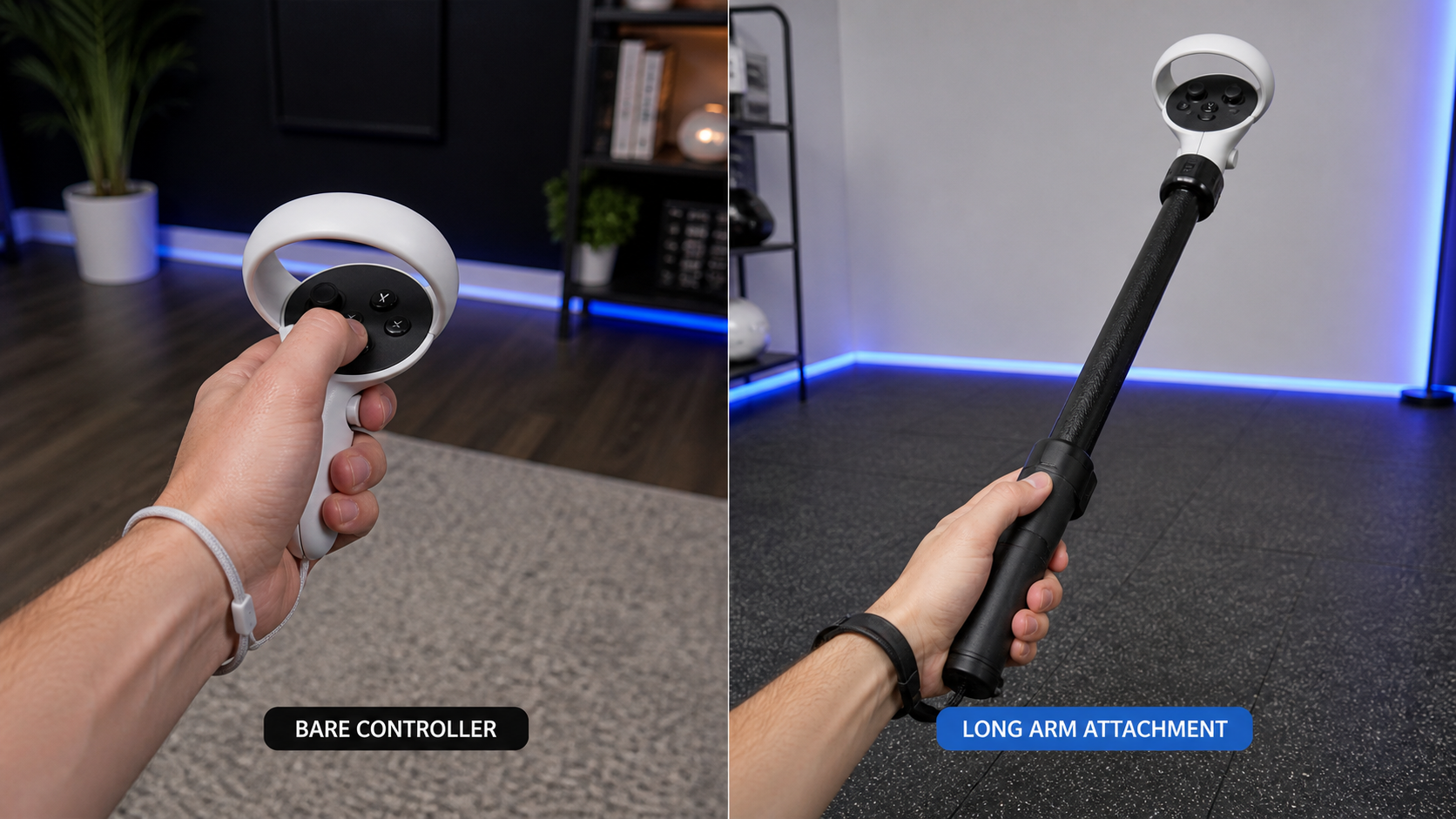
After my initial struggles with room safety, I decided to do a direct comparison. I played for 20 minutes with the long arms, then immediately switched to bare controllers for another 20 minutes. The difference was night and day. With bare controllers, my movements felt instinctive. I could juke, dodge, and make split-second tags without thinking. My brain and my virtual hands were one. The speed was all in my wrists and quick arm movements. When I switched back to the long arms, the game changed. I was no longer the agile player. Instead, I became a player with incredible reach. I started playing differently, keeping more distance and using the long arc of my swing to tag people around corners or from platforms above. It wasn't about being faster in the traditional sense; it was about making tags that were impossible before. The speed came from the tip of the extension, not the quickness of my hand.
Does the accessory still feel good after sweat, heat, or fast motion?
You're in an intense match, and your hands start to sweat. Are these long handles going to fly across the room?
Yes, the textured grip on the handles I used performed very well under pressure. Even after a long, sweaty session of fast-paced motion, the accessory felt secure in my hands. The material prevented the slippery feeling you sometimes get with bare plastic controllers.
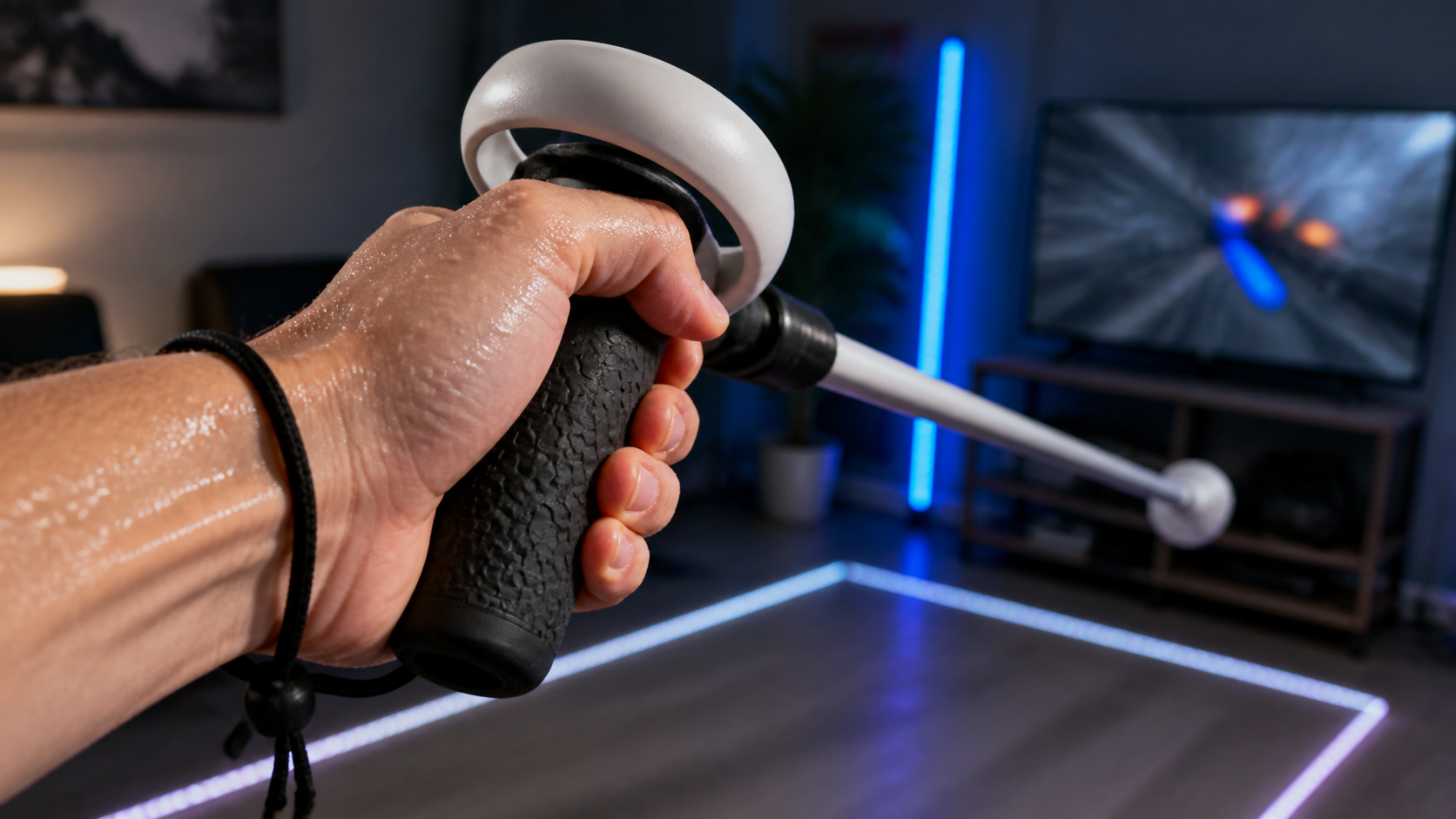
This was a big concern for me. The added weight and length of the accessory create more momentum. If I lost my grip mid-swing, the controller could become a dangerous projectile. So, I pushed myself in a game for a solid 30 minutes, working up a good sweat. I was impressed. The handle has a slightly rubbery, textured feel to it. My palm was sweating, but my grip never felt weak. I could feel the texture working, giving my skin something to hold onto. In contrast, I know the smooth plastic of the standard Quest controller can get slick when my hands are sweaty. The secure grip gave me the confidence to keep swinging hard without worrying about launching my controller. It’s a small detail, but it’s critical for an accessory that encourages such big movements. The design here felt thoughtful and focused on real gameplay conditions, which I really appreciated.
Should the article warn Quest 2 users about edge protection if the handle hits furniture on Meta Quest 3?
You're a Quest 2 veteran who is used to bumping controllers. But the Quest 3 is a different beast, and that old habit could be costly.
Absolutely. Quest 2 users must be warned. The Quest 2 controller's tracking ring acts as a natural bumper. The Quest 3 controller has no ring, leaving its body exposed. A hard impact from a long arm accessory could easily crack the Quest 3 controller's casing.
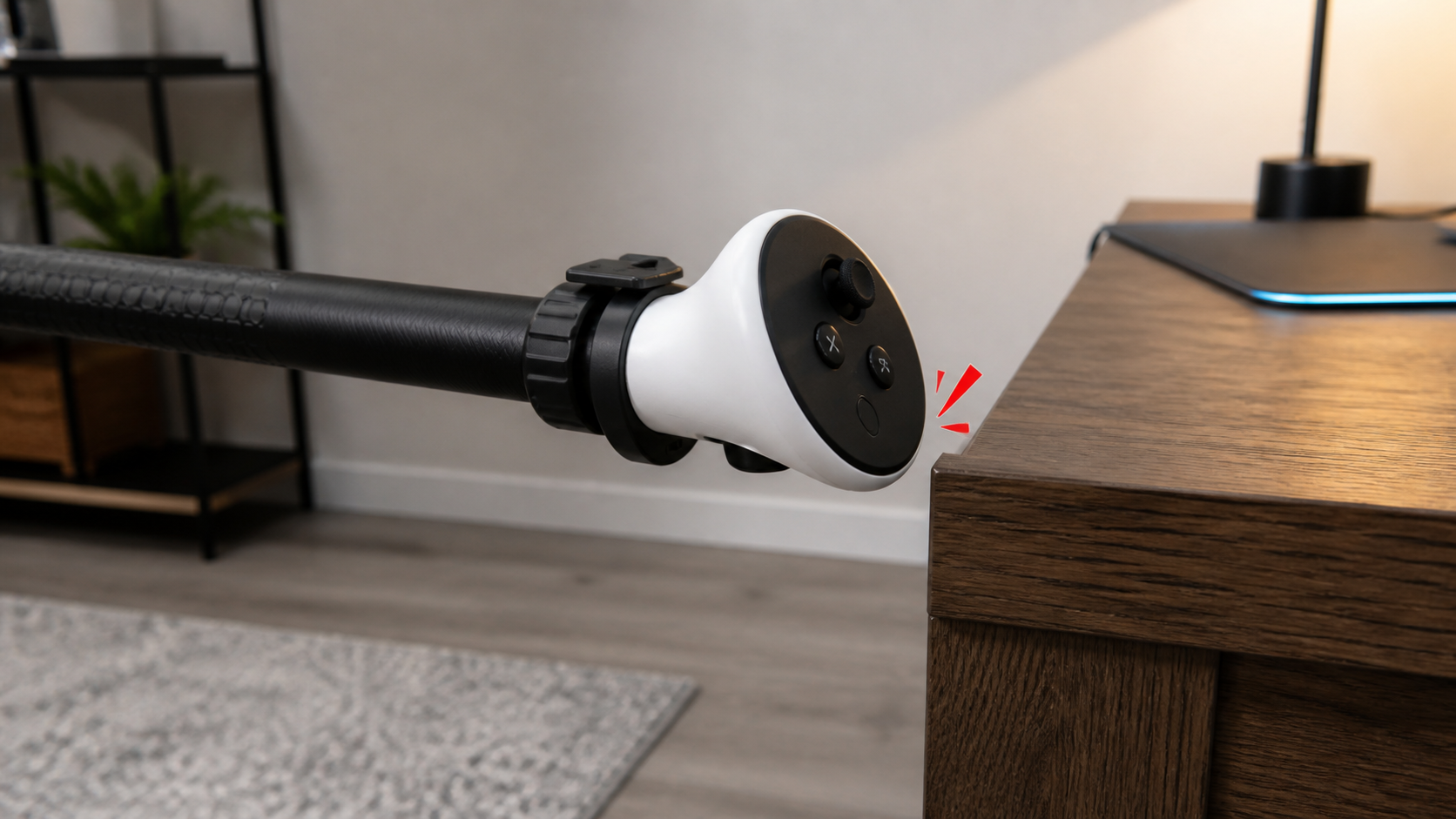
This is the most important lesson I learned. On my Quest 2, I never worried too much about small bumps. The big tracking ring took all the abuse, and my controllers are covered in scuffs that prove it. The Quest 3 controllers feel sleek and modern, but they also feel fragile without that ring. All the important tracking sensors are in the main body. When I attached the long arms, the leverage increased. A simple tap against a wall becomes a much harder impact. During one fast turn, I swung the controller handle very close to the edge of my wooden desk. I flinched, realizing that if it had hit, the impact point would have been directly on the controller's main body. A hit that my Quest 2 would have shrugged off could have been a game-ending crack on the Quest 3. This accessory makes your virtual arms longer, but it doesn't make your controllers tougher.
Conclusion
Long arms offer a real reach advantage but demand a learning curve, a large play space, and extra care with Quest 3 controllers. They are not for everyone.
Leave a comment