



Could an Open Facial Interface for Quest 3 make field of view worse for comfort seekers?

You want maximum field of view, but accessories promising comfort often make you choose. It feels like you can have one or the other, but never both.
For comfort seekers, an open facial interface can paradoxically make the field of view feel worse. The added light leak and peripheral distractions draw your eyes away from the screen, shrinking your perceived digital world even if the lens-to-eye distance improves. It trades immersion for airflow.
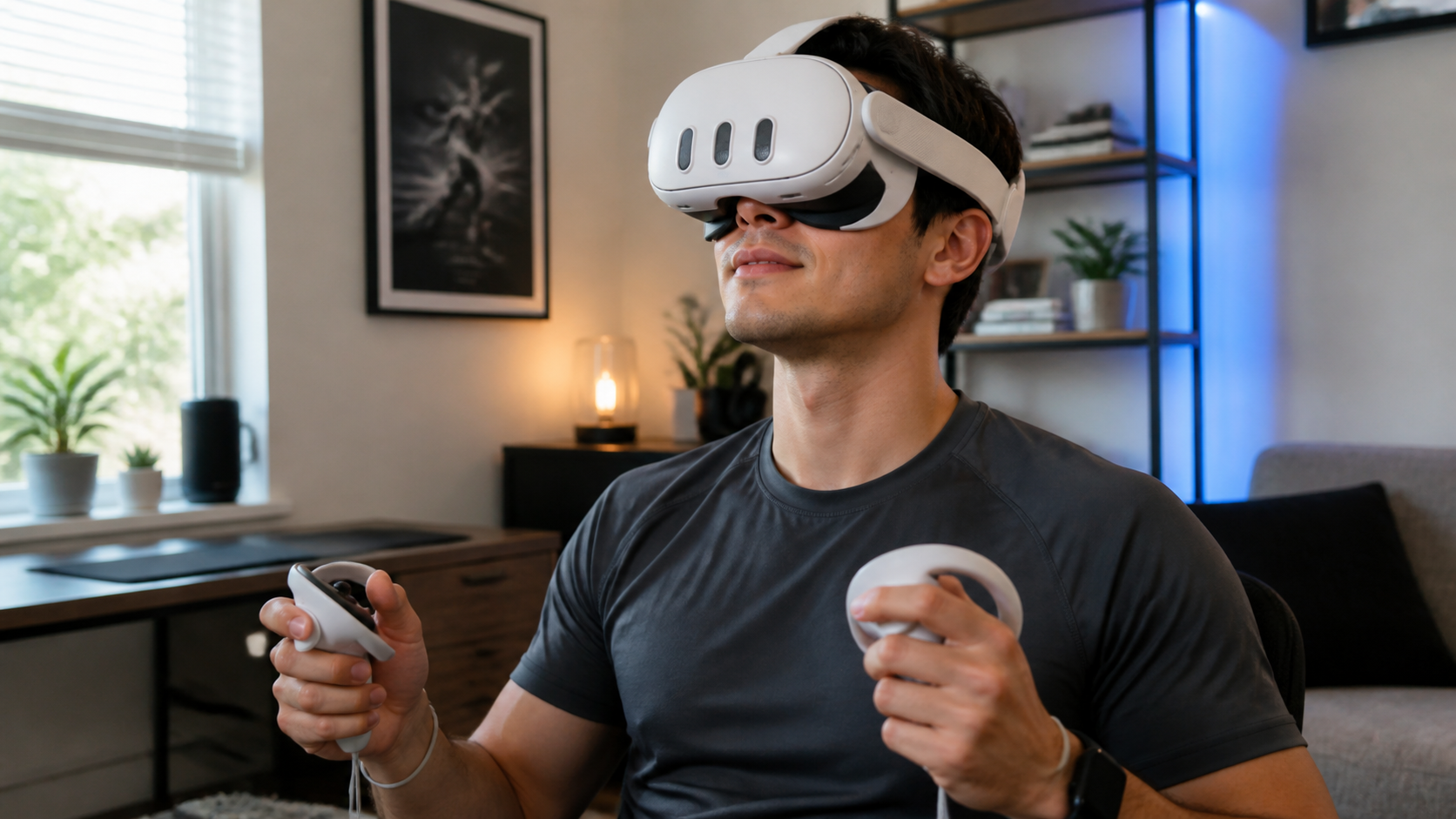
I’ve spent hours chasing the perfect VR setup. You buy an accessory that promises to fix one problem, only to create a new one. The open facial interface for Quest 3 felt like another one of these trade-offs. It promised a Quest Pro-like feel, with better comfort and less heat. But I was worried about what I would lose. My goal was to test this from a very specific point of view: a comfort seeker who plays active games in a normal, sometimes warm, room. This isn’t a technical review; it’s a story about a real-world test to see if the trade-offs are worth it.
When you play in a warm room and check lens fog every five minutes, does field of view feel better or worse?
Your game is getting intense. Your face is getting hot and sweaty. The lenses start to fog up, and you have to stop to wipe them, completely breaking your focus.
In a warm room, the open interface provides a much better usable field of view. The constant airflow completely stops lens fog, meaning you see 100% of the screen 100% of the time. You trade some light leak for a consistently clear, uninterrupted view.
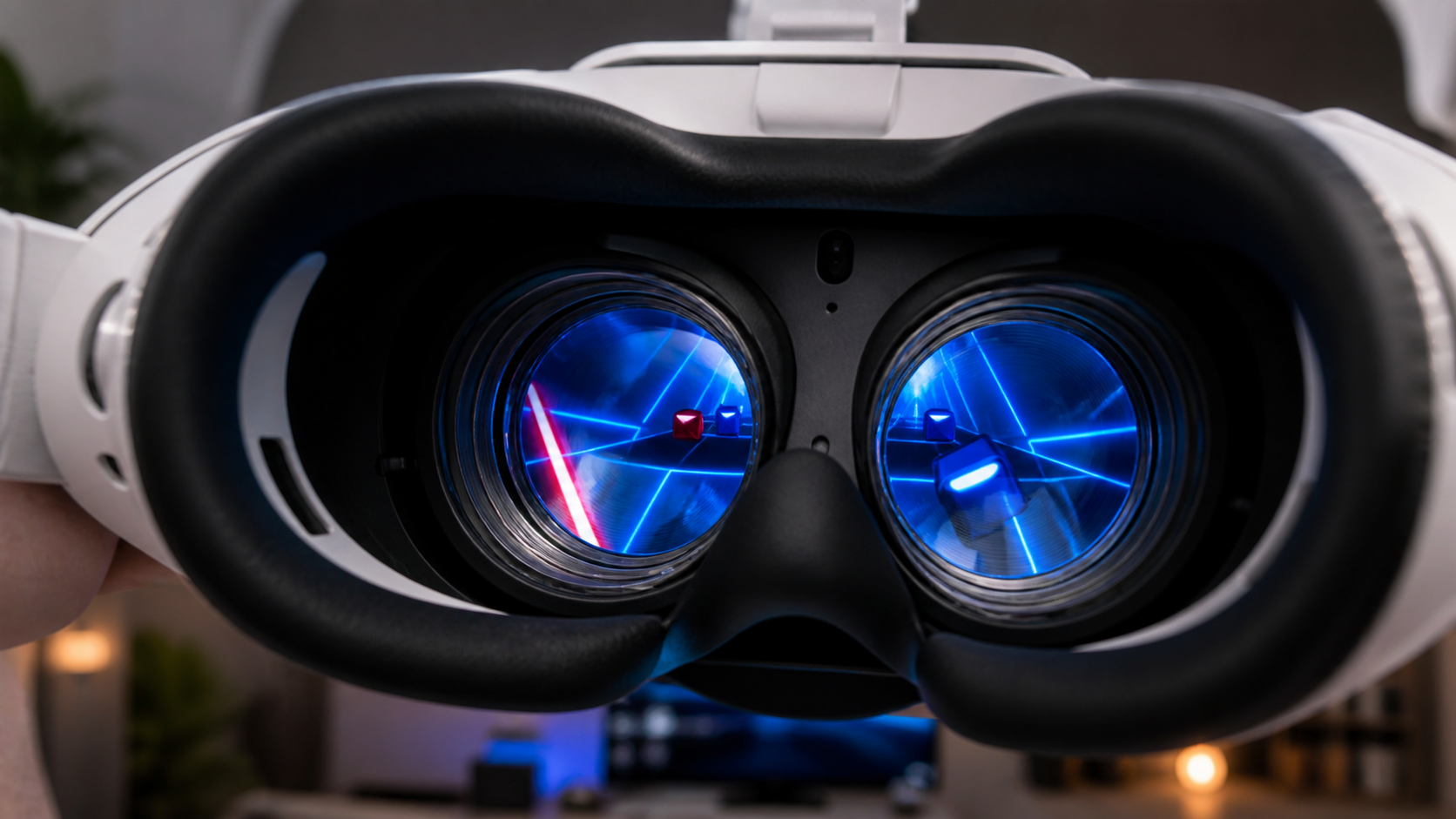
My first test was simple. I played a 30-minute session of Beat Saber with the standard sealed facial interface. My office gets warm, and about 15 minutes in, I noticed it. That slight blur at the edge of the lenses. Soon, I was pausing every few songs to wipe them clean. Each time, the immersion was shattered. My "field of view" was effectively zero when I was staring at a microfiber cloth.
Then, I swapped to the open facial interface and played another 30-minute session. The difference was immediate. The air moving across my face felt strange at first, but I quickly forgot about it. More importantly, the lenses never fogged. Not once. I played the entire session without interruption.
Sealed vs. Open: The Warm Room Test
The experience can be broken down easily. The sealed interface creates a small, humid pocket of air around your eyes. The open interface lets that air escape.
| Factor | Standard Sealed Interface | X-super Home Open Interface |
|---|---|---|
| Lens Fog | Frequent, especially during active games. Requires stopping to clean. | None. The airflow prevents moisture buildup completely. |
| Heat Buildup | High. My face felt hot and sweaty within 10 minutes. | Low. Felt much cooler and more comfortable for the full session. |
| Perceived FOV | Felt large at first, but shrank every time fog appeared. | Felt slightly smaller due to light leak, but was 100% usable the whole time. |
So, does the field of view feel better or worse? For me, a consistently clear view is better than a slightly larger but blurry one. The open interface won this round easily.
Would a side-by-side passthrough sessions clip explain the trade-off faster than text?
It’s hard to describe the feeling of mixed reality. You try to explain how you can see your room and a game at the same time, but words fall short.
Yes, a video clip would show the trade-off instantly. It could demonstrate the real-world safety benefit of seeing your feet and furniture while in passthrough, something text can only describe. Seeing it makes the benefit of an open interface for MR obvious.
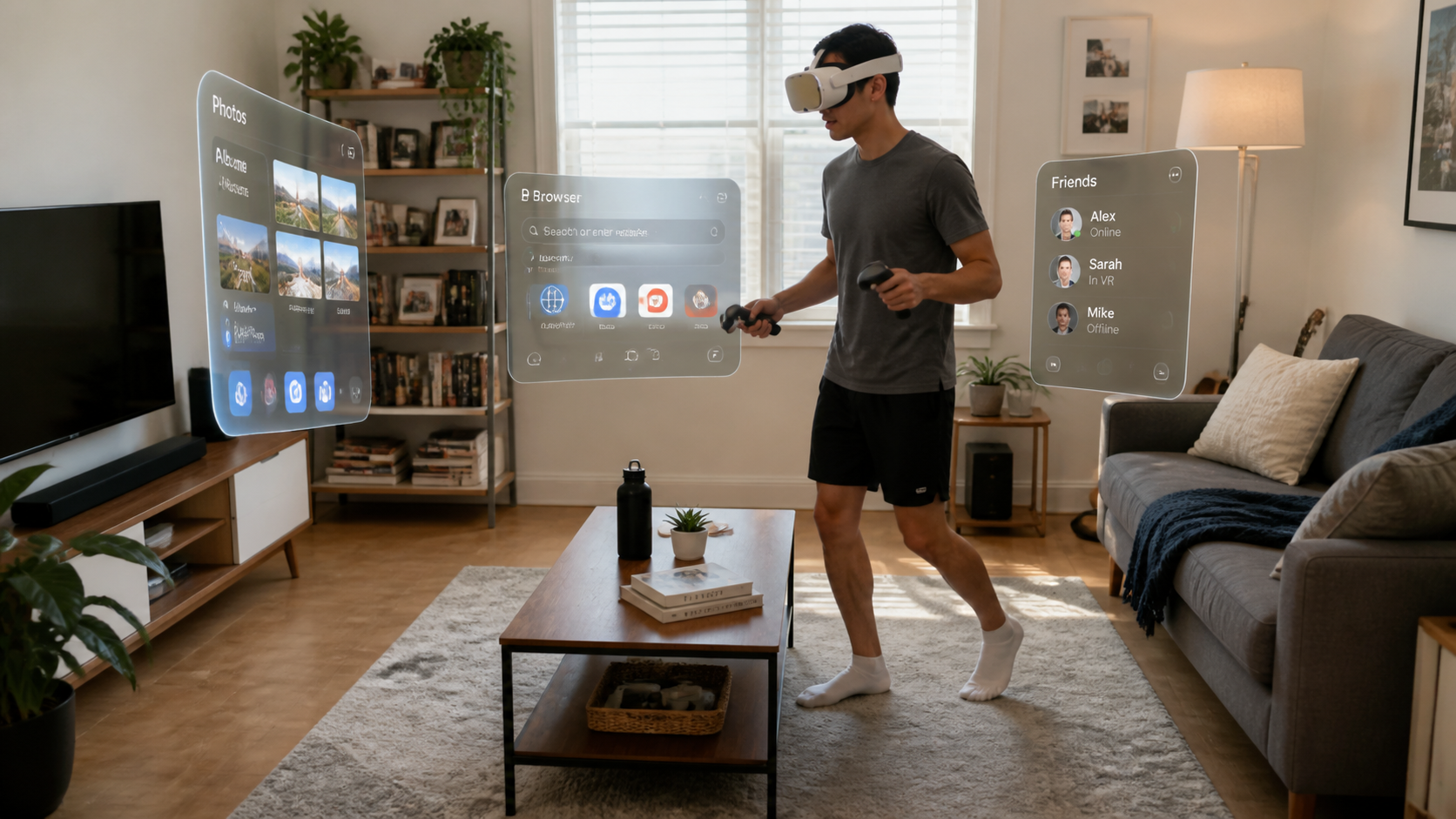
I tried to explain the difference to my roommate. With the standard sealed interface, I told him, "You are completely blind to the real world. You have to trust the passthrough camera and the guardian." He nodded. Then I had him try the open interface. "Oh," he said. "I can see the floor. I'm not going to trip over the cat."
That's the feeling a video could capture in five seconds. I spent some time using my Quest Pro Touch Controllers in passthrough, rearranging virtual screens around my office. With the sealed interface, I relied entirely on the double-tap passthrough feature to check my surroundings. With the open interface, I could just glance down. I could see my desk, my keyboard, and the cables on the floor without leaving the app. It felt safer and more connected to my space. A short clip showing someone walking around a couch or picking up a drink from a table while in an MR app would be the ultimate proof. It shows that you trade a bit of immersive darkness for a huge amount of real-world awareness and confidence.
Is the biggest issue setup, fit, safety, or fatigue?
You get a new VR accessory and are excited to try it. But the setup is confusing, it doesn't fit right, and after 30 minutes, your head hurts more than before.
The biggest issue is fit, because it directly controls safety and fatigue. Setup is a one-time task. But a poor fit means the headset will wobble, creating a safety risk. It also causes fatigue from the constant need to readjust it during a session.
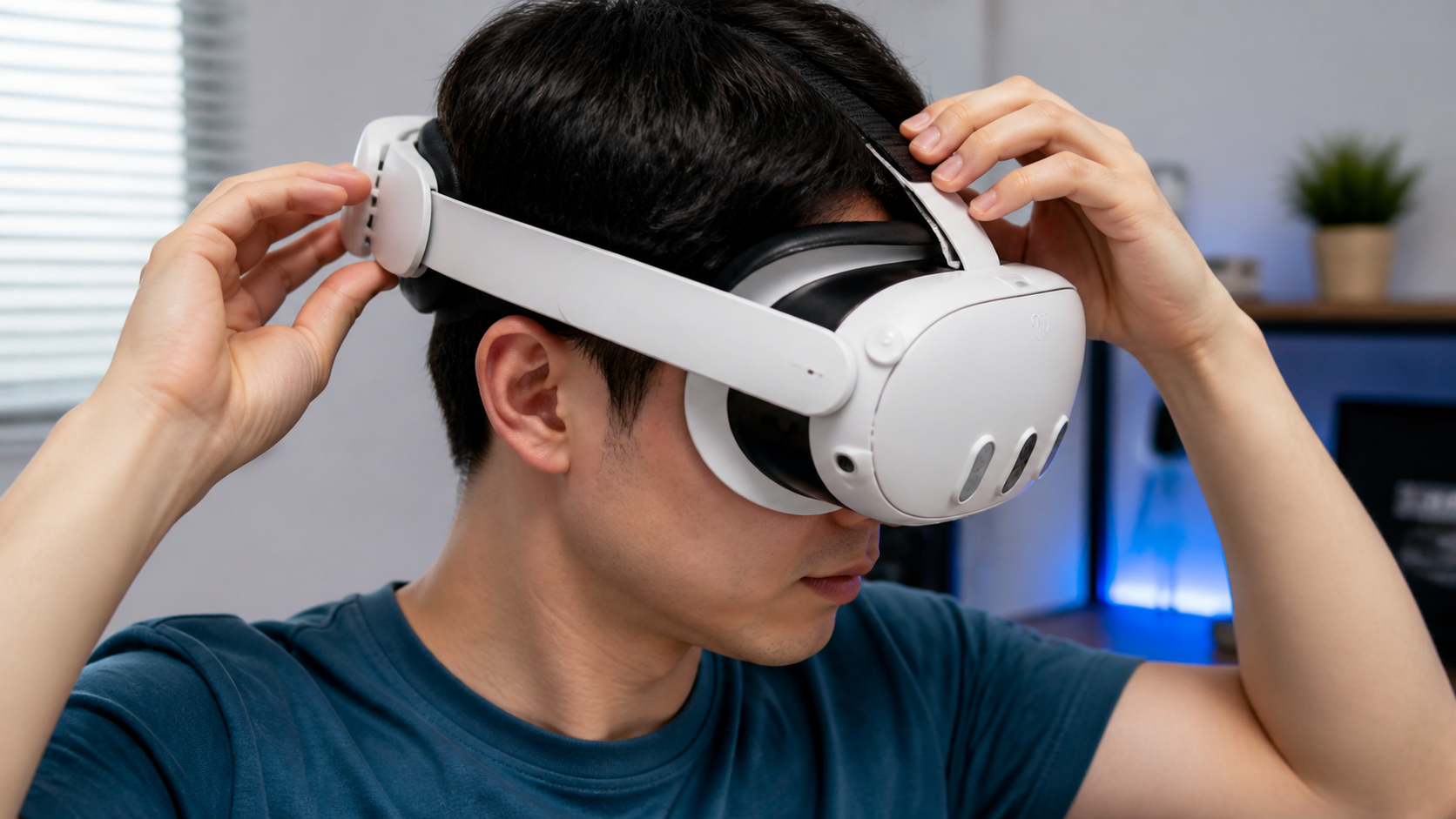
When I first attached the open facial interface, the setup was easy. It just snaps on. The challenge was the fit. My first attempt was too loose. I wanted maximum comfort, so I didn't tighten the head strap much. The headset felt light, but the moment I turned my head quickly in a game, the whole thing shifted on my face. The image became blurry, and in passthrough, it was disorienting. This is a safety problem. You can’t have your view of reality wobbling around.
My second attempt was too tight. I cranked down on the strap to make it stable. The wobble was gone, but now I had pressure on my forehead. This defeated the whole purpose of a comfort accessory. The fatigue set in quickly, not from the weight, but from the pressure points. It took me a few more tries to find the sweet spot: just tight enough to be stable, but loose enough to feel open. This balancing act is the single biggest challenge. Once you get the fit right, the safety and fatigue issues disappear. But out of the box, be prepared to spend some time dialing it in perfectly for your head shape.
Does the final advice change for shared headsets, kids, or small rooms during passthrough sessions?
Your VR setup is perfect for you. But then a friend or family member wants to try it. Is your customized comfort setup practical or even safe for them to use?
Yes, the advice changes completely for different situations. An open interface is a hassle for shared headsets due to constant refitting. It's a potential safety risk for kids with smaller heads. But for anyone in a small room, it is a huge safety advantage.
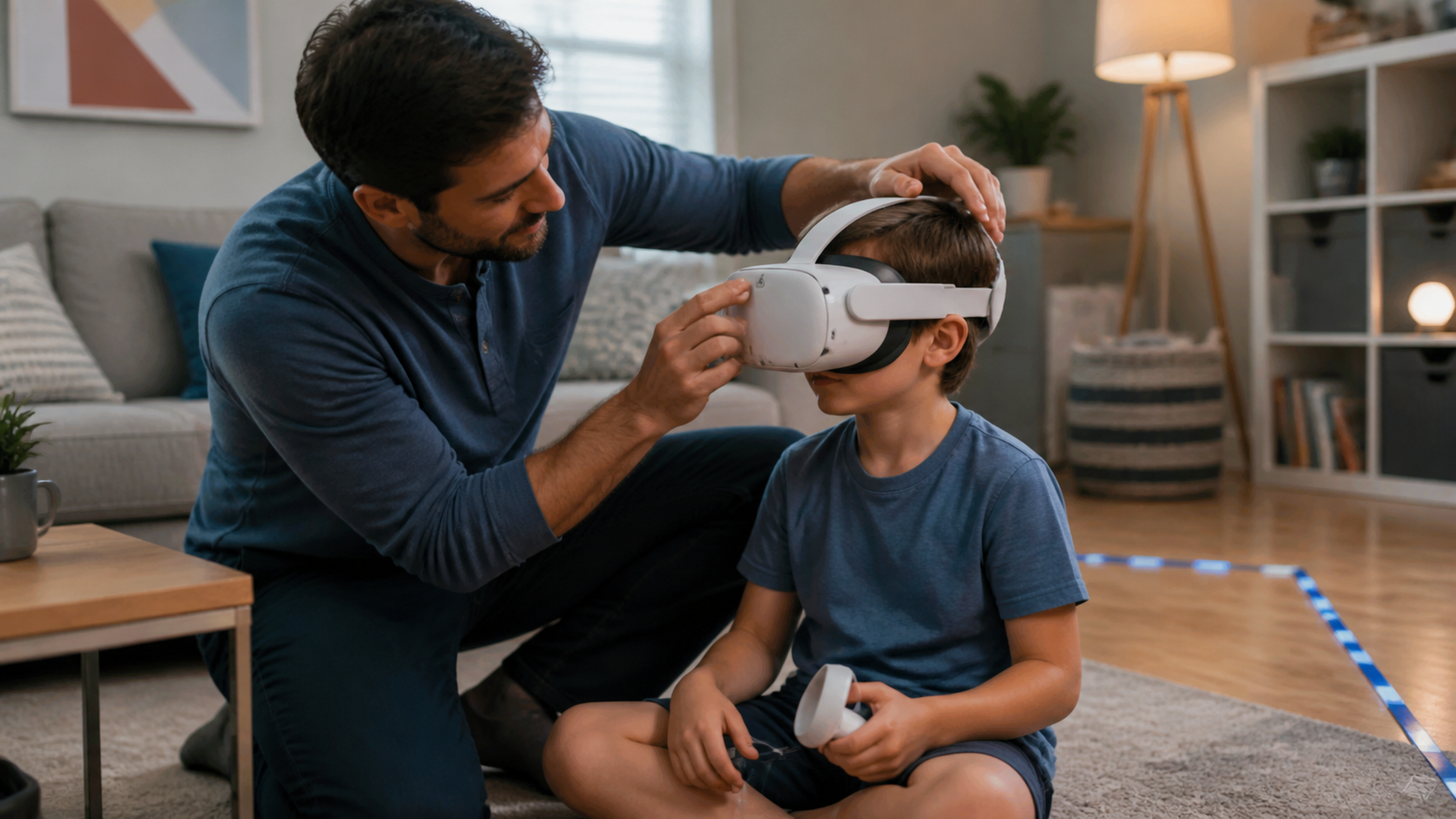
After dialing in my perfect fit, I let my roommate try the headset. The fit was all wrong for him. We had to completely readjust the head strap. If you have people swapping the headset frequently, this process would get annoying fast. The standard interface is much more forgiving for different face shapes. For a multi-user household, I'd stick with the default.
I would also hesitate to recommend this for young kids. Getting a stable fit on an adult head is tricky enough. On a smaller head, the headset is much more likely to be wobbly and unstable, especially during active games like Gorilla Tag. The risk of it slipping and causing a fall is too high.
However, there is one area where the open interface is an unqualified win: playing in a small room. My office isn't huge, and my desk and chair are always nearby. Using passthrough with the open interface, I felt much more secure. Being able to see the floor and the corner of my desk in my peripheral vision gave me the confidence to move more freely. For solo users in tight spaces, this single benefit might outweigh all the negatives.
Conclusion
The open interface is a specialist's tool. It's for solo players who prioritize fighting fog and heat over total immersion, especially those who use mixed reality in smaller spaces.
Leave a comment