



Can Quest Pro Touch Controllers tracking stay stable when VR Fishing Rod is used for Bait!?

You want a VR fishing rod for more immersion, but you worry. Will your expensive Quest Pro controller fly across the room? Worse, will the tracking fail on a big catch?
Yes, Quest Pro controller tracking can stay stable with a VR fishing rod, but only if the accessory's mount is rock-solid. Any wobble or rotation, especially during fast reeling, will cause the controller's cameras to lose their position and disrupt your game.
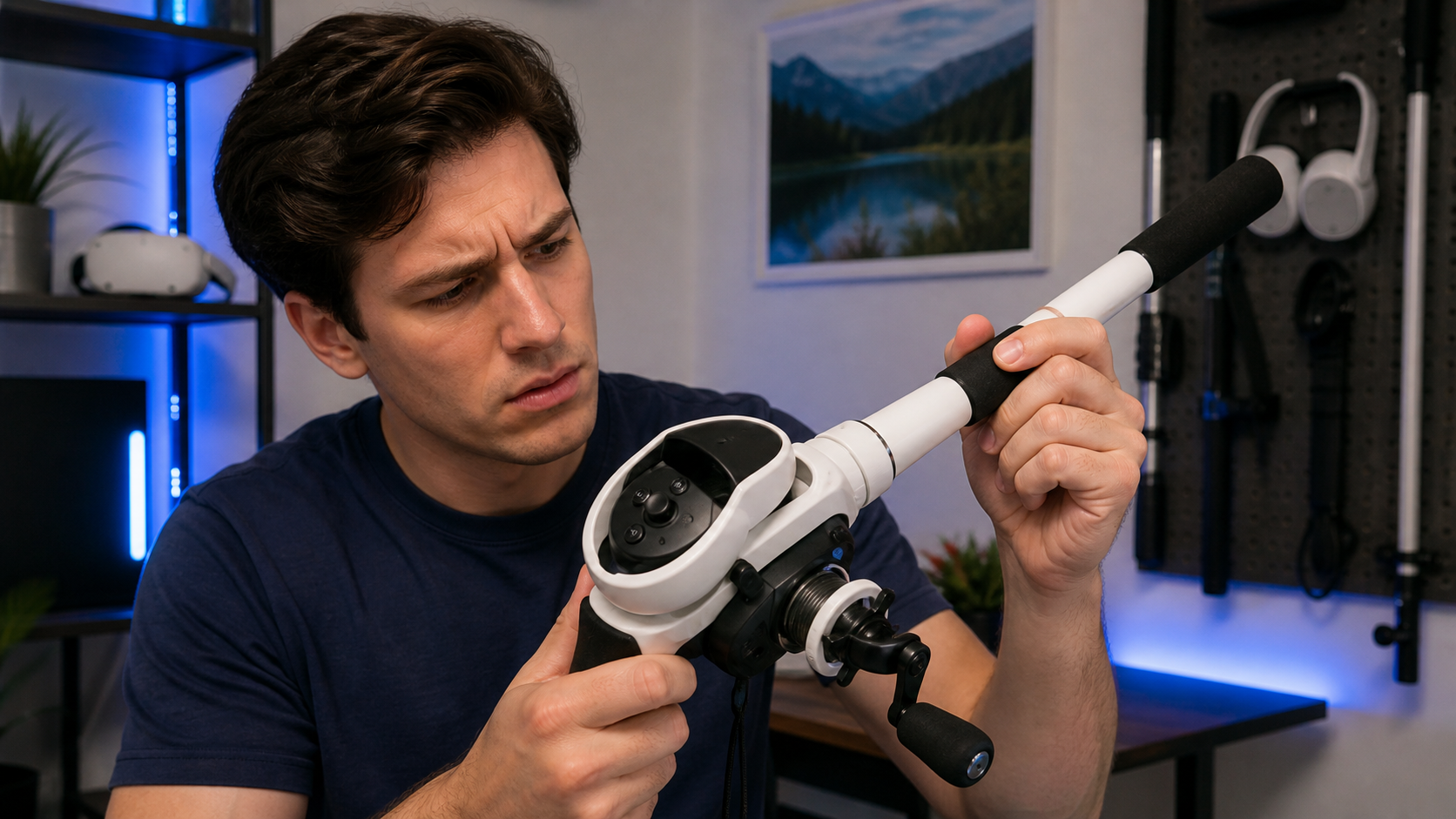
I'm a left-handed VR gamer. I love relaxing in games like Bait!, and I was excited to try a fishing rod accessory to make it feel more real. The idea of casting and reeling with a proper grip was a big draw. But I also use Quest Pro controllers, and I know their self-tracking cameras can be sensitive. I was worried the accessory would cause more problems than it solved. I decided to put it to the test, focusing on one thing: controller security. My goal was to find out if this accessory was a helpful tool or just a frustrating gimmick. This is my experience.
In Bait!, when exactly does controller security show up on Quest Pro Touch Controllers?
You are fighting a tough fish. You're reeling as fast as you can. Suddenly, the game freezes and a warning fills your view. Your controller lost tracking. The moment is ruined.
The controller security warning appears most often during the rapid, repetitive motion of reeling. If the VR fishing rod allows the Quest Pro controller to twist even slightly inside the mount, its tracking cameras get confused, and the system pauses the game to protect you.
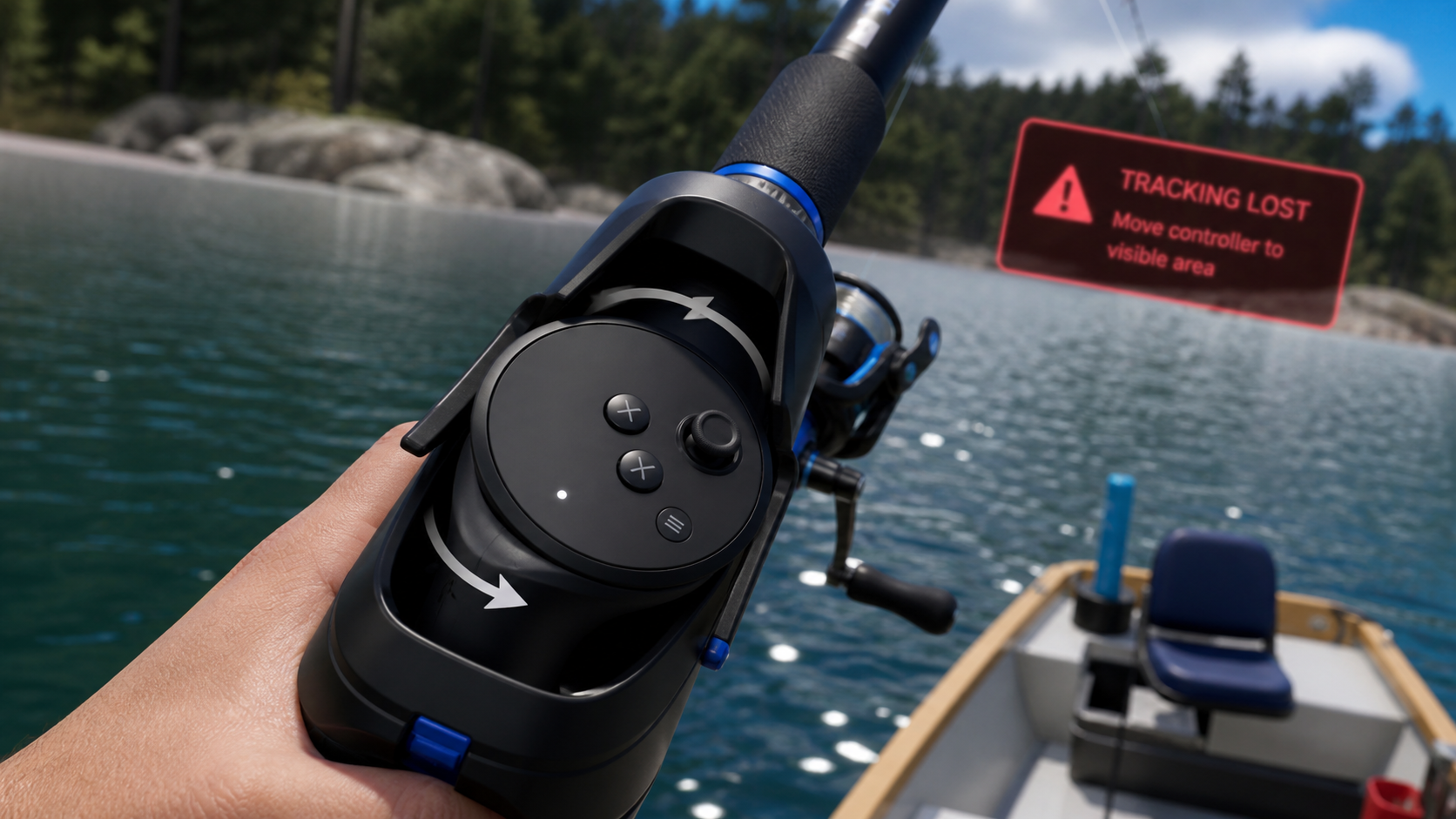
The Quest Pro Touch Controllers are different from older Quest controllers. They don't have a tracking ring. Instead, they have three built-in cameras that watch the room to know where they are. This is great because they don't lose tracking when they are behind your back or close together. But it also means they need a clear, stable view. When I put my left controller into the fishing rod accessory, it seemed to fit snugly. My first few casts were fine. The problems started when I hooked a fish.
The Reeling Problem
As I started reeling, I spun the handle on the accessory. This motion caused a tiny rotational force on the controller itself. It wasn't much, but it was enough to make the controller shift inside the plastic housing. The moment it shifted, the game froze. The "Tracking Lost" warning appeared. I had to stop, look at my controller, and wait for it to figure out where it was. This happened with almost every fish that required fast reeling.
| Action in Bait! | Controller Behavior in Mount | Tracking Result |
|---|---|---|
| Gentle Casting | Stable, no movement | Perfect Tracking |
| Aggressive Casting | Stable, held tight by grip | Perfect Tracking |
| Slow Reeling | Slight wobble | Mostly stable, occasional stutter |
| Fast Reeling | Noticeable rotation and twisting | Frequent Tracking Loss |
Can the article compare VR Fishing Rod with bare controllers during Bait!?
You want that real fishing feeling. But what's the point if the accessory makes the game unplayable? You wonder if you should just stick with the bare controller you already have.
Yes. Bare controllers in Bait! give you flawless tracking but feel less immersive. A good VR fishing rod makes casting and reeling feel amazing. A bad one adds frustration. The accessory trades perfect reliability for a more physical, realistic experience that can sometimes fail.
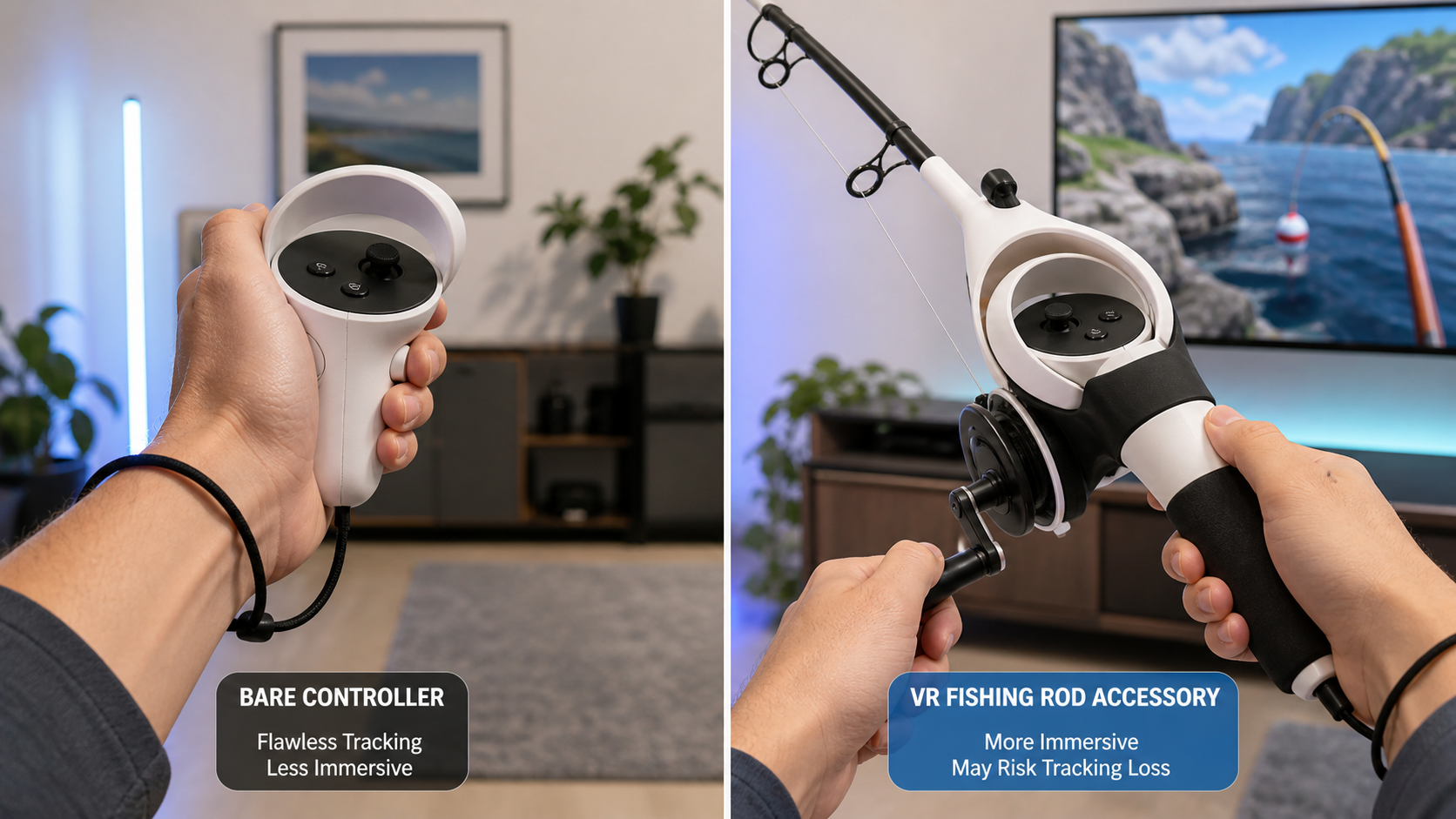
After the tracking issues, I spent a full session switching back and forth. I played for ten minutes with the fishing rod accessory, then ten minutes with just my bare Quest Pro controller. The difference was night and day. With the bare controller, my performance was perfect. I could cast with a flick of my wrist and reel in the biggest fish without a single stutter. The tracking was, as expected, 100% reliable. But it didn't feel like fishing. It felt like I was playing a video game.
When I used the fishing rod accessory, the feeling was completely different. Using two hands, swinging my arm back, and whipping the rod forward to cast felt incredibly natural. The weight and length of the accessory added a sense of realism that the bare controller couldn't match. It was simply more fun. But that fun came with a cost. Every time I had to reel quickly, I had to be careful. I had to grip the rod in a way that prevented the controller from twisting. It took my focus away from the game and put it on the hardware. So, I had a choice: perfect but less fun, or more fun but flawed.
Can Quest Pro Touch Controllers fit checks catch the problem before the first full session?
You just got your new accessory. You are excited to start playing. But taking a minute to check the fit now could save you an hour of headaches inside the headset.
Yes, a thorough fit check before you even start the game can absolutely catch this problem. After mounting the controller, grab the handle and try to twist it. If you feel any give, wobble, or rotational movement, it will cause tracking loss during intense gameplay.
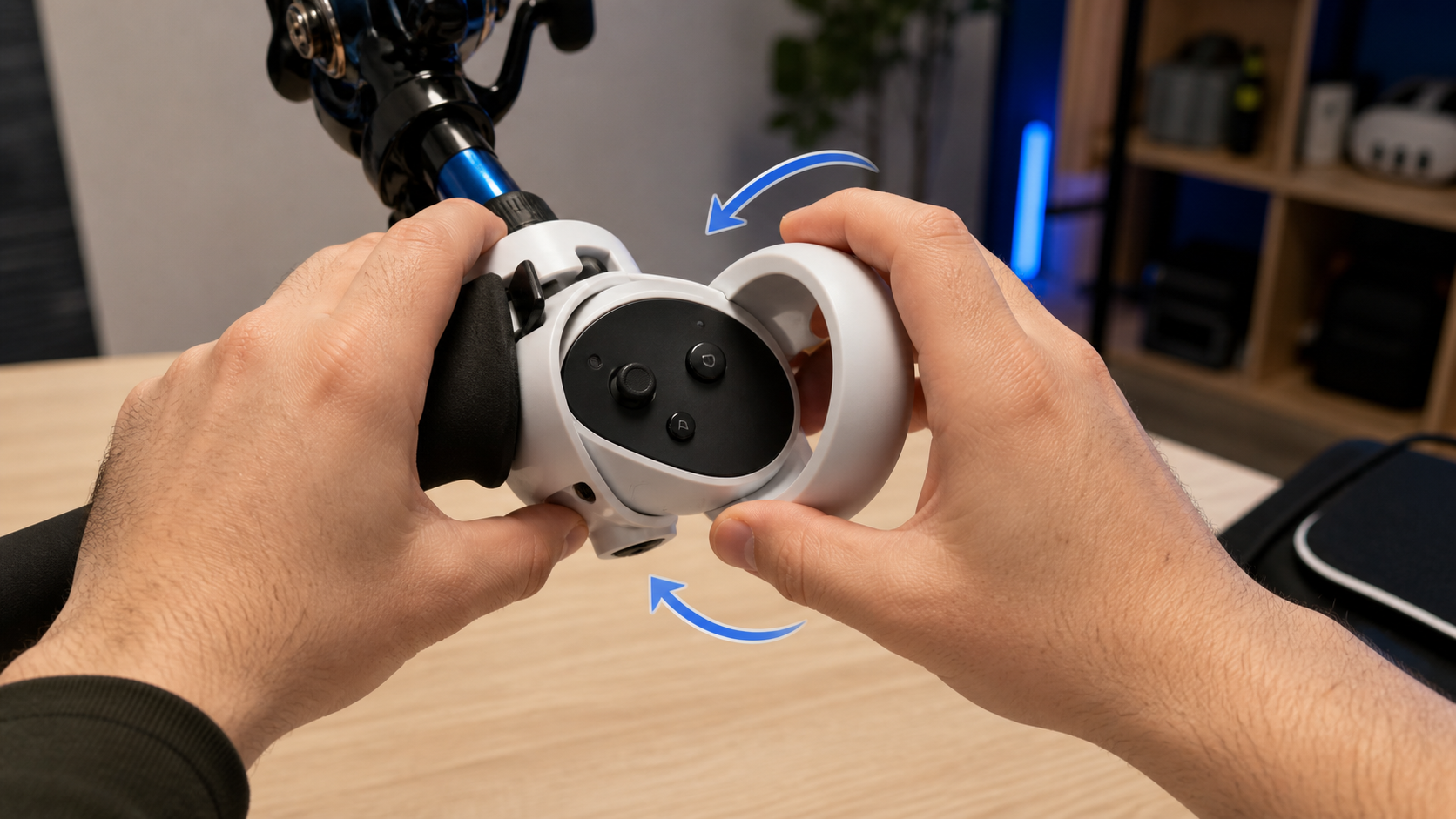
I wish I had done this from the start. When I first put the controller in the accessory, I just pushed it in until it clicked. It felt solid, so I jumped right in. It was only after I got frustrated with the tracking that I took the headset off and really examined the fit. That’s when I discovered the real issue. The accessory held the controller securely from moving forward and backward. But it did not stop it from rotating.
The All-Important Rotation Test
Here's the test I now recommend for any Quest Pro accessory that encloses the controller. First, put the controller in and make sure it’s locked in place. Second, hold the accessory firmly. Third, with your other hand, grab the controller and try to twist it, like you’re unscrewing a bottle cap. Don’t use a lot of force, just enough to simulate the torque from reeling. If it moves at all, you have a problem. My accessory used a simple plastic clip system. It was not enough to handle the rotational force from the reeling handle. A better design might use a screw-down clamp or a material with more grip to prevent this exact issue. A simple 30-second check would have told me what to expect.
Does the answer change when left-handed users care more about controller security than price in Bait!?
You are a left-handed player. You are used to accessories feeling a bit "off." You wonder if spending more on a premium product will actually solve the problem or just be a waste of money.
Yes, the answer completely changes for left-handed users. We often get poorly mirrored designs that don't fit right. For us, paying more for an accessory with a truly ambidextrous design and a superior locking mechanism is critical for controller security and a good experience.
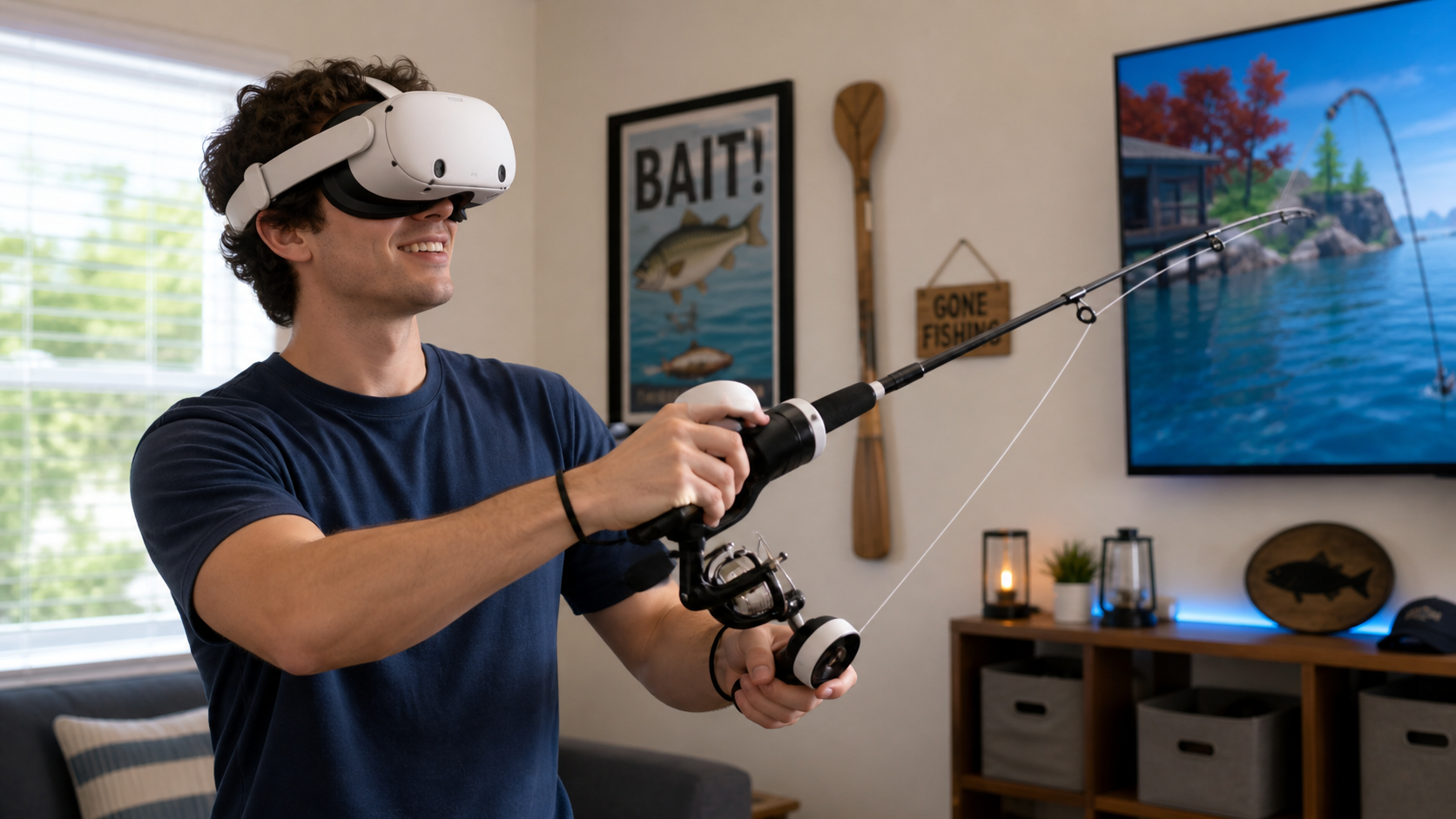
Being left-handed in a right-handed world means you notice the small details. Many "ambidextrous" products are just mirrored designs of right-handed ones. They don't account for how our grip and force might be different. This became very clear during my "family handoff" test. I was getting frustrated with the controller twisting, so I asked my right-handed brother to try it. I had him use the same left-controller setup. He had far fewer tracking losses. Why? Because his right hand, used to reeling on a standard fishing rod, naturally supported the accessory in a way that prevented the twist. My left-handed reeling motion was applying torque in a way the designer hadn't anticipated.
For a player like me, a cheap, one-size-fits-all accessory is a bad investment. I would rather pay more for a product that was truly designed with left-handed or ambidextrous use in mind. I would look for a VR fishing rod with a heavy-duty locking system, like a screw-tightened brace. That kind of security is more important than saving a few dollars. It's the difference between an accessory that enhances the game and one that breaks it. For serious players who value their time in VR, especially lefties, controller security is not a luxury; it's the most important feature.
Conclusion
A VR fishing rod makes Bait! more immersive. But for Quest Pro users, the mount must be perfectly secure. If you're a lefty, invest in an accessory that guarantees zero controller rotation.
Leave a comment