



Can Meta Quest 2 tracking stay stable when VR Golf Club Attachment is used for family golf nights?

Family golf night in VR is fun, but swinging a small controller feels wrong. It breaks the immersion and makes your shots feel cheap, not real. A golf club attachment promises to fix this.
Yes, Meta Quest 2 tracking can stay stable with a VR golf club attachment, but it heavily depends on the accessory's design. A secure locking mechanism that prevents the controller from twisting during a full swing is essential for maintaining stable calibration and an immersive experience during play.
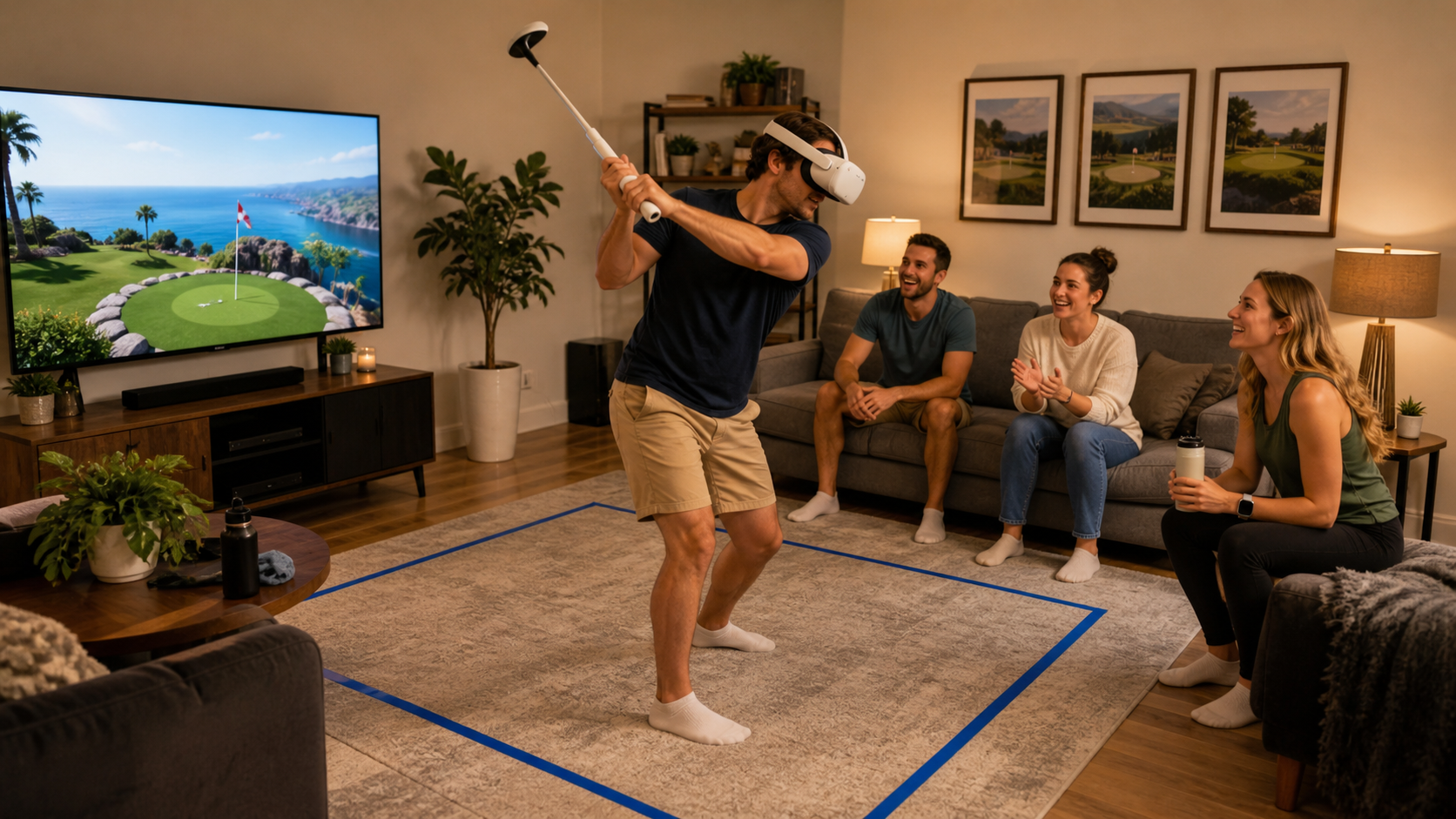
We put one of these attachments to the test during our weekly family competitions in Walkabout Mini Golf. My goal was to see if it could really stand up to repeated use, especially when passing the headset between right-handed and left-handed players. I wanted an honest answer, not a sales pitch. Before you decide to buy one, there are some real-world problems and frustrations you need to understand. Let's break down the experience, starting with the very first question a lot of buyers have.
Does a left-handed setup photo if relevant answer the buyer's main doubt about calibration feel in family golf nights?
You’re left-handed, and every product photo shows a right-handed setup. You immediately worry it won’t fit, feel right, or even work. But does seeing that one lefty photo actually solve the problem?
No, a left-handed photo doesn't solve the main doubt about calibration feel. It confirms the accessory is physically ambidextrous, but it says nothing about the in-game alignment. That "feel" is a software setting that you must adjust yourself, and a photo cannot show you that experience.
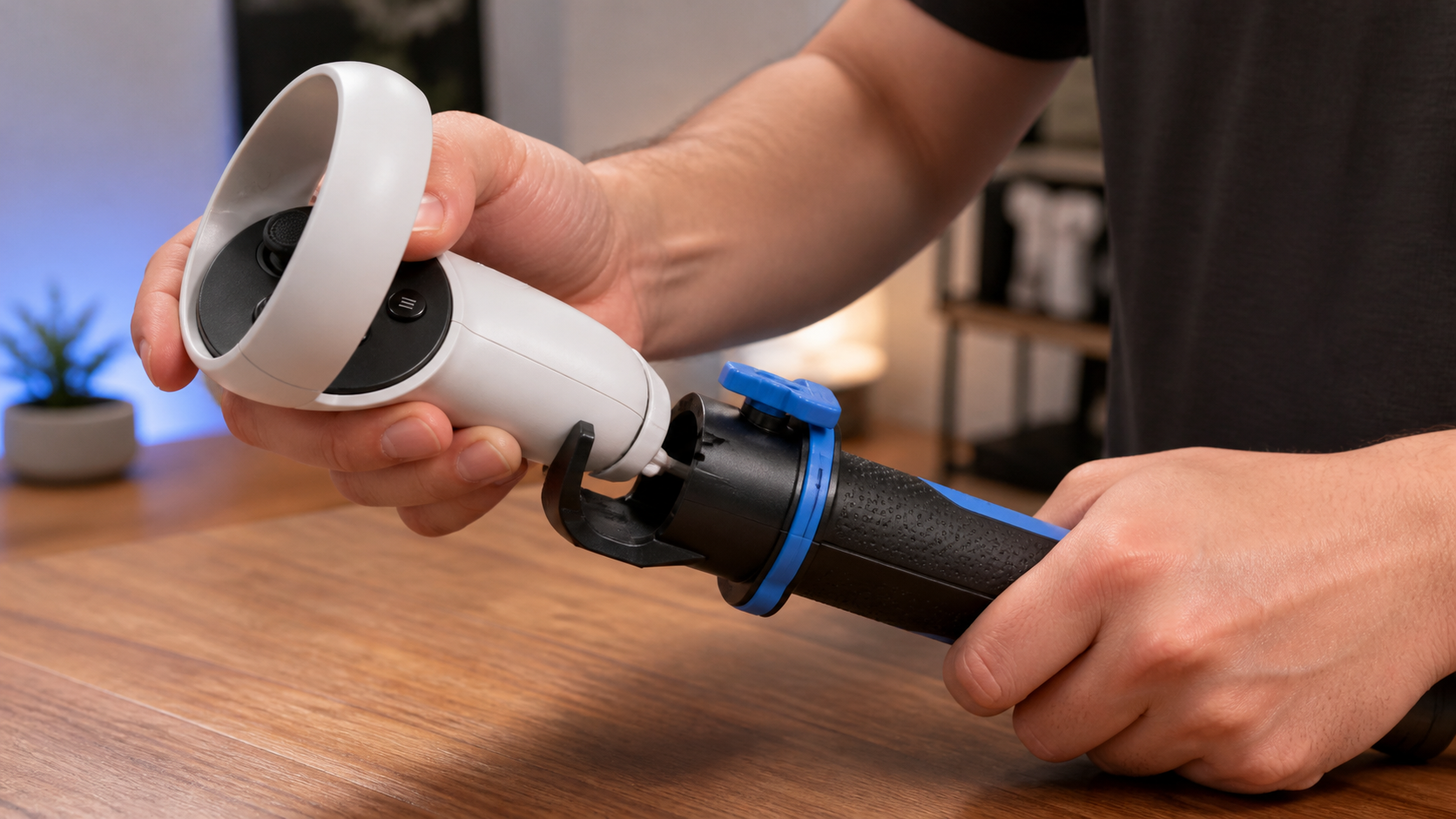
Seeing a product accommodate left-handed players is a great first sign. It tells me the designers at least considered that 10% of the population exists. In our family, we have both, so an ambidextrous design is a must-have. The photo showed me the controller could be mounted facing the other way, which was reassuring. But the moment I got into the game, I realized the photo only answered the most basic question. The real issue is "calibration feel." This is the feeling that the virtual club in your hands is perfectly aligned with the physical attachment you’re holding. When you swing, you expect the virtual club to hit the ball exactly where the physical club is. A photo can't show this. It’s a combination of hardware stability and in-game software settings.
What a Lefty Photo Shows vs. The Real Calibration Problem
A picture might be worth a thousand words, but it can't describe a feeling. Here is a better way to understand what the photo really tells you.
| Feature | What a Photo Confirms | What a Photo Hides |
|---|---|---|
| Physical Fit | The controller can be inserted for a left-handed grip. | How secure the controller is during a full swing and if it twists. |
| Ergonomics | The grip is designed to be ambidextrous or has a lefty option. | The actual weight balance and whether it feels natural in your hands. |
| Calibration | Absolutely nothing. It's just a physical assembly. | The in-game alignment, potential for drift, or any tracking delay. |
| Ease of Swapping | Nothing. | How long it takes to switch the setup between left and right players. |
The photo is just a starting point. It builds confidence that the product isn't poorly designed, but the real test happens inside the headset.
Could calibration feel be solved by setup changes before buying VR Golf Club Attachment?
Your VR golf swing feels off, and you keep missing easy shots. The frustration builds. Maybe you don’t need new hardware at all. Maybe a simple settings change is the answer.
Partially, yes. You can significantly improve the calibration feel by adjusting in-game settings for club angle and offset. However, software alone cannot fix physical inconsistency. An attachment provides a stable, repeatable grip that software settings can't replicate, solving the root hardware problem.
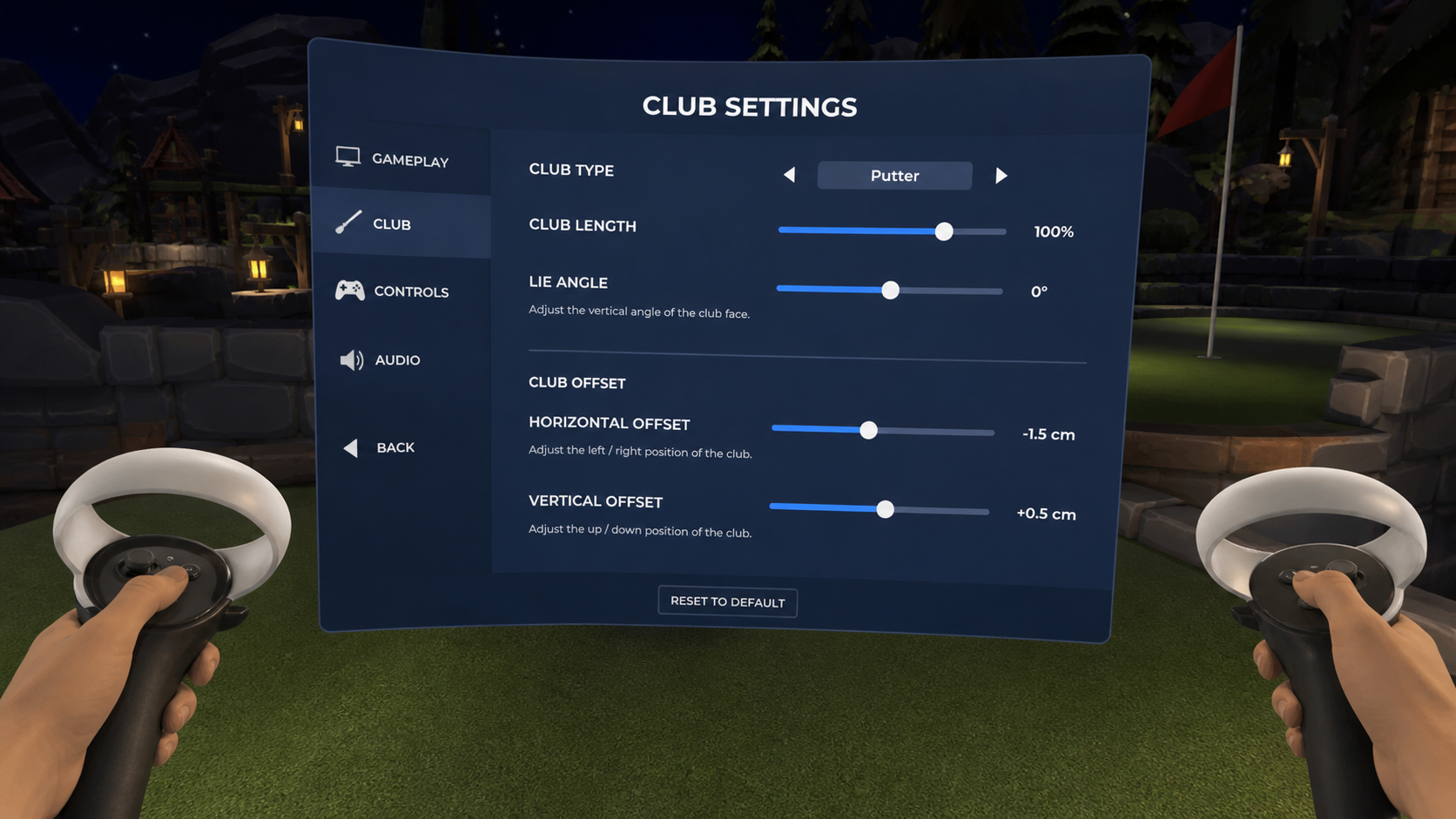
Before I even thought about buying an accessory, I tried to solve the problem for free. I dove deep into the settings menu of Walkabout Mini Golf. I spent a good half-hour tweaking the virtual club settings. I adjusted the angle, the length, and the horizontal and vertical offsets. It made a huge difference. My shots started feeling more natural, and my putting improved. For a while, I thought I had solved it. But a new problem appeared: inconsistency. Even with the perfect settings, my grip on the controller itself was never the same twice. My hand would shift just a tiny bit between shots. A half-inch change in hand position on the controller could send my virtual putt way off target. This was the source of my frustration. The in-game settings were right, but my physical grip was wrong. That’s the problem an attachment is built to solve. It forces your hand into the exact same position for every single swing, creating the consistency that software can't. So, my advice is to try the in-game settings first. They might get you 80% of the way to a good feel. If you still feel that lack of consistency, then you know an attachment will solve that final 20%.
Is comfort the main buying trigger, or is performance the real reason people search?
You see a VR golf attachment and it looks like a professional, comfortable upgrade. But is it just for looks, or does it actually make you a better player?
Performance is the real reason people buy a VR golf club attachment. While the added weight and grip are more comfortable, the core motivation is to achieve a more consistent and realistic swing. This leads directly to better accuracy, improved scores, and deeper immersion in the game.
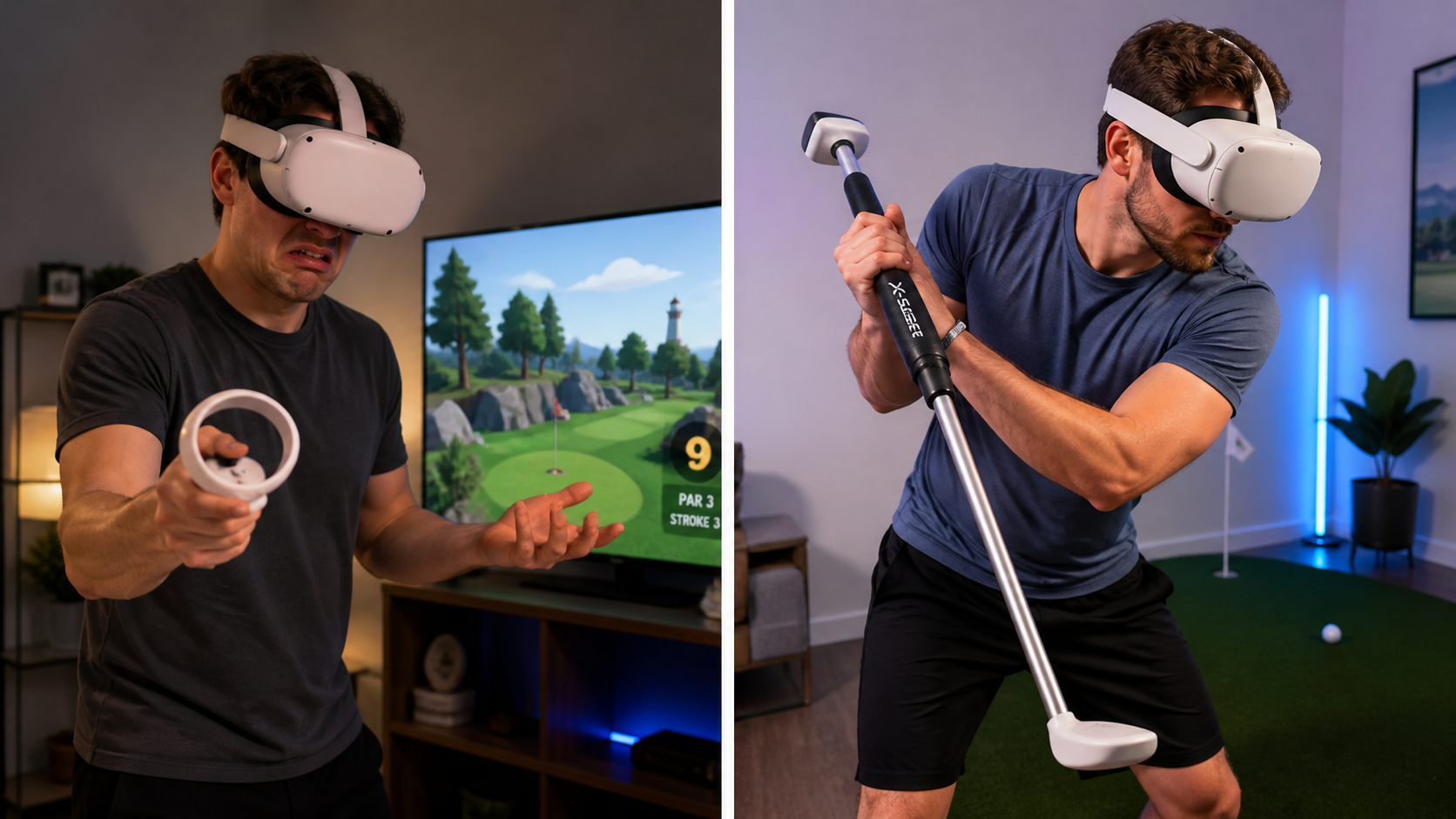
I initially thought this accessory was all about comfort. Holding the small Quest 2 controller like a golf club for an hour can make your hand cramp up. I figured a proper handle would just make the experience more pleasant. I was wrong. The real benefit became clear after just a few holes: it was all about performance. My swing became repeatable. The attachment gave my swing a sense of weight and momentum that a floating controller never could. More importantly, it eliminated the variables. I knew that if I missed a shot, it was because my swing was bad, not because my hand slipped on the controller. This provides a kind of mental comfort that is far more valuable than physical comfort. The biggest performance test for me was checking if the controller would twist inside the attachment after a powerful drive. Many cheaper models fail here. A slight twist completely ruins the calibration and throws off your next shot. I’m happy to report that the one we used had a very secure lock, and the controller never moved. This stability is the key feature. It’s what turns a fun toy into a real performance-enhancing tool. You don't buy it to feel good; you buy it to play better.
Who should avoid this VR Golf Club Attachment setup even if it looks useful for family golf nights on Meta Quest 2?
This golf club attachment seems like the perfect accessory for any VR golf fan. But for certain players, it will create more problems than it solves and end up in a drawer.
Players who frequently switch between swinging and using controller buttons for movement should avoid this attachment. In games like Walkabout Mini Golf, the constant need to detach the controller to fly or teleport completely breaks the game's flow and causes significant frustration.
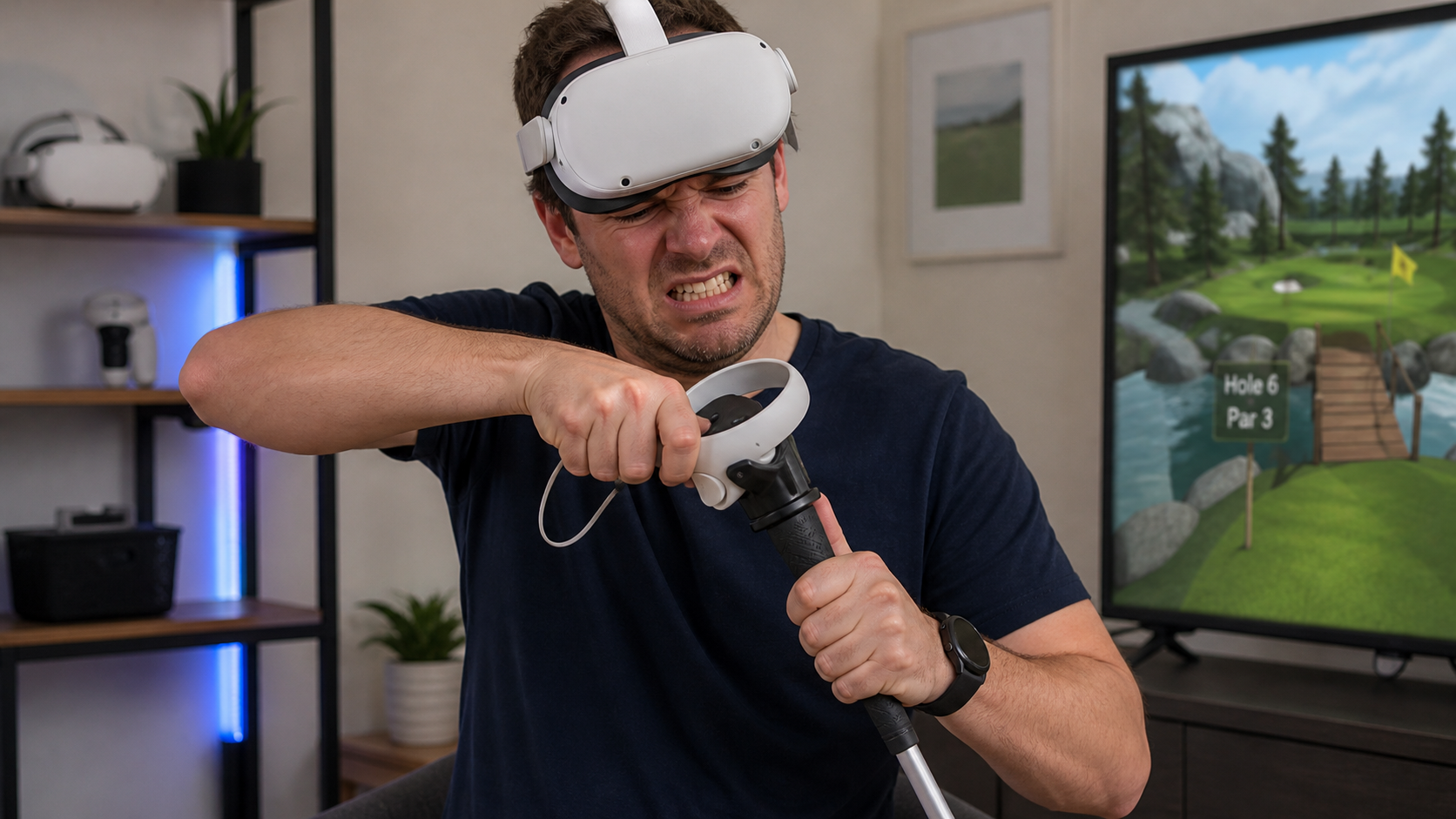
This is the most critical insight from my experience. This accessory is not for every golf game or every player. The deal-breaker for our family nights was the game design of Walkabout Mini Golf. The game is fantastic, but it requires you to constantly use the joystick and buttons to fly around the course, find your ball, and aim your shots. The golf club attachment covers all of these buttons. You cannot access them while the controller is locked in place. This created a terrible gameplay loop for us on every single hole. First, we would attach the controller to take our tee shot. Then, we had to immediately detach the controller to fly over to where our ball landed. After that, we had to re-attach the controller to take our second shot or putt. The process of screwing and unscrewing the controller over and over again was tedious and slow. It completely killed the fun, fast pace of the game. So, who should avoid this? Anyone who primarily plays Walkabout Mini Golf and enjoys its exploration and social aspects. The attachment gets in the way. However, for a more realistic golf simulator like Golf+, where you generally take your shots from a fixed position and don't need to fly around, this accessory would be perfect.
Conclusion
This VR golf club attachment greatly improves swing consistency and performance. But it becomes a major hassle in games that require frequent button access. Buy it for serious realism, but skip it for casual, fast-paced games.
Leave a comment