



Can a VR Sweat Mask handle fast movement without creating skin irritation?

Sweating during VR is frustrating. It fogs your lenses, irritates your skin, and ruins the fun. You just want a simple solution that works without causing new problems.
Yes, a VR sweat mask can handle fast movement without irritation, but its success depends on your session length and facial interface type. For long, intense sessions in hot rooms, it can become saturated and cause its own set of comfort issues, especially with a sealed interface.
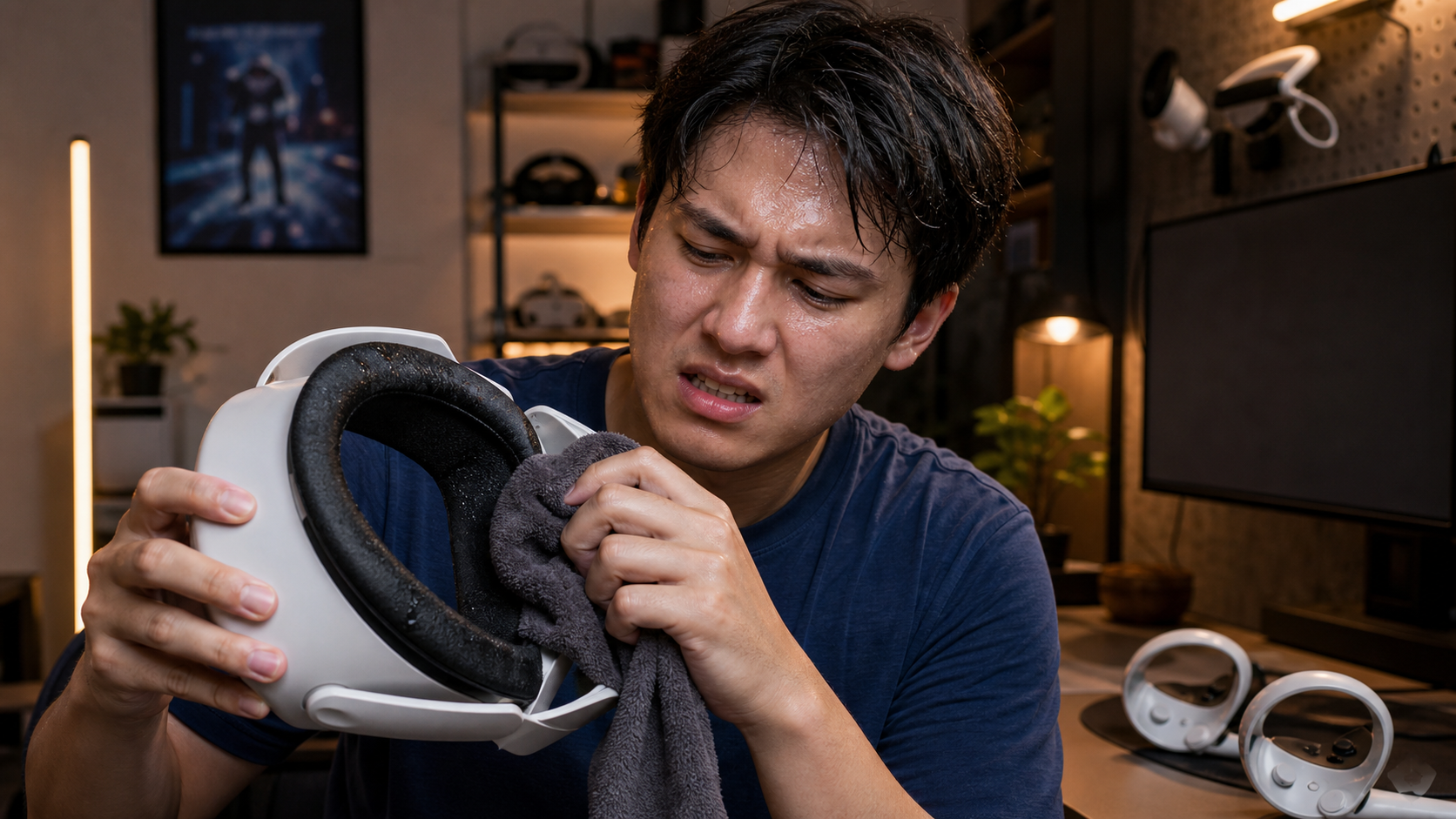
I live in a hot climate, so every VR session is a battle against sweat. When I first got a VR sweat mask, I was excited. It seemed like the perfect fix. The idea is simple: an absorbent layer of fabric sits between your face and the headset's facial interface. It catches sweat before it can soak the foam or drip into your eyes. But as I used it more, especially with my Quest and its Touch Plus Controllers for high-action games, I started to notice its limits. This isn't just a review; it's a deep dive based on dozens of hours of play in a room that's always a little too warm. I wanted to see if this accessory was a long-term solution or just a temporary fix.
When the novelty fades, does VR Sweat Mask still solve skin irritation?
That first week with the mask felt like a game-changer. My face stayed dry, and the headset felt cleaner. But soon, the initial magic started to wear off.
After the novelty fades, a VR sweat mask's ability to prevent skin irritation depends heavily on your setup. In short sessions, it works well. In long, sweaty sessions, especially with a sealed facial interface, the soaked mask can actually increase skin irritation and discomfort.
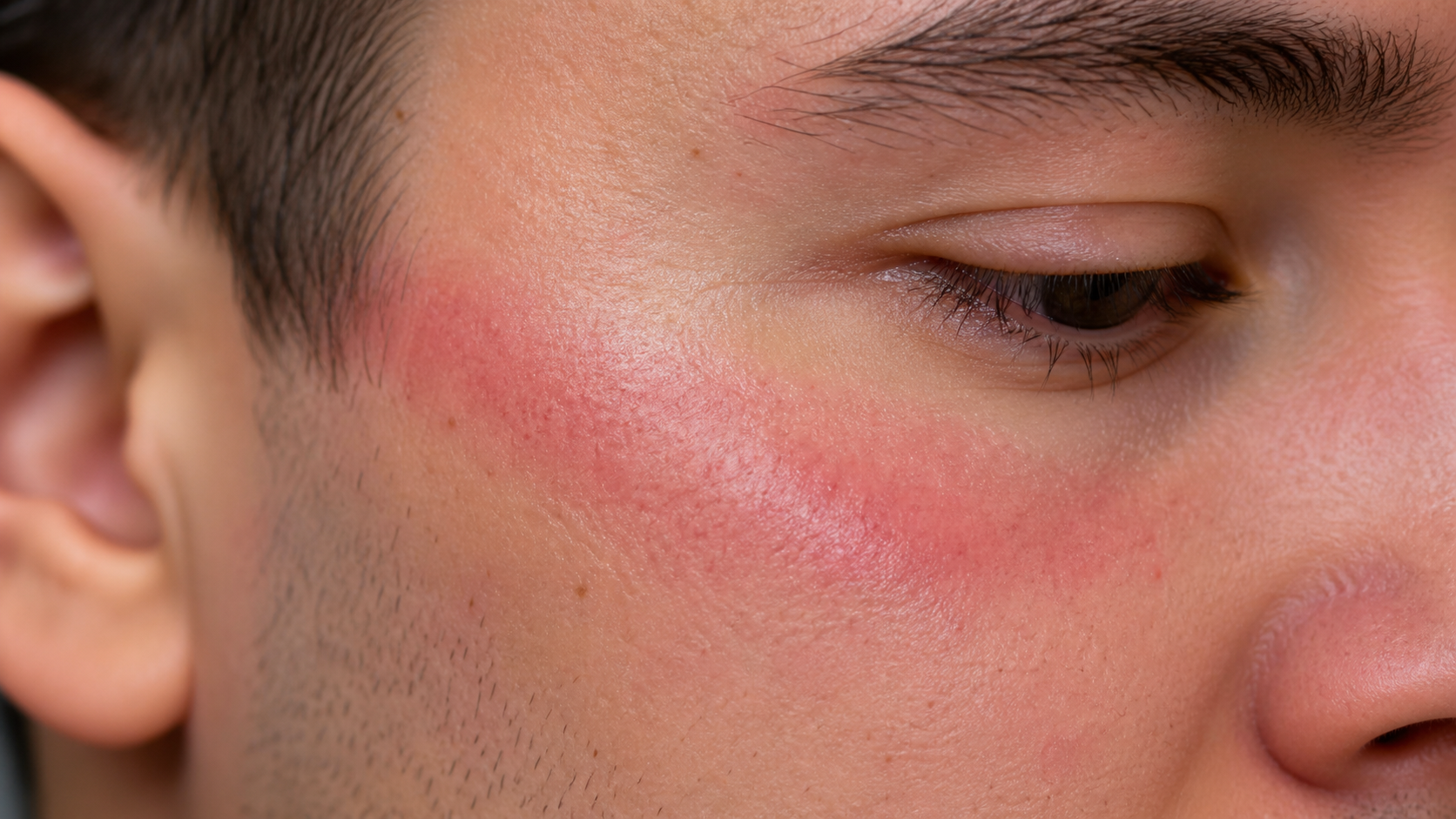
The difference between a short, 30-minute game and a two-hour session is huge. My experience changed a lot depending on how I was using the headset. I play in a warm room, so repeatability is key. What works for a casual user in a cool room might fail for someone like me. I tested the sweat mask with both the standard sealed facial interface and an open, pro-style one to see how airflow changed the result. The mask felt helpful at first, but then it became annoying under specific conditions.
Short vs. Long Session Performance
In short sessions, the mask is great. It absorbs light sweat and keeps the foam interface clean. But in long sessions, it gets completely soaked. A wet mask against your skin for over an hour feels uncomfortable. It can start to feel heavy and clammy, and sometimes the damp fabric would bunch up and move around during fast head movements. This is where the irritation started for me. A completely saturated mask doesn't feel much better than a sweat-soaked foam pad.
Sealed vs. Open Facial Interface
This was the biggest factor. With a standard, sealed facial interface, there is very little airflow. The mask gets wet and stays wet. The heat and moisture are trapped, which made my skin feel worse over time. But when I switched to an open-style facial interface that allows for more airflow, the experience improved a lot. The moving air helped some of the moisture evaporate from the mask, so it didn't feel as soaked.
| Condition | Short Session (Under 45 mins) | Long Session (Over 90 mins) |
|---|---|---|
| With Sealed Interface | Effective. Prevents sweat from soaking foam. Comfortable. | Becomes saturated and clammy. Can increase skin irritation. |
| With Open Interface | Very effective. Feels dry and comfortable due to airflow. | Better than sealed, but can still feel damp. Less irritation. |
Can photos of sweat absorption, fogging, and skin feel answer the buyer's doubt?
Words can only explain so much. You see a product online and wonder, "Will this really work for me?" I felt the same way, so I decided to document my testing.
Yes, photos showing a sweat mask's absorption, its effect on lens fog, and the resulting skin condition can answer many buyer doubts. Visual proof makes the benefits and drawbacks much clearer than a simple description, helping you see exactly how the accessory performs under real-world stress.
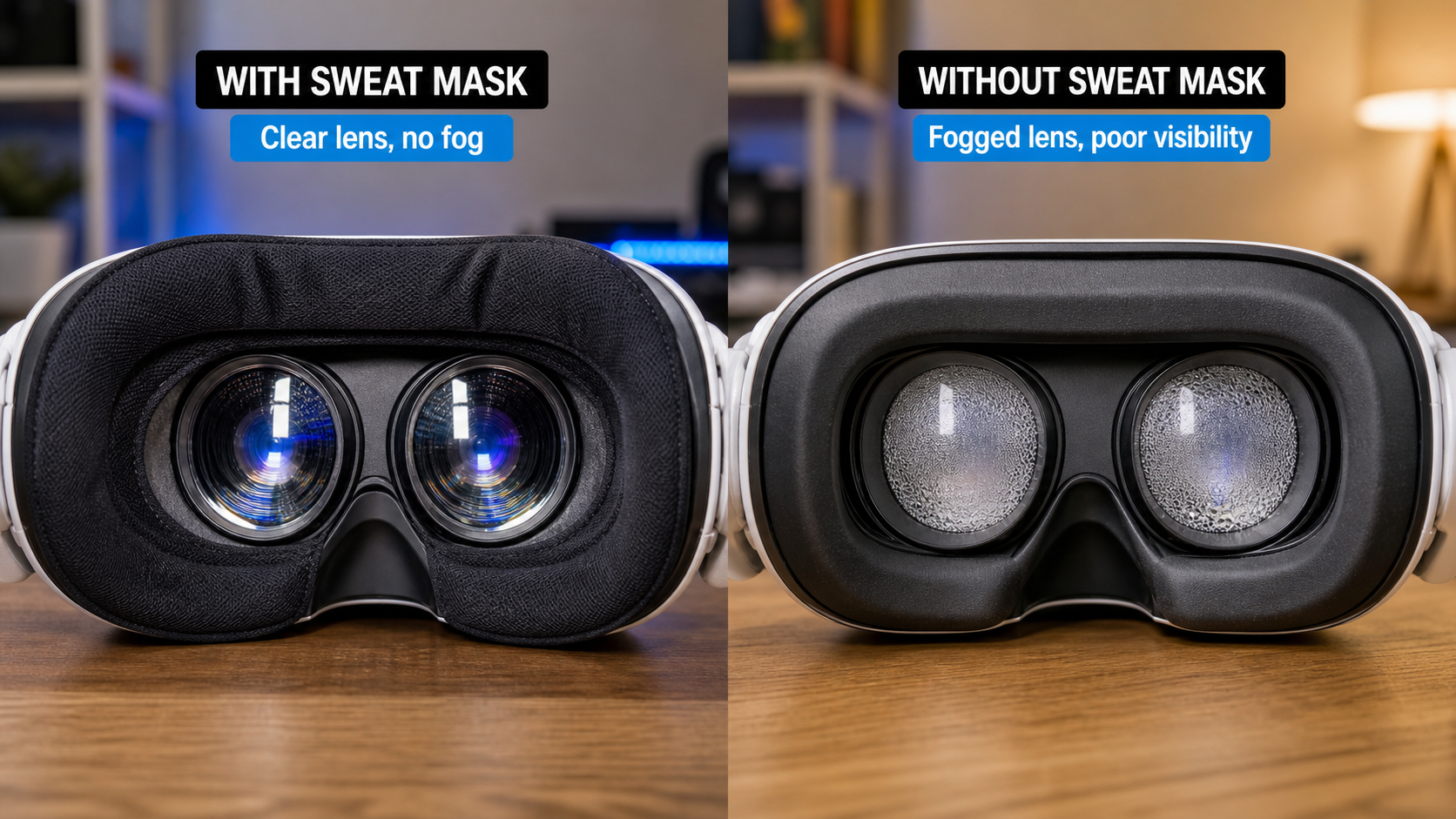
Seeing is believing. I took pictures after my sessions to compare the results. One photo showed the mask after a 30-minute Beat Saber session—just a little damp. Another photo showed it after a 90-minute session of Gorilla Tag—it was completely soaked and dripping. This visual difference is powerful. It shows the mask's absorption limit. I also took photos of the lenses. Without the mask, my lenses would often fog up from the heat and moisture. With the mask on, they stayed much clearer for longer because the fabric barrier stopped the warm, moist air from my skin from reaching the cool lenses. This was one of the biggest and most visible benefits. Finally, I looked at my skin. After long sessions with a wet mask and a sealed interface, I could see faint red lines where the mask's edges pressed against my face. This visual evidence helps explain the "feel" I was describing. It provides concrete proof that helps you decide if this accessory fits your play style.
Is the user looking for immersion, hygiene, safety, or measurable performance?
Why are you even thinking about buying a sweat mask? People have different reasons. The accessory that's perfect for one person might be useless for another.
A user's primary goal—whether it's better immersion, hygiene, safety, or performance—determines if a sweat mask is the right choice. Each goal has a different solution, and a sweat mask excels at hygiene and immersion but may not be the best option for pure performance or comfort.
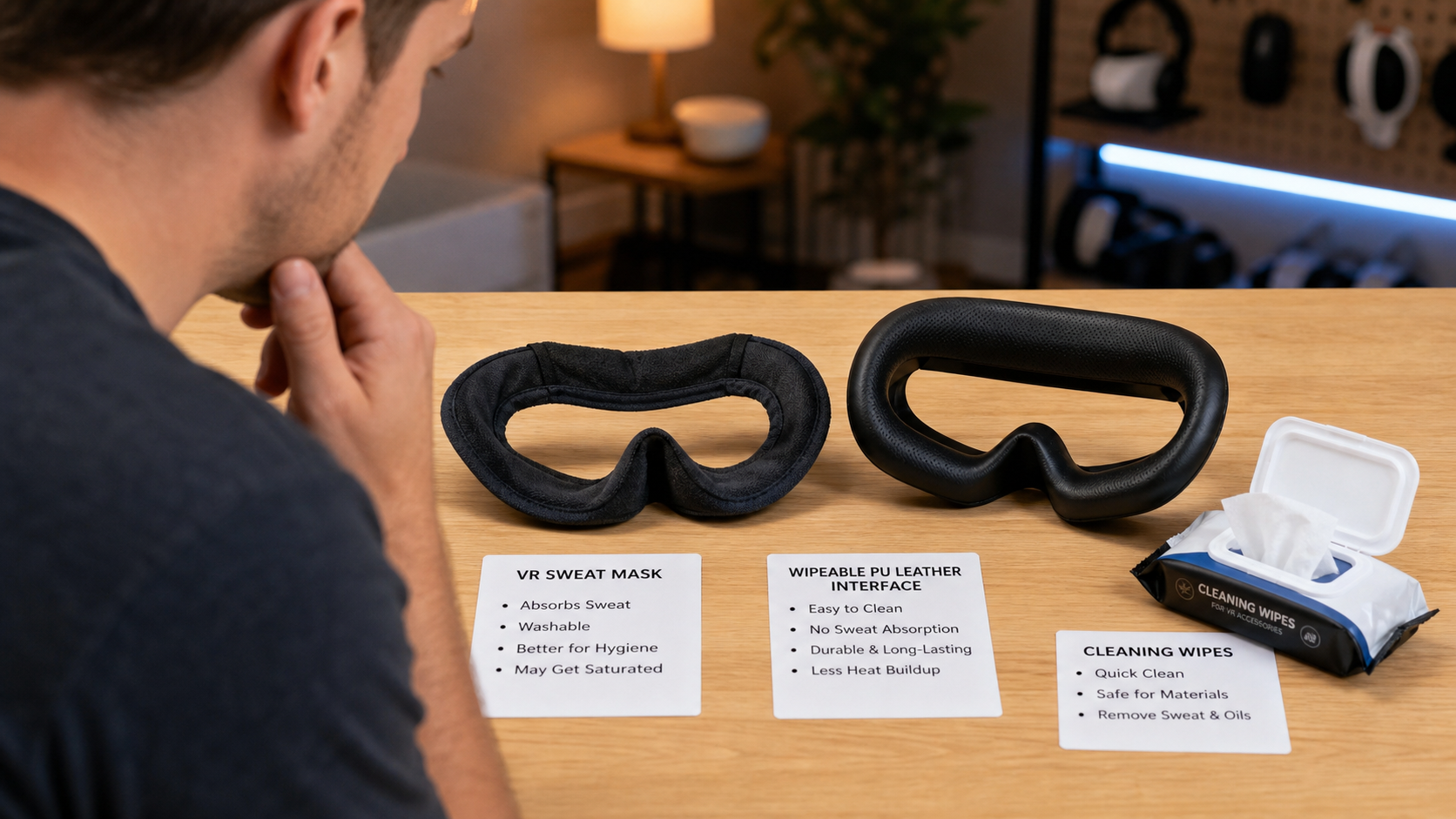
Before you buy, think about your main problem. Are you trying to solve hygiene issues because you share your headset? Or are you a competitive player trying to stop sweat from dripping in your eyes? Your motivation changes everything. For example, if your main concern is hygiene for sharing with friends and family, a sweat mask is a fantastic, washable solution. It creates a barrier between their face and your headset. But if your only goal is to solve skin irritation from the default foam, a wipeable PU leather facial interface might be a better alternative. You can simply wipe it clean after each use, with no washing required. It doesn't absorb sweat, but it's very easy to clean. If you want immersion, a mask can help by stopping the distracting feeling of sweat running down your face. For pure performance, the answer is less clear. A soaked mask can become a distraction itself. You need to figure out what you value most.
Can this topic end with a practical VR Sweat Mask setup checklist for Quest Touch Plus Controllers users?
You've decided to try a sweat mask. Getting it set up right is key to a good experience, especially when you're preparing for an active game with your Touch Plus Controllers.
Yes, a practical setup checklist can ensure you get the most out of your VR sweat mask. This checklist helps you prepare the mask, fit it correctly with your headset, and adjust your controllers for a comfortable, uninterrupted session, minimizing common issues like slipping and discomfort.
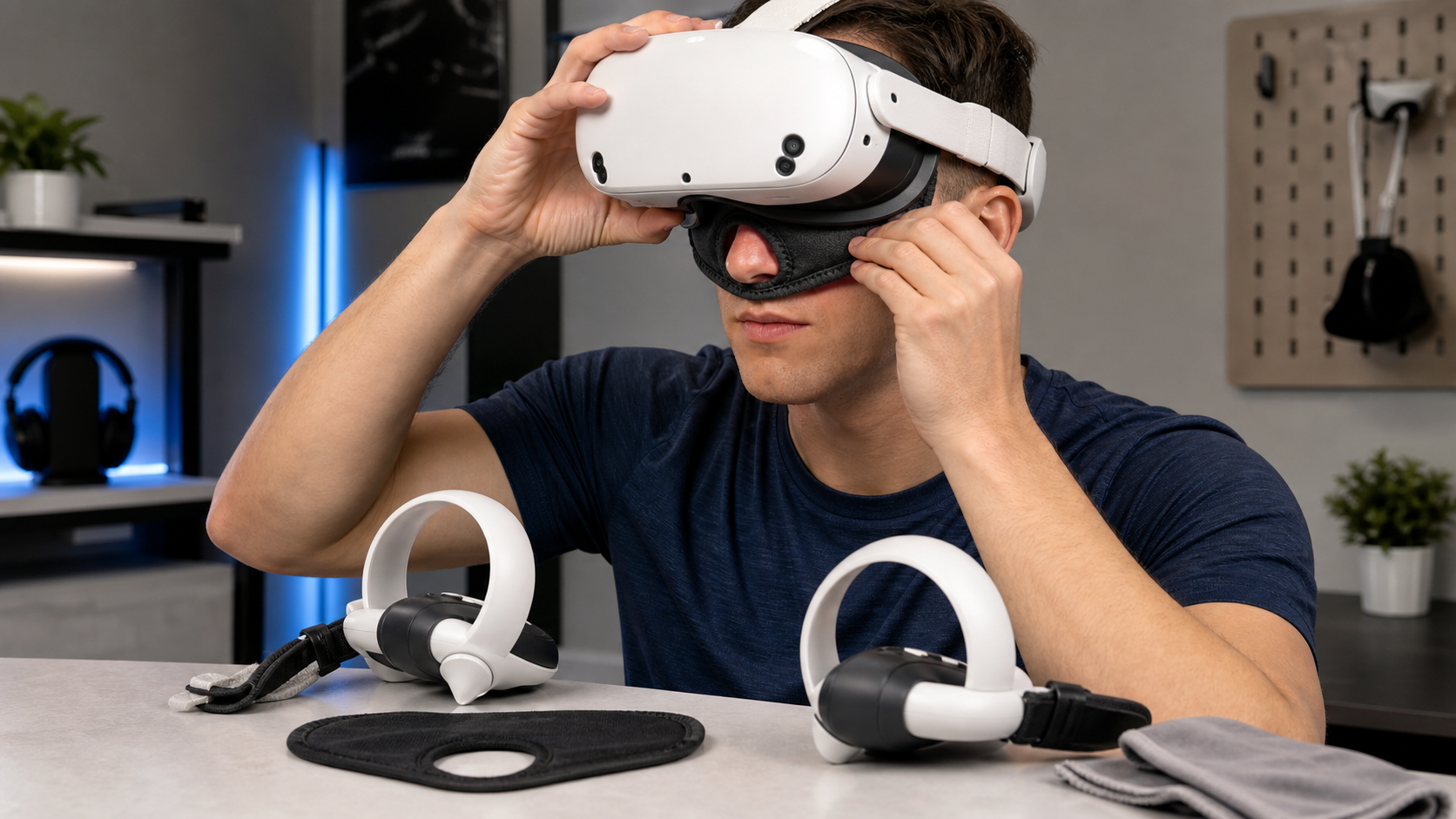
Getting it right from the start makes a big difference. After some trial and error, I developed a small routine before every long VR session. This checklist helps avoid the most common annoyances, like the mask slipping or feeling too tight. It's designed for someone about to jump into an active game, with their Quest and Touch Plus Controllers ready to go.
Here is my personal checklist:
- Start with a Clean, Dry Mask: Always use a fresh mask. If you just finished a session, swap it out. Having a few masks on hand is a good idea so you can rotate them.
- Position the Mask First: Put the sweat mask on your face before the headset. Make sure it's smooth against your skin, with no wrinkles. The nose opening should be comfortable and not block your breathing.
- Put on the Headset Carefully: Lower the headset onto your face over the mask. Try not to slide it down your face, as this will bunch up the fabric. Adjust the head straps for a snug but not overly tight fit. The pressure should be even.
- Check for Blocked Sensors: Peek inside the headset. Make sure no part of the mask is covering the proximity sensor between the lenses. If the sensor is blocked, your screen might not turn on.
- Adjust for Your Facial Interface: If you're using an open-style interface, ensure the mask isn't blocking the air vents.
- Secure Your Touch Plus Controllers: Put on your controller straps and tighten them. You don't want to be adjusting your mask and controllers mid-game. A secure setup lets you focus on the action.
Conclusion
A VR sweat mask helps a lot with hygiene and short-session comfort. But for intense, long-term use in hot rooms, a wipeable or open facial interface might be a better choice.
Leave a comment