



Can a VR Mat work for Gorilla Tag if you share the headset with family?

You keep hitting walls or furniture while playing Gorilla Tag. When your family shares the headset, the fear of someone breaking a controller or getting hurt is even worse.
A VR mat can help solve boundary awareness for families sharing a headset for Gorilla Tag by providing a physical, tactile guide to stay in the center of your play space. However, its success depends on your flooring, play style, and whether the mat itself slides or creates a trip hazard.
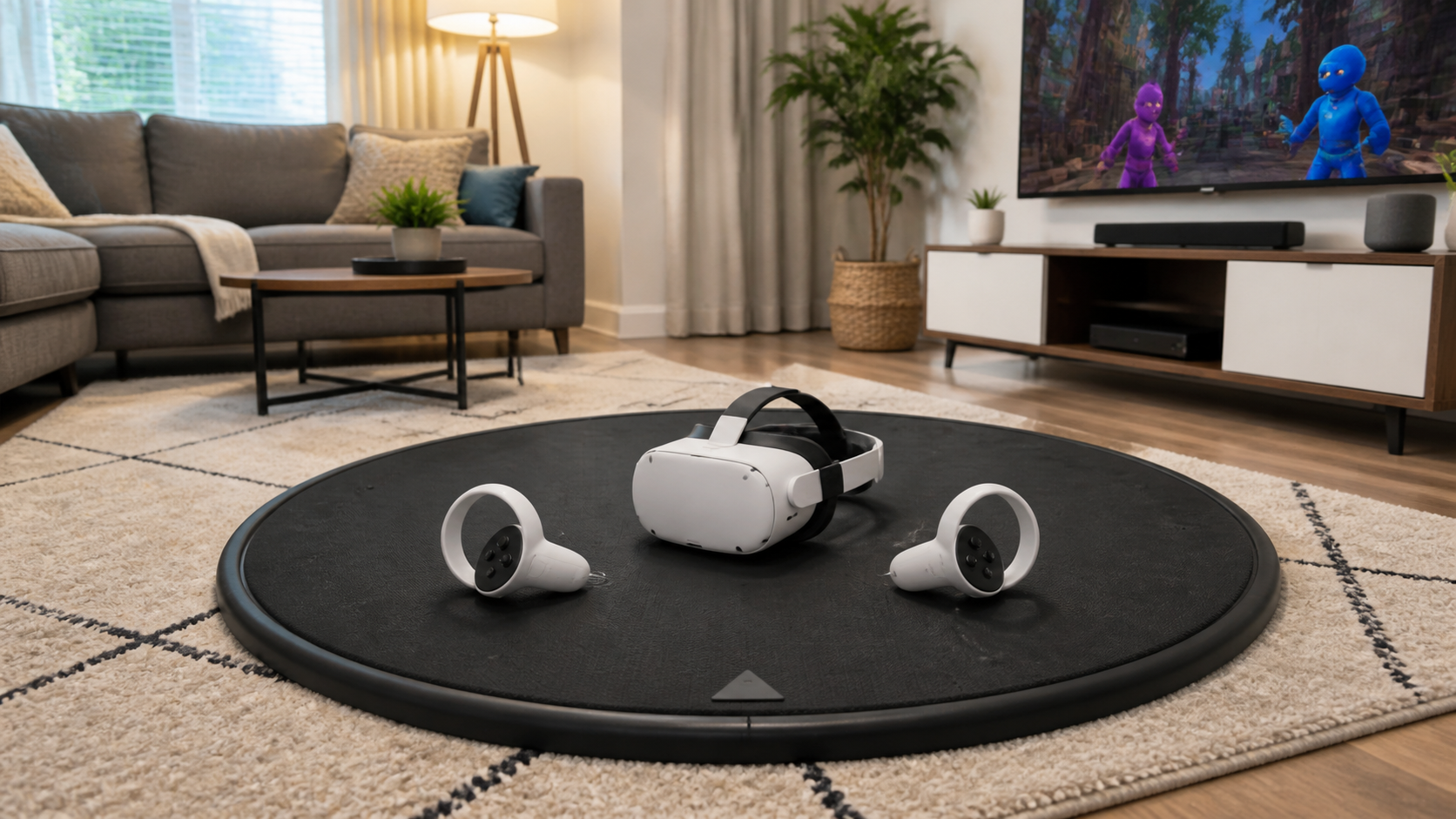
I was tired of the blue Guardian grid popping up and ruining my game. My kids are big fans of Gorilla Tag, and their wild arm swings always had me on edge. I worried about them running into the coffee table or smashing a Quest controller against the wall. A VR mat seemed like the perfect, simple solution to keep everyone safe and centered without having to yell "Watch out!" every five minutes. I decided to buy one and put it through a real-world family stress test to see if it could actually solve our boundary problem, or if it was just another accessory collecting dust. Here’s what my family and I discovered after a week of intense VR sessions.
Could Quest Touch Plus Controllers users solve boundary awareness without buying another accessory?
The pop-up Guardian boundary is a real immersion killer. It appears right when you're about to make a crucial move. There has to be a way to stay centered without this digital wall.
Before buying a mat, you can try free solutions. Adjusting the Guardian's sensitivity, using a small rug you already own, or playing in socks on a hard floor can provide enough physical feedback. The Quest Touch Plus controllers themselves offer no special boundary-sensing features.
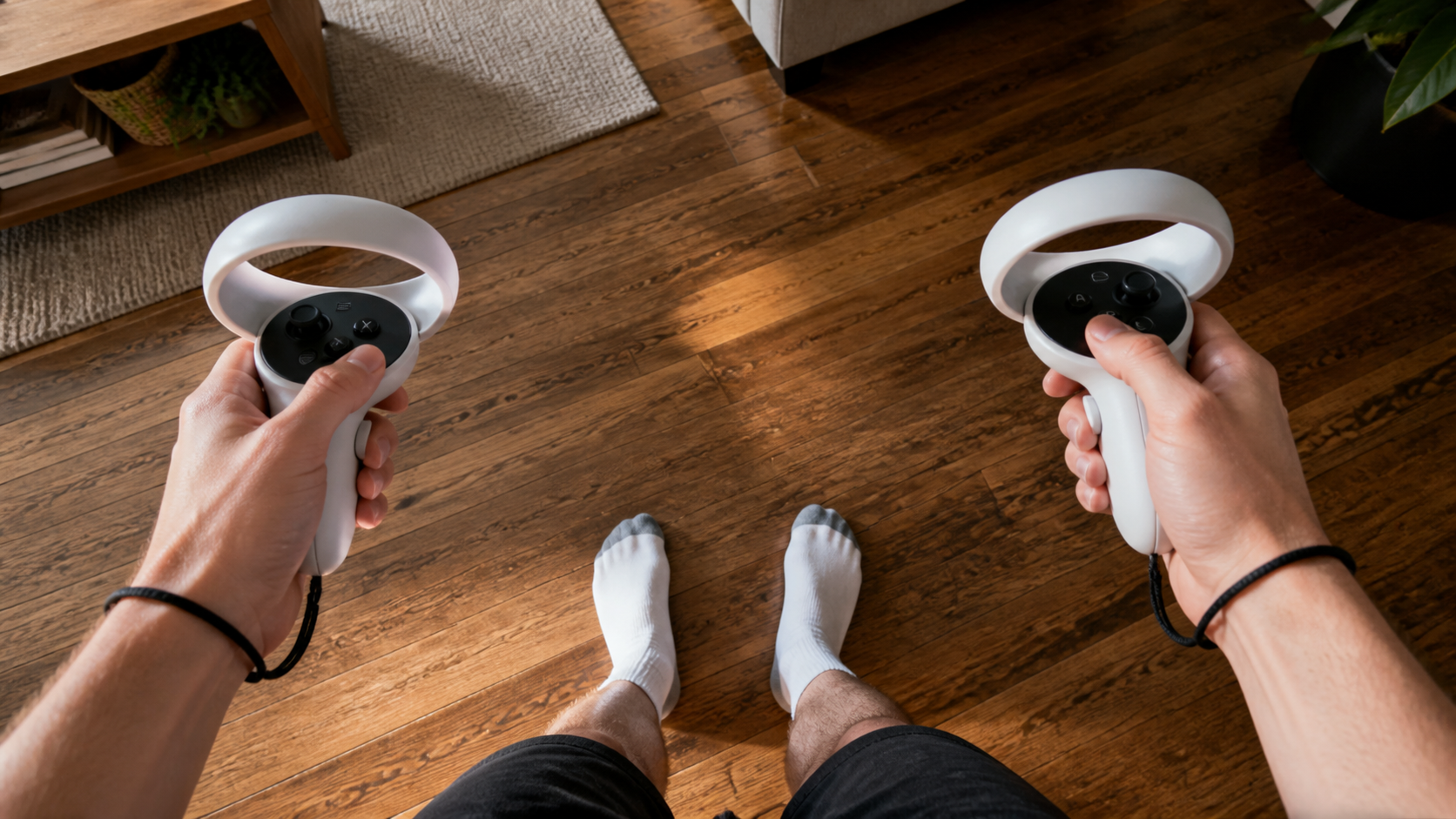
Before spending money, I wanted to see if I could solve the problem for free. The Meta Quest headset has a built-in system called the Guardian, which is what creates that blue grid when you get too close to the edge of your play area. The Quest Touch Plus controllers are great, but they don't have any secret sensors that help with this. They just track your hand movements. So, the solution had to come from my environment, not the hardware. I experimented with a few things I already had. First, I tried a small bathroom rug. It gave me a sense of my position, but it slid around way too much during fast games. Then, I just took my shoes off and played in socks on our wood floor. The change in texture from the floor to the main area rug worked a little, but it wasn't a very clear signal. I also adjusted the Guardian settings, but making it less sensitive just increased the risk of hitting something.
Free Boundary Awareness Methods
Here is a breakdown of the free options I tested:
| Method | How It Works | Pros | Cons |
|---|---|---|---|
| Adjust Guardian Sensitivity | Lowers how quickly the boundary grid appears. | Completely free, built into the Quest settings. | Increases the real risk of hitting objects. |
| Use an Existing Small Rug | Place a small rug in the center of your play area. | No cost if you already have one. | Often slides on the floor, can be a trip hazard. |
| Socks on Hard Floor | The feel of your feet on the floor tells you where you are. | Simple and provides some tactile feedback. | Not a very distinct marker, easy to ignore. |
Ultimately, none of these free methods gave me the confidence I needed, especially when my kids were playing. That’s what pushed me to finally test a dedicated VR mat.
Could thickness, cushioning, and trip risk be the real reason boundary awareness remains in Gorilla Tag?
You bought a mat to increase safety, but what if its thick edge just creates a new way to trip and fall? That would defeat the entire purpose of the purchase.
Yes, the mat's physical design is a huge factor. A mat that's too thick has a raised edge you can easily trip on. If it's too thin, it provides no comfort or feedback. If it slides on your floor, it makes you less stable and aware, not more.
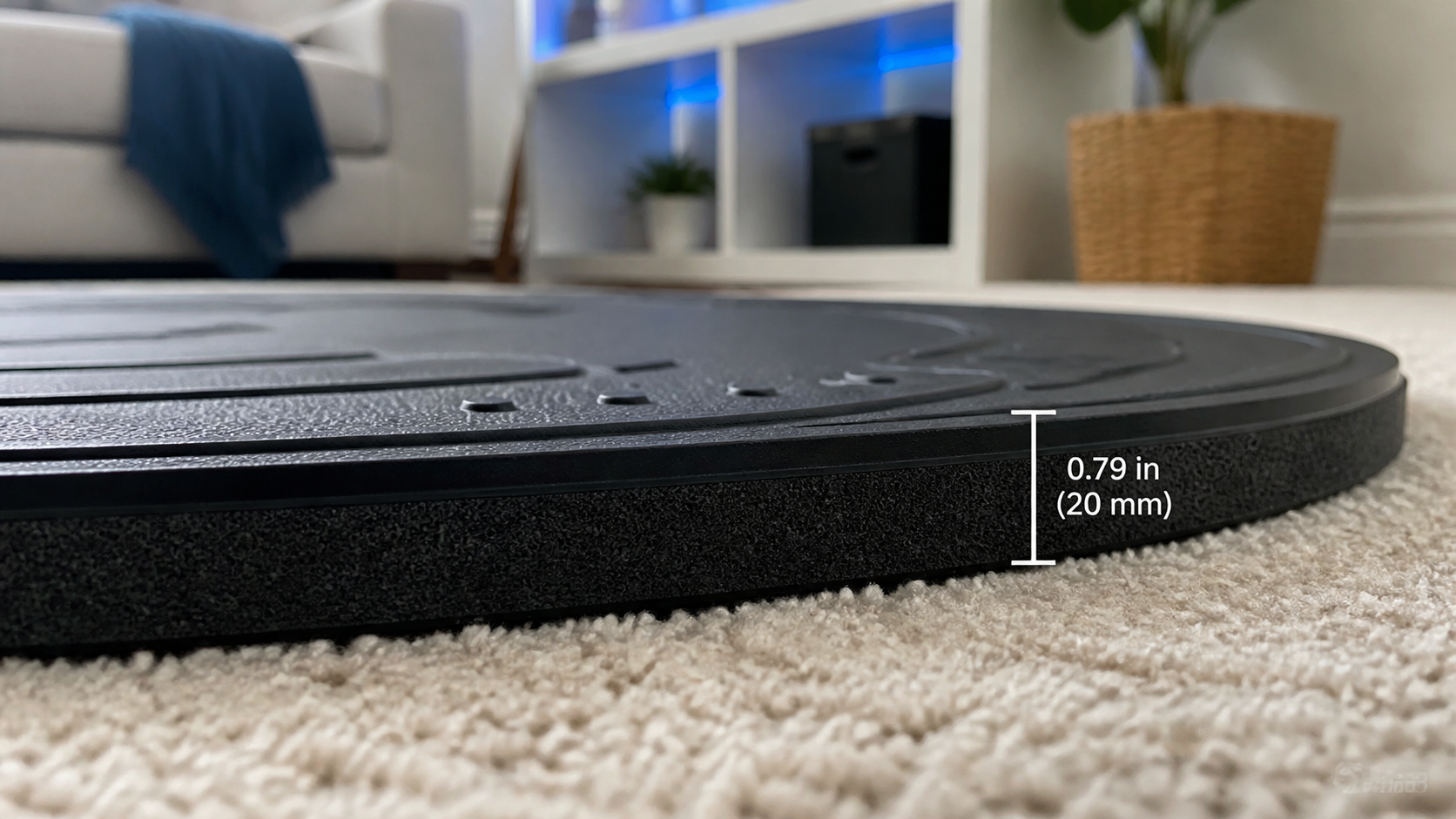
When I unboxed the VR mat, the first thing I noticed was its thickness. It felt substantial, but I immediately worried about tripping over the edge. My biggest test was for stability. An accessory designed for safety shouldn't slide around. To check this, I did a quick five-minute session in a VR boxing game. I was moving my feet a lot, shifting my weight back and forth. On my hardwood floor, the mat did slide a little bit, maybe an inch or two over the five minutes. It wasn't a huge amount, but it was enough to be annoying. The cushioning felt nice on my feet, much better than the hard floor, but the slight movement was a definite negative. Here was the biggest disappointment: the mat did not solve my boundary awareness problem for my arms. In Gorilla Tag, I was still flinging my arms out so wide that the Guardian grid appeared. The mat is great for telling you where your feet are, but it does nothing to contain your arm-swinging radius. This was the failure case I was worried about. The mat helped, but it wasn't a complete fix.
Is the user looking for immersion, hygiene, safety, or measurable performance?
Why are you really considering a VR mat? Do you want to feel more present in the game, or are you just trying to protect your walls and keep your play space clean?
Your main goal is the most important factor. If you want safety, a mat provides a physical zone. For hygiene, it offers an easy-to-clean surface for VR fitness. For immersion, it helps you feel centered. But for performance, the benefits are not measurable.
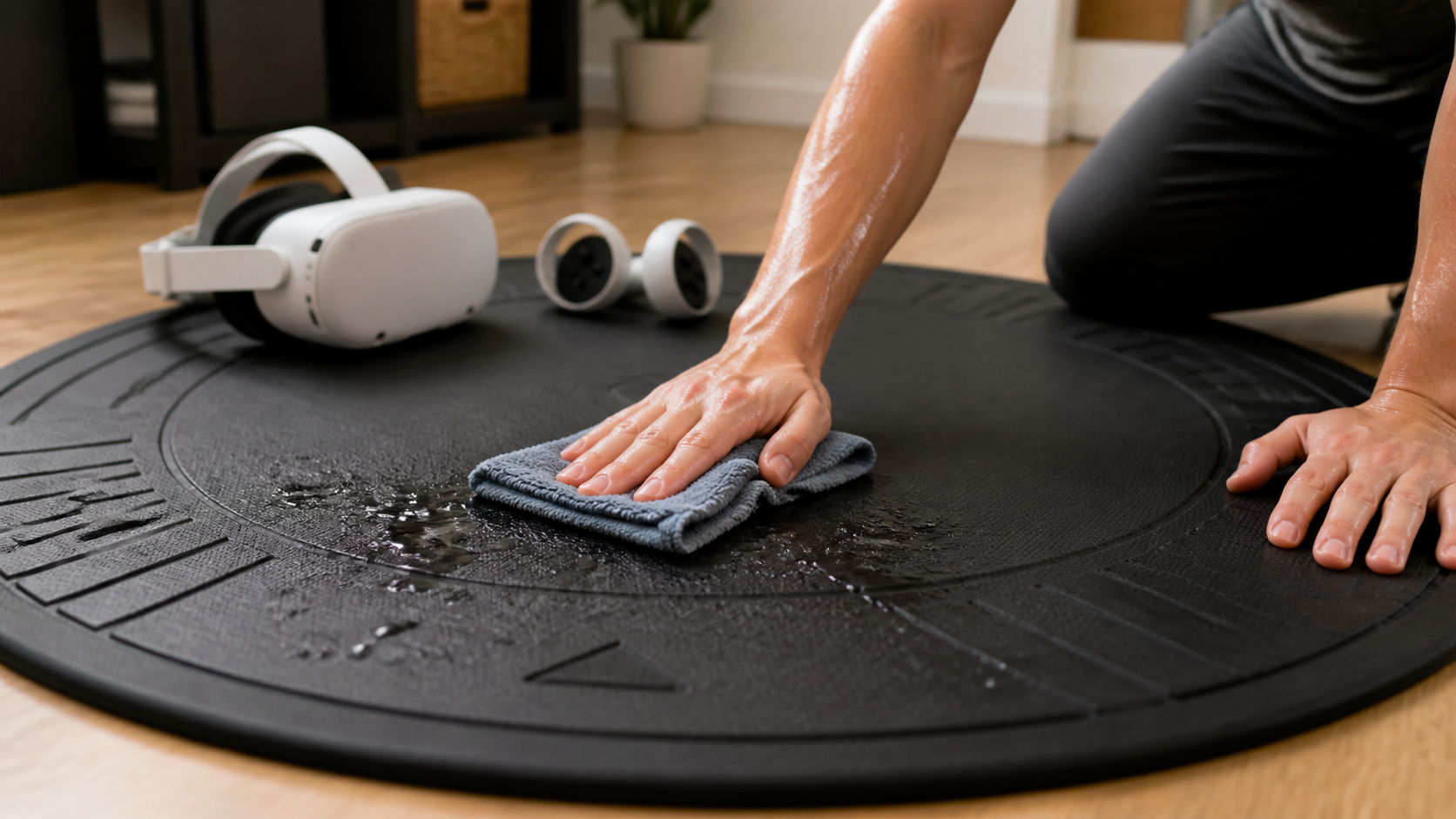
My main motivation was definitely safety. I wanted a simple way to keep my kids centered in the room. For that purpose, the mat worked well. They could feel the edge with their feet and it gave them a physical reminder of where the safe zone ended. This alone reduced my anxiety when they were playing. An unexpected benefit was hygiene. After a long session of a fitness game, I would normally have a sweaty spot on our area rug. The VR mat, however, is made of a non-porous material. As you can see from my photo after a workout, cleaning it is as simple as wiping it down with a cloth. This was a huge plus for a shared family headset. In terms of immersion, the mat had small raised bumps to help you feel your orientation. This was a nice touch. I could feel the front-facing arrow with my foot and re-center myself without lifting the headset. But when it came to measurable performance, I saw no difference. My scores in rhythm games didn't improve, and I wasn't any better at Gorilla Tag. The mat gives you confidence, not skill.
Could a cheaper or simpler setup answer this Gorilla Tag and boundary awareness problem just as well?
Branded VR mats can feel overpriced. Is it possible to get the same benefits from a cheaper, simpler item you can buy at any hardware or department store?
Yes, a much cheaper alternative can work almost as well. A basic anti-fatigue kitchen mat, a small, non-slip rug, or interlocking foam gym tiles can provide similar foot feedback for a lower price. The key is finding one that stays put on your specific floor.
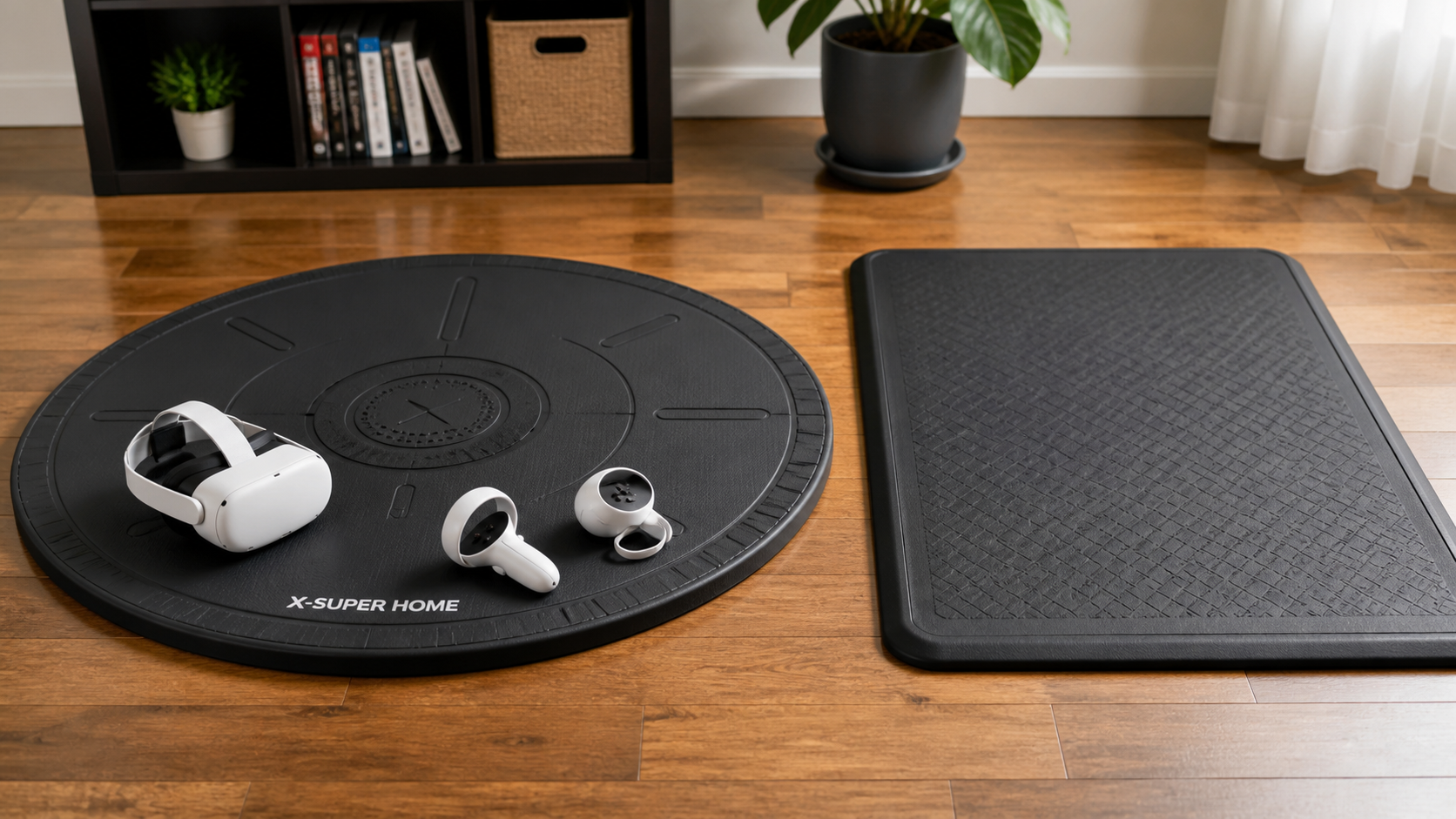
To test this, I grabbed the anti-fatigue mat from our kitchen and put it in my play space. It was smaller and rectangular, but it provided the same basic function: a different texture under my feet to tell me where I was standing. The cushioning was actually a little softer than the VR mat, which felt nice. The biggest problem was that it slid around even more than the dedicated VR mat during intense movement. The VR mat had a better non-slip backing designed for this kind of activity. So, is the expensive VR mat worth it? It depends. If you are a casual player, a $20 foam mat from a local store is probably 90% as good. It will get the core job done. The extra money for the official "VR mat" gets you a better non-slip grip, a circular shape that feels more natural for room-scale VR, and the little orientation bumps. For our family, with multiple people using it every day for intense games, those small features made a difference in convenience and stability. But for someone playing less frequently, a cheaper option is a perfectly reasonable choice.
Conclusion
A VR mat is a helpful tool for family safety and keeping you centered, but it won't magically fix all boundary warnings. Cheaper alternatives can work nearly as well for many users.
Leave a comment