



Can a Quest Battery Pack keep daily use fun while reducing battery health?

You love watching movies on your Quest, but the battery always dies too soon. It’s frustrating, especially when you have to stop and recharge right in the middle of a scene.
Yes, a Quest battery pack can keep daily use fun by extending playtime significantly. However, it can also contribute to battery health warnings by increasing heat during heavy use, especially if the headset is trying to charge and run a demanding app at the same time.
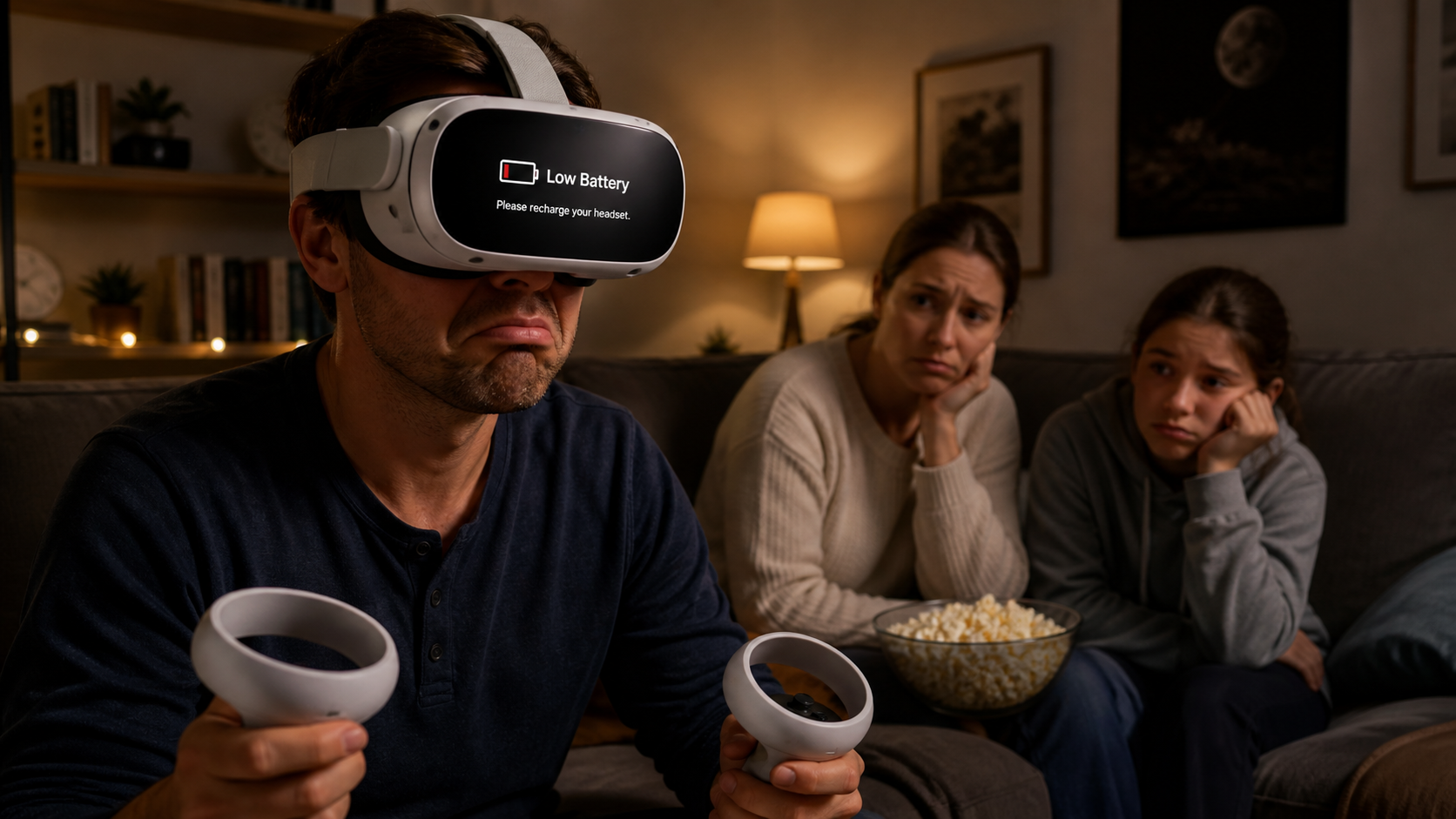
My family and I use our Quest headset a lot, mostly for watching movies together. The biggest problem we have is the short battery life. It never seems to last through a full film. Someone always has to stop and plug it in, which ruins the experience. I thought a dedicated battery pack would be the perfect solution. A simple accessory that just clips on and gives us more time. I decided to run a real-world test to see if this was true. I wanted to know if a battery pack was a simple fix or if it created a new set of problems I hadn't thought about.
In daily use, when exactly does battery health show up on Quest Touch Plus Controllers?
You plug in your battery pack, thinking your problem is solved. Then, a new warning about "battery health" appears on the screen. It feels like you just traded one problem for another.
The battery health warning typically shows up when the Quest is under heavy load, like streaming a high-quality movie, while also drawing power from an external battery. This combination creates excess heat, which the system flags as a risk to the battery's long-term life.
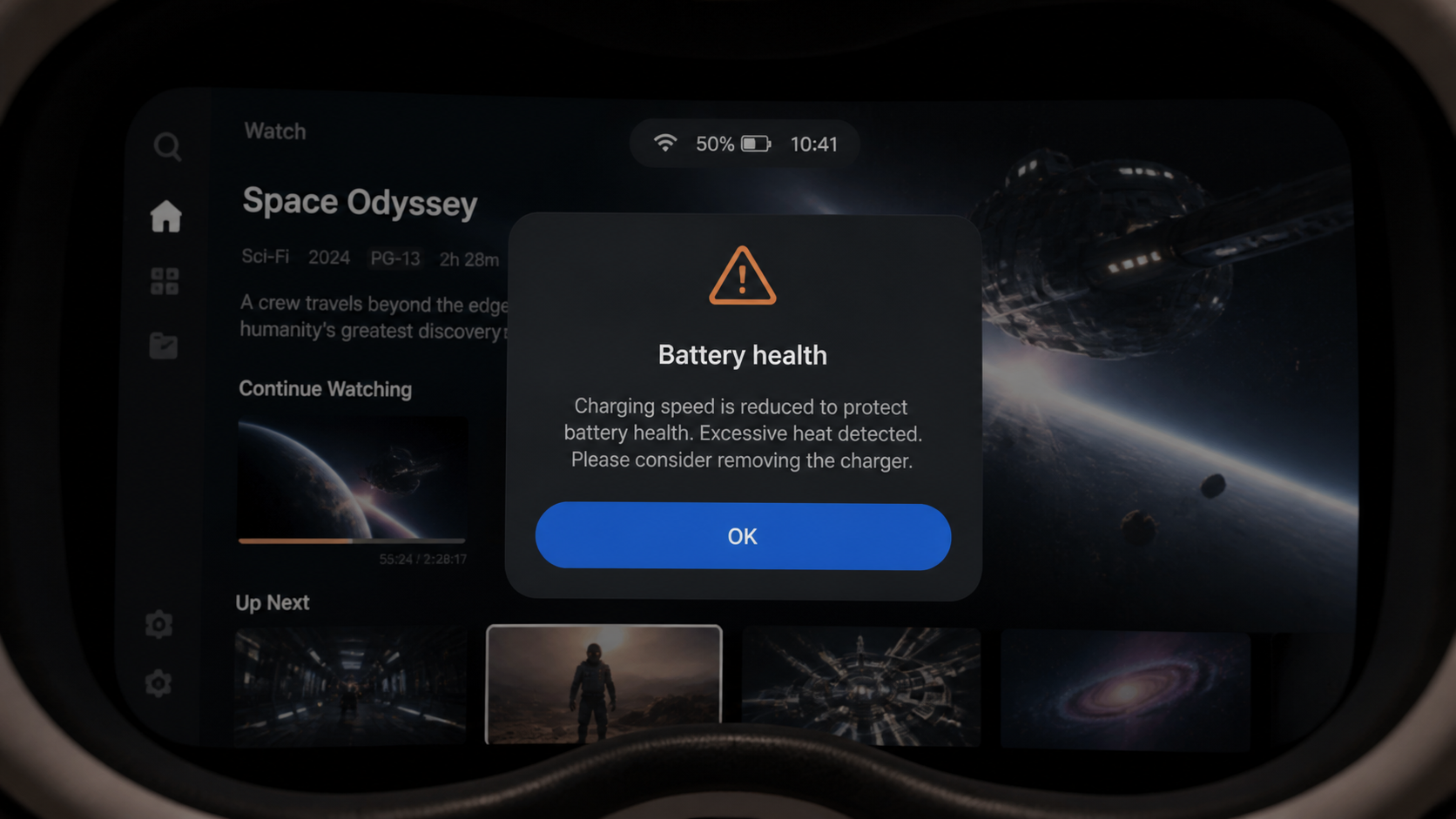
My test was simple. I started watching a movie with the headset at 50% battery and plugged in the battery pack. I wanted to see if the pack could increase the battery percentage while I was using it. About 30 minutes into the movie, the warning popped up. It said that charging speed was reduced to protect the battery. The headset also felt warm against my face. I decided to keep track of the heat to see if it got worse. The battery pack was causing the system to work harder and get hotter, which is exactly what the warning was about.
Heat and Performance Log
I recorded my observations over 90 minutes to see how the heat affected the experience.
| Time Elapsed | Headset Temperature (Subjective) | Performance and Battery Notes |
|---|---|---|
| 30 Minutes | Noticeably warm on the front plate. | The "battery health" warning first appeared. Headset battery percentage was dropping from 50% to 48%. |
| 60 Minutes | Very warm to the touch. | Warning was still there. Passthrough video stuttered a little. Headset battery held steady at 45%. |
| 90 Minutes | Felt hot, almost uncomfortable. | The warning was persistent. I ended the test. The battery pack was clearly making the headset overheat. |
Could battery health be solved by setup changes before buying Quest Battery Pack?
You see the battery health warning and wonder if you even need a new accessory. Maybe there is a free fix right in the settings menu that you are missing.
Yes, you can sometimes avoid battery health warnings by changing settings. Lowering screen brightness, closing unused background apps, and starting with a full charge can reduce heat. These changes lessen the strain on the system, making it less likely to overheat when an external battery is used.
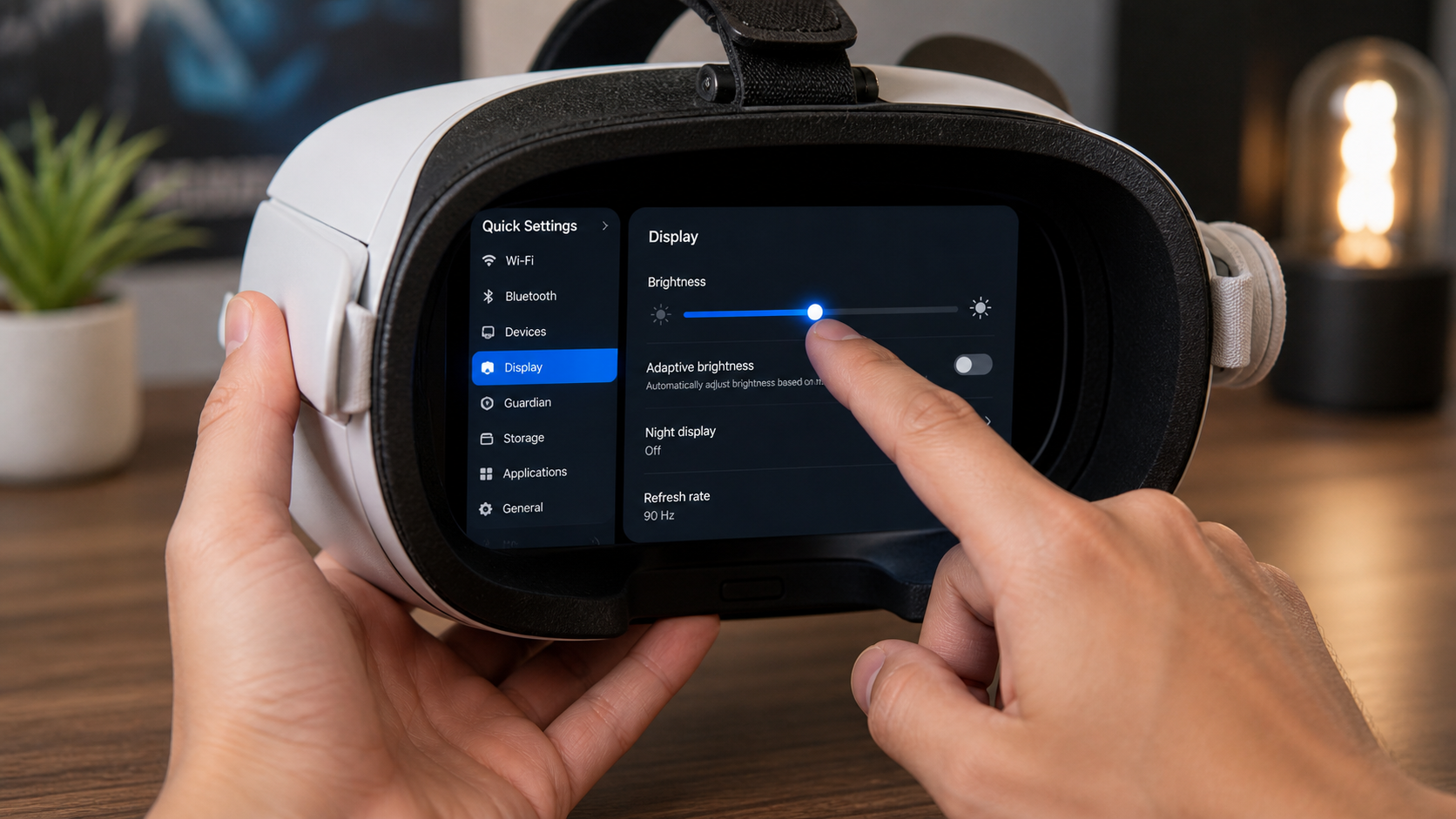
Before committing to the battery pack, I tried a few software tricks. First, I lowered the screen brightness. This definitely added about 15 minutes of battery life, but it made the movie look less vibrant. Next, I made sure every single other app was closed before starting the movie player. This helped a little bit too, but it was a hassle to check every time. My main experiment was using a regular power bank with a long USB-C cable. While this kept the headset charged, the loose cable was a nightmare. It got tangled up every time I passed the headset to a family member. It completely ruined the simple, wireless feeling of VR. A dedicated battery strap solves this convenience problem perfectly. It integrates right into the headset, adds some helpful counterbalance, and has no dangling wires. So while settings can help, they don't fix the core need for more power in a convenient, family-friendly way.
Would a beginner and an experienced player notice the same problem?
You see the performance stutters and feel the heat, but your friend doesn't seem to mind. It makes you wonder if you are just being too picky about the experience.
No, they likely would not. A beginner is focused on the main problem: the battery dying. They might ignore a warning message or not notice slight lag. An experienced player is more sensitive to performance changes and will immediately connect the heat and stuttering to the battery pack being used.
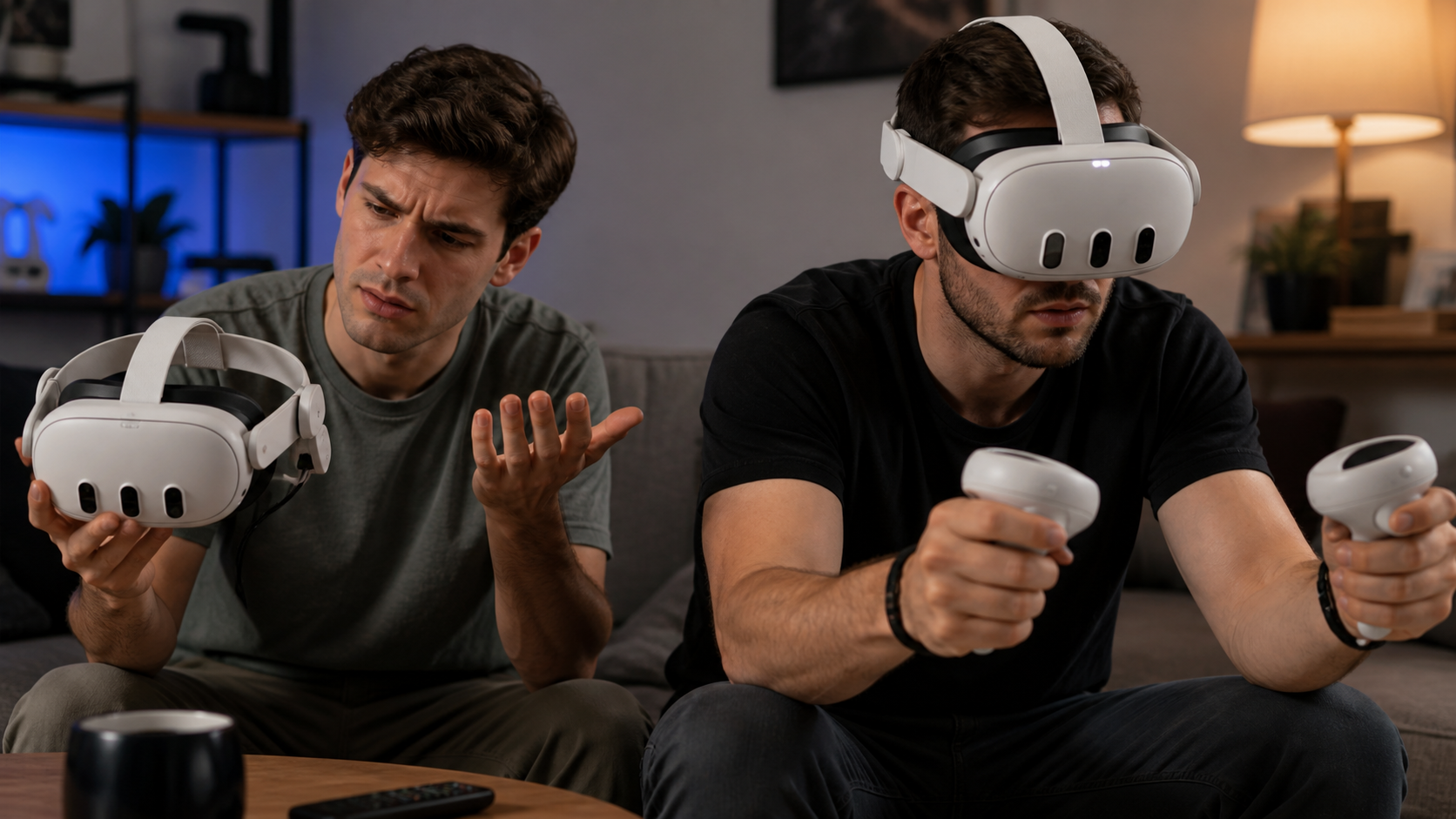
I definitely fall into the "experienced player" camp. As soon as the passthrough camera stuttered, I knew the processor was throttling because of the heat. The warmth on the front of the headset was also an immediate red flag for me. These small things degrade the quality of the experience. To test this, I asked my nephew to try. He's new to VR and just wanted to watch some cool videos. He didn't notice the heat at all until I told him to feel the front of the headset. He also didn't see any stuttering. For him, the only problem was the headset dying. The battery pack solved his one and only issue. The "battery health" warning was just a pop-up he clicked away without reading. This shows a huge difference in perception. A new user just wants more time in VR. A veteran user wants that extra time to be high-quality, without any compromises.
What would the reviewer keep using after the daily use test if battery health improves?
After all this testing, you have to make a final choice. Do you keep the battery pack for its convenience, or ditch it because of the performance and heat problems?
I would only use the battery pack for topping up the headset between sessions or during very light use. For watching a full movie, I would go back to starting with a 100% charge and taking a break if needed. The convenience is not worth the heat and performance issues.
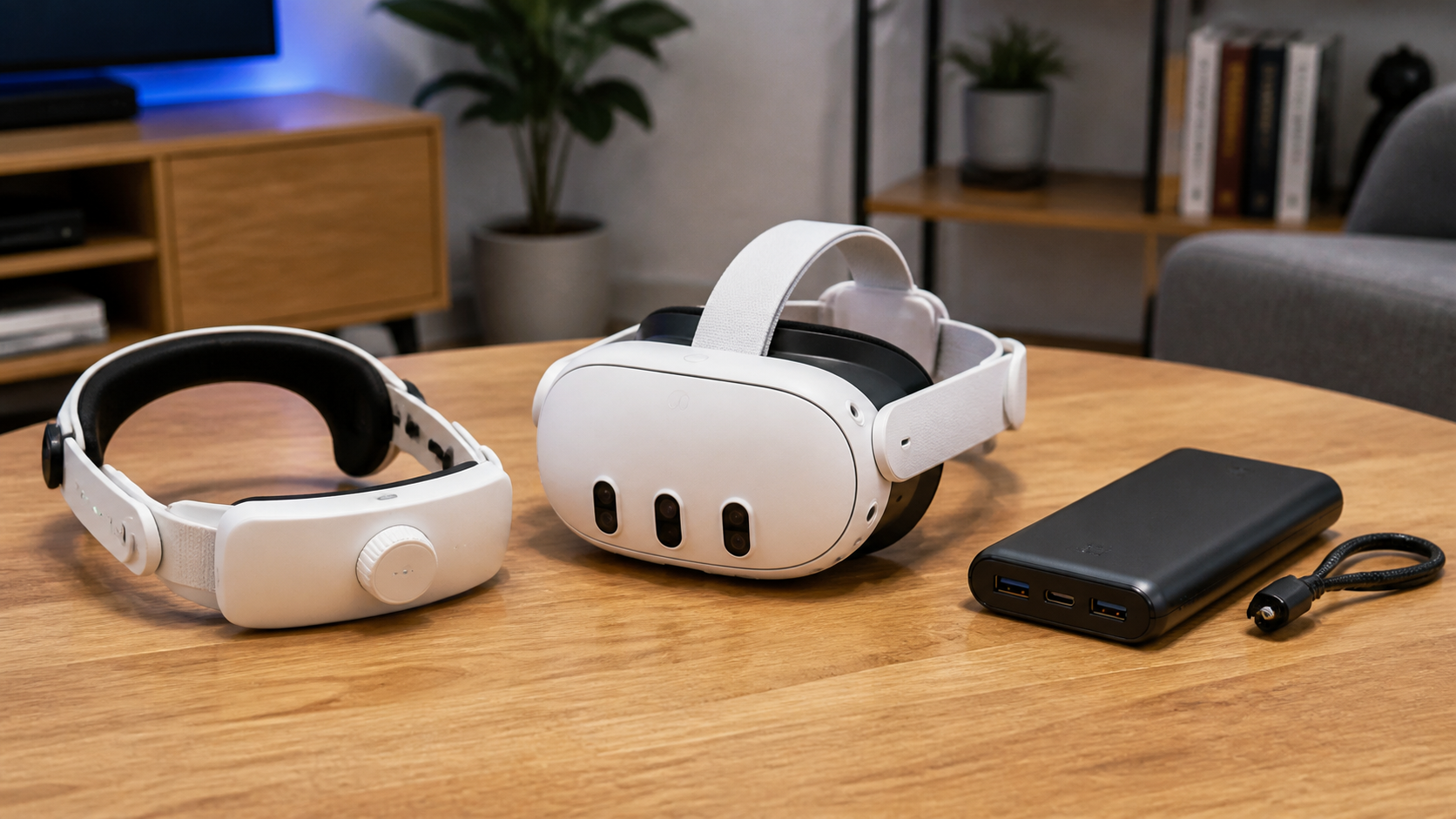
The hard truth is that the battery health warning was a persistent failure case. During any demanding task, like watching a movie, the battery pack and the headset created too much heat together. The headset's battery level would either stay the same or drop slowly, even while plugged in. It never actually gained charge during heavy use.
Here's my final breakdown. The accessory was helpful for one thing: convenience. Passing the headset around the family without a dangling cable is a huge plus. It’s a clean and simple setup. But it was annoying during any session longer than 30 minutes. The heat buildup was uncomfortable, and worrying about damaging the battery defeated the purpose of relaxing.
So, who should skip this type of accessory? Anyone who is sensitive to performance drops or plays demanding games. You are better off managing the internal battery. Who should buy it? Casual users and families who value convenience above all else for shorter, shared sessions. It stops the low battery warnings, just with a few trade-offs.
Conclusion
A Quest battery pack is a convenience accessory. It's great for casual sharing but creates heat and performance issues in long, demanding sessions. It trades quality for extra playtime.
Leave a comment