



Will an Open Facial Interface for Quest 3 work if Quest 3 comfort upgrades is played in a shared living room?

Playing VR in a shared living room feels risky. You worry about bumping into furniture or people. The closed-in feeling of the headset makes it worse.
Yes, an Open Facial Interface works well in a shared room. It improves safety by letting you sense your surroundings. The trade-off is some light leak, but for safety-focused users, the increased awareness is more important than total immersion in every situation.
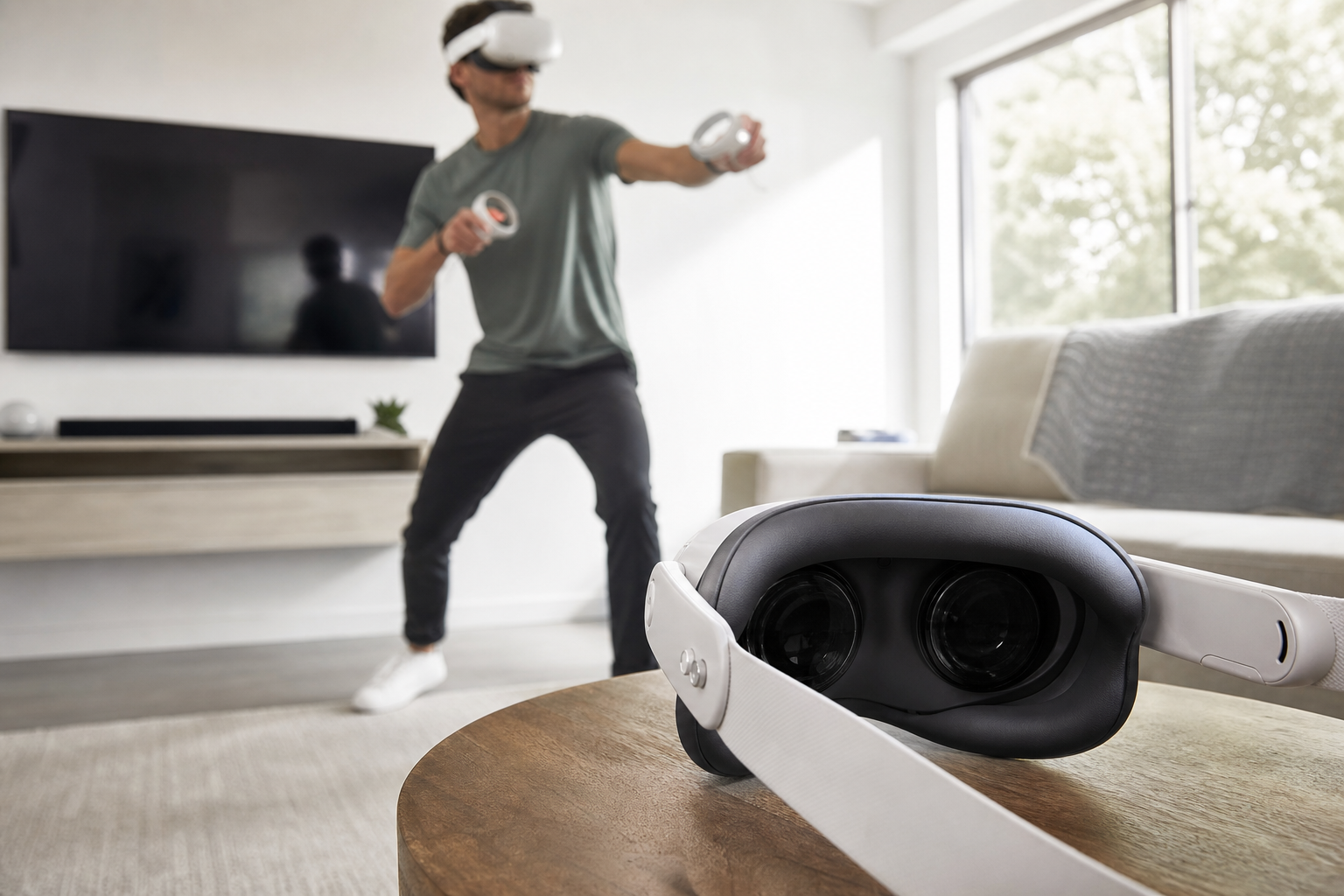
I love my Quest 3, but I don't have a dedicated VR room. I play in the living room, where my family or pets might walk by. The standard facial interface completely blocks my vision. It makes me feel cut off and a little anxious. I'm always worried I'll swing my Quest Touch Plus Controllers and hit something I can't see. I started looking for a comfort upgrade that could help with this specific problem. That's when I found the Open Facial Interface. My main question was whether this accessory would solve my safety concerns without ruining the whole experience.
For safety-focused users, is light leak really the reason Quest 3 comfort upgrades feels frustrating?
You feel trapped inside the default Quest 3 interface. The fear of hitting something is always there. Is a little bit of light the real enemy here?
No, light leak is not the main frustration for safety-focused users. The real problem is feeling completely blind to your surroundings. An open design, even with light leak, can actually reduce this frustration by increasing your situational awareness.
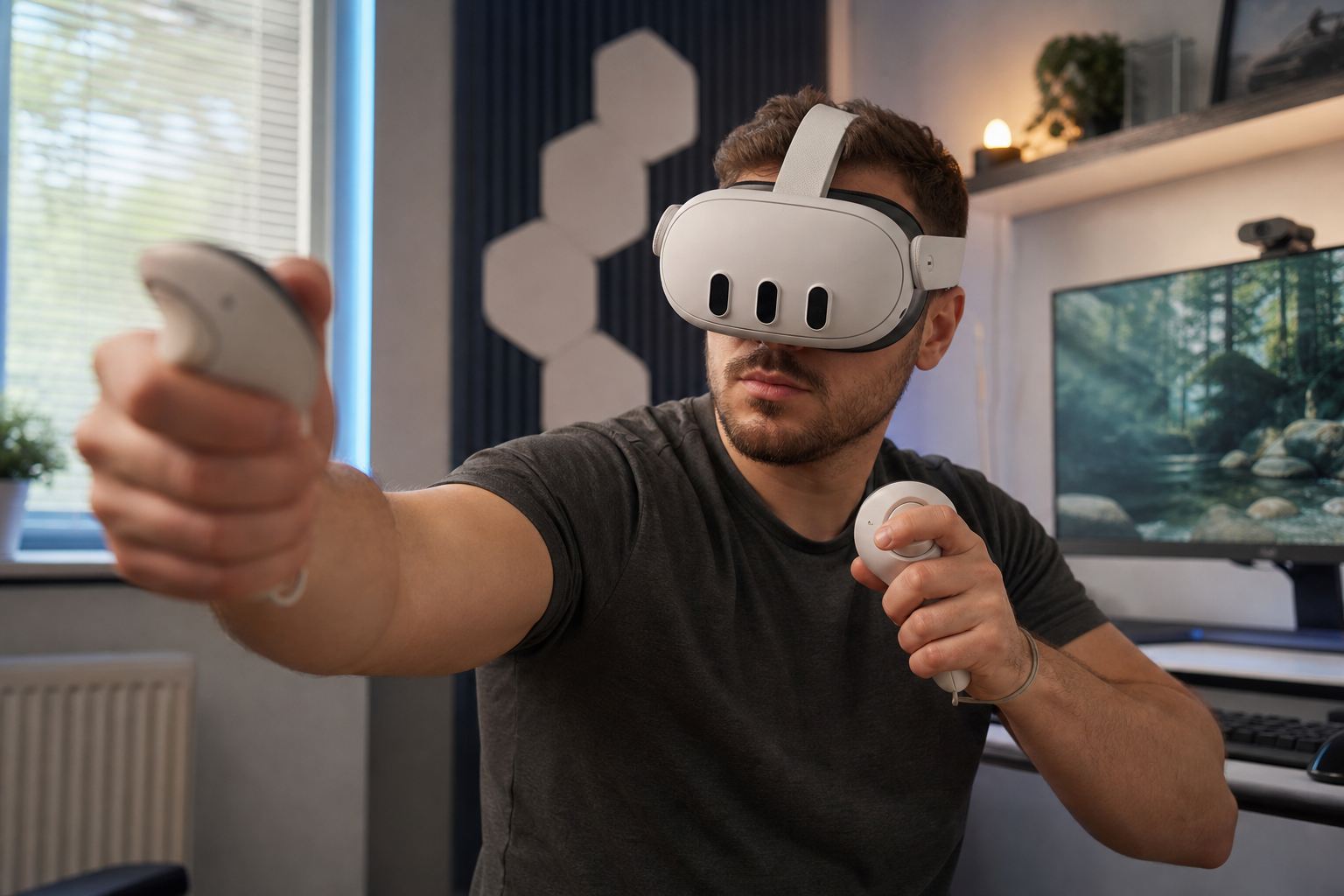
When I first started thinking about upgrades, I assumed light leak was the ultimate dealbreaker. Every review talks about it. But after using the stock interface in my busy living room, I realized my priorities were different. My main frustration wasn't a tiny bit of light; it was the psychological stress of being "blindfolded" in an active environment. The feeling of being completely sealed off made me play more cautiously and less confidently. I was constantly worried. The Open Facial Interface changes this dynamic completely. A little bit of light from the bottom of my vision acts as an early warning system. I can sense movement, which is a massive relief.
### Standard vs. Open Interface for Safety
I broke down the differences based on my experience playing in a shared space. The results surprised me and showed that "better" depends entirely on your goal.
| Feature | Standard Facial Interface | Open Facial Interface |
|---|---|---|
| Situational Awareness | Very Low (Almost Zero) | High (Peripheral vision) |
| Light Leak | Minimal | Noticeable (but manageable) |
| Immersion in Dark Games | Excellent | Fair |
| Post-Workout Cleanup | Slow (Absorbs sweat) | Fast (Easy to wipe) |
For me, the gains in situational awareness and cleanup speed far outweighed the loss of perfect immersion in dark scenes.
Does Open Facial Interface for Quest 3 still feel worth it after the test focuses only on light leak?
You've heard that open interfaces cause distracting light leak. It sounds like it would ruin the experience. But does this one issue make the entire product useless?
Yes, it still feels worth it if your goals are airflow, awareness, and hygiene. The light leak is a known trade-off. For active games and shared-space use, the benefits of the open design easily outweigh the downside of imperfect light blocking.
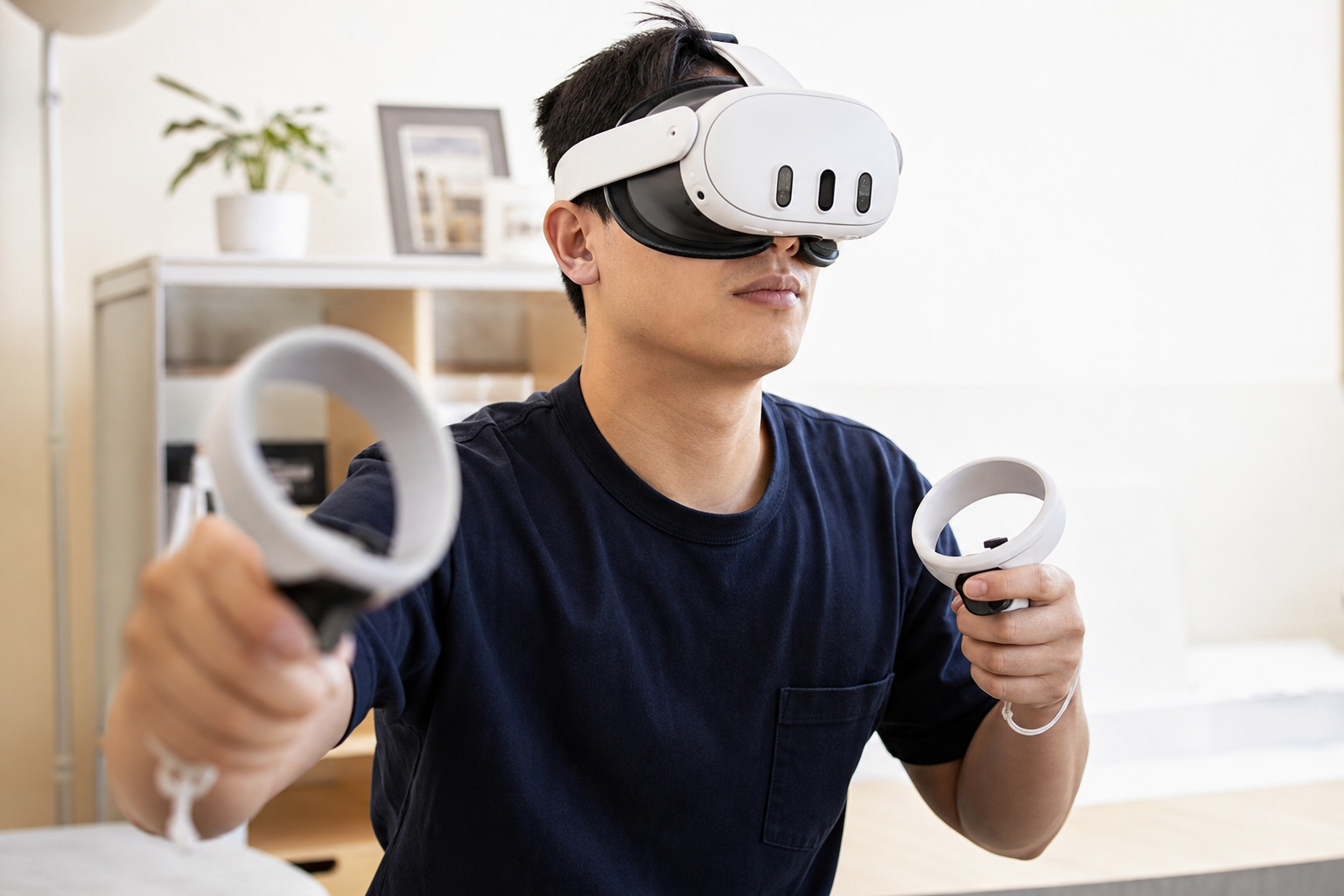
To test this properly, I focused only on the light leak. I loaded up a game with a lot of dark environments. As you can see from my test, there is a noticeable glow around my nose. In a completely dark virtual room, it's there. At first, it was a little distracting. My brain wanted to pay attention to it. But after about five minutes of playing, I started to tune it out. My focus shifted back to the game itself. Then, I switched to a fast-paced fitness game. In a bright, active game, I barely noticed the light leak at all. What I did notice was the amazing airflow. My face wasn't getting hot and my lenses weren't fogging up. After my workout, I just wiped the silicone pad clean in seconds. The stock foam interface would have been a sweaty mess. So, while the light leak is real, its impact is much smaller than the huge benefits in comfort and convenience.
Does the product solve the pain for safety-focused users, or only for a narrower user type?
You need a comfort upgrade that works for your situation. Many accessories seem built for hardcore gamers in perfect setups. Is this another one of those?
This product directly solves the pain for safety-focused and fitness users. It is less ideal for immersion purists who play in dedicated dark rooms and want zero distractions. It serves a specific, important user type very well.
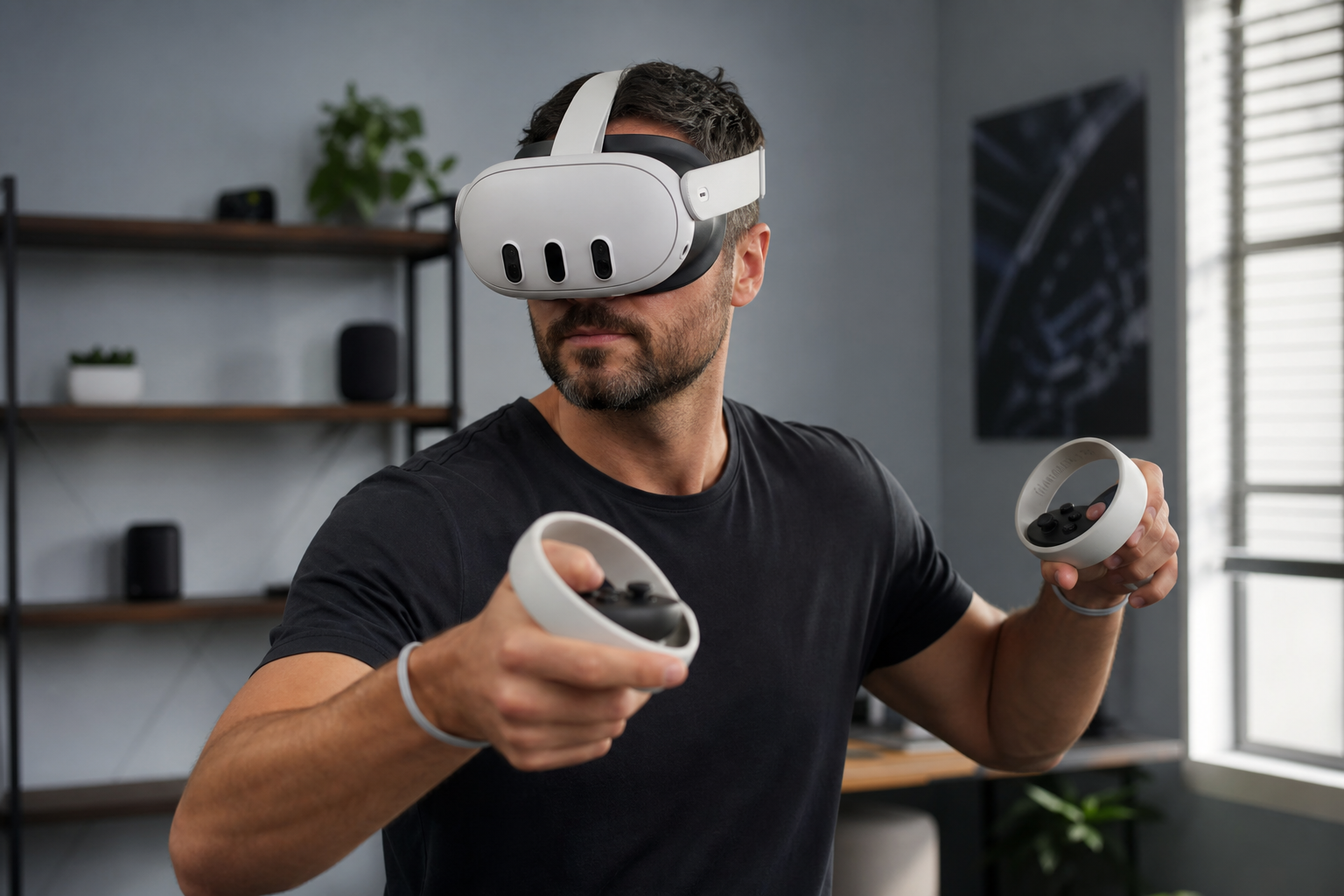
After using it for a few weeks, I can clearly see who this is for. It's not a one-size-fits-all solution. It's a specialized tool. If you are a "safety-focused user" like me, playing in a common area, this product is a game-changer. The fear of collision is greatly reduced. The ability to quickly peek down at my phone or talk to someone without taking the headset off is incredibly convenient. It also solves the pain for fitness gamers. The reduction in heat and sweat buildup is a massive quality-of-life improvement. However, if your primary use is playing horror games or cinematic story-driven titles in a pitch-black room, the light leak might bother you. For that narrow user type, a traditional, full-seal interface is probably still the better choice. But for the large group of people who play in imperfect environments, this open design is a much-needed solution. It acknowledges that not everyone has a perfect VR cave.
After testing Quest 3 comfort upgrades on Quest Touch Plus Controllers, should safety-focused users buy Open Facial Interface for Quest 3 for light leak or skip it?
You're at the final step. You need a clear answer. Is this accessory a smart buy for someone like you, or is it a purchase you'll regret?
Safety-focused users should buy the Open Facial Interface for its benefits in awareness and airflow, not to eliminate light leak. If you can accept minor light leak as a trade-off for safety, you should buy it. If zero light is your only goal, skip it.
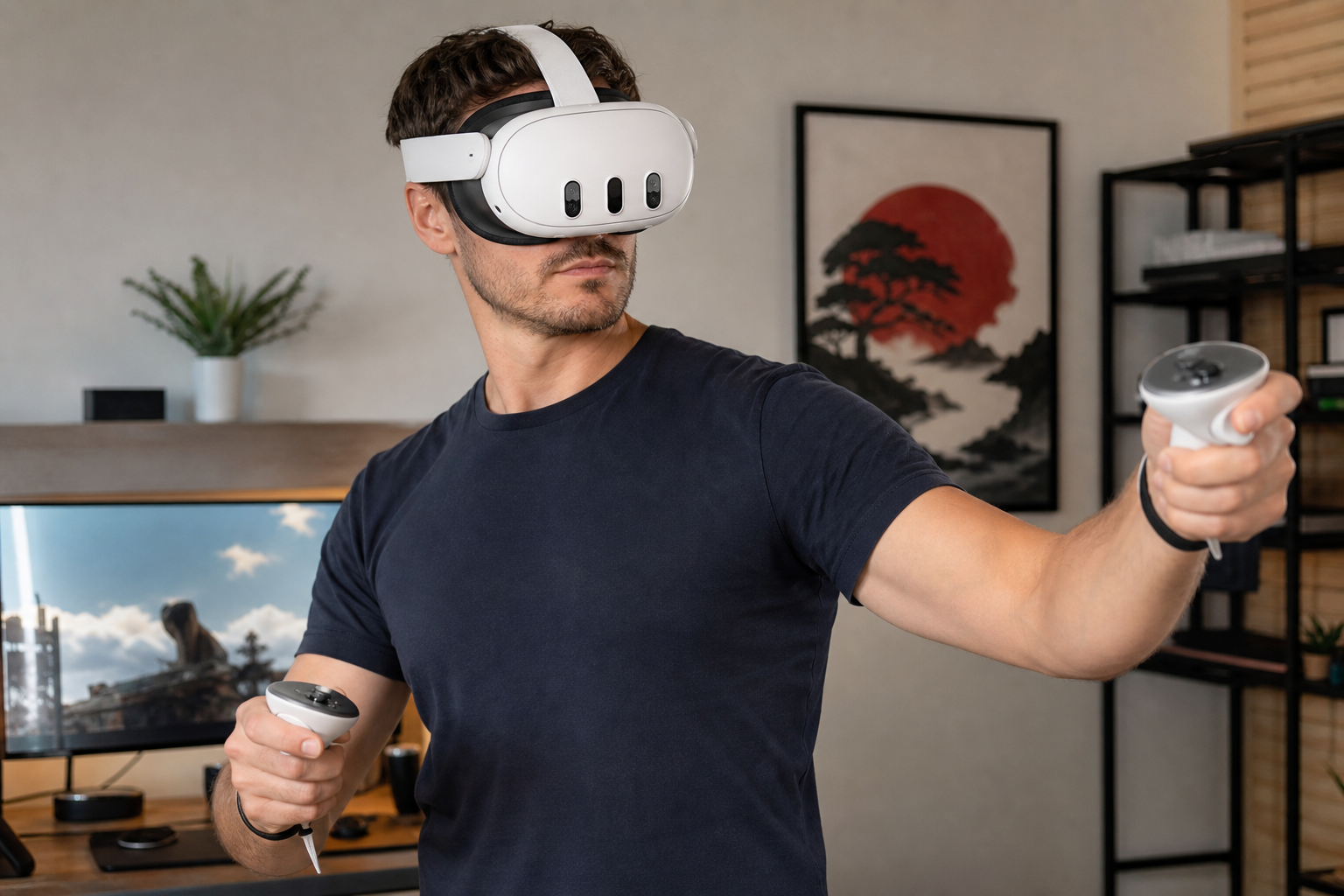
My final verdict is clear. As someone who values safety and comfort in a shared space, this accessory is a definite buy. The freedom of movement I get with the Quest Touch Plus Controllers encourages more active play. This open interface complements that perfectly by keeping me cool and aware of my physical boundaries. A beginner might find the light leak very noticeable at first. It takes some time for your brain to learn to ignore it. But as an experienced player, I've found it's a small price to pay for the huge boost in confidence and comfort. It felt most helpful during intense fitness sessions and casual social VR. It felt a bit annoying during a very dark horror game, where total immersion is key. My advice is simple: think about what frustrates you most. If it's the heat and the feeling of being blind, get this interface. If it's any speck of light, stick with a sealed design.
Conclusion
The open interface is a fantastic upgrade for safety and fitness. For users who need total darkness for immersion, a traditional sealed interface is still the better choice.
Leave a comment