



Is hot-swap speed the hidden reason Quest Battery Pack disappoints buyers for Travelers?

Your Quest 3 dies halfway through your flight movie. Now you're just stuck in a cramped seat. The official Battery Pack seems like the perfect fix, but is it really?
The Quest Battery Pack's hot-swap feature is not the main issue for travelers. The real problem is the added rear weight, which causes neck fatigue during long flights, and its bulky shape that makes packing difficult. A simple power bank is often a more practical travel solution.
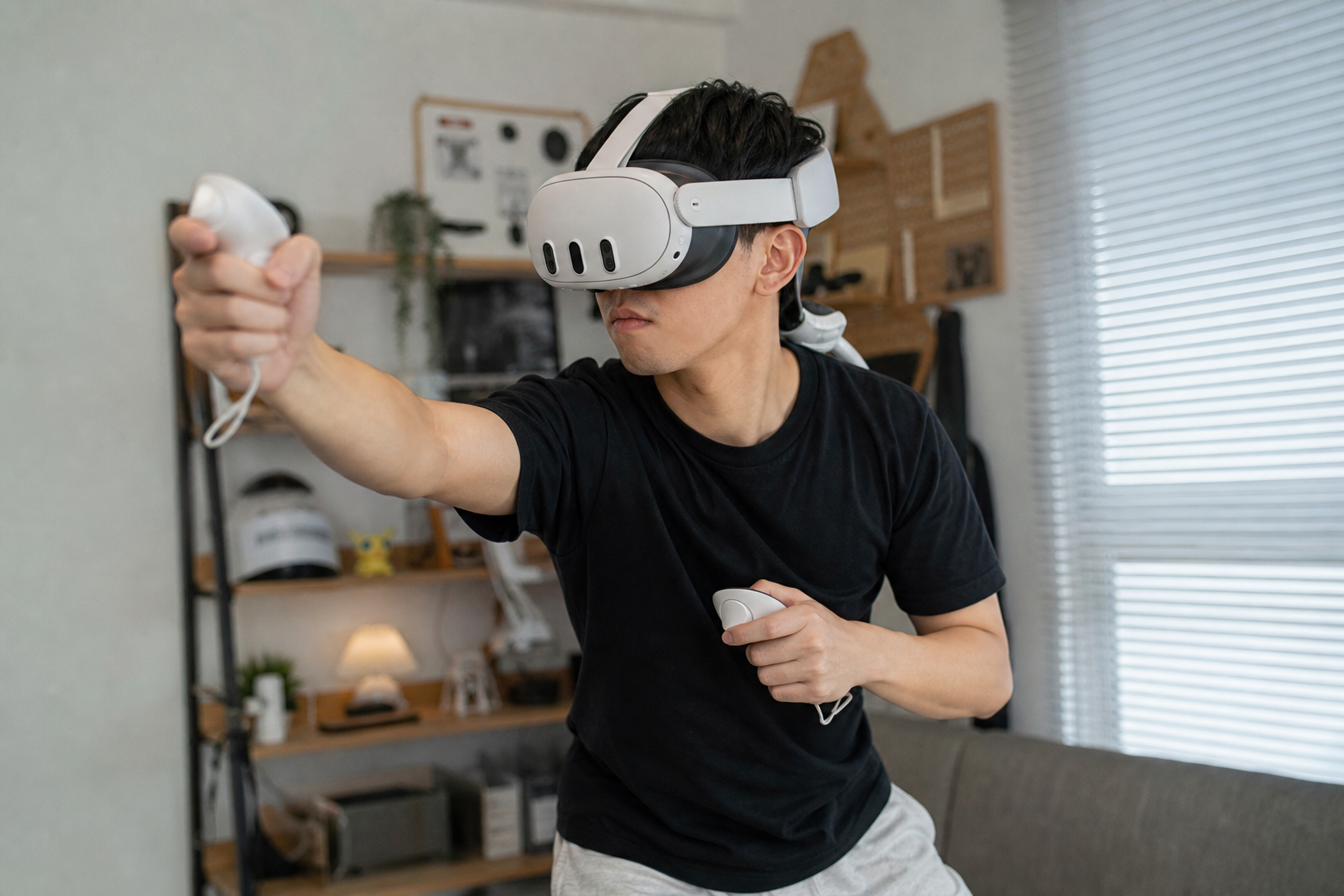
I was excited to take my Quest 3 on a long flight. I figured the official Battery Pack was a no-brainer. I imagined hours of uninterrupted movies in my own private theater. But my actual experience was very different. It made me question everything about how we use these accessories when we travel. Before you spend your money, let me walk you through the real questions you should be asking, because the answers might save you from a lot of frustration and a sore neck.
Could Meta Quest 3 owners solve airline travel without buying another accessory?
You want more battery life for your flight, but buying another expensive, single-use accessory feels wasteful. It’s just one more thing to pack, charge, and worry about losing.
Yes, you can solve this without a new accessory, especially on shorter flights. Most airplanes now have USB ports at every seat. You can simply plug your Quest 3 in with a standard USB-C cable and a power bank you already own, avoiding the extra cost and bulk.

On my first trip, I decided to try just that. I packed my headset, controllers, and a long USB-C cable. I didn't bring any extra battery packs. The idea was simple: use the plane's own power. This approach has some clear benefits. You don't have extra weight on your head, which is a huge deal when you’re sitting for hours. You also save space in your carry-on bag, and you save money. However, it's not a perfect solution. You are physically tethered to the seat, which can be annoying if you need to move or if the person next to you needs to get out. The biggest problem I found, though, was the power output from the seat's USB port. It just isn't very strong.
The Power Problem
Airplane USB ports are usually low-wattage. They are designed to slowly charge a phone, not power a high-tech VR headset. While watching a movie, I noticed my Quest 3's battery was still draining, just much slower than usual. For a two-hour flight, this might be fine. For a six-hour flight, you'll still run out of juice before you land.
Comparing Your Options
Let's break down the real-world trade-offs between using what you have and buying a dedicated battery strap.
| Feature | Bare Quest 3 + Cable | Quest 3 + Battery Pack |
|---|---|---|
| Cost | Free (using existing cable) | High (cost of accessory) |
| Head Weight | Lightest option | Adds significant rear weight |
| Packing Space | Minimal (just a cable) | Bulky and awkward shape |
| Freedom of Movement | Tethered by a cable | Completely wireless |
Could charging while playing be the real reason airline travel remains in charging while playing?
You’ve plugged your headset into the airplane seat, thinking your problem is solved. But an hour later, you check the battery and it has actually gone down. It's so frustrating.
Yes, this is the core issue. The Quest 3 can use more power than a standard airplane USB port can provide, especially during demanding apps. This creates a "slow drain" scenario where you are still losing battery, just not as fast. It extends playtime but doesn't guarantee infinite use.
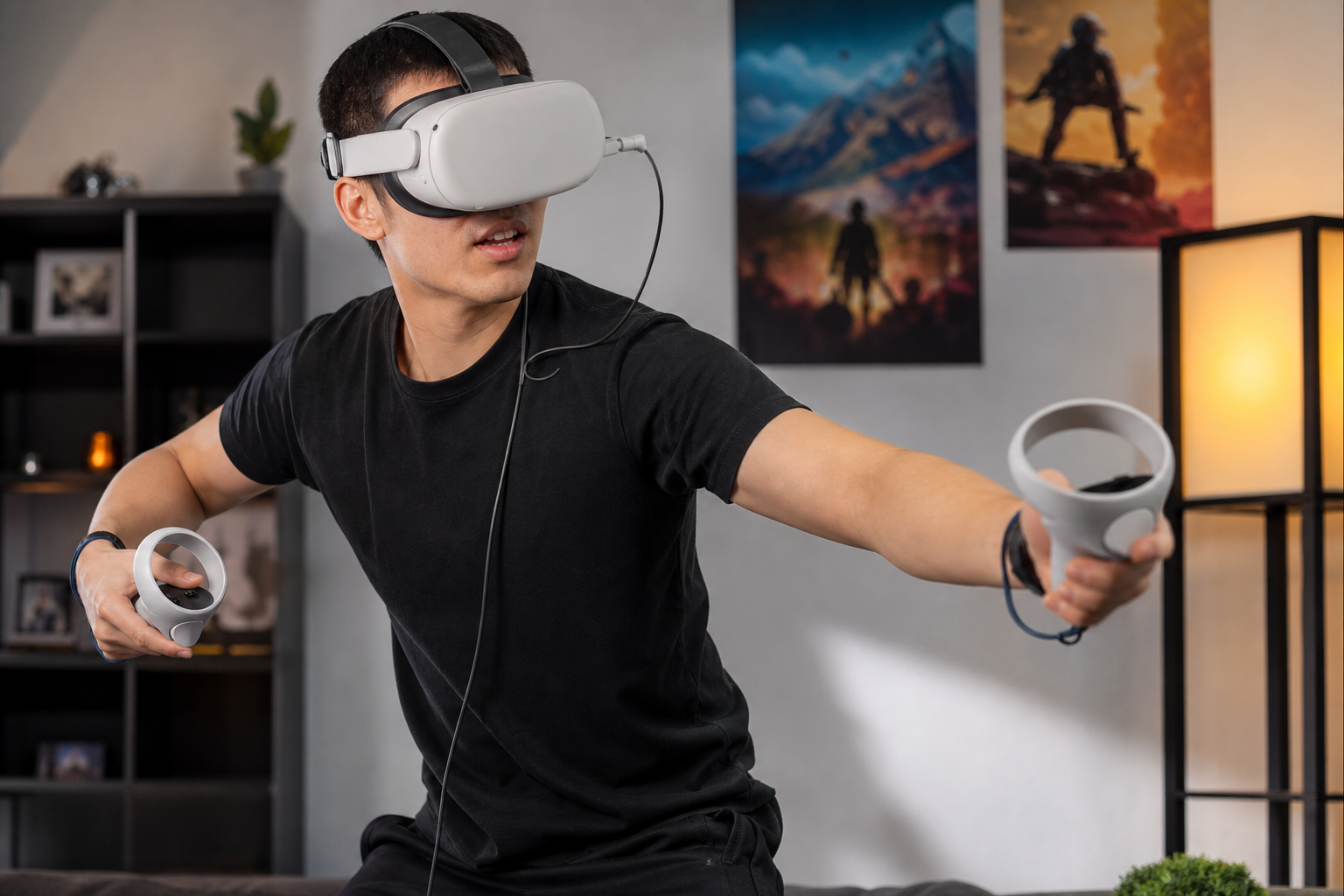
I learned this the hard way on a flight from New York to Los Angeles. I started the flight with my Quest 3 at 90% and plugged it in immediately. I settled in to watch a movie, which is not a very power-intensive task. After about an hour and a half, I checked the battery. It was down to 75%. The little charging icon was on, but the headset was clearly using power faster than the seat could supply it. If I had been playing a game or using a more complex mixed-reality app, the drain would have been even faster. This is where the official Battery Pack is supposed to shine. It's designed to work with the headset, draining its own power first to keep the Quest 3's internal battery at 100% for as long as possible. This smart charging is better for the long-term health of your headset's battery. It avoids the constant charge-and-drain cycle that happens with a weak power source. So while a simple cable and power bank seems like an easy fix, the quality of that power source is what really matters.
Is the biggest issue setup, fit, safety, or fatigue?
You got the battery pack for better balance. It feels great at home for active games. But on a plane, you find yourself shifting uncomfortably, feeling a new kind of strain.
For airline travel, the single biggest issue is fatigue. The extra weight on the back of the strap, which helps with balance when you're standing, causes significant neck strain when you are sitting still for hours in a fixed position. Setup, fit, and safety are non-issues by comparison.
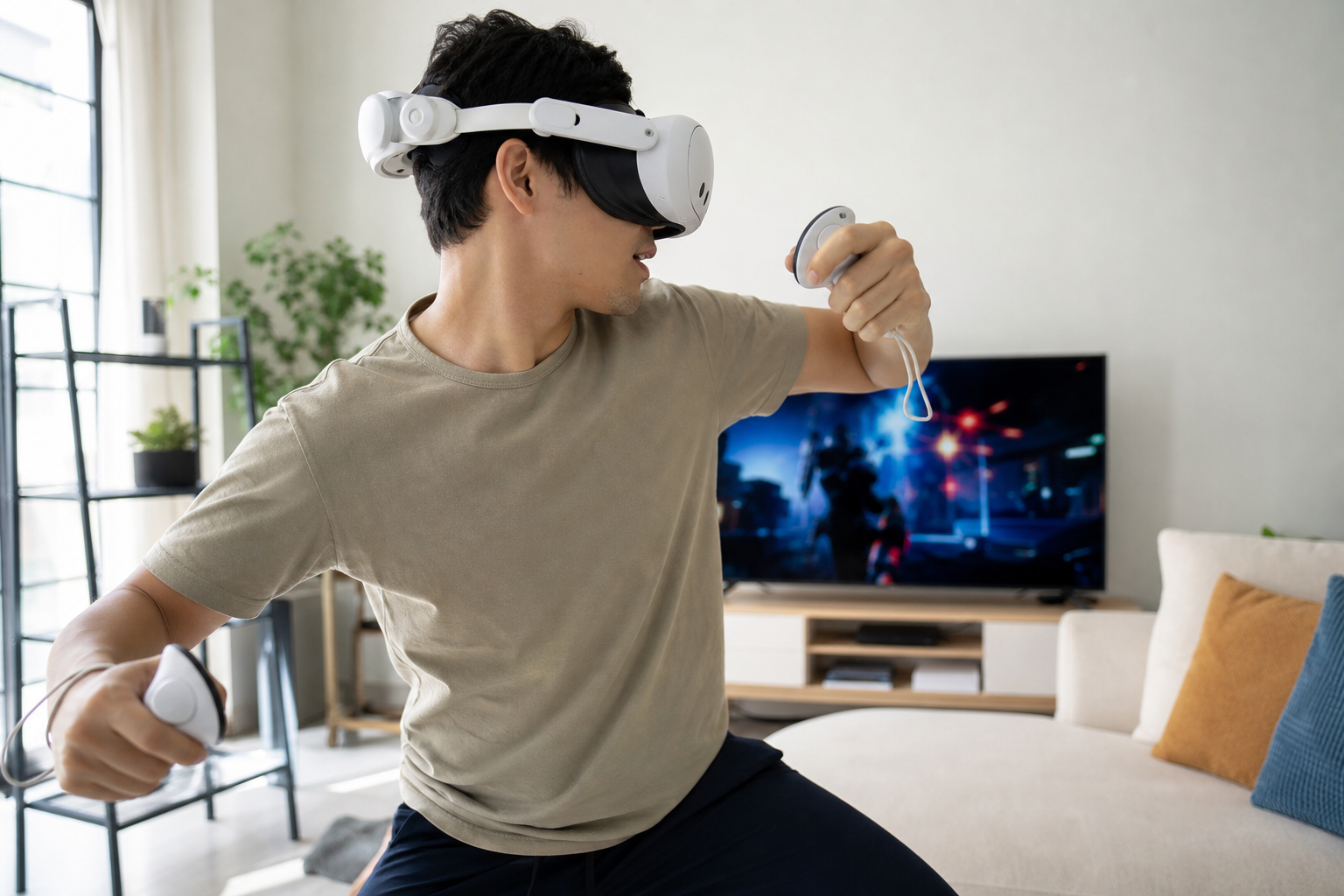
This was the most surprising discovery for me. At home, I love the counterbalance the Battery Pack provides for games like Beat Saber. It makes the headset feel more secure and less front-heavy during fast movements. But an airplane seat is a completely different environment. Setup was a breeze; the pack clicks on easily. Safety was fine; it never felt like it would fall off. The fit, however, created a new problem. When you sit in an airplane seat, you naturally want to rest your head against the headrest. The Battery Pack is a hard lump that sits exactly where your head should go. It pushes your head forward into an unnatural, chin-down position. For the first 30 minutes, I barely noticed it. After an hour, I felt a dull ache in my neck. After two hours, it was genuinely uncomfortable. I had to take the headset off for a break. This is a perfect example of how an accessory's usefulness depends entirely on the context. For active, standing VR at home, the pack is a win. For sedentary, seated VR on a plane, it's a source of fatigue.
Can Quest Battery Pack earn trust for airline travel without proof such as a travel packing photo?
The product page shows people happily playing, but it never shows you the reality of packing it. It looks sleek on the headset, but how does that shape fit into a compact carry-on?
No, it’s hard to trust as a travel accessory without seeing how it packs. Its rigid, curved shape is incredibly inefficient with space. It creates awkward empty pockets in a travel case, making it a frustrating item for anyone trying to pack light. A slim power bank is far superior.
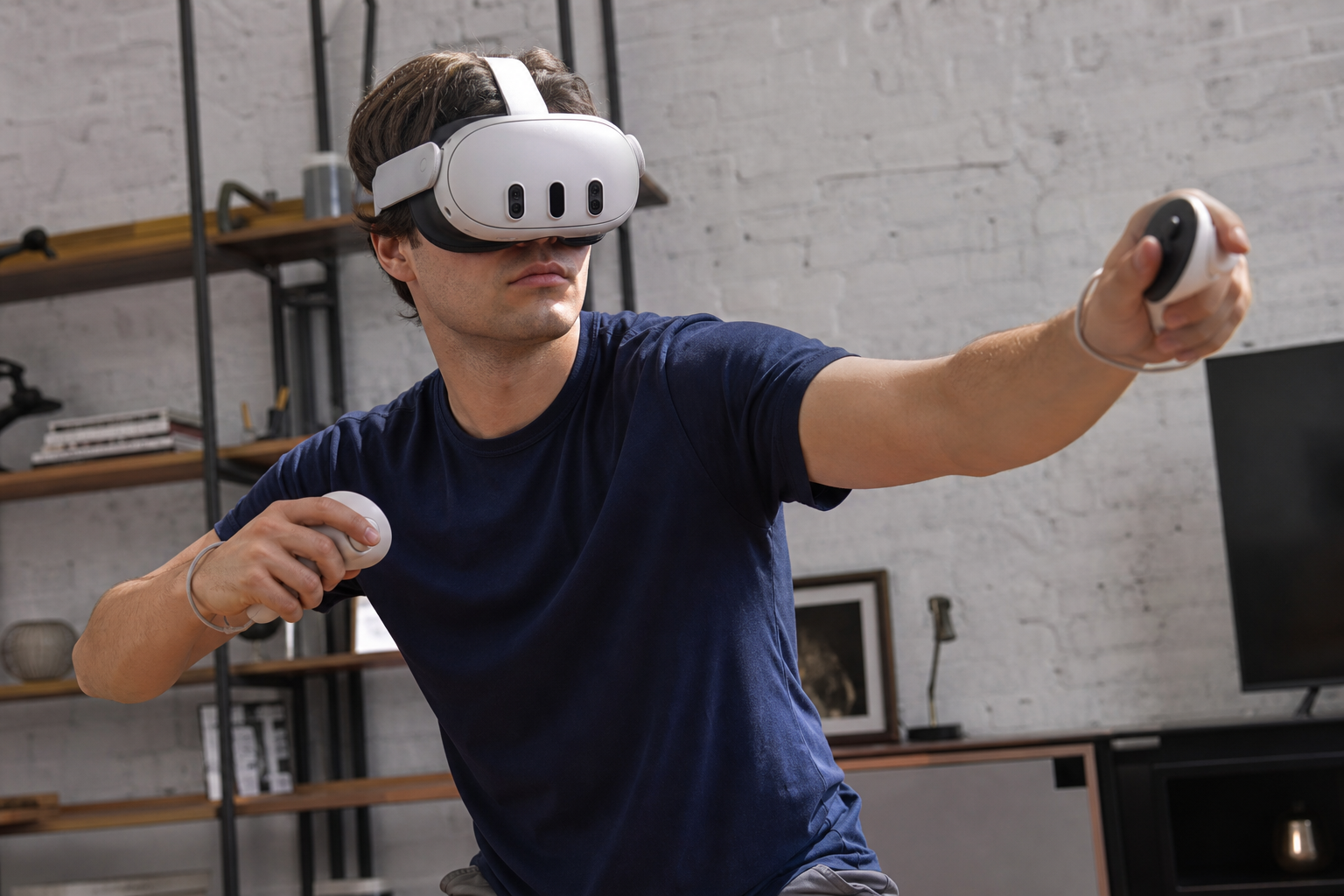
When I got home from my trip, I tried packing my official Quest 3 travel case. With the standard strap, everything fits perfectly. With the Battery Pack attached, the headset no longer fits in its molded spot. The case won't close. My only option was to detach the battery strap from the headset every time I packed, which is a huge pain. Or I would need to buy a much larger, bulkier case, which defeats the purpose of traveling light. I placed the headset with the battery strap in my backpack, and it just created this big, awkward void around it. That wasted space could have held my phone charger, a book, or snacks. A simple, rectangular 10,000 mAh power bank, on the other hand, slides easily into any pocket. It's also more versatile—I can use it to charge my phone, my headphones, and my Quest 3. This is where the Battery Pack completely fails as a travel accessory. It solves one problem (battery life) but creates two new ones (neck fatigue and packing inefficiency). For travelers, that's not a good trade.
Conclusion
The Quest Battery Pack is an excellent accessory for active, at-home gaming. For airline travel, its bulk, weight, and poor packability make a simple power bank a far better choice.
Leave a comment