



Is a VR Gunstock the accessory family buyers notice most during Resident Evil 4 VR?

You want steady aim in Resident Evil 4 VR, but the shaky hands are real. A VR gunstock seems like the perfect fix, but is it just another gadget?
For my family, the VR gunstock was most noticeable for the setup friction, not the gameplay boost. It adds stability for sure, but the learning curve and room awareness issues, especially for my left-handed son, made it a trade-off between immersion and immediate fun.
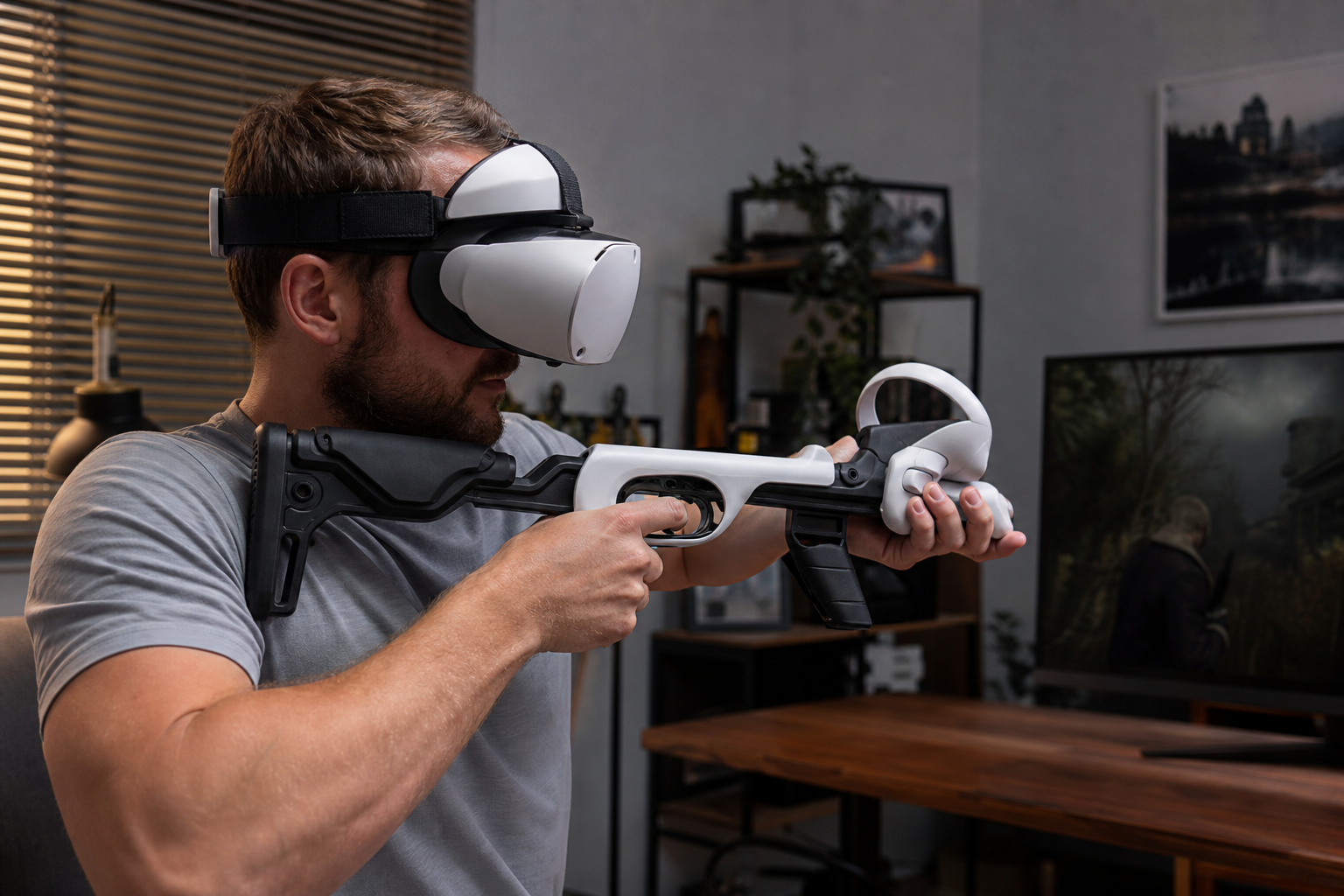
When I first brought the gunstock home, everyone was excited. It looked cool and professional. We thought it would turn us into elite zombie hunters overnight. But we quickly learned that the real test of a VR accessory isn't how it looks, but how it fits into your actual home and play style. The idea of perfect aim is great, but the reality involves bumping into coffee tables and spending more time adjusting straps than playing. This is the story of our family's deep dive into whether a gunstock is a game-changer or just a hassle, especially when you don't have a giant, empty room to play in.
If room space is limited, does VR Gunstock still make sense for Resident Evil 4 VR when left-handed setup matters?
You want that tactical feel, but your living room is small. My son is left-handed, which adds another problem. Is a gunstock just a clumsy obstacle for us?
In a small room, a VR gunstock for Resident Evil 4 VR is a mixed bag. It improves aiming stability but makes turning and close-quarters actions clumsy. For left-handed players, the setup can be frustrating, often requiring re-calibration or awkward adjustments that break immersion.
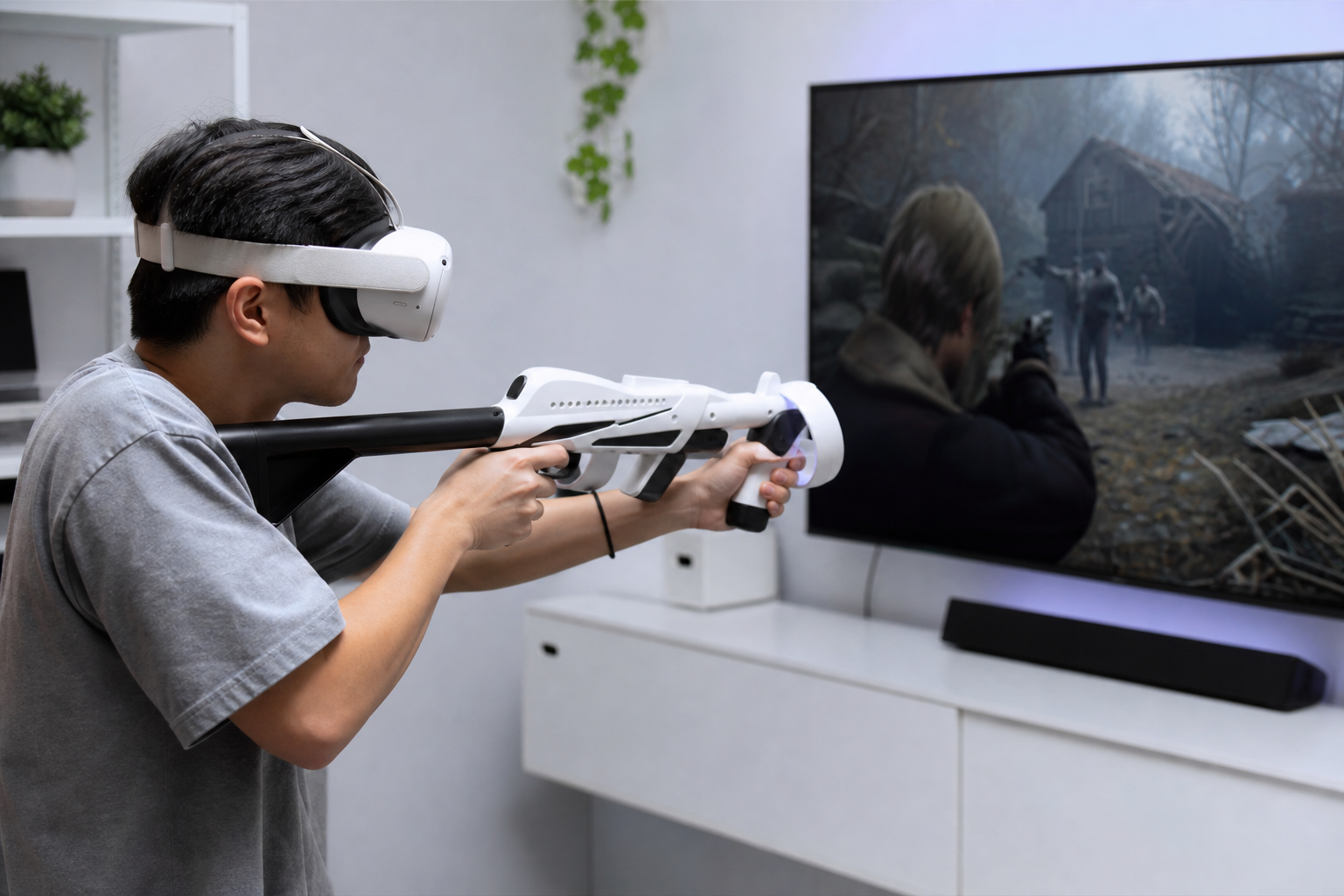
My first-hand experience confirmed this. Our play area is about 2 meters by 2 meters. With the gunstock, I felt anchored and my long-range shots were much better. But the moment a Ganado got too close, I panicked. Swinging the physical stock around to reload the shotgun or draw my knife felt slow and I hit my desk twice. The real challenge came when my son wanted to play. He’s left-handed, and we had to practically rebuild the gunstock configuration. It took about 10 minutes. Then, during gameplay, he had to do a quick 180-degree turn. The stock swung out and nearly knocked over a lamp. It completely broke his focus.
The 180-Degree Turn Test
This became our main test. If you can't quickly turn around in a small space without hitting something, the accessory is a liability. The gunstock adds a rigid, physical object to your playspace that the Guardian boundary doesn't account for. This is where the lived-experience differs from a product description that assumes you have an empty warehouse to play in.
Small Space vs. Left-Handed Setup
We broke down the issues into a simple table to decide if it was worth the hassle.
| Factor | Right-Handed Player (Small Space) | Left-Handed Player (Small Space) |
|---|---|---|
| Aiming Stability | Noticeably better, feels more stable. | Good, but only after frustrating setup. |
| Room Awareness | Bad. High risk of hitting furniture. | Very bad. Turning is a major hazard. |
| Reloading/Actions | Clumsy. Detaching a controller is slow. | Even more clumsy due to mirrored setup. |
For us, the space limitation was a bigger deal than the left-handed setup, but the combination of both made it a tough sell for chaotic games like Resident Evil 4.
Does setup time versus confidence under pressure matter more than left-handed setup for family buyers?
Getting into a game fast is key for my family. A long gunstock setup kills the mood. But shaky hands under pressure ruins the fun anyway. Which is worse?
For most family buyers, confidence under pressure matters more than the initial setup time. A few minutes of adjustment is a small price for landing critical shots in a tense firefight. However, if the setup feels too complex, they will abandon the accessory entirely.
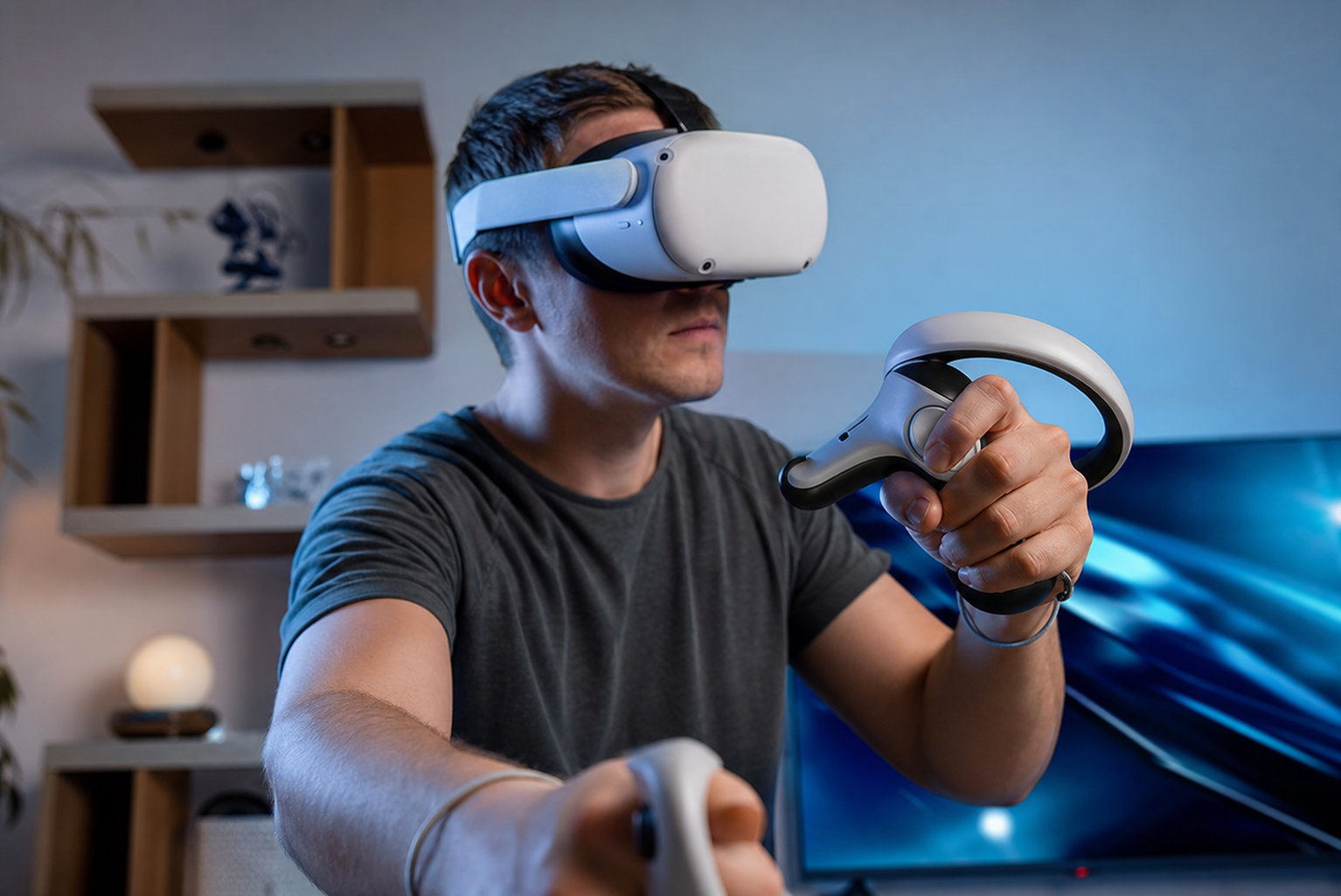
I watched this play out in real time. My daughter, who is usually very impatient, spent about five minutes fiddling with the straps and magnetic cups. I could see her getting annoyed. She said, "Dad, can I just play without this thing?" I told her to give it one try. She entered the village square scene in Resident Evil 4, where you are swarmed from all sides. Without the stock, she usually panics and misses her shots. With the stock, she braced it against her shoulder, took a deep breath, and started landing headshots. Her entire attitude changed. The confidence boost from feeling a stable "rifle" in her hands was huge. It completely outweighed the annoying setup process. The feeling of control under pressure was the real selling point for her. For a family, the accessory has to deliver a clear "wow" moment of fun that makes the boring part worth it.
Beginner Friction vs. Experienced Payoff
The first 15 minutes with a gunstock are the worst. You question your purchase. You're trying to align the controllers, adjust the length, and get the angle right. It feels like a chore. An experienced VR user might enjoy this tinkering, but a casual player just wants to have fun. The gunstock has to prove its worth almost immediately. In our case, the proof was in the performance. The confidence it gave my family members when surrounded by enemies was undeniable. They felt more powerful and in control. After that first session, the setup time didn't seem so bad because they knew the reward that was coming.
Would fire single shots and quick bursts in the same match expose a weakness that a product page hides?
Your gunstock feels great for careful shots. But what happens when chaos erupts? Can it handle quick bursts, or does it fall apart under pressure and reveal a secret?
Yes, switching between single shots and quick bursts absolutely exposes a gunstock's weaknesses. The stability helps with precise single shots, but the fixed frame can hinder recoil control during rapid bursts. The controller mountings might feel less secure, revealing hidden design flaws.
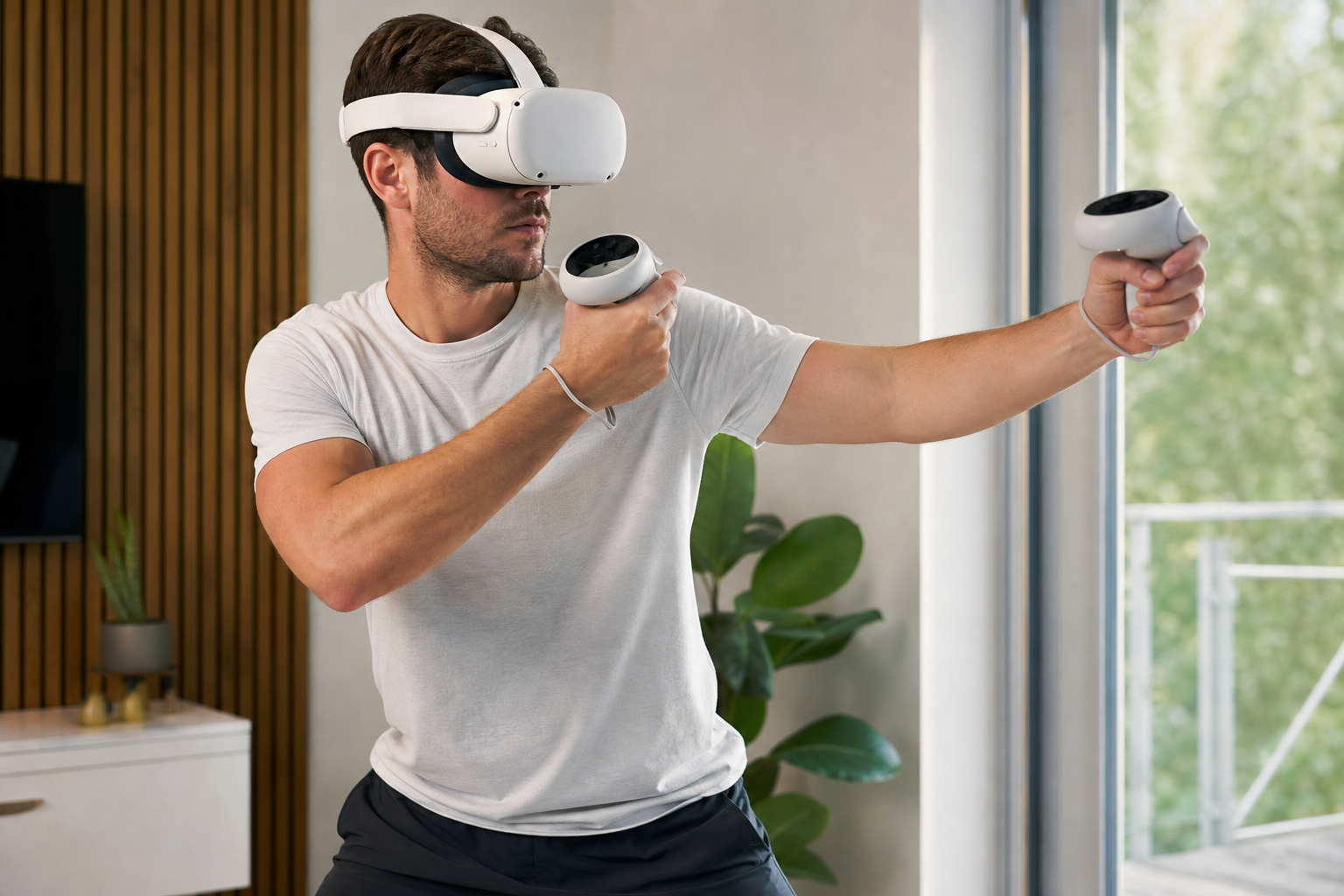
This was the most interesting part of my testing. I used the rifle to pick off enemies from the clock tower. The gunstock was amazing. The stability it provided felt like cheating. Each shot was precise and steady. Then I switched to the TMP, a submachine gun, for crowd control. I let loose a long burst. The weakness was immediately obvious. The magnetic cup holding my front controller started to feel a little shaky. The physical stock, which has no real weight or recoil, didn't help me manage the in-game virtual recoil. In fact, it felt a little awkward, like I was fighting the stock itself to stay on target. This is something no product page ever mentions. They show you someone making a perfect single shot, not someone wrestling with the stock during a messy, chaotic firefight.
Tactical Shooters vs. Arcade Fun
This discovery helped me create a clear verdict on who should buy a gunstock. It really depends on the type of game you play most.
| Shooter Type | Gunstock Verdict | Reasoning |
|---|---|---|
| Tactical Shooters (e.g., Pavlov, Onward) | **BUY** | These games reward precise, single shots. The gunstock provides the stability needed to hold angles and win long-range fights. The immersion is a huge plus. |
| Arcade Shooters (e.g., RE4 VR, Pistol Whip) | **SKIP** | These games are fast-paced and require quick movements, weapon switching, and handling close-quarters chaos. A gunstock slows you down and becomes clumsy. |
The honest takeaway is this: the gunstock felt helpful for sniping and annoying for everything else in Resident Evil 4. Users who play tactical shooters will love it. Casual, arcade-style players should probably skip it.
Can this topic end with a practical VR Gunstock setup checklist for Quest Touch Plus Controllers users?
You've decided to try a gunstock. Now you face the setup. How do you get it right for your Quest Touch Plus controllers without the headache and frustration?
Absolutely. Here is a practical checklist for setting up a VR gunstock with Quest Touch Plus Controllers. Following these steps helps align your physical accessory with the in-game weapon, ensuring a smooth experience from the start for both right and left-handed players.
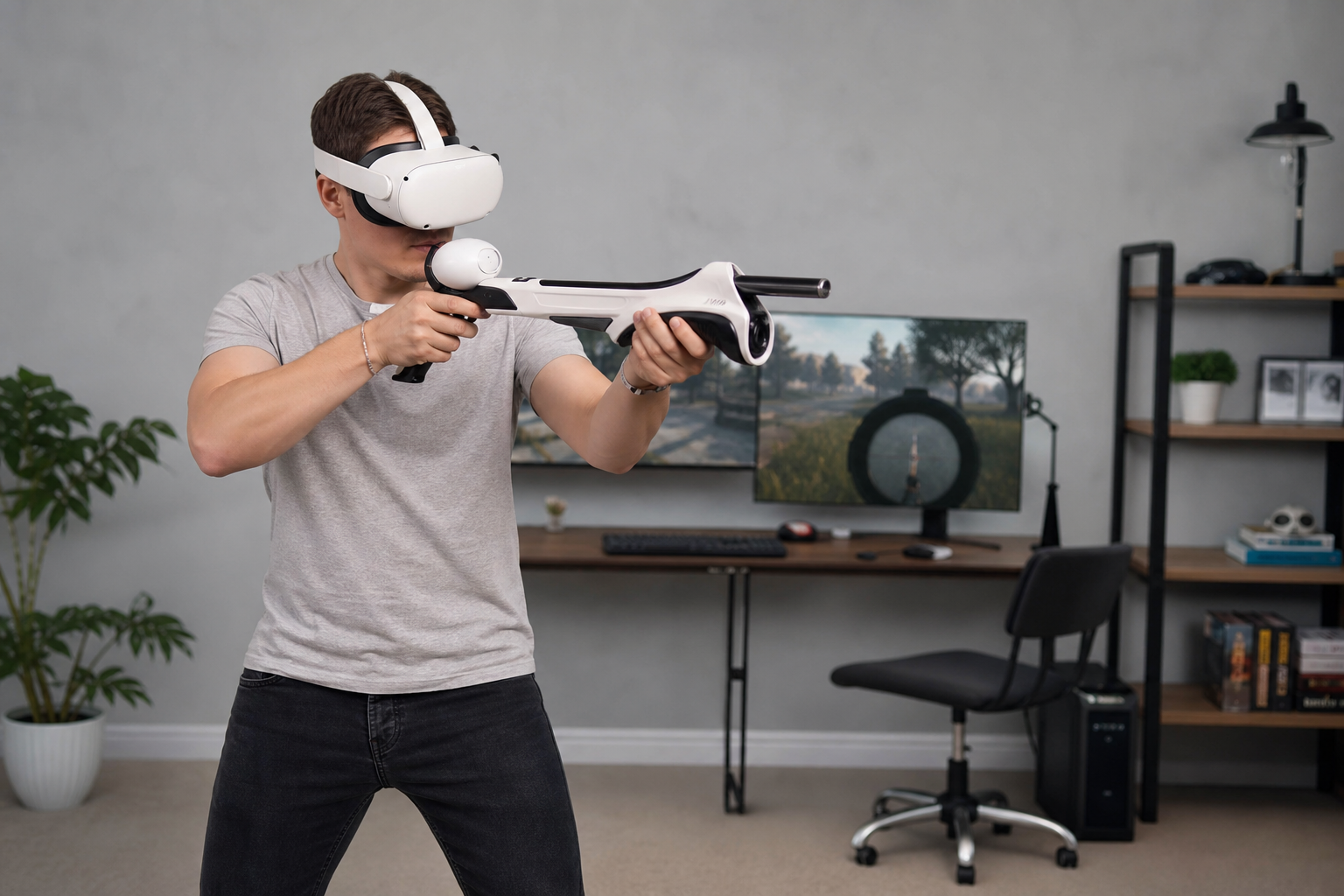
Getting the setup right is 90% of the battle. The Quest Touch Plus controllers, used with the Quest 3, don't have the tracking rings of the older models. This means the mounts are different and the alignment is even more critical. After a lot of trial and error with my family, I put together this simple checklist to make the process less painful. We use this every time we switch players or games, and it has saved us a lot of arguments. The key is to do the setup once, and do it right. This turns the gunstock from a frustrating toy into a useful tool.
Pre-Game Physical Setup
- Clear Your Space: Before anything else, make sure your play area is clear. Do a test swing with the gunstock to see how much room you really need.
- Attach Controllers Securely: Snap your Touch Plus controllers into their mounts. Make sure they are tight and don't wobble. A loose controller will ruin your aim.
- Adjust the Stock: Adjust the stock length so it rests comfortably on your shoulder. Your dominant hand should be on the trigger grip, and your other hand should be on the front grip.
- Set Your Grip Angle: Most gunstocks let you adjust the angle of the controller mounts. Try to match the angle of the rifle you use most in-game.
In-Game Calibration
- Use the Shooting Range: Don't jump into a match. Go to the shooting range in Resident Evil 4 or your game of choice. This is a stress-free place to test your setup.
- Align Your Sights: Hold the gunstock up and aim down the sights in VR. Close one eye. Does the virtual gun align perfectly with your physical stock? If not, use the in-game virtual stock calibration settings to adjust the position and angle until it feels natural.
- Test Different Weapons: Practice aiming and reloading with a pistol, a shotgun, and a rifle. See how easy it is to detach the front controller for actions like pumping the shotgun.
- Save Your Profile: If the game allows, save your calibration settings. For left-handed players, create a separate profile so you don't have to re-do the entire process every time.
Conclusion
A VR gunstock is a niche accessory. It's a game-changer for tactical shooter fans but often a clumsy burden for casual players in small spaces. Patience with setup is everything.
Leave a comment