



Does a VR Sword still make sense when the trade-off is melee-game immersion versus menu awkwardness?

I bought a VR sword accessory for my Meta Quest 3S, hoping it would make games like Vader Immortal feel real. But I quickly found myself stuck with a new problem.
A VR sword makes sense for dedicated solo players who value immersion above all else. But for parents, users in small spaces, or people sharing a headset, the awkward menu control and safety concerns often outweigh the benefits of a more realistic melee feel.
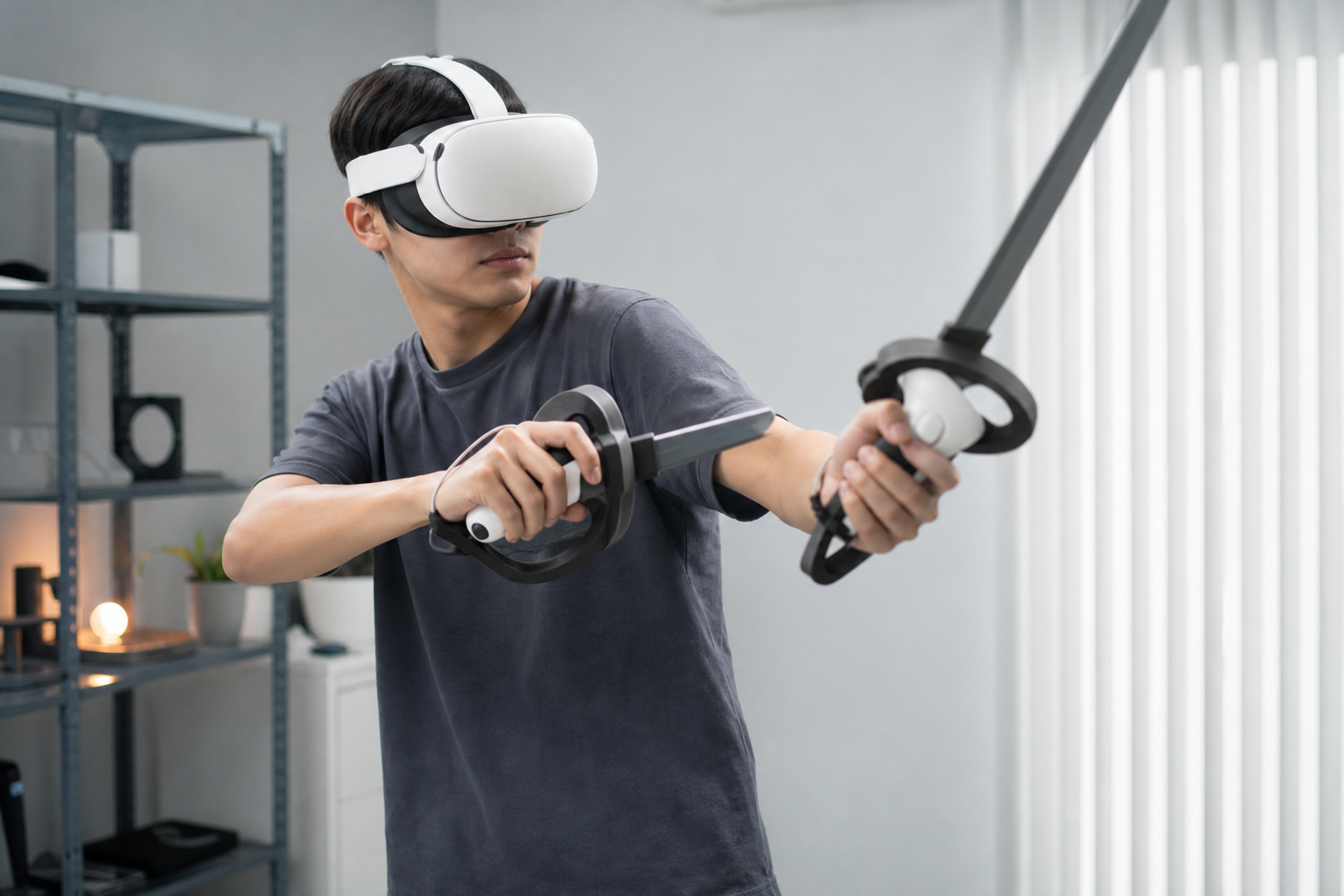
When my kid and I first unboxed the VR sword, we were excited. It felt solid. It looked cool. We were ready to become Jedi. The idea was simple: slot the Meta Quest 3S controller into the hilt and suddenly, you’re holding a lightsaber, not just a piece of plastic. The first few swings in the Lightsaber Dojo felt amazing. The weight, the length—it all added to the feeling of being there. But then the game asked me to adjust a setting. I looked down at the sword in my hand and realized I couldn't easily reach the menu button. This was the start of a journey, a real-world test to see if this cool-looking accessory was actually practical for my family. We wanted to find out where it helped and where it just got in the way.
Could Meta Quest 3S owners solve controller lock-in without buying another accessory?
You’ve just snapped your controller into the VR sword. The game is loaded, and you feel powerful. Then you need to open a menu, and your thumb can’t reach the button.
No, you cannot easily solve the controller lock-in without removing it from the accessory. The design prioritizes a secure fit for gameplay, which means buttons become hard to press. You must stop playing and partially remove the controller to use menus properly.
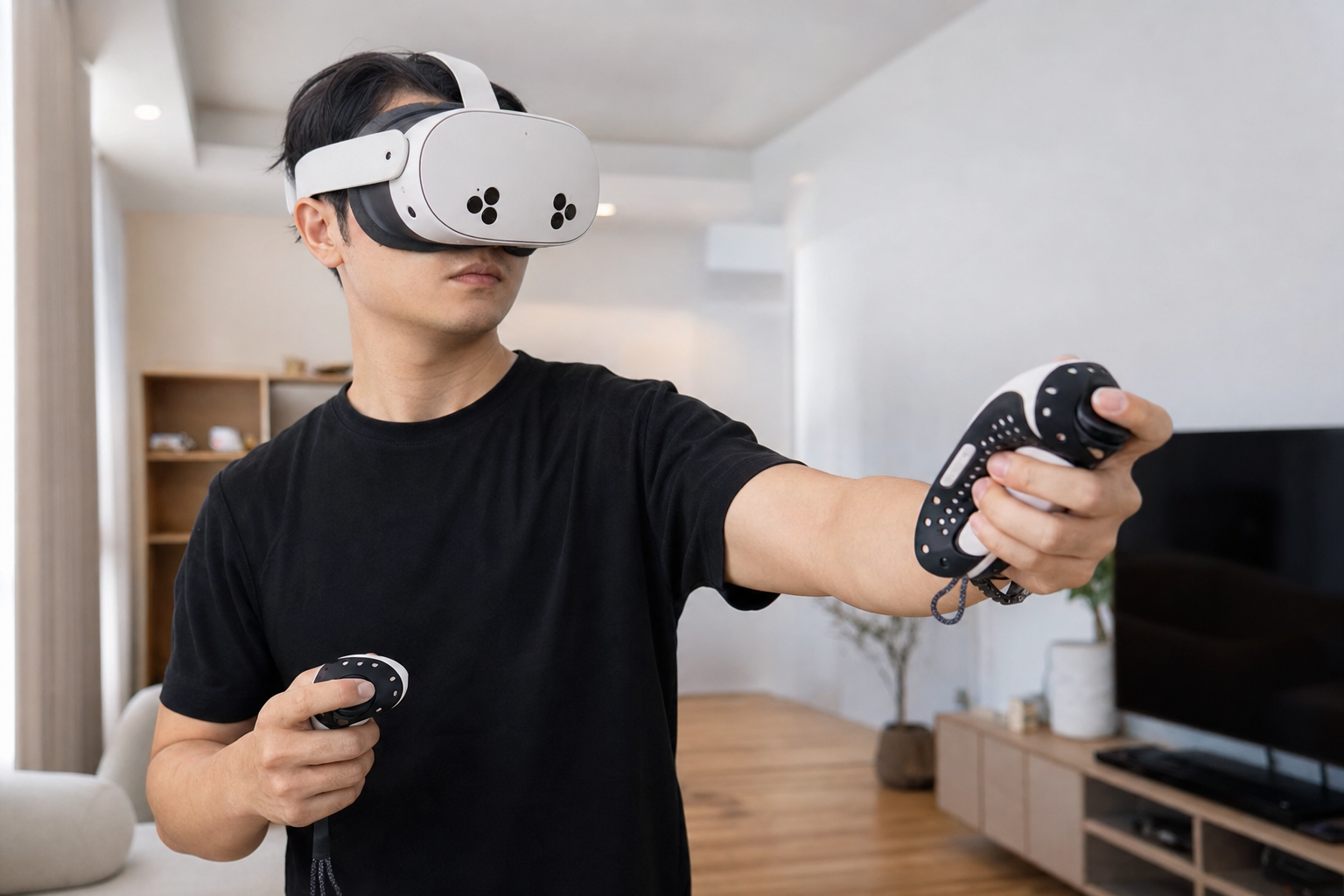
The core issue is a design trade-off. The accessory needs to grip the controller tightly so it doesn't fly across the room during an intense fight. Our VR sword did this very well. The controller felt like it was part of the hilt. But this secure grip means the plastic casing of the hilt covers parts of the controller face, including the edges where the menu and system buttons are. My first test was to see if I could navigate the Quest home screen with the controller mounted. It was a failure. I had to contort my thumb to press the Meta button to even get there. Adjusting volume or taking a screenshot was out of the question. This is where the lived experience started to clash with the marketing photos.
Short-Session vs. Long-Session Handling
In a short game session, this isn't a huge deal. You set everything up before you start, then you play. But for longer sessions, where you might want to check messages, adjust the guardian, or restart a level, it becomes a constant source of frustration. Every small administrative task required me to stop, unclip the controller, do what I needed to do, and then clip it back in. It completely breaks the immersion the sword is supposed to create.
| Task | Without VR Sword | With VR Sword Mounted |
|---|---|---|
| Starting a Game | Easy | Easy (if game is ready to go) |
| Opening Quest Menu | Instant | Difficult, requires awkward thumb angle |
| Adjusting Volume | Easy | Nearly Impossible |
| Pausing Game (In-game) | Easy | Possible, but button is recessed |
| Re-centering View | Instant | Difficult |
Does strong lock-in versus quick controller removal matter more than controller lock-in for parents?
Your child is swinging the VR sword with joy. Suddenly, they need help, but the controller is locked tightly inside the hilt, and you can’t get it out fast enough.
For parents, quick controller removal is far more important than a super-strong lock-in. The ability to quickly pause, help a child, or switch users outweighs the small risk of a controller slipping, especially during supervised play sessions.
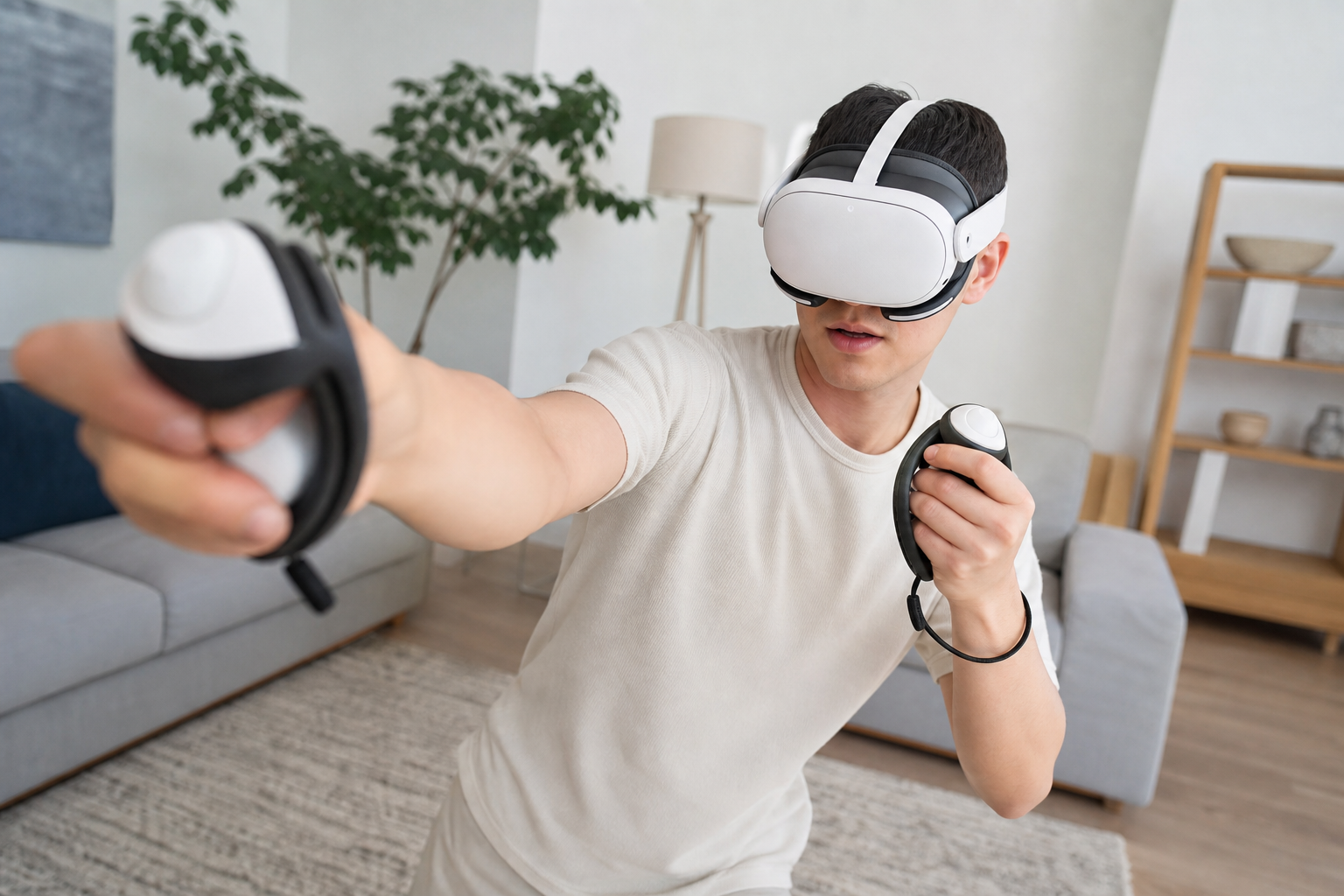
When I first handed the VR sword to my kid, my main concern was safety. I was glad the controller was locked in tight. I didn’t want a Quest controller flying into our TV. But my perspective changed within minutes. My son got stuck on a puzzle in Vader Immortal and needed me to take over. Getting the controller out of the sword hilt took about 20 seconds of fumbling with a small latch. In the VR world, that feels like an eternity. He was getting frustrated, and I was getting stressed. This happened again when my daughter wanted a turn. The process of swapping the controller from one user to another was clumsy. As a parent supervising VR play, I need to be able to intervene instantly. A strong lock-in is good, but a quick-release mechanism would be much better for a family environment. The priority shifts from protecting the hardware to managing the human experience, especially with impatient kids.
Will VR Sword work in a small apartment without creating a safety problem?
You’re in a small living room, ready for an epic VR battle. You swing your new VR sword and hear a loud thud as it hits your favorite lamp.
Yes, a VR sword can work in a small apartment, but it creates a significant safety problem if you don't take extra precautions. You must redraw your guardian with a larger buffer zone and remain constantly aware of your extended reach.
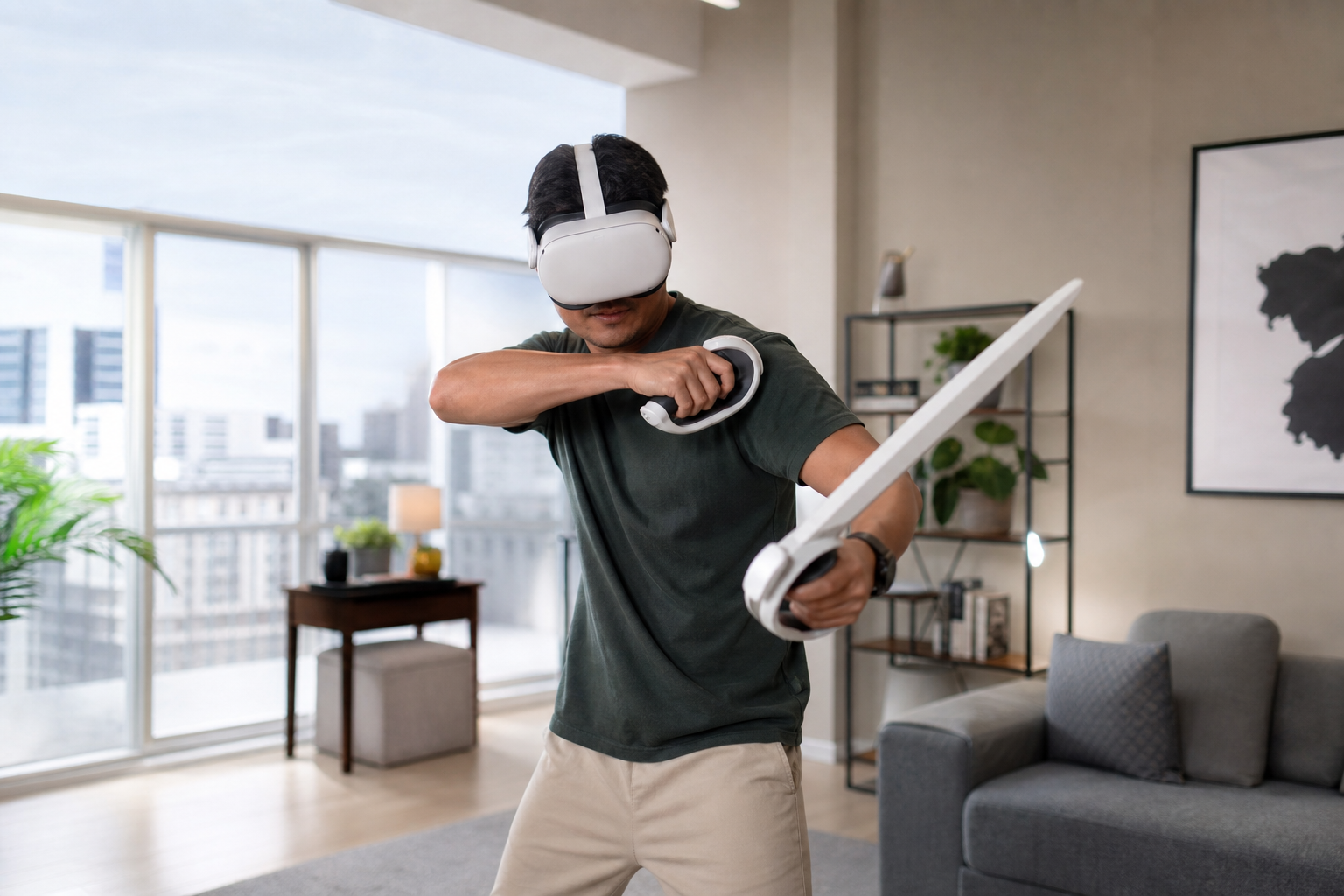
Living in an apartment means space is a luxury. My VR play area is just big enough for the standard guardian. The VR sword adds about 8-10 inches to my reach. My muscle memory is trained for the length of my own arm, not my arm plus a sword. During my first session in our living room, I hit my bookshelf twice. I didn't break anything, but it was a sharp reminder that this accessory changes the rules of engagement with my physical space. To use it safely, I had to redraw my stationary guardian, making it much smaller than I normally would. This felt restrictive. It forced me to use smaller, more controlled movements instead of the big, immersive swings the sword is supposed to encourage. It’s a paradox: the tool for immersion forces you to limit your movements to stay safe in a small space. For anyone in an apartment or a cluttered room, this is the biggest hurdle to overcome. You have to be hyper-aware, which can sometimes pull you out of the game.
Does the final advice change for shared headsets, kids, or small rooms during Vader Immortal?
You've read reviews praising the VR sword's immersion. But you share your headset with your family in a small apartment. Does the same advice still apply to you?
Yes, the final advice changes completely for these situations. While a solo gamer with a large room might love it, the VR sword is less practical for shared headsets, kids, and small rooms. The hassle of swapping controllers and the added safety risk become major drawbacks.
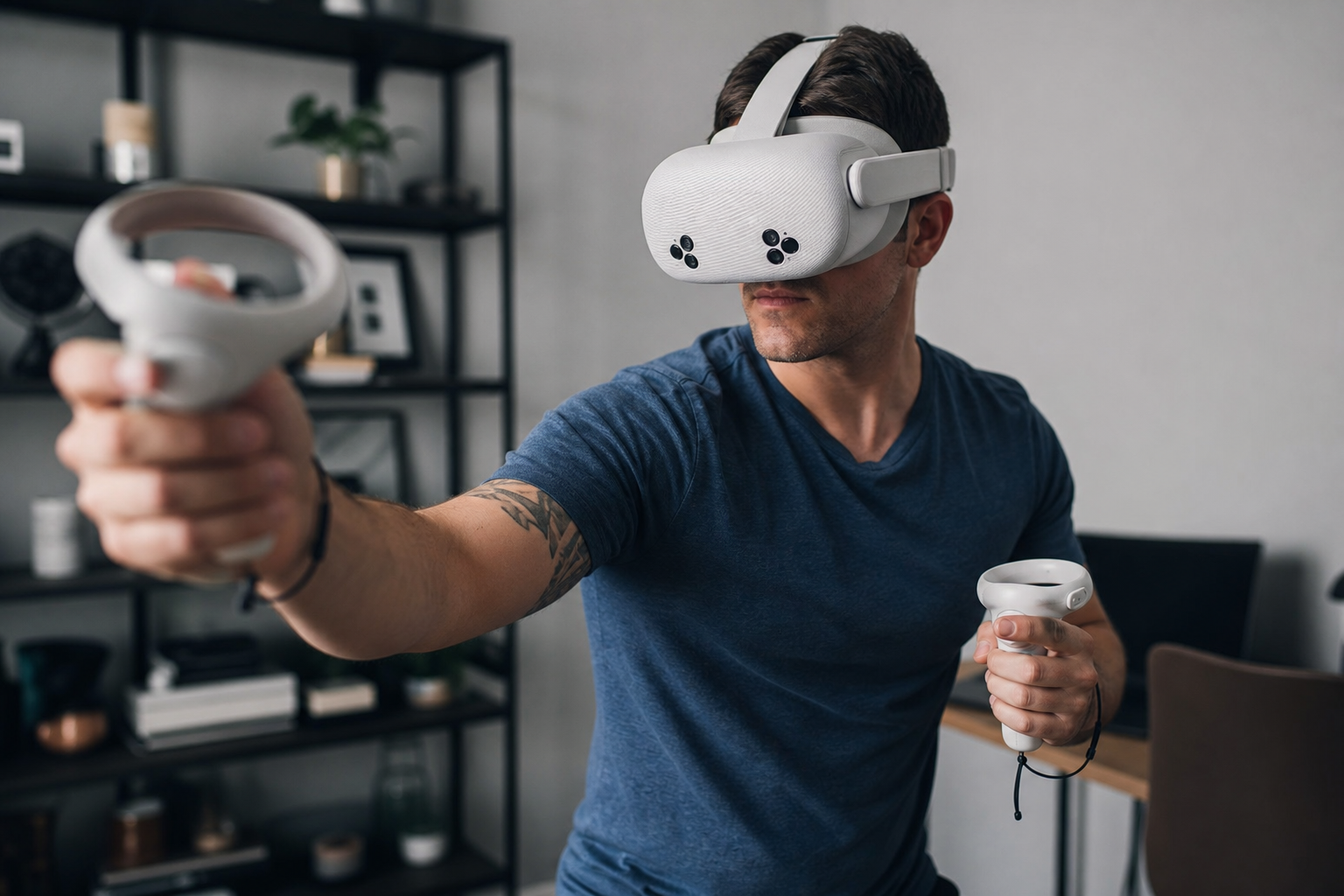
Let’s apply this to Vader Immortal. For a solo adult player in a dedicated VR room, the sword accessory is fantastic. Deflecting blaster bolts in the Dojo feels incredible. The weight and length sell the fantasy. But now, let’s switch perspectives. For my son, the extra length was a hazard. I had to constantly remind him, "Careful of the wall! Watch the table!" My supervision became more about safety management than sharing in his fun. When we shared the headset, the 20-30 seconds it took to swap the controller in and out of the hilt became a point of friction. It’s a small thing, but it adds up, breaking the flow of a family game night. In our apartment, the sword made me nervous. I couldn't fully lose myself in the game because a part of my brain was always calculating my distance from the TV. The verdict became clear: this accessory is for a specific type of user, and my family isn't it. It's for the dedicated enthusiast, not the casual family player.
Conclusion
The VR sword is an amazing idea that works for a niche user. For families, sharers, or apartment dwellers, the awkwardness and safety risks often spoil the fun it tries to create.
Leave a comment