



Can a VR Mat improve room-scale VR without creating a new comfort problem?

Losing your center in VR is frustrating. You spin around, lose your bearings, and suddenly the Guardian wall flashes. You just want to stay in the middle of your space.
Yes, a VR mat can significantly improve room-scale VR by providing a physical, tactile cue of your play space's center. This reduces reliance on the digital Guardian. However, its raised edge can introduce a new trip hazard, making it a trade-off between spatial awareness and physical safety.
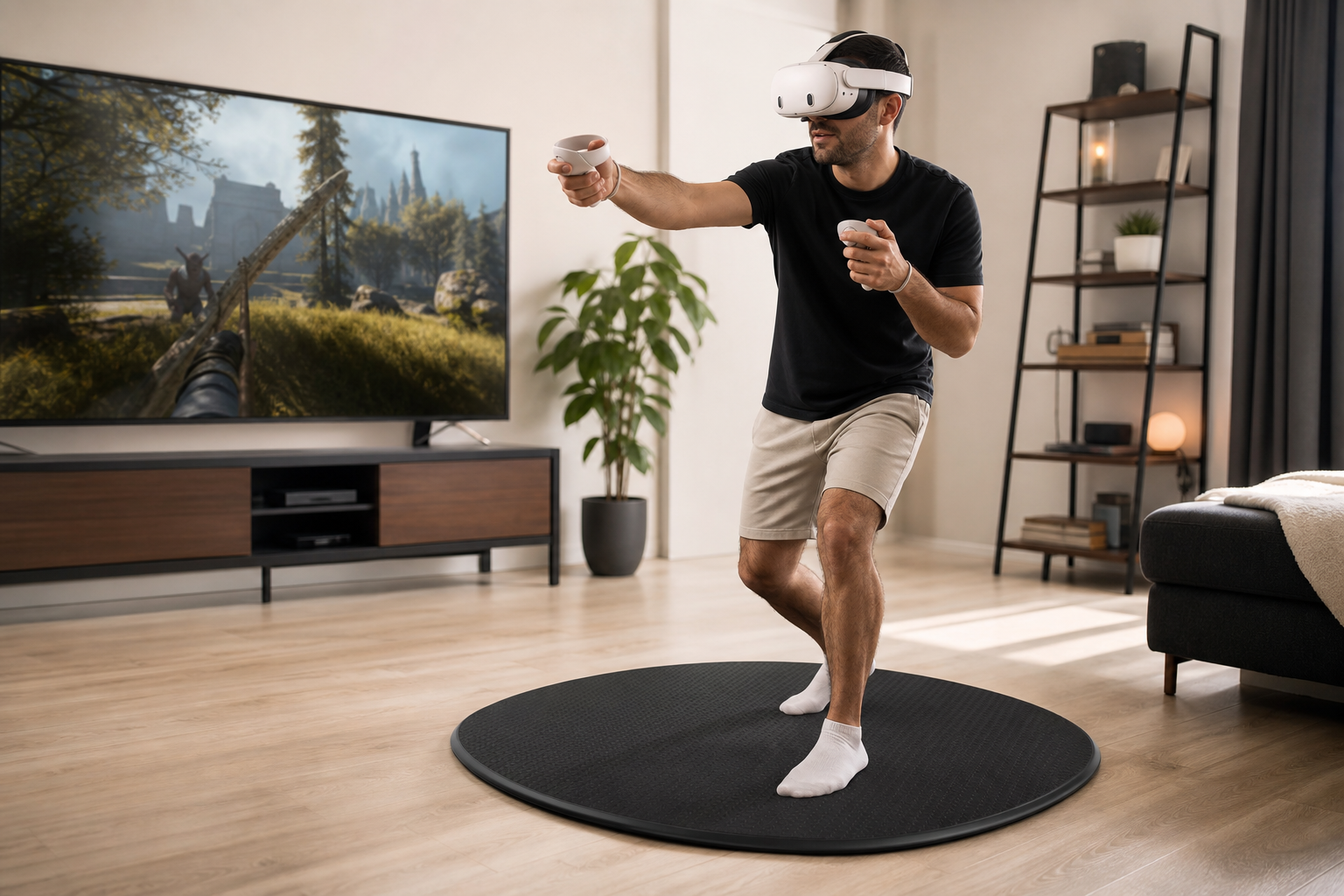
I was tired of my virtual world shrinking every time I turned too fast. The constant red flash of the Guardian boundary pulled me right out of my fitness routine. I bought a VR mat hoping it would give me back that feeling of control, letting me know where I was without having to look. The real question was whether this new accessory would solve one problem only to create another. I put it to the test with my Meta Quest 3S during my daily workouts to find out if it was a real solution or just another gadget. This is my experience, from the first short session to a full week of use.
Does a sound note for apartment players answer the buyer's main doubt about center orientation in room-scale VR?
Playing VR in an apartment is stressful. You worry that every jump and stomp is annoying your neighbors below. This fear can stop you from really getting into your game.
A VR mat's ability to dampen sound is a valuable secondary benefit for apartment dwellers. While its main purpose is orientation, reducing footstep noise helps justify the purchase for players who are conscious about sound. It answers a related comfort problem, but not the primary doubt about centering.
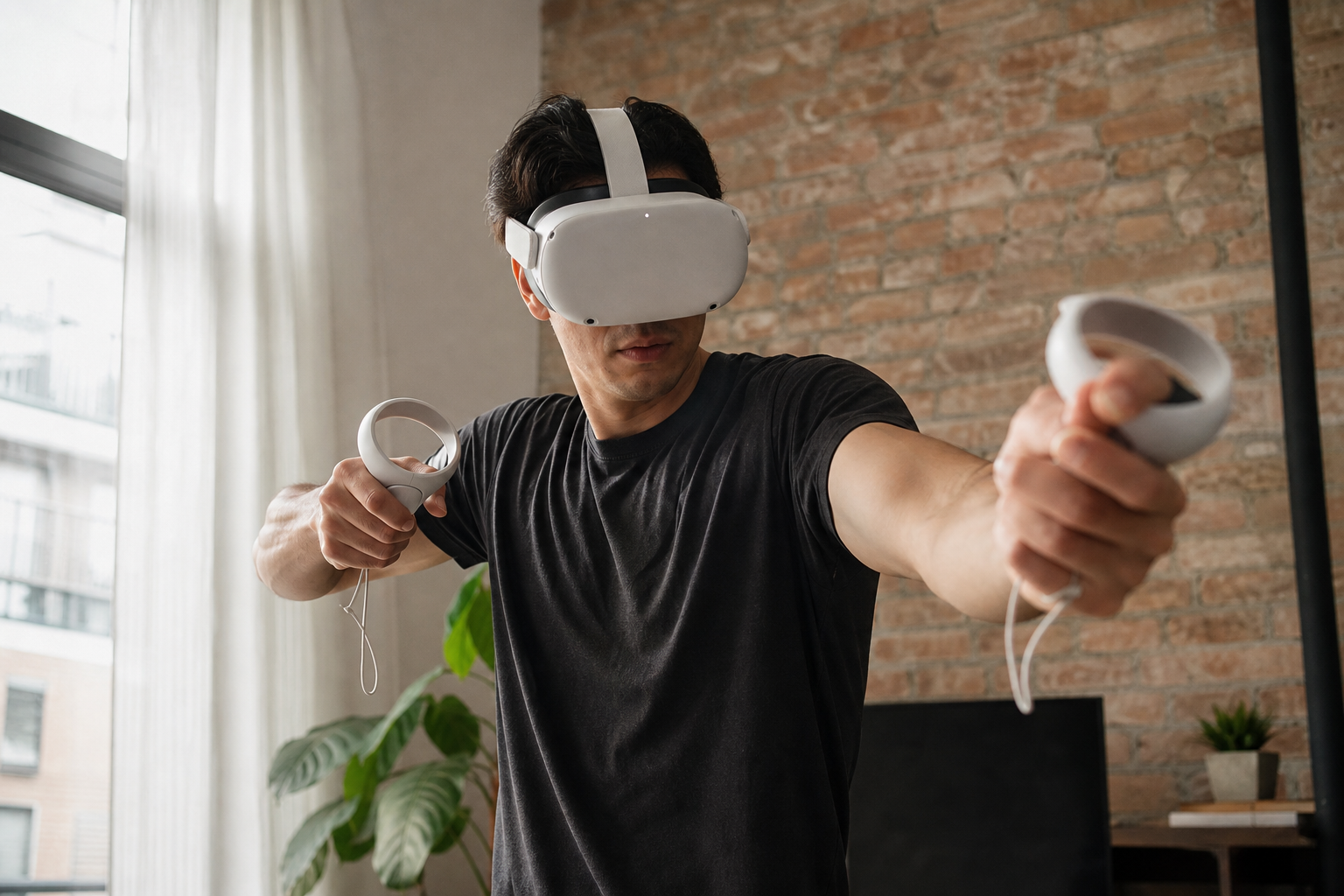
My main reason for getting the mat was to stop drifting into my living room wall. But I live on the second floor, and the thought of my downstairs neighbor hearing me stomp around during a late-night session of Beat Saber was always in the back of my mind. I wondered if the mat could help with that, too. I’d used a yoga mat before, but it would slide around and wasn't thick enough to make a real difference. The VR mat felt different right away. It's denser and has a non-slip bottom, so it stayed put.
Sound Dampening Comparison
The difference was noticeable. The thuds from my feet were muffled. It wasn't silent, but it was a clear improvement. This sound benefit is a strong selling point for anyone in a shared living space. It doesn't directly solve the center orientation problem, but it adds another layer of comfort and confidence, letting you move more freely without worry.
| Feature | Standard Yoga Mat | Dedicated VR Mat |
|---|---|---|
| Sound Dampening | Minimal, reduces light taps | Moderate, muffles stomps and jumps |
| Center Orientation | Poor, no tactile cues | Excellent, raised markers for feet |
| Slip Resistance | Varies, can slide on floors | High, designed to stay in place |
For me, the sound reduction was a huge relief. It made the mat feel like a two-in-one solution. I could stay centered and I could play without feeling like a bad neighbor.
Could center orientation be solved by setup changes before buying VR Mat?
You keep drifting away from the center of your room. Constantly seeing the Guardian grid is annoying and breaks your focus. Maybe a simple trick could fix this without buying anything.
Yes, you can improve center orientation with DIY solutions like a small rug or tape on the floor. These methods can work for some. However, a dedicated VR mat provides a more reliable, purpose-built tactile cue that doesn't slip or require you to look down.
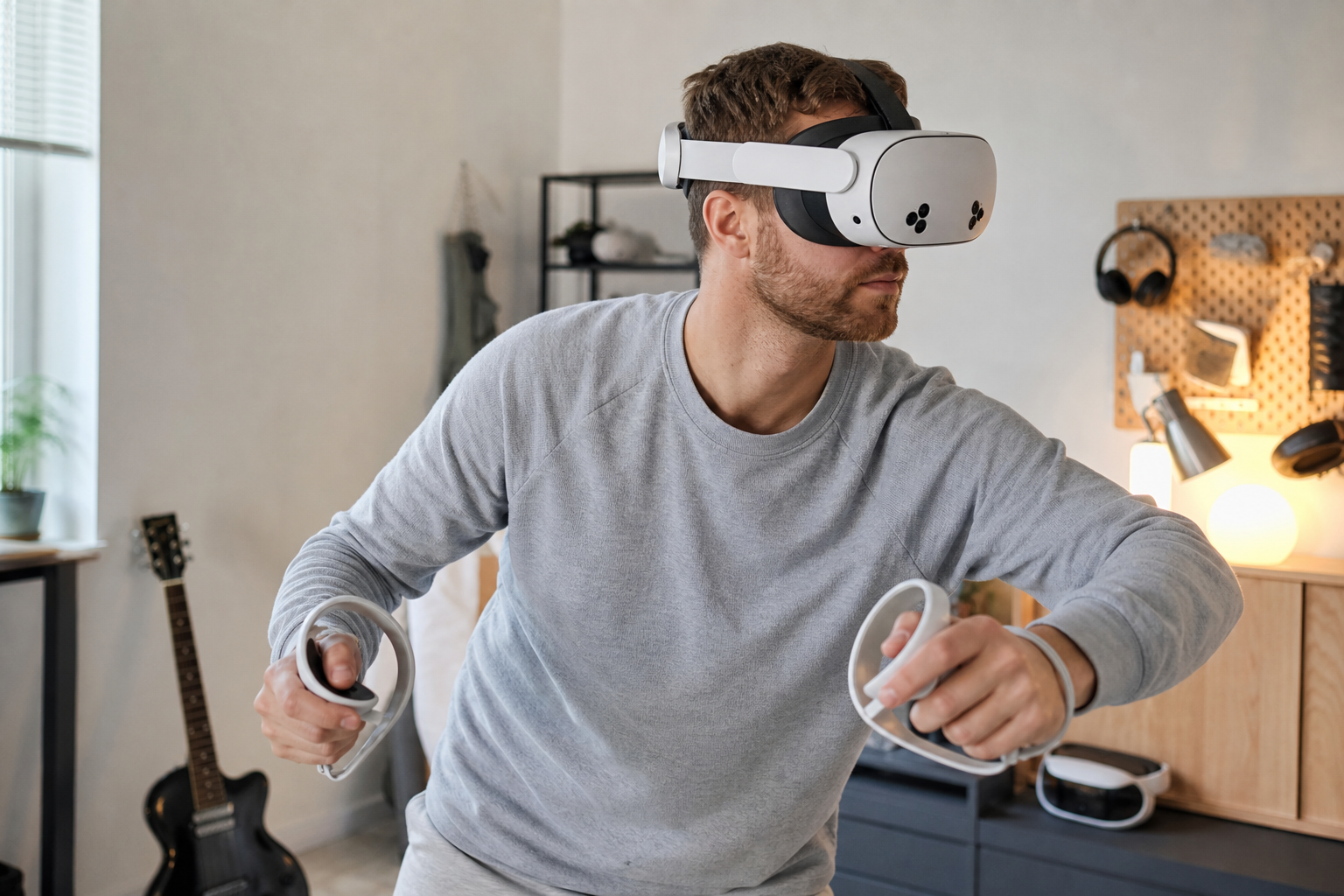
Before spending money on a VR mat, I tried a few things I already had at home. First, I used a small, rubber-backed bath mat. It worked for about five minutes. During a fast-paced game like Supernatural, my feet would push it across the floor until it was useless. Next, I tried putting a few strips of gaffer tape on the floor to mark the center. This was better, but I couldn't feel the tape through my socks. I'd have to stop and look down to check my position, which defeated the whole purpose. These free solutions just didn't provide the consistent, feel-based cue I needed to stay immersed. A VR mat is designed specifically for this. The one I got has raised bumps and lines that my feet can easily feel. My brain quickly learned that as long as my feet felt those textures, I was safe in the center of my play space. The non-slip material means it never moves, no matter how much I jump around. The DIY options are worth trying first, but for me, they were a temporary fix for a persistent problem.
Would a trip-risk warning if the edge is raised answer the searcher faster than a buying guide?
You are moving quickly in a VR game. The idea of catching your foot on a mat and falling is a real concern. A simple warning could tell you if this is a risk.
Absolutely. A clear, upfront warning about the trip risk from a raised edge is more direct and helpful than a detailed buying guide. It addresses a primary safety concern immediately, allowing a potential buyer to decide if the product is right for their play style and space.
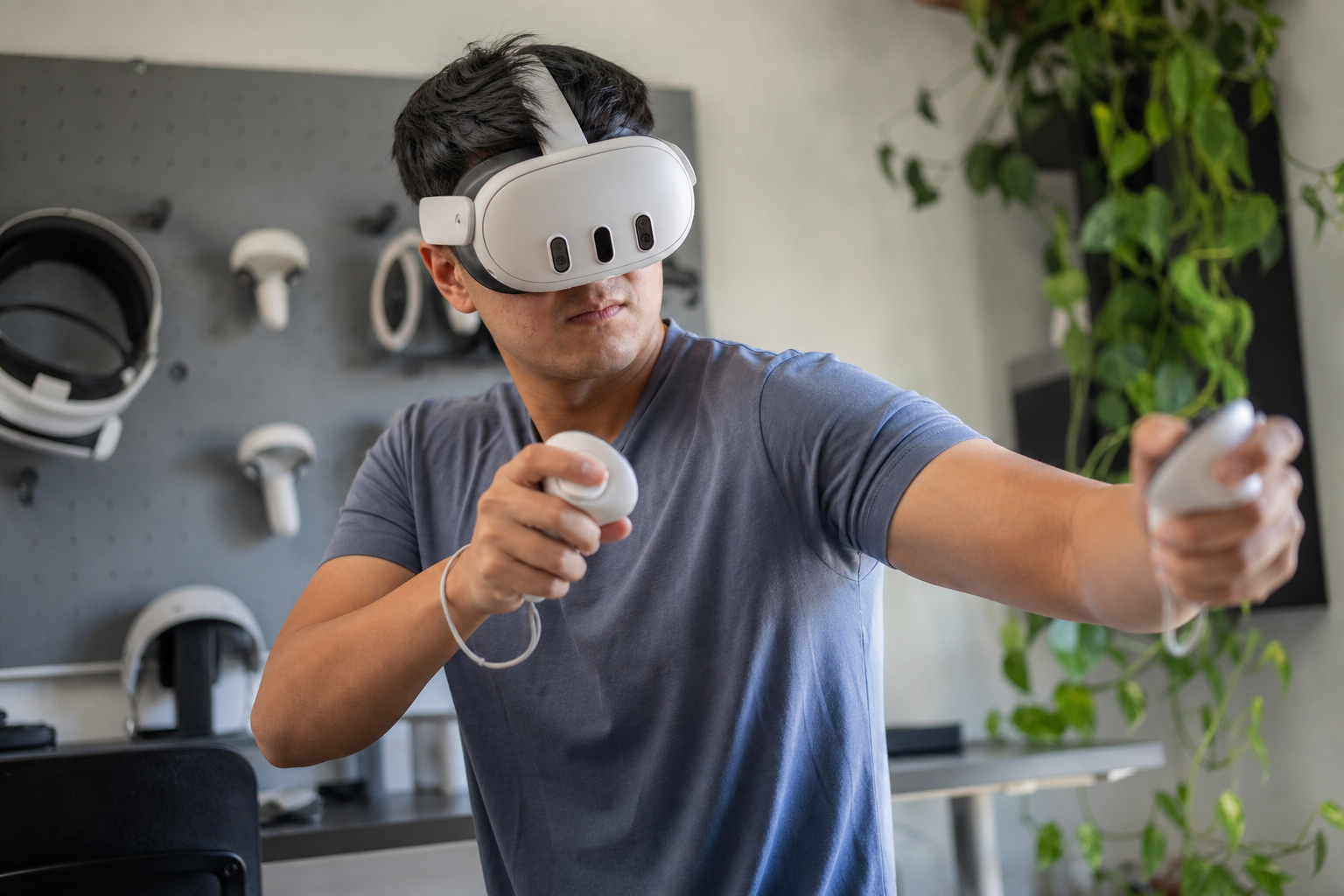
This was my biggest worry. The whole point of the mat is to help you play without fear, not to introduce a new way to get hurt. The mat I tested is about half an inch thick. That doesn't sound like much, but when you're lunging to the side to dodge something in a game, it's enough to catch your heel. During my first few days, this happened a lot. I never fell completely, but it was a jarring stumble that broke my immersion and made me nervous. It happened most in games that require large, quick side-steps. My brain wasn't used to the mat's boundary yet. After about a week of consistent use, I started to develop a subconscious awareness of the edge. My feet learned where the "safe zone" ended. The stumbling stopped. So yes, the trip risk is real, especially for new users. It’s a learning curve. If you play games that keep you mostly stationary, it’s not an issue. But for room-scale fitness and action games, you need to be aware that your body has to adapt to this new physical object in your space.
Should the article warn fitness users about how easily new users understand the center cue on Meta Quest 3S?
You want to share your VR setup with a friend. You worry they won't understand the mat's purpose and will just find it awkward. A heads-up about this could be useful.
Yes, the article should definitely warn that the concept of a VR mat is not intuitive for first-time users. Experienced players get it instantly, but a new player often needs a simple verbal cue explaining that the mat marks the safe center of their play area.
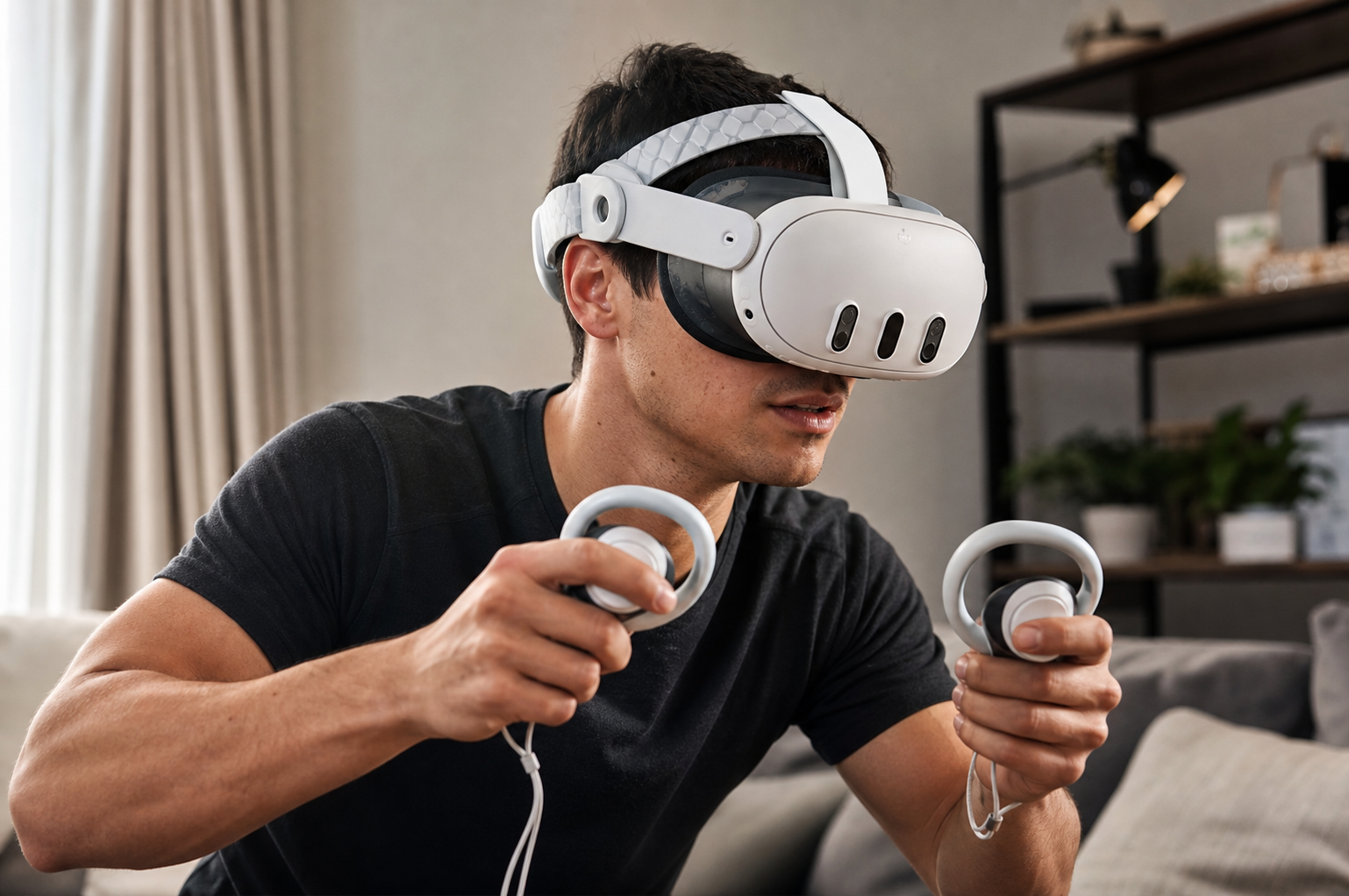
I saw this firsthand when I had my brother try my Quest 3S. He had never used VR before. I set him up on the mat to play First Encounters. I assumed he would naturally stay on it. I was wrong. He was so captivated by the virtual world that he completely ignored the physical one. Within minutes, he had wandered off the mat and was getting dangerously close to my bookshelf. I had to pause the game and explain it to him. I said, "See this mat you're standing on? Try to keep your feet on it. It's the safe spot." As soon as I said that, a lightbulb went on. He understood immediately and stayed on the mat for the rest of his session. This experience showed me that what seems obvious to a regular VR user is not obvious to a newcomer. The tactile feedback is only useful if you know what it means. For a new user, it’s just a weird rug on the floor until you tell them its purpose. So, if you plan on sharing your VR headset, a quick 10-second explanation will save them from confusion and you from worrying about them hitting something.
Conclusion
A VR mat fixes the center orientation problem well, but its raised edge is a real trip risk at first. It's great for dedicated players in small spaces, but casual users might not need it.
Leave a comment