



Can a Silicone Head Strap for Meta Quest handle fast movement without creating cloth strap pressure?

That slippery stock head strap ruins your game. You tighten it, but the pressure just builds. You wish your headset would just stay put during fast movements.
Yes, a good silicone head strap provides superior grip, handling fast movements without needing the intense pressure of the stock cloth strap. It stays in place, especially once you start sweating, offering a more stable and comfortable VR experience for active players.
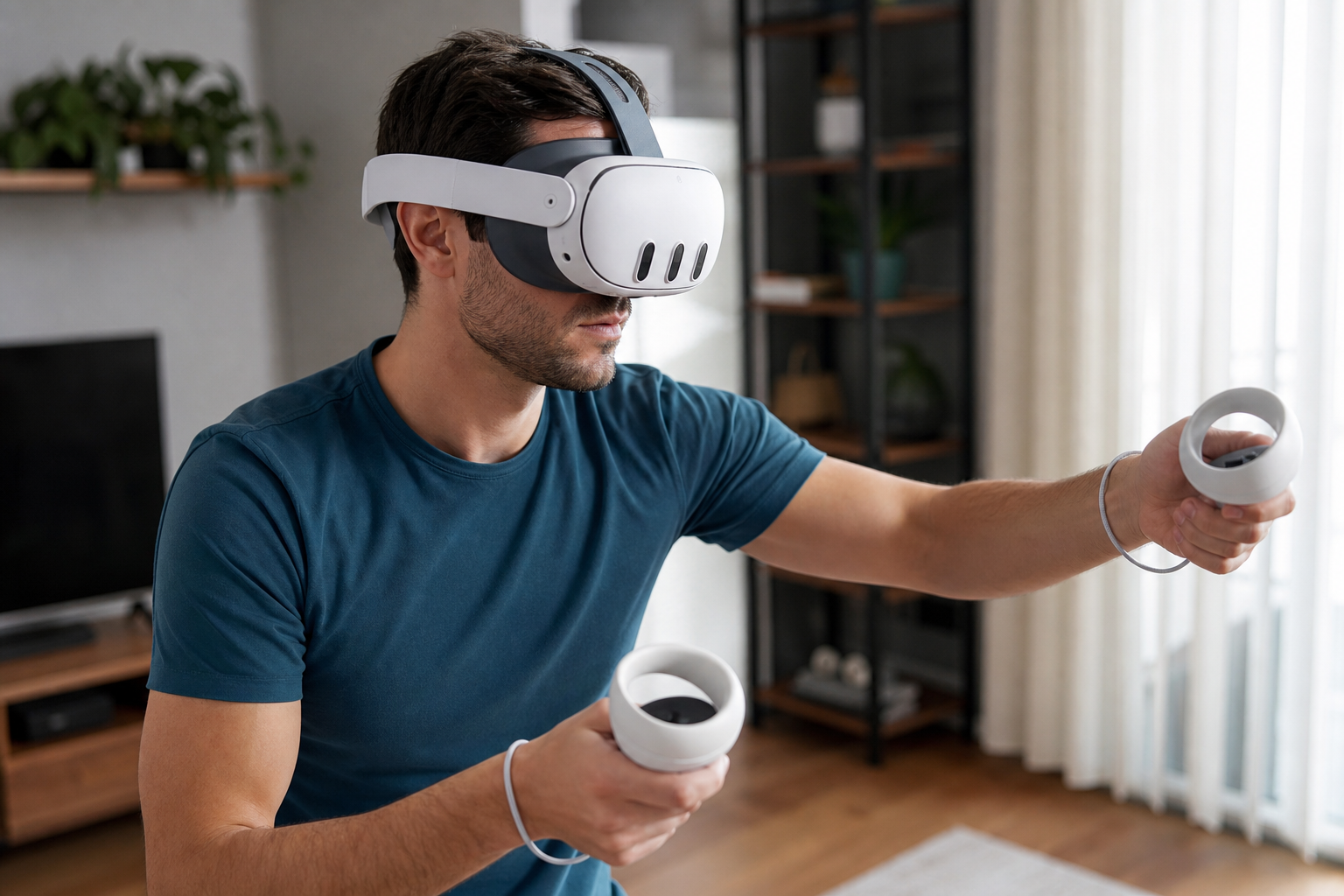
I noticed something was wrong when my son kept quitting Gorilla Tag early. The stock cloth strap that came with his Quest just couldn't keep up. He’d tighten it, get that "VR face" pressure, and it would still slip around. I realized that a casual 10-minute demo doesn't show the real weakness of the stock strap. You need sweat, speed, and a smaller head to see where it really fails. This got me thinking about whether a simple silicone strap could solve this issue without adding the bulk of a full halo strap. I decided to test it myself, focusing on the real problems active players and small-head users face.
Does kids and teens expose cloth strap pressure faster than a casual demo would?
Your kid is having a blast in VR. Suddenly, they stop. The headset is slipping, the screen is blurry, and they have to constantly readjust. It’s frustrating.
Absolutely. Kids and teens engage in rapid, unpredictable movements that cause the cloth strap to lose grip almost immediately. Their smaller head size offers less surface area for the strap to hold onto, revealing fit and pressure issues far quicker than any slow-paced adult demo.
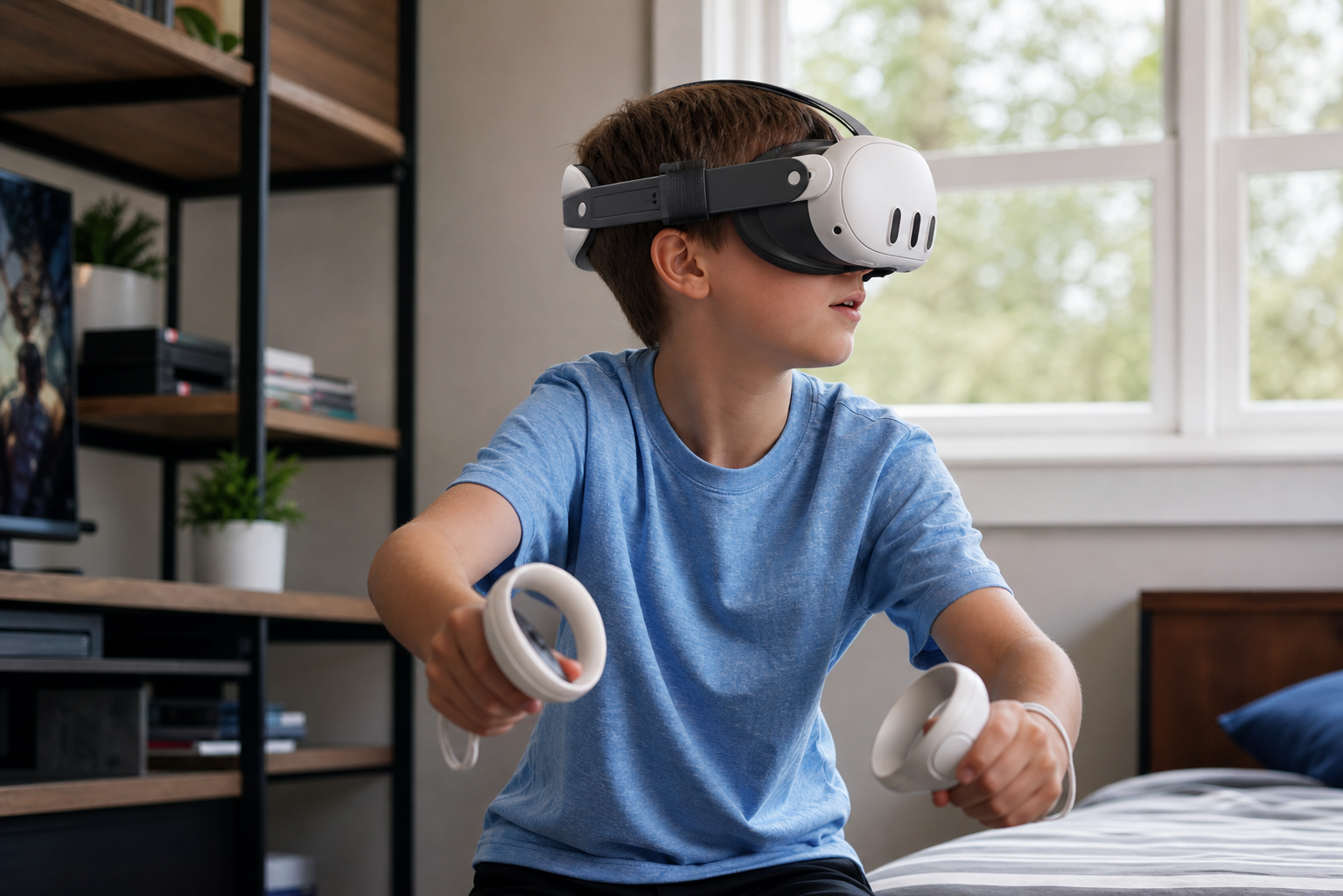
When I first tried the Quest, the cloth strap felt fine. But I was just standing there, looking around. My son’s experience was completely different. He plays games that involve jumping, ducking, and spinning. The cloth strap, especially when it gets a little damp from sweat, just slides against hair. To stop it from slipping, he had to pull the side straps so tight that it pressed the headset hard against his face. This is where "cloth strap pressure" comes from. It's not just discomfort; it's the feeling that you have to crush your face to keep your headset stable. A casual demo never involves this level of activity.
The Test: Casual Demo vs. Teen Gameplay
I decided to compare the two scenarios directly. A slow demo and a fast-paced gaming session highlight very different performance aspects of the head strap.
| Factor | Casual Adult Demo | Active Teen Gameplay |
|---|---|---|
| Head Movement | Slow, deliberate turns | Fast, erratic, multi-directional |
| Sweat Level | Minimal to none | Moderate to high |
| Strap Tension Needed | Light | Very high to prevent slip |
| Pressure Points Exposed | Few, if any | Cheeks, forehead |
The table makes it clear. The stock strap is designed for the casual demo user, not the active teen who is the core audience for many VR games.
Would small-head users describe the difference as comfort, control, safety, or immersion?
The headset slides down your nose. You pause the game to fix it, again. You are no longer in the game world; you are in your living room, annoyed.
Small-head users, including many kids and teens, would describe the primary benefit as a tie between control and safety. The secure fit gives them better control over the headset's position, and the feeling of safety that it won't fly off lets them unlock true comfort and immersion.
When I asked my son what he felt, he didn't just say "it's more comfortable." His first comment was, "It doesn't feel like it's going to fall off anymore." That is a statement about safety. For him, playing high-movement games with the cloth strap always came with a little bit of fear. He was holding back so he wouldn't accidentally launch the headset across the room. With the silicone strap gripping the back of his head, that fear was gone. This sense of safety directly led to better control. He could move his head as fast as he wanted, and the screen stayed perfectly in front of his eyes. This is a huge deal in rhythm games or shooters where aiming is tied to your head position. The comfort and immersion came after. They were the results of feeling safe and in control. He didn't have to think about the hardware anymore.
Can photos prove the fit issue better than a paragraph of explanation?
I can describe how a strap fits poorly. I can use words like "gaps" and "bunching." But it's hard to truly understand the problem without seeing it for yourself.
Yes, a single before-and-after photo is more powerful than a hundred words. Photos instantly show the poor contact and pressure points of the stock strap versus the even, secure grip of the silicone strap, making the fit issue easy for anyone to understand.
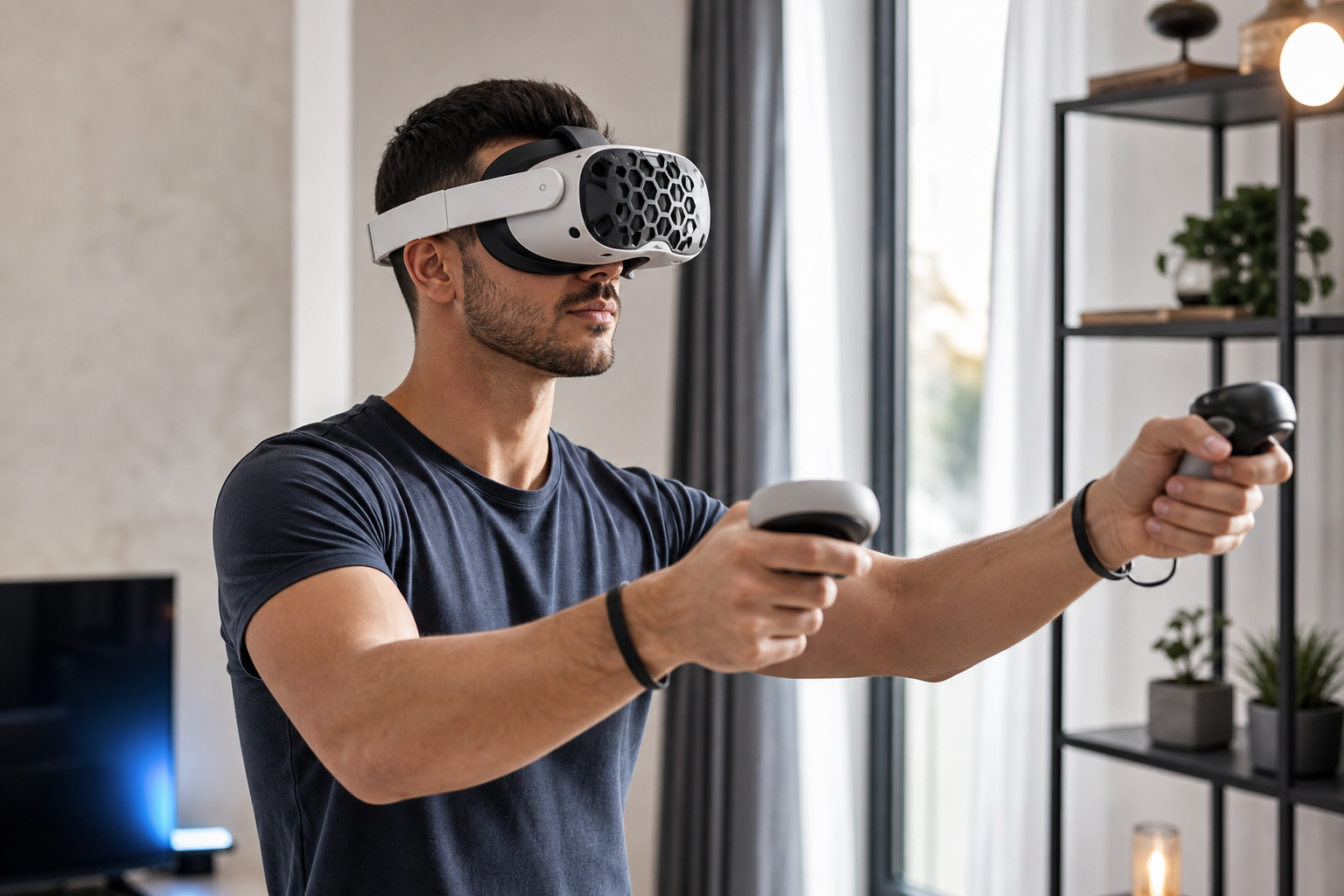
Words are subjective. If I say the cloth strap "felt loose," someone else might disagree. But a photograph is objective proof. I took a picture of the stock strap on my son’s head from the side. You could see a clear gap between the strap and the curve of his head. You could also see how the fabric bunched up near the adjustment buckle. To keep the headset on, all the force was concentrated in a few small spots. Then, I put the silicone strap on him and took the same picture. The difference was stark. The flexible silicone material followed the contour of his head perfectly. There were no gaps. The wider, cupped design at the back spread the pressure evenly. This visual evidence is undeniable. It proves the problem isn't just about how tight you can make the strap; it’s about the shape and material of the strap itself.
Can this topic end with a practical Silicone Head Strap for Meta Quest setup checklist for Quest Touch Plus Controllers users?
You’ve installed your new silicone strap. You put it on, but something feels off. It’s better than the cloth one, but not perfect. You need a simple process.
Absolutely. A checklist ensures you get the most out of your upgrade. This guide helps users, especially those with Touch Plus Controllers, achieve the perfect balance and fit for active VR, maximizing stability without creating new pressure points.
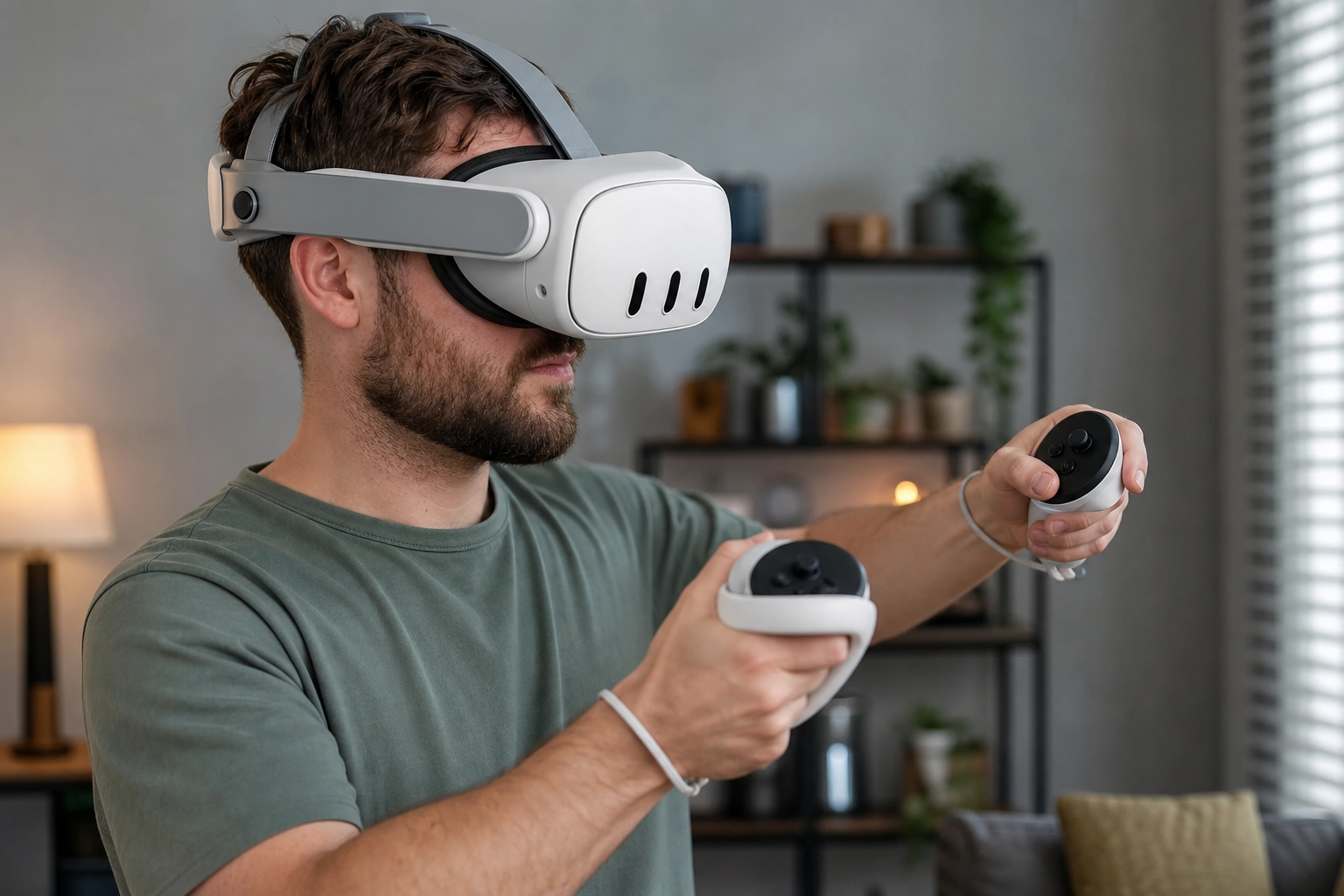
Getting the fit right is key. Simply swapping the straps is only half the battle. After some trial and error, I developed a simple setup routine that works every time.
My Silicone Head Strap Setup Checklist
- Loosen Everything: Start with the side straps and the top strap completely loose.
- Position the Headset: Place the headset on your face so the screen is clear and in focus. Don't worry about the straps yet.
- Cup the Back of Your Head: Pull the back of the silicone strap down so it cups the lower part of the back of your head. This is the most important step for creating a secure anchor point.
- Set the Top Strap First: Adjust the top strap so it takes most of the headset's weight. You should feel the pressure on your cheeks decrease significantly.
- Tighten the Side Straps: Now, pull the side straps just enough to keep the headset from wobbling. It should feel snug, not crushed. The silicone's grip means you don't need much tension.
- The Shake Test: Move your head quickly left, right, up, and down. The headset should stay perfectly in place. If it moves, slightly tighten the side straps or check that the back is still cupping your head properly.
The Failure Case
Where does it fall short? The silicone strap adds grip, but it does not add a counterweight. If you still feel too much pressure on your cheeks and forehead, the problem is front-heaviness. In this case, a battery strap or a strap with a dedicated counterweight might be a better solution for you. For me, the lightweight feel was more important.
Conclusion
The silicone strap fixes the stock strap's biggest flaw: lack of grip. It offers more control and safety for active users, especially kids, without adding bulk or pressure.
Leave a comment